One-Click AI Art Vectorization
Upload Midjourney, DALL·E, or Stable Diffusion outputs and get clean, editable SVG files optimized for print, web, and cut machines.
Midjourney. DALL·E. Stable Diffusion. You spent hours crafting the perfect prompt — now get production-ready SVG files in seconds, offline on your Mac or Windows machine.
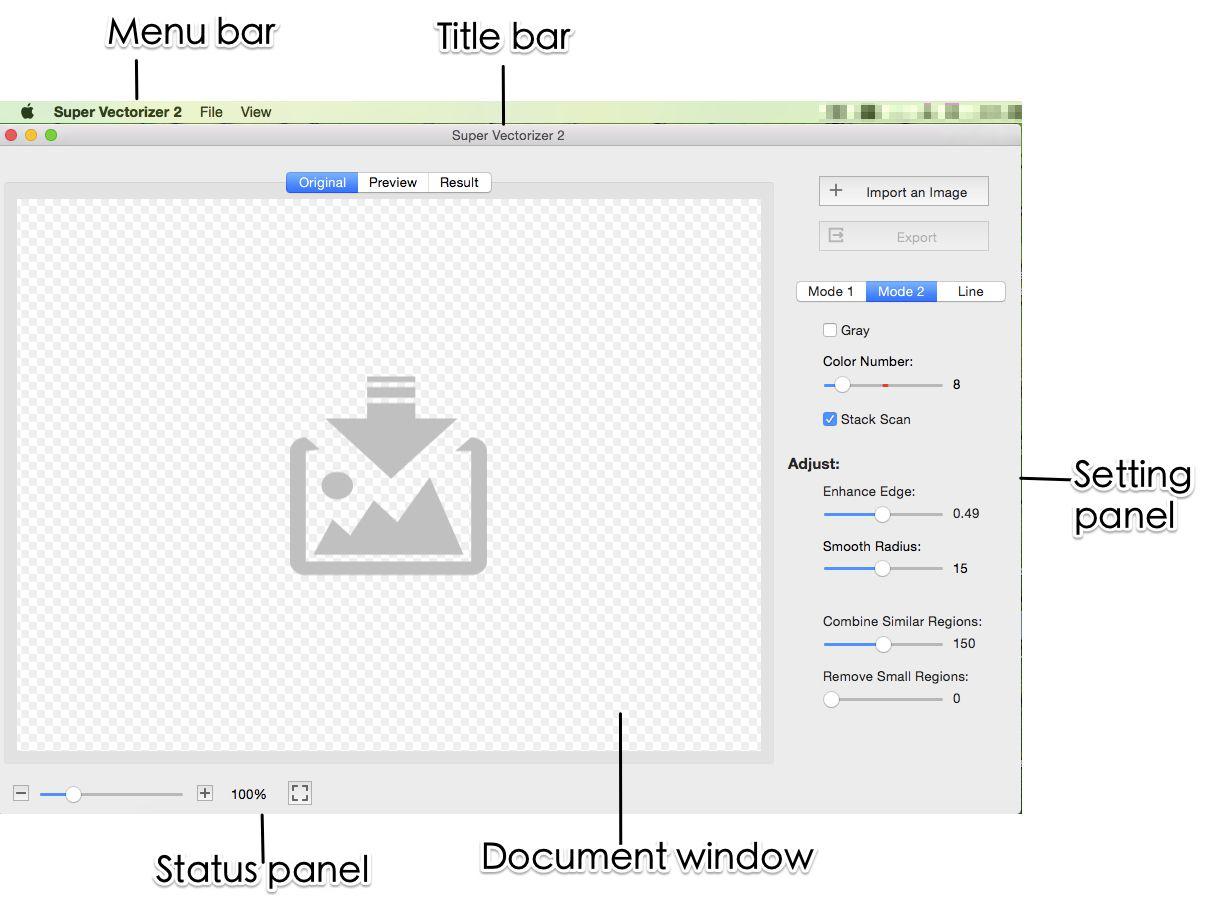
Everything you need to transform AI-generated art into production-ready vector files
Upload Midjourney, DALL·E, or Stable Diffusion outputs and get clean, editable SVG files optimized for print, web, and cut machines.
Export SVG files that work perfectly with Cricut Design Space and Silhouette Studio, with automatic path optimization for clean cuts.
All processing happens locally on your device. Your images never leave your computer — no uploads, no cloud dependencies.
Export to SVG, EPS, PDF, and Adobe Illustrator AI. Vector files stay crisp at any size, from stickers to billboards.
No manual tracing, no cloud uploads — just clean SVG
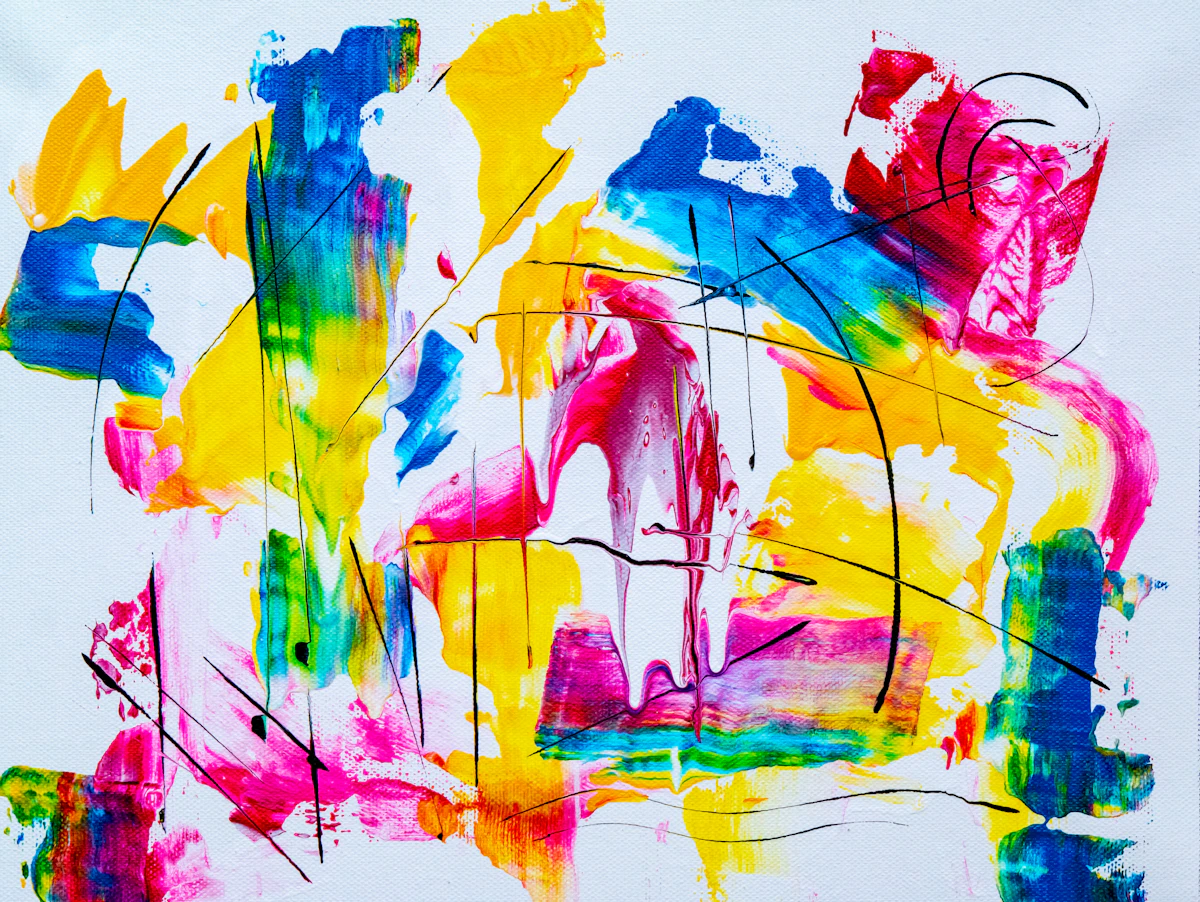
Save the AI image as PNG or JPG from Midjourney, DALL·E, or Stable Diffusion at the highest resolution available.
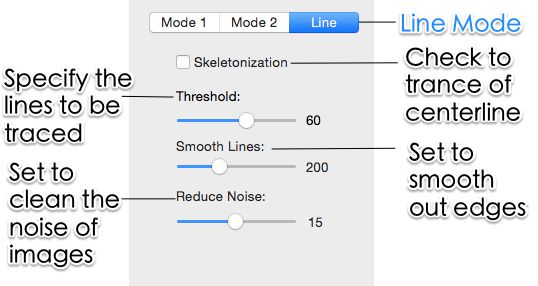
Drop the file in. Adjust color count, edge smoothing, and noise filtering to match the artwork's complexity.
Preview the traced vector, then export SVG, EPS, PDF, or AI for cutting, printing, or further editing.
Ready to vectorize your AI creations? Try Super Vectorizer Pro free trial to preview results on your own renders.
Compatible with macOS 10.10+ (M1/M2/M3) & Windows 7/8/10/11
AI art becomes reusable assets the moment it is traced

Turn generative art into cut-ready SVG for Cricut and Silhouette with simplified paths and clean color separation.

Reduce colors to a thread-friendly palette and export SVG or EPS that embroidery software can read directly.
Use infinitely scalable SVG in websites, social templates, and print layouts without pixelation at any zoom.
Everything you need to know about converting AI images to SVG
Yes. Super Vectorizer Pro is purpose-built for synthetic artwork. It accepts PNG, JPG, and WebP exports from Midjourney, DALL·E, Stable Diffusion, Adobe Firefly, and Leonardo.ai, then traces them into clean, editable SVG vectors. The AI-aware tracing engine handles soft gradients and posterized color regions better than generic auto-trace tools.
Any generator that can export a raster file works. The most common sources are Midjourney, DALL·E, Stable Diffusion, Adobe Firefly, and Leonardo.ai. Because the app reads standard PNG/JPG/WebP, there is no per-tool integration required — just save your render and drop it in.
Input: PNG, JPG, JPEG, WebP, BMP, TIFF, GIF, and HEIC. Output: SVG, EPS, PDF, and Adobe Illustrator (AI). This covers everything from a quick Midjourney upscale to a print-ready vector for vinyl or embroidery.
Yes. Native desktop apps ship for macOS 10.10+ (including Apple Silicon M1/M2/M3) and Windows 7/8/10/11. Both builds include the full feature set and process one image at a time.
All tracing happens locally on your computer. Your AI renders never leave the device, which matters for unreleased client work or private prompts. There is no upload step and no cloud dependency.
Once you own a license, the exported file contains your traced artwork and nothing else. The trial is preview-only, so you see the vector result on screen first and buy a license to save it.
Yes. Super Vectorizer exports SVG files that import cleanly into Cricut Design Space and Silhouette Studio. Built-in color reduction and path simplification produce cut-friendly shapes with fewer nodes, which speeds up weeding and improves cut accuracy.
SVG (default, infinitely scalable), EPS (legacy print workflows), PDF (shared proofs), and AI (Adobe Illustrator). Choose the format that matches your downstream tool — most cutting and design apps accept SVG directly.
A free trial is available for both Mac and Windows. It is preview-only: you can load an AI image, adjust tracing parameters, and see the resulting vector on screen, but exporting the finished file requires purchasing a license. This lets you verify quality before paying.
Better than flat-photo tracing. The app offers adjustable color count, edge smoothing, and path simplification so you can collapse banded gradients into a manageable number of flat regions. For noisy renders, raising the noise-filter threshold before tracing removes speckle and yields smoother outlines.
No. The app processes one image at a time. This keeps memory usage low and gives you per-image control over color count and smoothing, which is important when different renders need different settings.
Join 50,000+ designers who trust Super Vectorizer Pro.
30-day money-back guarantee.
Explore other AI-to-vector pipelines built into Super Vectorizer Pro