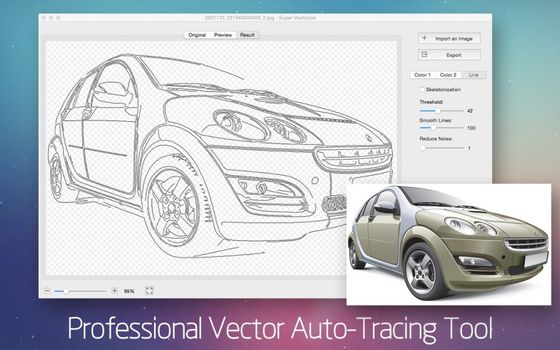
Same image, processed with the desktop version. Pro uses a professional algorithm that handles complex images, gradients, fine details, and produces clean Bézier paths that work in any design tool.
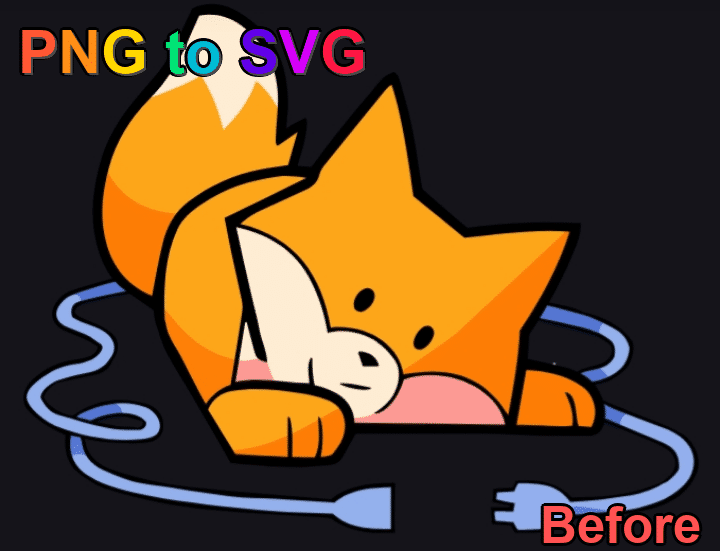

✓ Handles complex images — The free tool gives up on photos, gradients, and multi-color graphics. Pro handles them all.
✓ Professional algorithm — Smarter path detection, smoother Bézier curves, accurate color reproduction.
✓ Multiple output formats — Export to SVG, AI, PDF, DXF. The free tool only does SVG.
✓ Batch processing — Convert hundreds of files at once. No upload, no waiting.
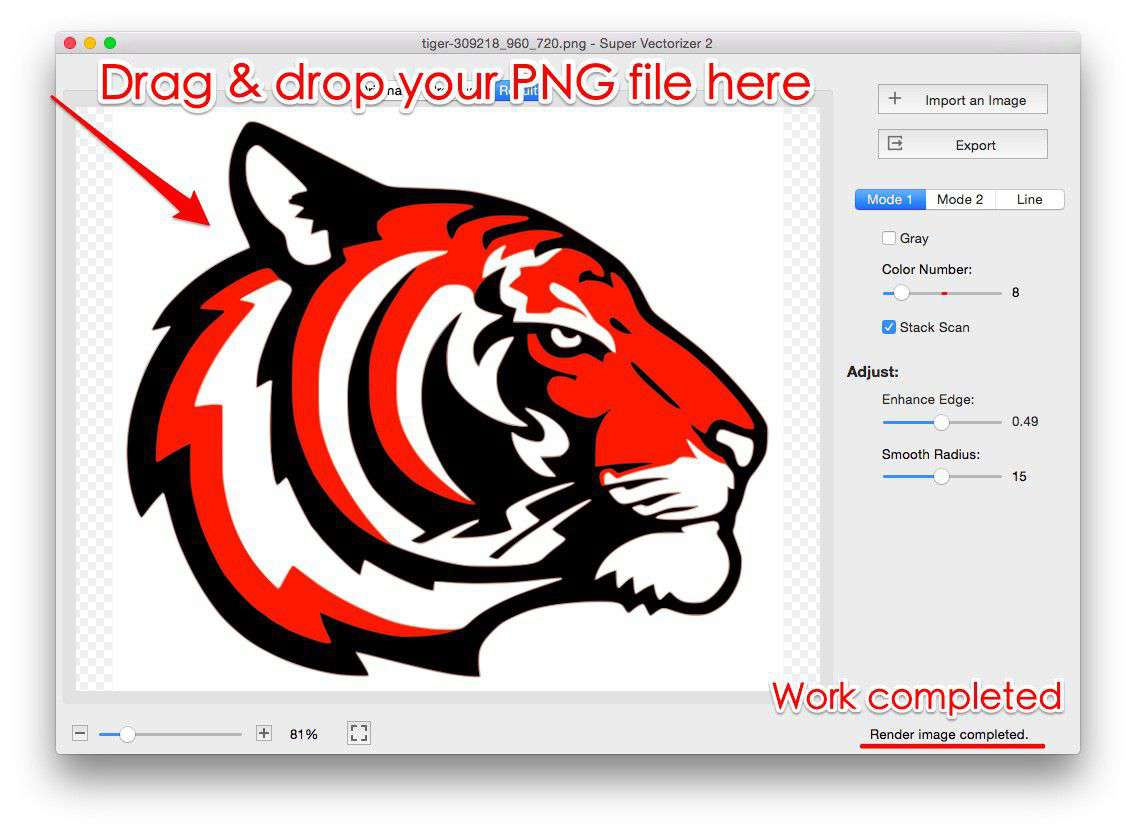
Drag and drop or click to upload your PNG, JPG, GIF, or WebP image
VTracer converts your raster image to real SVG paths — not just embedded pixels
Compare original and SVG output side by side, try different styles
Click Download to save your real vector SVG file
Full-color tracing with smooth Bézier curves
Creates monochrome vector graphics
Posterized flat color regions with fewer layers
Detailed multi-color tracing for photographs
PNG is the format of choice for logos, icons, and graphics with transparent backgrounds. Converting PNG to SVG keeps that transparency and turns hard pixel edges into smooth, infinitely scalable vector paths:
This is a PNG to SVG converter you can use online — right here in your browser. Nothing to install: it works the same on a Mac (Safari or Chrome, including Apple Silicon), on Windows, Linux, iPhone and Android.
You have two ways to run PNG to SVG on a Mac (or on Windows), and both are covered here:
Which one should you pick? For an occasional logo or icon, the online tool on this page is all you need. For daily Mac workflows — batch folders, fine detail control, or print/cutting output — step up to the desktop app. You can try both free: this page needs no setup at all, and the Mac app has a free trial so you can evaluate it (exporting the vector file requires a purchased licence).
Want a step-by-step desktop walkthrough as well? Read our tutorial: Convert PNG to SVG on Mac.
Last updated: October 16, 2026
PNG to SVG conversion, defined: PNG to SVG is the process of rebuilding a pixel-based PNG image as a vector SVG file — shapes described by mathematical paths instead of a pixel grid — so the artwork stays sharp at any size and keeps its transparent background. This page is a free PNG to SVG converter that does the job online, right in your browser, on Mac or Windows, with no upload and no installation.
On this page
A PNG to SVG converter turns a pixel-based PNG image into a scalable vector SVG file. Instead of storing color in a fixed grid of dots, the result describes artwork with mathematical paths — so it stays sharp at any size. Our tool runs entirely in your browser (no upload, no server), giving you a real <path>-based SVG in seconds.
PNG is a raster format: fine for photos, but it blurs the moment you enlarge it. SVG is vector — built from paths, so it never loses detail. Converting your PNG to SVG pays off when you need:
Knowing how the two formats differ helps you pick the right one:
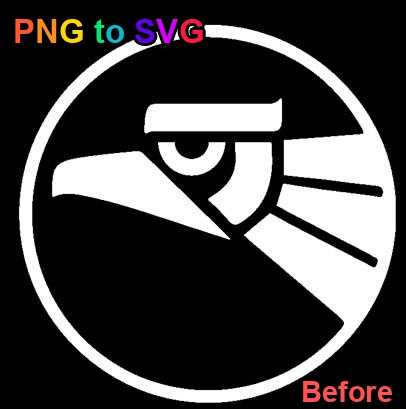
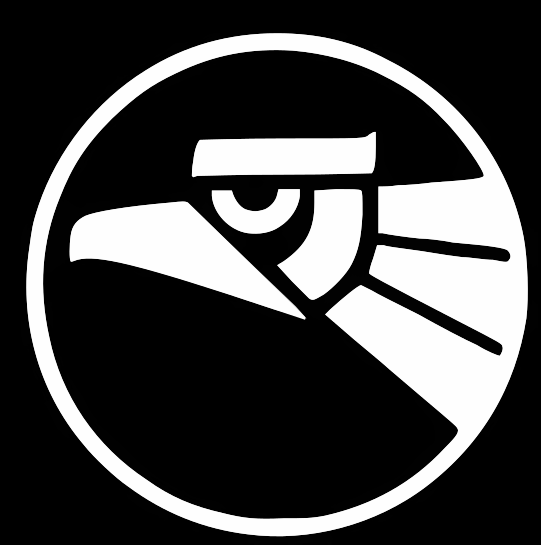
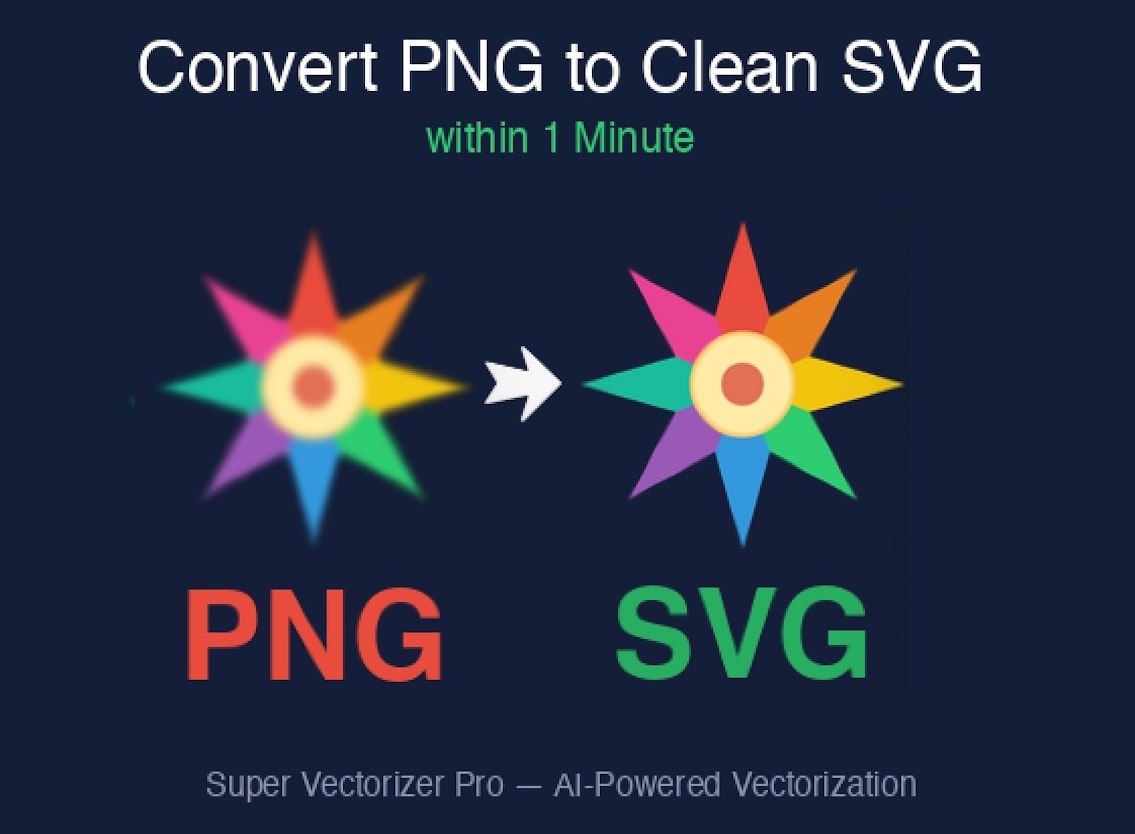
A logo mark traced with Super Vectorizer Pro: the raster PNG becomes a crisp, scalable vector with perfectly smooth curves and edges.
Many "converters" merely wrap your PNG inside an <svg><image> tag — that is a fake vector and still a bitmap underneath. Our tool uses VTracer, a professional tracing engine that runs in your browser via WebAssembly and rebuilds your image as genuine SVG <path> elements. The result:
Transparency is where PNG shines, and our converter keeps it. When you upload a logo or icon with a see-through background, the SVG output preserves that alpha channel — no white rectangle appears behind your mark. For best results:
There is no built-in PNG to SVG conversion on macOS — Preview, Quick Look and Photos can open a PNG but cannot export vector paths, and saving as PDF keeps the raster pixels inside. That is why Mac users normally use either a browser-based converter or a desktop tracer:
Working with photos rather than flat artwork? The Inkscape Trace Bitmap walkthrough shows what a free tracer can and cannot do with a busy image.
Windows is in the same position: Paint and Photos export PNG, JPG, BMP or HEIC, never SVG, and even the Office "Save as picture" route only gives you EMF or PNG. The practical options are identical to the Mac ones, with slightly different tooling:
Comparing tools before you commit? The PNG to SVG converter comparison and the Adobe Express alternative notes cover the free and paid options in more detail.
Plenty of png-to-svg tools exist, but ours is built around privacy and real tracing:
A PNG to SVG online converter like this one wins on convenience: zero install, works on Mac, Windows, Linux, iPhone and Android, and your file never leaves the device. A desktop app such as Super Vectorizer Pro wins on power: it traces photos, gradients and intricate artwork into smoother Bézier curves, lets you tune colors and detail levels, processes entire folders in batch, and exports SVG, AI, PDF and DXF. Many designers keep both — the online converter for quick logos and icons, the Mac or Windows app for production work.
| Method | Best for | Batch | Output | Runs on | Cost |
|---|---|---|---|---|---|
| This online converter (free, browser-based) | Quick logos, icons, one-off PNGs | No — one image at a time | SVG | Mac, Windows, Linux, iOS, Android | Free · no upload |
| Super Vectorizer Pro (desktop app) | Production work, photos, intricate artwork | Yes — whole folders | SVG, AI, PDF, DXF | Mac (Apple Silicon & Intel), Windows | $29.99 Mac or Windows · $49.99 Universal · free trial |
| Other free online converters | Casual, single conversions | No | SVG | Any browser | Free · file usually uploaded to their server |
| Design suites (Illustrator, Inkscape, Figma) | Manual tracing and full vector editing | Varies | Many vector formats | Mac, Windows, Linux (web) | Free (Inkscape) or subscription |
Rule of thumb: use the free online PNG to SVG converter on this page for single logos and icons; switch to a desktop tool when you need batch conversion, finer curve control, or print-ready DXF/AI output.
The same illustration, before and after: the PNG raster on the left, the traced SVG on the right. No hand-editing, no re-drawing — just the converter output.


Every step happens locally in your browser with JavaScript. Your files are never uploaded to any server — no data collection, no tracking, no registration. Your PNGs remain on your device from start to finish.
For complex artwork, gradients, or professional workflows, Super Vectorizer Pro delivers finer Bézier paths, a tunable color palette, and batch conversion of whole folders. The desktop app is the choice when you need precise control over every curve.
Upload your PNG image, choose a tracing style (Color, Black & White, Flat Color, or Photo), and click Convert. Download your real SVG instantly - no signup required.
Yes! Our PNG to SVG converter preserves transparency in the resulting SVG file, making it perfect for logos and graphics that need transparent backgrounds.
Our tool supports PNG, JPG, GIF, and WebP formats. Simply upload your image and our browser-based vector tracing will convert it to clean SVG.
Yes, our PNG to SVG converter is 100% free with no watermarks. All processing happens in your browser - your images are never uploaded to any server.
Yes. Because it runs entirely in your browser, it works on Mac, Windows, Linux, iPhone, and Android. Open the page in Chrome, Safari, Edge, or Firefox and convert - no installation required. On a Mac, Safari and Chrome both work, including Apple Silicon Macs. For batch conversion or higher-quality tracing on Mac, Super Vectorizer Pro offers a native Mac desktop app.
Two ways. Online: open this page in Safari or Chrome on your Mac, drop in your PNG, choose a tracing style, and download the SVG - nothing to install. Desktop: Super Vectorizer Pro for Mac (Apple Silicon native) traces complex images in batch and exports SVG, AI, PDF, and DXF; a free trial is available so you can evaluate it, and exporting the vector file requires a purchased licence.
It is a fully online PNG to SVG converter. The vector tracing engine runs inside your browser via WebAssembly, so there is no software to install and no signup. Your PNG stays on your device the whole time, and the same page works on Mac, Windows, Linux, iPhone, and Android.
SVG is ideal for the web: it is resolution-independent so it stays sharp on retina screens, usually smaller than PNG for simple graphics, supports animation and CSS styling, and can be inlined to reduce HTTP requests. Converting PNG logos and icons to SVG speeds up pages and improves visual quality.
Compare the top converters including Super Vectorizer Pro, Vector Magic, Adobe Illustrator, and more.
Read Our Comparison Guide →This free online tool uses browser-based tracing. For complex images, photos, fine details, gradients, and production-ready output, try Super Vectorizer Pro — the desktop software trusted by designers worldwide.
