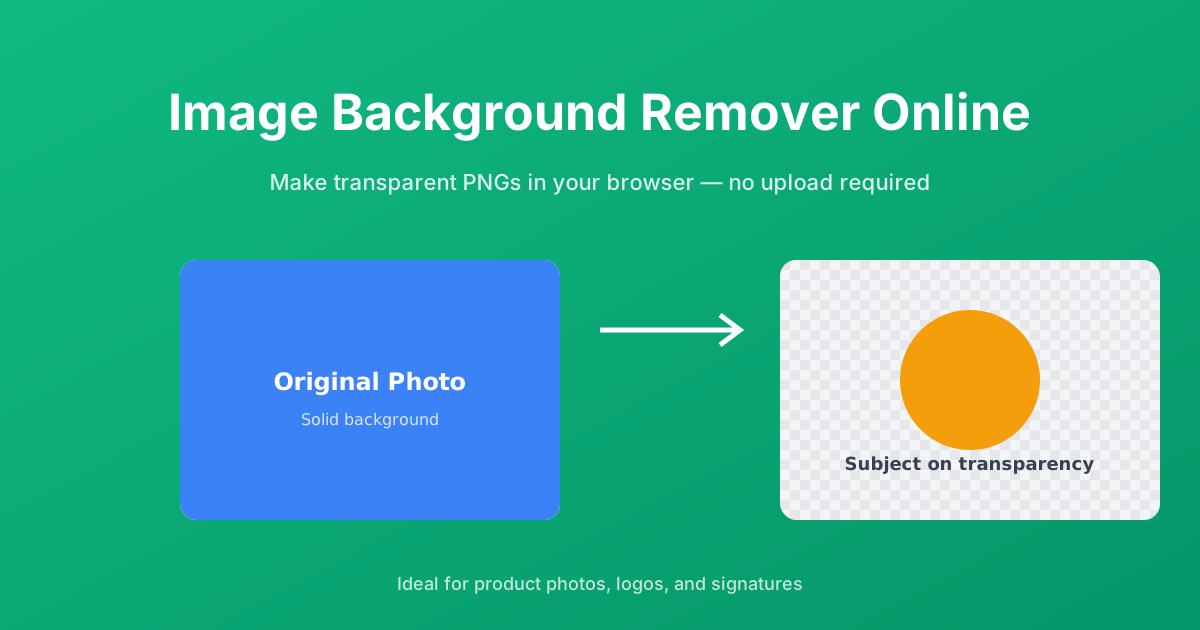
This image background remover isolates the foreground of an image and replaces the background with transparency. The result is a PNG file you can place over any color, texture, or scene without a visible box around the subject.
The tool is designed for speed and privacy. It detects the background color locally in your browser, removes matching pixels, and lets you download the cut-out immediately. There is no server upload, no queue, and no watermark.
The checkerboard pattern is a standard way to show transparency. Any area that looks like the checkerboard will be see-through in the final PNG.
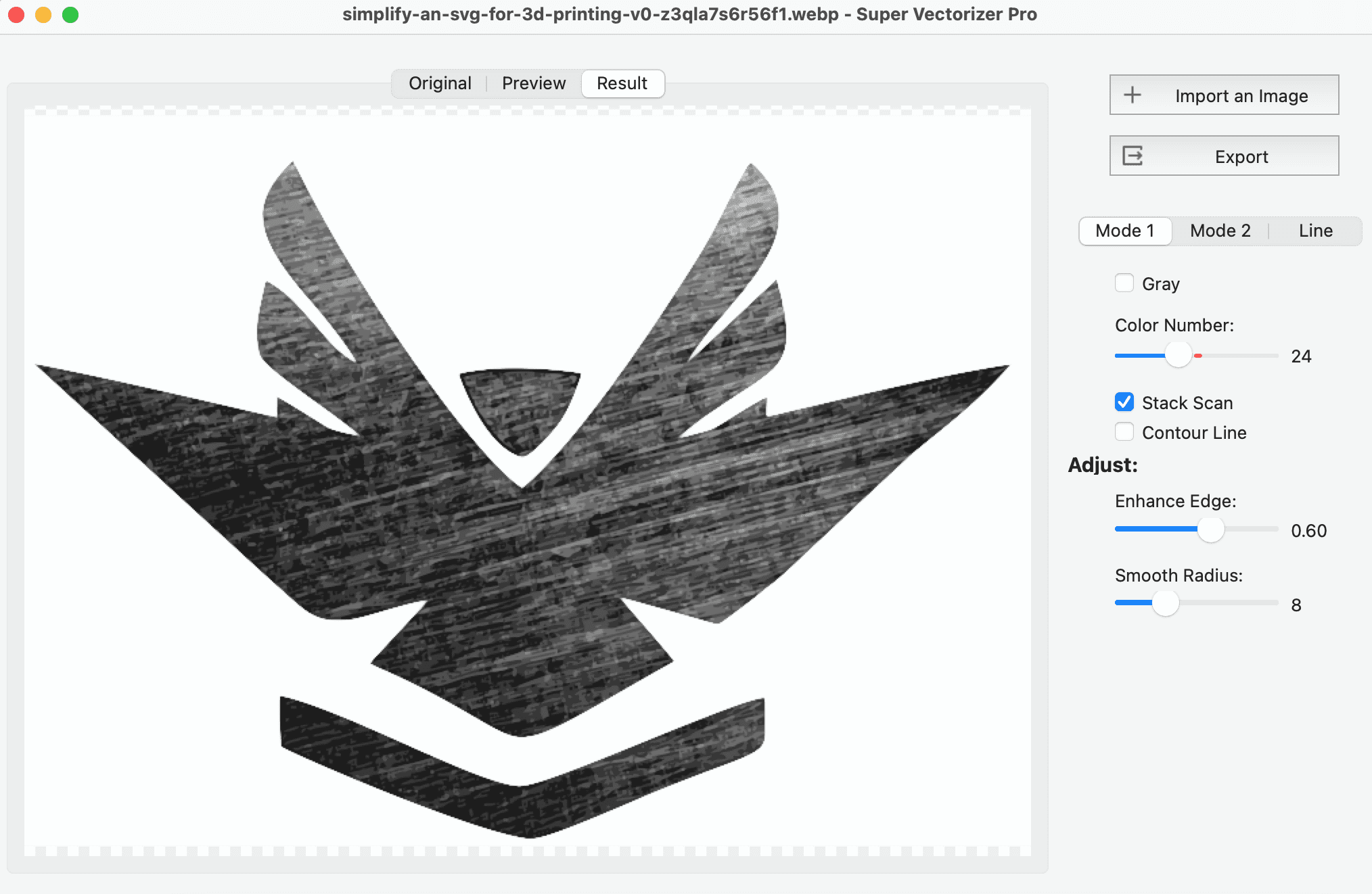
The color-based detection works best when the subject contrasts strongly with a solid or nearly solid background. Product photos on white, logos on gray, and signatures on paper are ideal. Complex backgrounds with many colors, gradients, or fine details such as hair against foliage may need a dedicated AI editor for perfect edges.
E-commerce sellers use background removal to create consistent white-background product shots. Designers extract logos and icons for mockups. Developers prepare sprites and avatars for apps. Marketers build ad creatives with subjects placed over branded backgrounds. Because the output is a transparent PNG, it drops into any design or web project.
Your image never leaves your device. The tool reads the file with JavaScript, processes it on a canvas element, and generates the download from a data URL. This makes it safe for screenshots, documents, and client work. After you leave the page, nothing is stored.
Desktop apps like Photoshop or GIMP offer pixel-perfect masking with manual refinement. AI-powered removers can handle hair and fuzzy edges automatically but often require an upload. This free online tool sits in the middle: it is faster than manual masking and more private than cloud AI, making it the right choice for straightforward subjects and quick edits.
After removing the background, you may want to crop the image to a specific size or compress it before uploading to your store or CMS.
It analyzes the uploaded image and removes pixels that match the detected background color within a tolerance range. The result is a transparent PNG.
No. The entire process runs in your browser. Your image is never uploaded, stored, or shared.
You can upload PNG, JPEG, or WebP images. The output is always a PNG with transparency.
Images with solid-color or high-contrast backgrounds work best. Complex, multi-color, or textured backgrounds may leave artifacts.
No. The tool removes the background color, not overlaid text or logos. Removing someone else's watermark without permission violates copyright.
Yes, as long as you have the right to use the original image. The tool itself does not add any watermark or license restriction.
There is no hard limit, but very large images may slow down your browser. Most users get the best experience with files under 10 MB.
PNG supports an alpha channel, which is what makes the background transparent. JPEG cannot store transparency.
This online tool does not offer manual refinement. For complex edges, export the result to an editor or use a dedicated AI background remover.
Yes, it is completely free with no signup, no watermarks, and no usage limits.
Yes. The tool works in mobile browsers, although a larger screen makes it easier to review the preview.
You can crop, resize, or compress the image using the other free tools on this site, or download it directly for use in your design.
