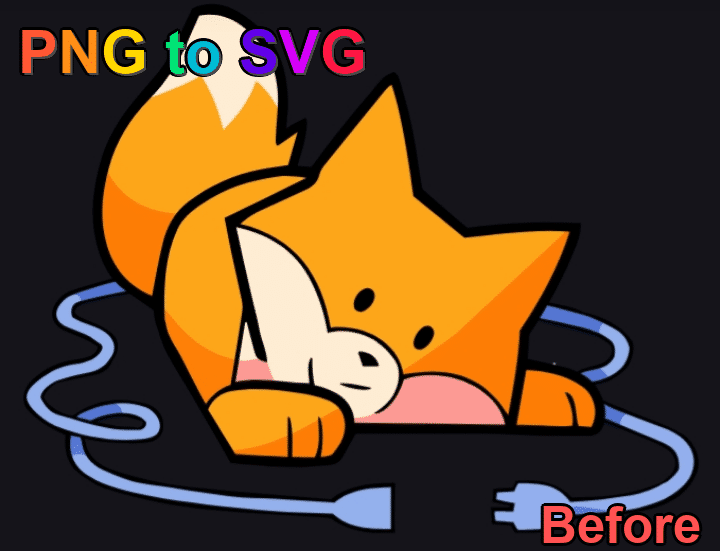
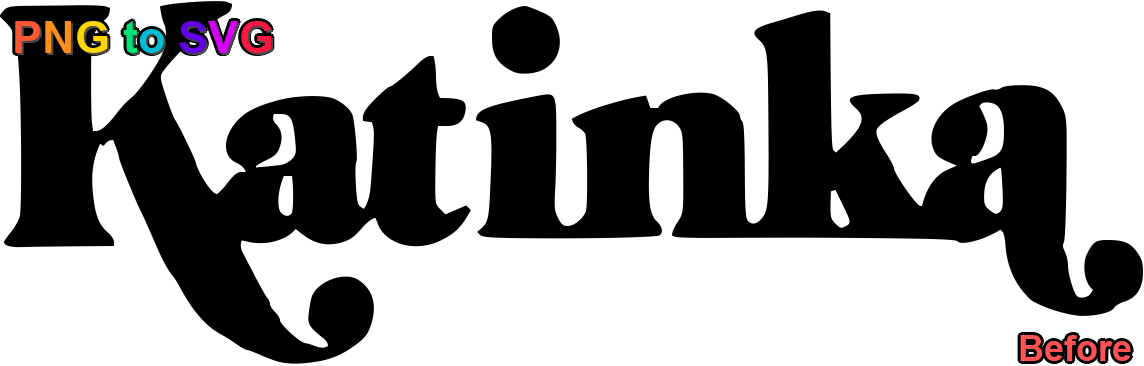
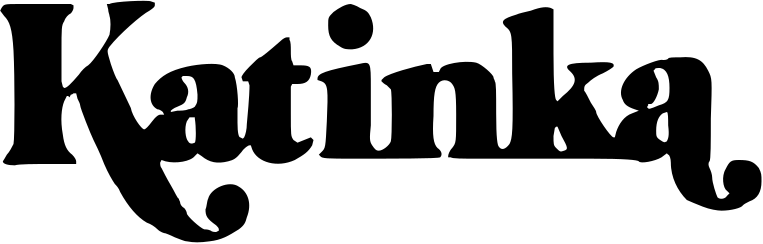
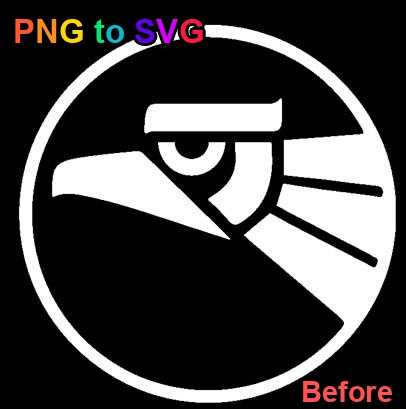
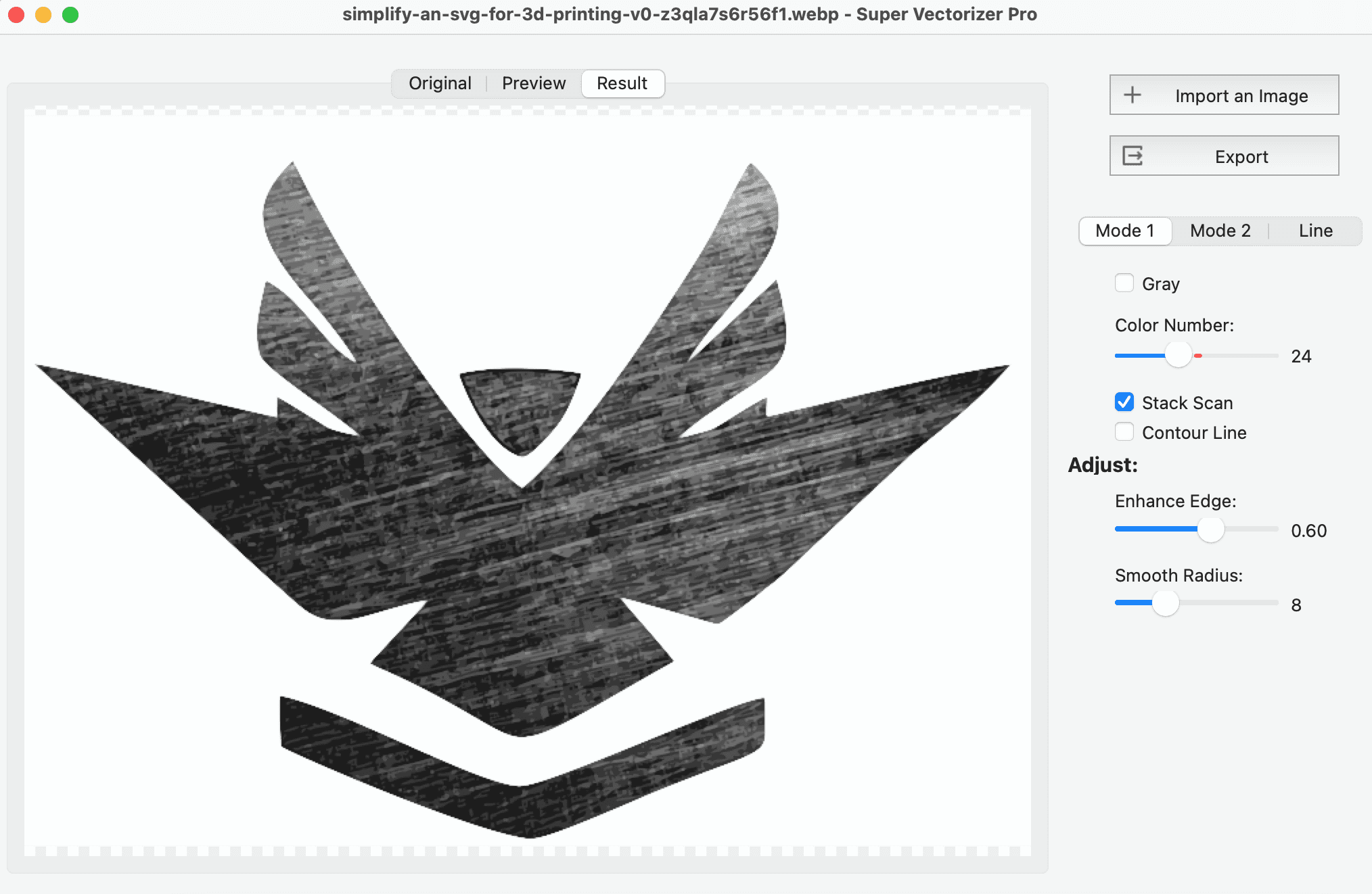
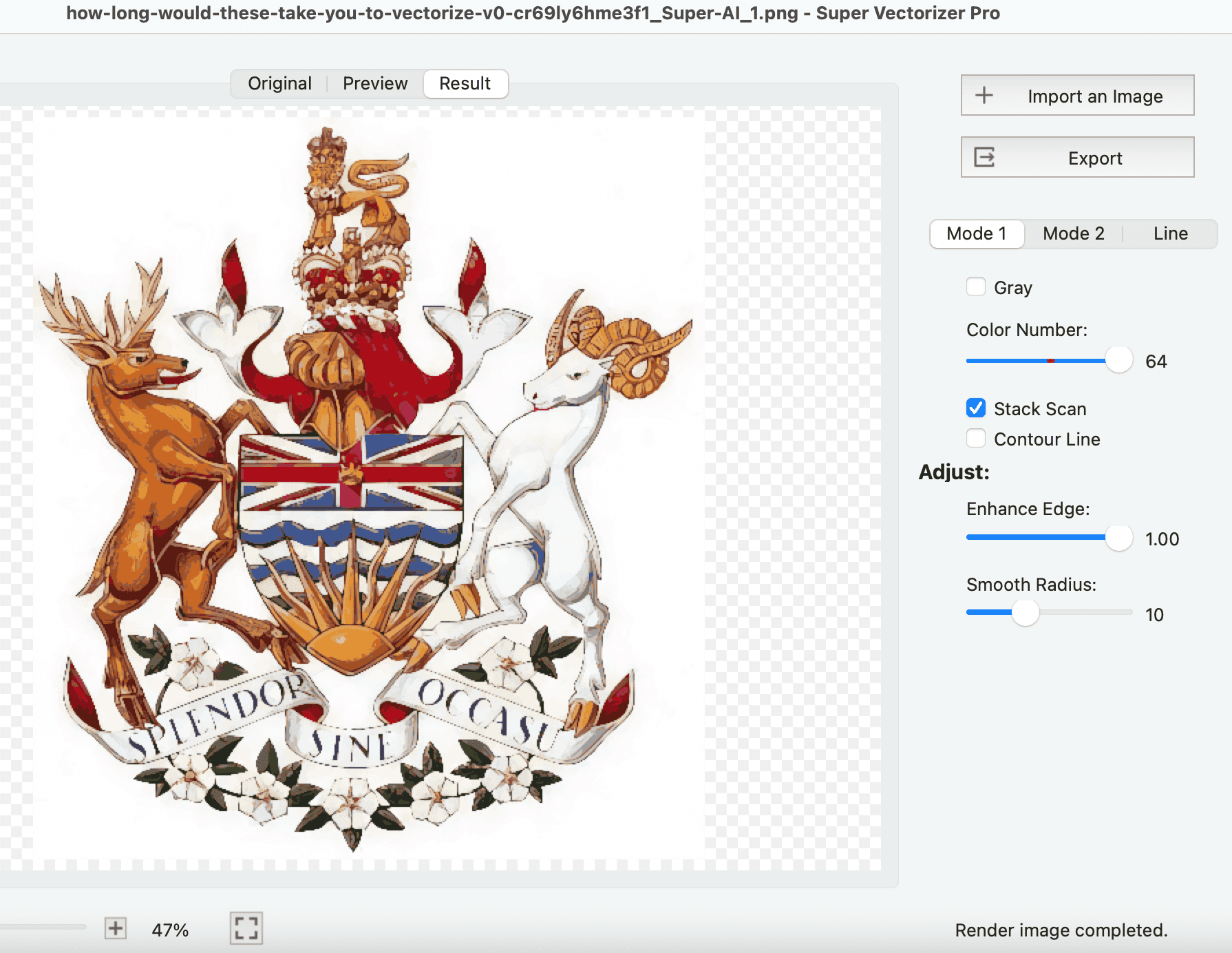
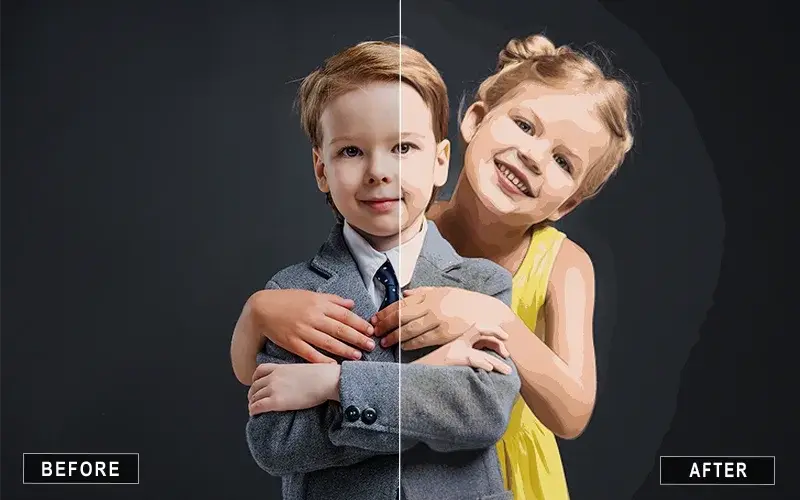
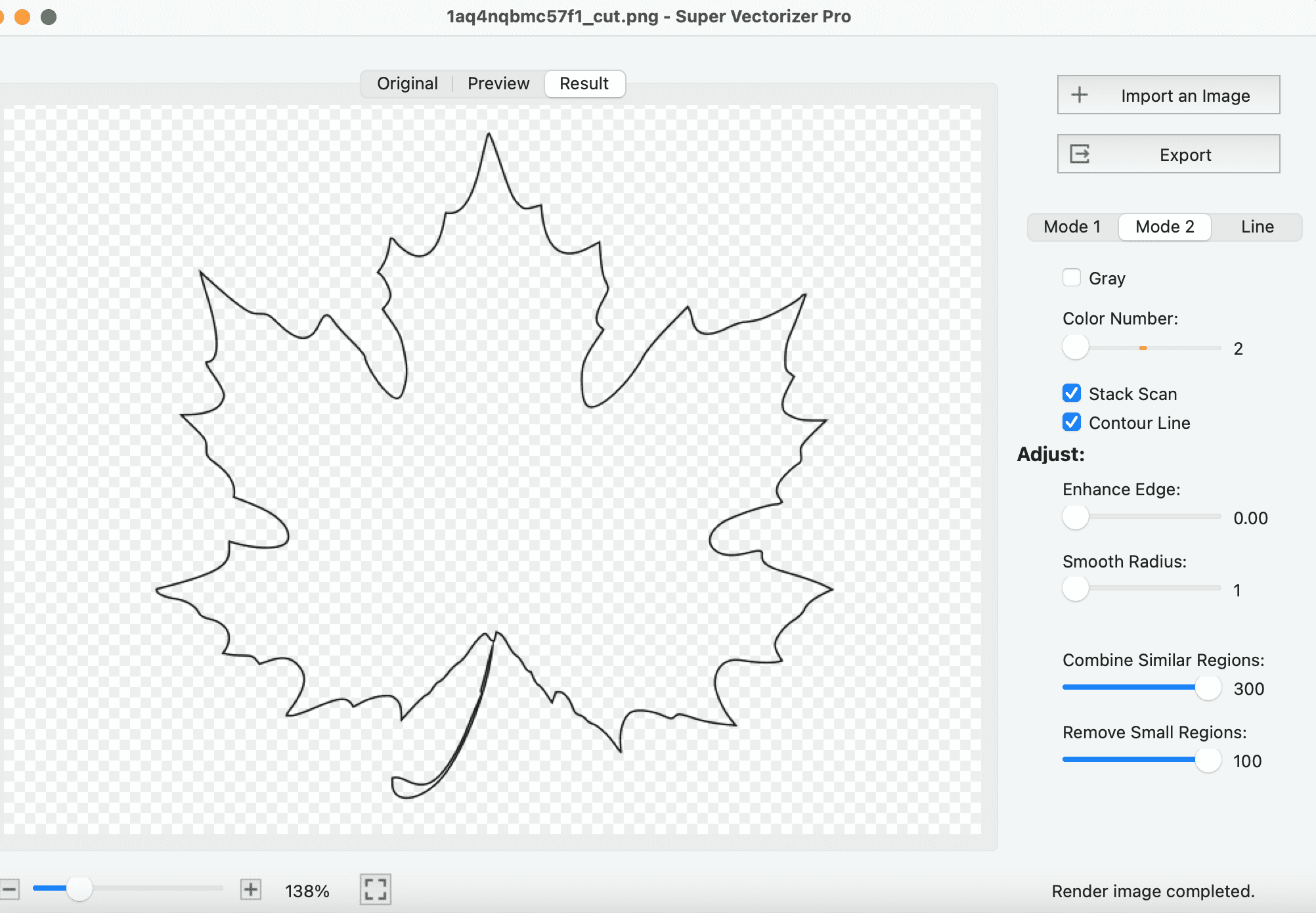
Super Vectorizer Pro conversion preview — real output, no manual clean-up
Before · PNG raster (click to enlarge)After · SVG vector (click to enlarge)
The best PNG to SVG converter in 2026 is Super Vectorizer Pro, because it pairs a free browser-based converter with a $29.99 Mac/Windows desktop app that gives you real control over tracing thresholds, colour count and path smoothing. If you only need a quick one-off conversion, the free online PNG to SVG converter is the fastest route; if you need true batch conversion of hundreds of files, Inkscape's command line is the best free alternative, since Super Vectorizer Pro processes one image at a time.
Our Recommendation
For one-off files, use the free online converter. For regular work, offline tracing, and formats like DXF/AI, get Super Vectorizer Pro.
Converting PNG images to SVG format is essential for anyone who needs scalable vector graphics for web design, laser cutting, embroidery, or print production. Unlike PNG (raster) images that pixelate when enlarged, SVG files remain crisp at any size. In this guide, we compare the best PNG to SVG converters available in 2026 — free online tools, desktop applications, and professional-grade software — so you can pick the right one for your workflow.
Our Top Pick: Super Vectorizer Pro
EDITOR'S CHOICE
Super Vectorizer Pro
Free Trial Available • $29.99 One-Time Licence
Verdict: Super Vectorizer Pro is our #1 pick for PNG to SVG conversion in 2026 — it pairs a free online tool with a $29.99 desktop app for AI-powered, one-at-a-time vector tracing.
Super Vectorizer Pro is the most comprehensive PNG to SVG converter on the market, offering both online tools and desktop applications for Mac and Windows. It uses advanced AI algorithms to produce clean, accurate vector paths from raster images.
Online Tool: Free, no signup required, works in browser
Desktop App: Advanced settings, real-time preview, works offline — processes one image at a time
Here's a quick comparison of the top PNG to SVG converters available:
Tool
Price
Platform
Offline / Online
Batch Support
Output Quality
Best For
Super Vectorizer Pro
$29.99 one-time free trial to preview results
macOS 10.10+ (M1/M2/M3), Windows 7-11
Both (desktop works offline)
No (one at a time)
Excellent — 6 tracing modes, colour control
Logos, Cricut/laser cutting, detailed PNG to SVG work
Vectorizer.AI
$9.99/month
Web only
Online only
No (paid API only)
Excellent — strong AI curve fitting
Quick AI conversions when you accept a subscription
Vector Magic
$295 desktop / $9.95 mo
macOS, Windows, Web
Both
Yes (desktop)
Very good — reliable auto-trace
Studios that already own a desktop licence
Adobe Illustrator
$22.99/month
macOS, Windows
Offline (desktop app)
Yes (Actions / scripting)
Excellent — Image Trace + manual editing
Professional designers inside the Adobe workflow
Inkscape
Free (open source)
macOS, Windows, Linux
Offline (desktop app)
Yes (command line)
Good — Potrace engine, needs tuning
Budget users and true bulk conversion via scripts
Pricing checked August 2026. Super Vectorizer Pro's free trial lets you preview results before buying; exporting requires the paid licence.
Best Online PNG to SVG Converters
BEST FREE ONLINE TOOL
SVGvector.com PNG to SVG Converter
100% Free • No Signup Required
Our top-rated online PNG to SVG converter offers professional-quality vectorization directly in your browser. No software installation and no upload to servers—your images stay private.
Vectorizer.AI uses advanced AI to convert raster images to vectors with impressive accuracy. Great for quick conversions but requires subscription for full access.
The most comprehensive desktop solution for Mac and Windows users. Offers advanced features like stack scan and multiple vectorization algorithms for professional results.
Stack Scan: Scan multiple times for optimal results
Manual Processing: Process multiple images one at a time with full control
Industry-standard design software with powerful image tracing capabilities. Best for professional designers who need vectorization as part of a larger workflow.
If you only need to convert PNG to SVG occasionally, our free online tool is the perfect choice. No signup required, and it works on any device with a browser. You can also use the browser-based online image vectorizer if you want auto-trace controls without installing anything.
For Cricut & Crafters
Cricut users and crafters should look for tools that support transparent backgrounds and produce clean cut paths. Super Vectorizer Pro (both online and desktop) excels at this, with dedicated modes for laser cutting and vinyl cutting.
For Professional Designers
If you're a professional designer who needs vectorization as part of a larger workflow, Adobe Illustrator or Super Vectorizer Pro Desktop offer the most control and best quality output. For a deeper walkthrough of settings that affect fidelity, read our PNG to SVG high quality guide.
For High-Volume Work
If you need to convert hundreds of images, look for tools with dedicated batch processing workflows. Super Vectorizer Pro Desktop focuses on high-quality one-at-a-time vector tracing with a fast real-time preview; for true batch work, consider Inkscape command-line scripts or a service with an API.
For Laser Cutting & CNC
Laser cutting and CNC applications require clean vector paths in formats like SVG or DXF. Our DXF to SVG converter and Super Vectorizer Pro are specifically designed for these use cases.
Quick Decision Guide
Free, occasional use
→ SVGvector.com Online Tool
Professional, Mac/Windows
→ Super Vectorizer Pro ($29.99)
Budget-conscious
→ Inkscape (free)
Full design suite needed
→ Adobe Illustrator ($59.99/mo)
The Bottom Line for 2026
For the best combination of quality, convenience, and value, Super Vectorizer Pro is our top recommendation. It offers both a powerful free online tool and a professional desktop application, making it suitable for everyone from casual users to professional designers.
Frequently Asked Questions
What is a PNG to SVG converter?
A PNG to SVG converter is a tool that transforms raster images (PNG files made of pixels) into scalable vector graphics (SVG files made of paths and shapes). Unlike PNG images that become blurry when enlarged, SVG files remain crisp at any size, making them ideal for logos, icons, web graphics, and laser cutting projects.
What is the best free PNG to SVG converter?
The best free PNG to SVG converter is Super Vectorizer Pro's online tool, which offers high-quality vectorization with multiple modes (Vectorize, B&W, Outline), transparent background support, and clean, editable path output. For desktop use, Super Vectorizer Pro for Mac/Windows provides more advanced features with a free trial available.
Can I convert PNG to SVG without losing quality?
PNG to SVG conversion inherently transforms a raster image (pixels) to vector paths. While SVG is infinitely scalable without quality loss, the accuracy of the conversion depends on the complexity of the original image and the converter's algorithm. Our PNG to SVG tool uses AI-powered vectorization to preserve maximum detail.
How do I convert PNG to SVG on Mac for free?
You can convert PNG to SVG on Mac for free using our browser-based tool at svgvector.com. Simply visit the PNG to SVG converter page, upload your PNG file, select your preferred mode (Vectorize, B&W, or Outline), and download the SVG file instantly. No software installation required. For a full step-by-step walkthrough with Super Vectorizer Pro, see our guide on how to convert PNG to SVG on Mac.
What's the difference between online and desktop PNG to SVG converters?
Online converters are convenient, work on any device, and don't require installation. Desktop converters like Super Vectorizer Pro typically offer more advanced features, higher quality output, and work offline. For occasional use, online tools are ideal. For professional or high-volume work, desktop software is recommended.
Does PNG to SVG conversion preserve transparency?
Yes, our PNG to SVG converter preserves transparency. When you convert a PNG with transparent areas, those transparent regions are maintained in the resulting SVG file, making it perfect for logos, icons, and graphics that need transparent backgrounds.
What is the best PNG to SVG converter in 2026?
For most users, the best PNG to SVG converter in 2026 is Super Vectorizer Pro. It combines a free browser-based online tool with a $29.99 Mac/Windows desktop app that offers AI-powered tracing, real-time preview, and fine control over colour count and path smoothing. The free online tool handles quick one-off conversions, while the desktop app is built for higher-quality, one-at-a-time vector tracing.
What file formats are supported for PNG to SVG conversion?
Our PNG to SVG converter supports multiple input formats including PNG, JPG, GIF, WebP, BMP, and TIFF. The output can be SVG, and the desktop version also supports DXF (for laser cutting) and PDF.
Ready to Convert PNG to SVG?
Try our free online PNG to SVG converter—no signup, instant results. Or download the desktop app and use the free trial to preview results with advanced tracing settings.