Closed, Clean Paths
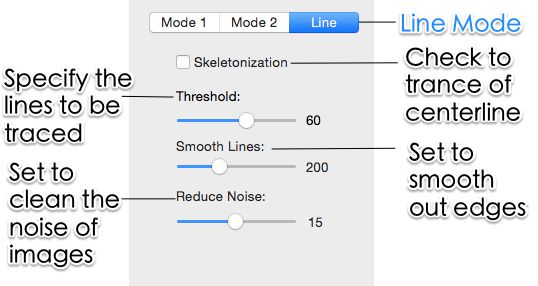
Open paths cause incomplete cuts. Super Vectorizer Pro produces closed shapes the laser can follow completely, with adjustable smoothing for jagged edges.
The best image vectorizer for laser cutting. Convert PNG, JPG, and BMP into clean, closed paths for Glowforge, xTool, LightBurn, and CNC — offline on your Mac or Windows machine.
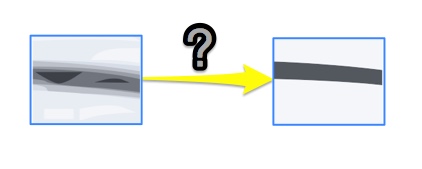
Raster images store color as pixels; laser cutters follow mathematical paths. A great vectorizer is the bridge between your artwork and a clean cut.
Open paths cause incomplete cuts. Super Vectorizer Pro produces closed shapes the laser can follow completely, with adjustable smoothing for jagged edges.
Export the same artwork to SVG for Glowforge, xTool, and LightBurn, or DXF for CNC and industrial cutters — no re-tracing required.
Separate complex illustrations into distinct colors, each becoming its own cut or engrave operation — ideal for multi-pass and multi-material jobs.
All tracing runs locally on your computer. Proprietary designs and client work never leave your machine — no uploads, no cloud dependency.
No manual node editing, no cloud uploads — just clean paths your laser can follow

Start with the highest-resolution PNG, JPG, or BMP. Use a clean black-and-white version for logos and line art.
Drag the file in. It reads 70+ input formats including PSD, PDF, and TIFF.
Black & White for cut outlines and stencils; Color for multi-layer designs with separate cut paths.
Higher smoothness yields cleaner cuts; lower keeps fine detail. Balance it to your material.
Click Export. Choose SVG for Glowforge, xTool, and LightBurn, or DXF for CNC and industrial cutters.
Ready to vectorize for laser cutting? Try Super Vectorizer Pro free trial to preview clean cut-ready paths on your own artwork.
Compatible with macOS 10.10+ (M1/M2/M3) & Windows 7/8/10/11
How the desktop app compares to the usual alternatives for getting cut-ready vectors
| Tool | SVG Export | DXF Export | Offline | Price |
|---|---|---|---|---|
| Super Vectorizer Pro | Yes | Yes | Yes | $29.99 one-time |
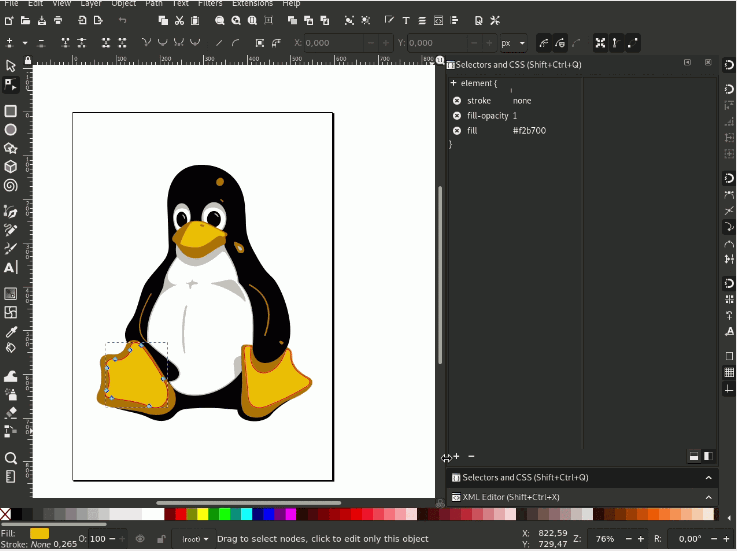
| Inkscape | Yes | Yes | Yes | Free |
| Adobe Illustrator | Yes | Yes | Yes | $22.99/month |
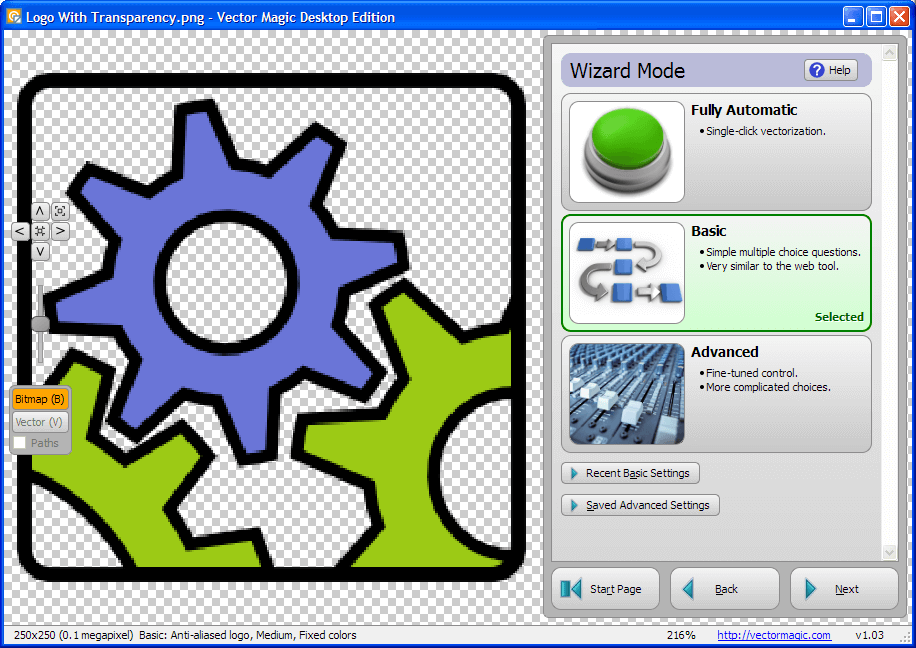
| Vector Magic | Yes | Yes | Partial | $9.95/month |
| Vectorizer.AI | Yes | Yes | No | $10/month |
Raster artwork becomes a reusable laser asset the moment it is traced

Convert company logos and lettering from PNG to clean SVG for engraving on wood, acrylic, or metal.

Turn illustrations into decorative cut patterns for home decor, wall art, and signage.

Export DXF for precision CNC and laser systems that require exact dimensional paths.
Everything you need to know about image vectorizers for laser cutting
The best image vectorizer for laser cutting produces closed, clean paths and exports both SVG and DXF. Super Vectorizer Pro is purpose-built for this: it converts PNG, JPG, and BMP into clean vector files, separates artwork into up to 64 colors for layered cutting, and exports directly to SVG and DXF for Glowforge, xTool, LightBurn, and CNC machines. It runs offline, so your designs never leave your computer.
Not directly. A PNG is a raster image made of pixels, so laser software either engraves it as a bitmap or traces sloppy edges. For cutting operations you need vector paths. Convert the PNG to SVG or DXF first with an image vectorizer, then the laser can follow the outline precisely.
Most laser cutters accept SVG and DXF. SVG is universal and works in Glowforge, xTool (XCS), and LightBurn, and it supports color-based operation mapping. DXF is preferred for CNC machines and industrial cutters. Super Vectorizer Pro exports both, so you can pick the format your workflow needs.
Open the JPG in Super Vectorizer Pro, choose Black & White mode for cut outlines or Color mode for multi-layer designs, adjust the smoothness to balance detail against clean cuts, then export as DXF. The DXF imports directly into LightBurn or your CNC software with preserved paths.
Yes. Direct DXF export makes it ideal for CNC machines and industrial laser cutters that require exact dimensional paths. It also exports SVG, AI, and PDF, so the same source artwork can feed both decorative and precision-cutting jobs.
Yes. It can trace artwork into up to 64 distinct colors, each becoming its own layer or cut path. That lets you map red strokes to cut, black fills to engrave, and blue to score inside LightBurn or XCS — perfect for multi-pass and multi-material jobs.
Yes. Super Vectorizer Pro is a native desktop app for macOS and Windows. All tracing happens locally on your machine, so your artwork never leaves your computer and there is no monthly cloud dependency. This matters for unreleased client work or proprietary designs.
Input: PNG, JPG, JPEG, BMP, PSD, PDF, TIFF, GIF, and more than 70 formats in total. Output: SVG, DXF, AI, and PDF. This covers everything from a phone photo of a sketch to a print-ready logo.
It supports up to 64 colors in a single trace. For laser workflows, you usually want far fewer — 1 to 4 colors keeps cut and engrave operations clean. The built-in color count control lets you collapse complex artwork into the exact number of layers your machine can handle efficiently.
Yes. Native desktop apps ship for macOS 10.10+ (including Apple Silicon M1/M2/M3) and Windows 7/8/10/11. Both builds include the full feature set and process one image at a time.
No. The app processes one image at a time. This keeps memory usage low and gives you per-image control over color count and smoothing, which is important when different designs need different cut settings.
A free trial is available for both Mac and Windows. It is preview-only: you can load an image, adjust tracing parameters, and see the resulting vector on screen, but exporting the finished SVG or DXF requires purchasing a license. This lets you verify cut quality before paying.
Join 50,000+ makers who turn images into cut-ready vectors.
30-day money-back guarantee.
Explore other AI-to-vector pipelines built into Super Vectorizer Pro