Closed, Unbroken Paths
Every cut line must form a closed shape. Open paths confuse laser software and can cause the machine to skip cuts or trace random lines.
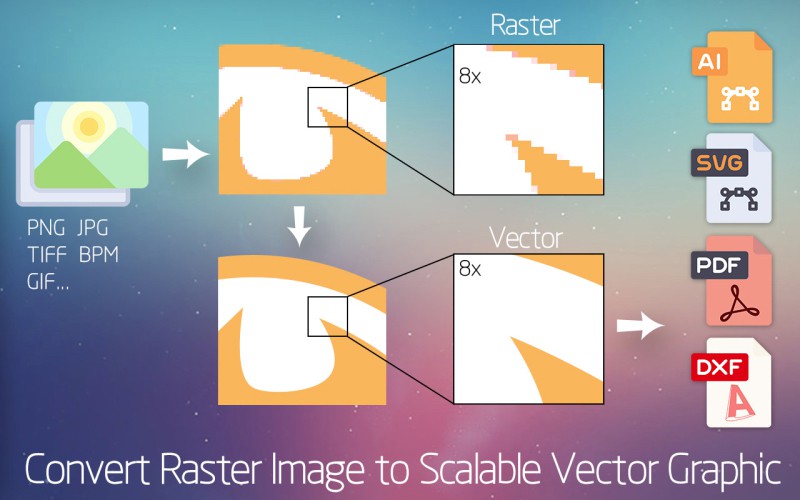
Convert raster images into clean SVG and DXF files that cut accurately on CO2, diode, and CNC laser machines. Get the file specs, material limits, and conversion workflow in one place.
A laser cutter does not "see" pixels — it follows vector paths. Here are the non-negotiable specs.
Every cut line must form a closed shape. Open paths confuse laser software and can cause the machine to skip cuts or trace random lines.
Cut paths are usually set to hairline width (0.001 in / 0.025 mm). Anything thicker may be interpreted as an engrave area instead of a cut.
SVG documents should use inches or millimeters, not raw pixels. This prevents the 90-DPI vs 96-DPI scaling trap that resizes parts when importing.
Assign separate colors for cut, score, and engrave. Most laser programs import colors as layers, so you can set speed and power per operation.
Both formats work; the right choice depends on your laser software and downstream workflow.
| Scenario | Best format | Why |
|---|---|---|
| LightBurn, Glowforge, xTool | SVG | Preserves curves, colors, and layers; imports cleanly. |
| AutoCAD / industrial CNC | DXF | Traditional CAD format; universal machine support. |
| Editing in Inkscape / Illustrator | SVG | Native editable format with full styling. |
| Sharing proofs | SVG or PDF | SVG is web-friendly; PDF locks layout for print. |
Need both formats? Super Vectorizer Pro exports SVG, DXF, PDF, and AI from one source image.
One-time purchase $29.99 — Mac & Windows
Prepare any image so it imports cleanly into LightBurn, Glowforge, or xTool Creative Space.
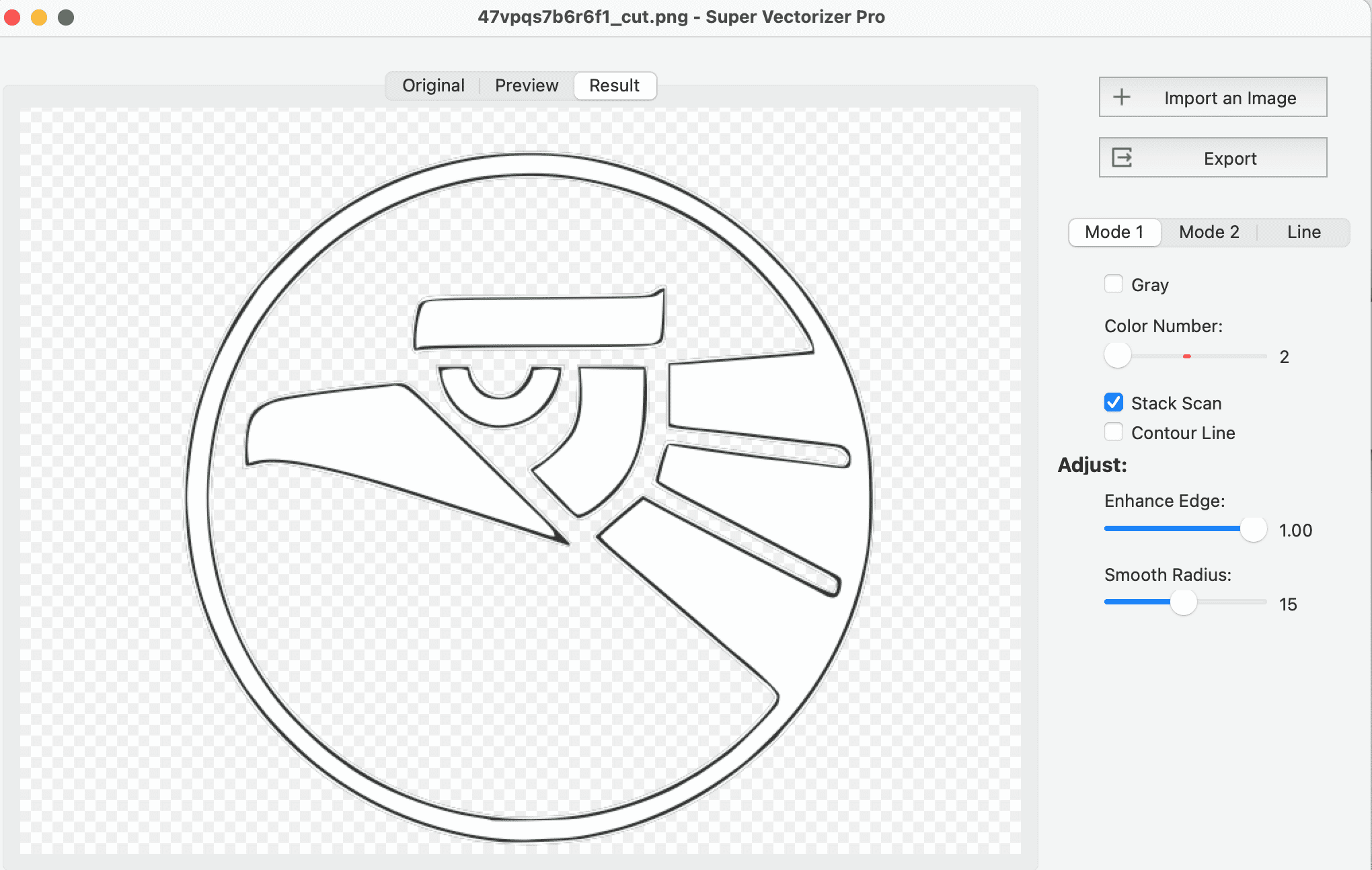
Load a PNG, JPG, BMP, or TIFF into Super Vectorizer Pro. Photos, logos, and scanned sketches all work.
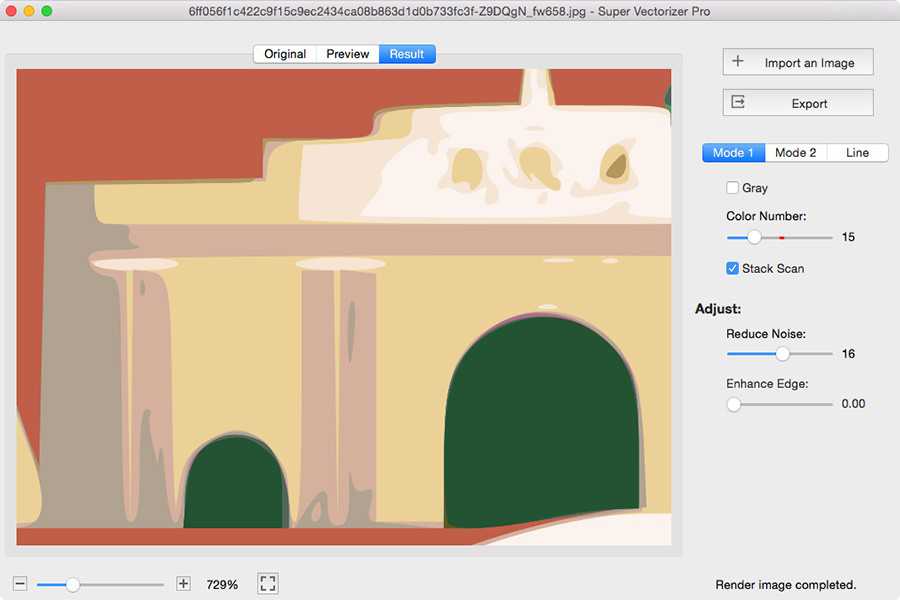
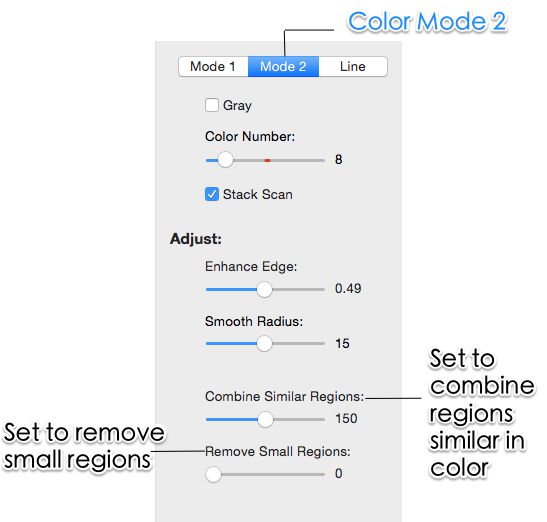
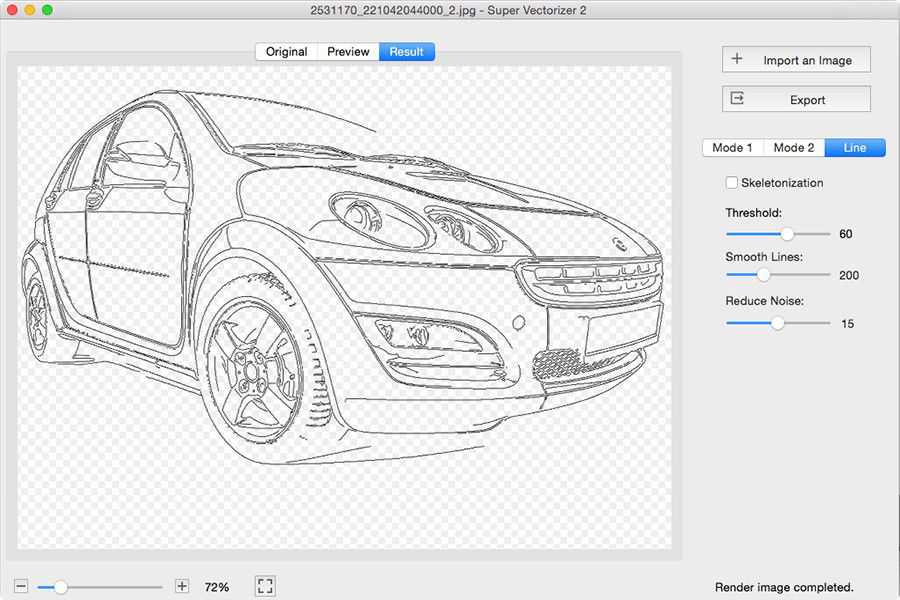
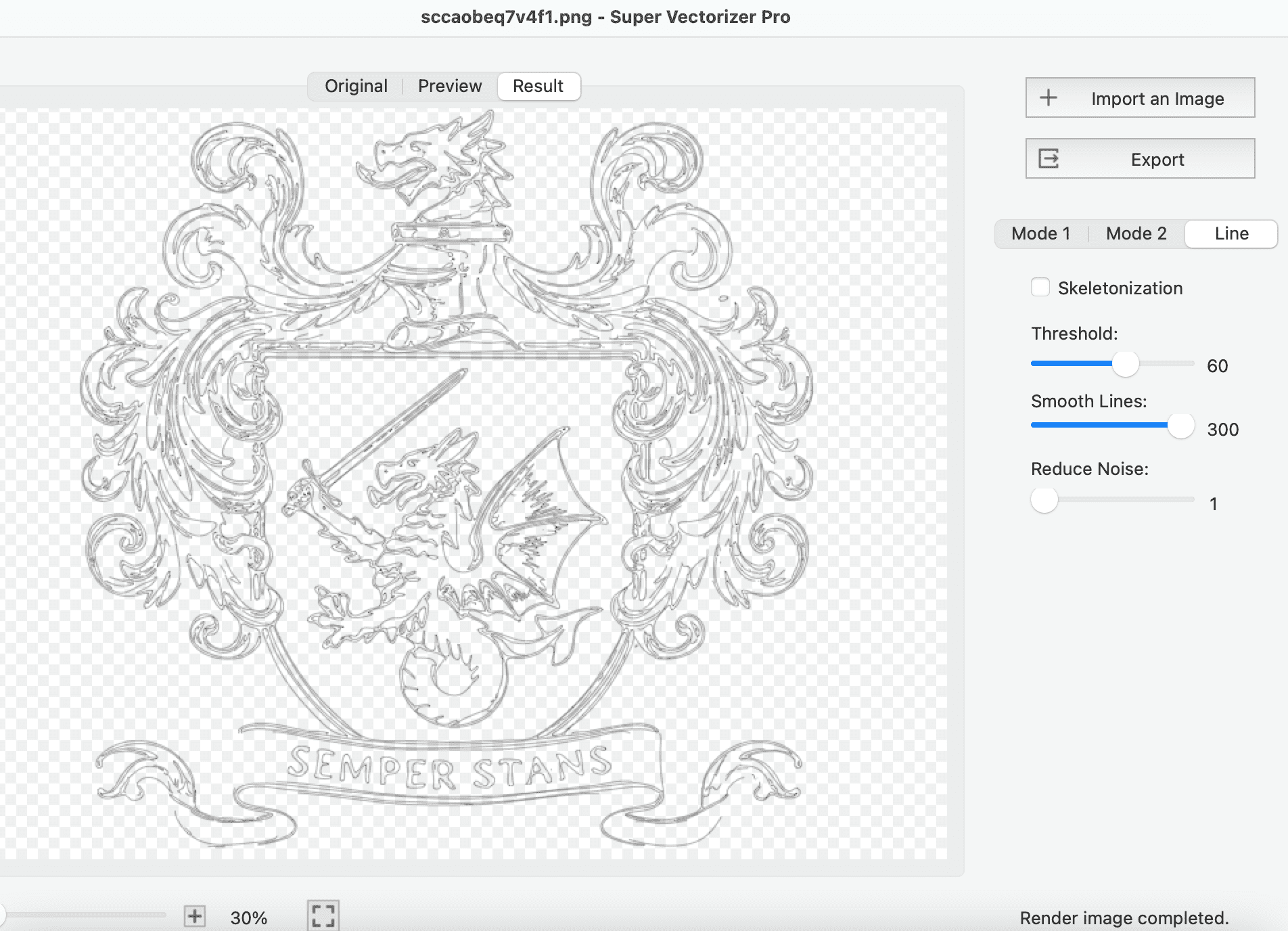
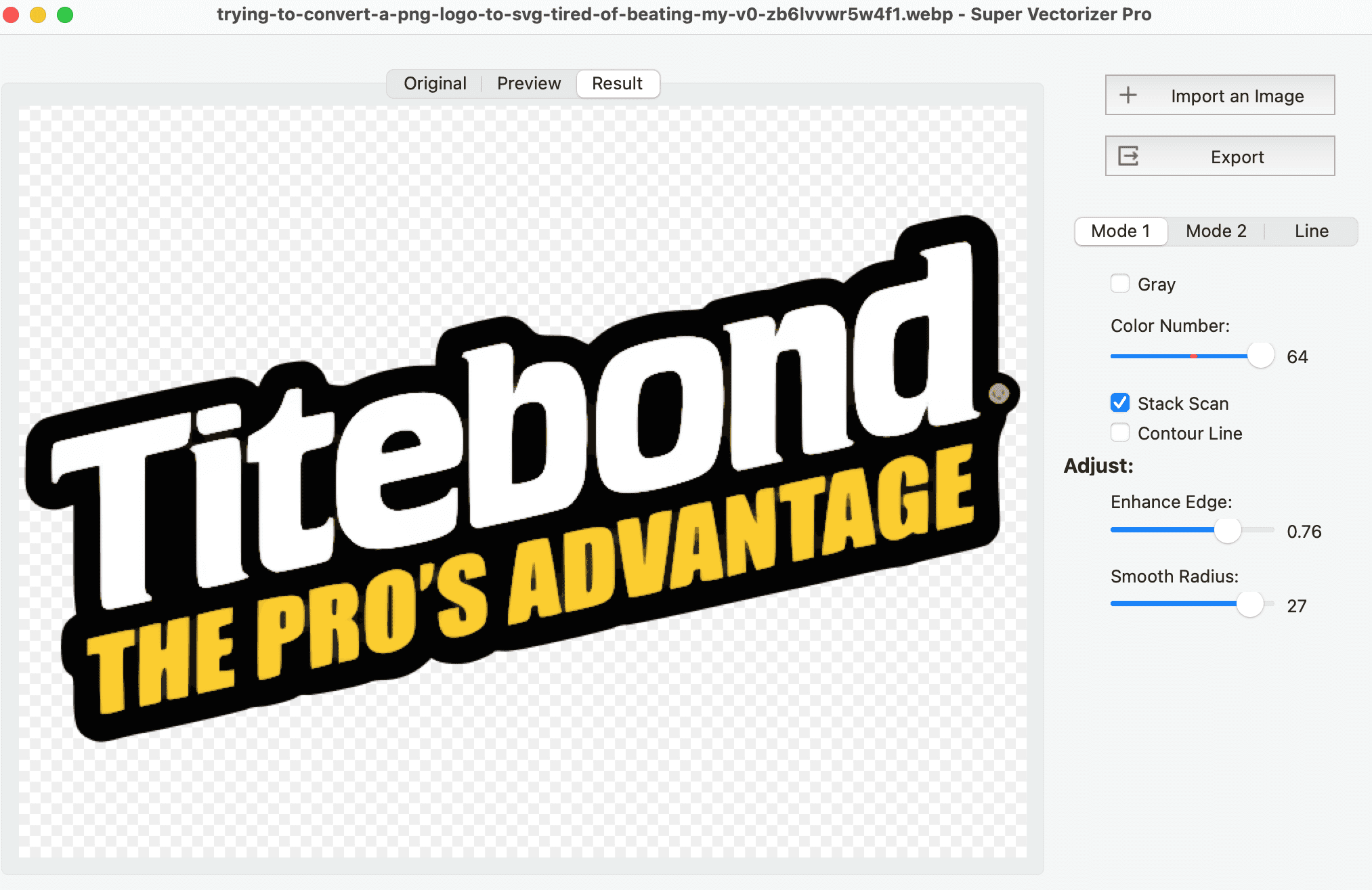
Use line mode for single-color outlines and cuts. Use color mode when you need separate layers for cut, score, and engrave operations.
Reduce node count until curves stay smooth but file size stays small. Fewer nodes mean faster laser processing and cleaner cuts.
Choose the format your laser software expects. Import the file, set speed and power by color layer, and send it to the machine.
Design rules keep small details from burning away or breaking during cutting.
| Material | Min line spacing | Min hole diameter | Common kerf |
|---|---|---|---|
| Plywood / hardwood | 1.0 mm | 1.0 mm | 0.1 – 0.2 mm |
| Acrylic | 1.0 mm | 1.5 mm | 0.1 – 0.2 mm |
| Leather | 2.0 mm | 2.0 mm | 0.15 – 0.25 mm |
| Paper / cardstock | 0.8 mm | 0.8 mm | 0.05 – 0.1 mm |
| Fabric | 2.5 mm | 2.5 mm | 0.1 – 0.2 mm |
Values are starting points. Always run a small test cut on your exact material and machine.
Once the vector spec is right, the same file drives many project types.
Design watch straps, phone stands, jewelry, and small enclosures with tight tolerances and smooth curves.
Create stools, shelves, lamps, and wall art from plywood or acrylic. Clean paths mean parts fit together without gaps.
Cut room dividers, signage, and decorative panels for homes, offices, and retail spaces.
Common questions about SVG files for laser cutting
A laser-ready SVG contains clean, closed vector paths with no raster elements. Stroke width is typically a hairline (0.001" or 0.025 mm), paths are unbroken, overlapping cuts are removed, and operations are color-coded so the laser software knows whether to cut, score, or engrave. The file should also use real-world units (inches or millimeters) so imported dimensions stay accurate.
SVG is best for modern laser software such as LightBurn, Glowforge, and xTool Creative Space because it preserves colors, layers, and curves. DXF is the safer choice for older CAD/CNC workflows, AutoCAD, and some industrial lasers. Super Vectorizer Pro exports both from the same source image, so you can pick the format your machine expects.
No. PNG and JPG are raster formats made of pixels. A laser cutter follows vector paths to cut or score material. You must trace the image into SVG or DXF first. Super Vectorizer Pro converts raster logos, sketches, and photos into the vector paths a laser needs.
Inkscape and some design tools default to 96 pixels per inch, while laser software may assume 90 or 72 DPI. This mismatch can shrink or enlarge your part. The safest fix is to set the SVG document units to inches or millimeters in your vector editor and export with explicit real-world dimensions. Super Vectorizer Pro writes SVGs with correct document units, so imports into LightBurn and Glowforge keep the intended size.
Minimum sizes depend on material and laser power. As a rule of thumb: keep cut lines at least 1 mm apart on wood and acrylic, 2 mm apart on leather, and avoid details smaller than 0.5 mm on paper and cardstock. Holes should be at least 1 mm larger than the material thickness to prevent weak tabs or melt-back.
Kerf is the width of material the laser beam removes. On a CO2 laser it is typically 0.1-0.2 mm. For press-fit or interlocking parts, you must offset cut paths by half the kerf so the finished size matches your design. For decorative cuts and signs, kerf is usually small enough to ignore.
Assign a unique stroke color to each operation in your vector file. Most laser programs map colors to layer settings: red for cut, blue for score, black for engrave is a common convention. Super Vectorizer Pro can separate colors during tracing so each region keeps its own color layer.
Wood (plywood, MDF, hardwood), acrylic, leather, fabric, paper, cardboard, and some metals can all be laser cut. The key is a clean vector path: wood and acrylic need lower node counts for smooth edges, while paper and fabric benefit from slightly wider spacing to avoid heat buildup.
Scan or photograph the sketch with strong contrast, open it in Super Vectorizer Pro, choose line or color tracing mode, adjust the threshold until the outline is clean, and export as SVG or DXF. Clean up any broken paths in a vector editor if needed, then import into your laser software.
Yes. The app supports up to 64 color layers. You can trace a multi-color design and keep each color as a separate vector layer, making it easy to assign different laser operations in LightBurn, Glowforge, or xTool Creative Space.
A free trial is available for Mac and Windows. It is preview-only: you can load an image, adjust tracing settings, and see the vector result on screen, but exporting the finished file requires purchasing a license. This lets you verify quality before buying.
Super Vectorizer Pro turns any raster image into clean, cut-ready vectors. One-time purchase, offline workflow, Mac and Windows.
More tools and guides for laser-ready vectors