Machine-Ready Geometry
DXF stores real vector entities — lines, arcs, polylines, and splines — that laser cutters and CNC routers follow directly, instead of a flat picture.
Turn flat PDF drawings into real DXF geometry for laser cutters, CNC routers, and AutoCAD. Export PDF to DXF on your Mac or Windows PC with Super Vectorizer Pro, set the output unit for your machine, and get clean paths that LightBurn, LaserGRBL, and Fusion 360 can follow.
Need a browser option first? Try the free online DXF / SVG converter, then export DXF.
PDF shows how a drawing looks. DXF gives your laser, CNC, and CAD software the actual geometry to cut or edit.
DXF stores real vector entities — lines, arcs, polylines, and splines — that laser cutters and CNC routers follow directly, instead of a flat picture.
DXF carries coordinates in millimetres or inches, so the part you cut lands at the exact physical size — something a pixel-based PDF cannot guarantee.
Whether the PDF came from Illustrator or a scanned blueprint, the tracer turns its content into editable vector paths on your own computer.
LightBurn, LaserGRBL, xTool, Glowforge, AutoCAD, LibreCAD, Fusion 360, and nearly every CAM package import DXF without conversion gymnastics.
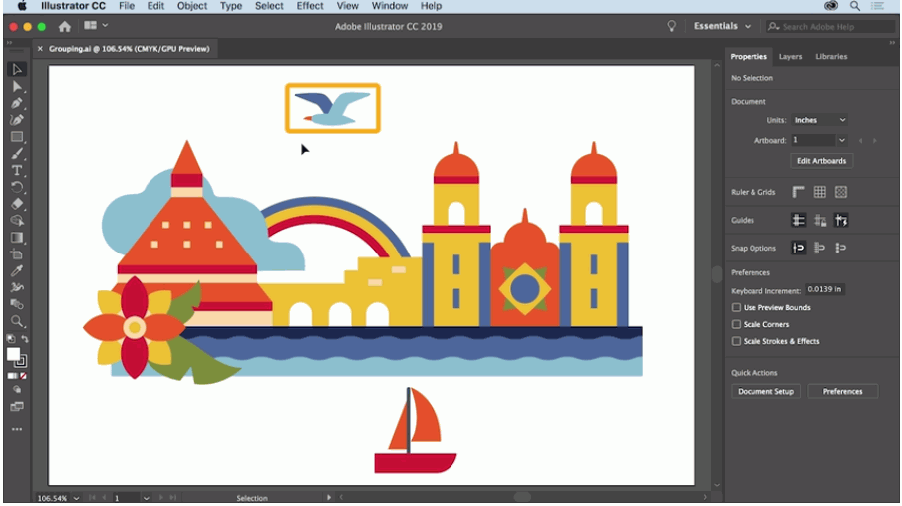
Four steps from a flat PDF to a file your machine can cut
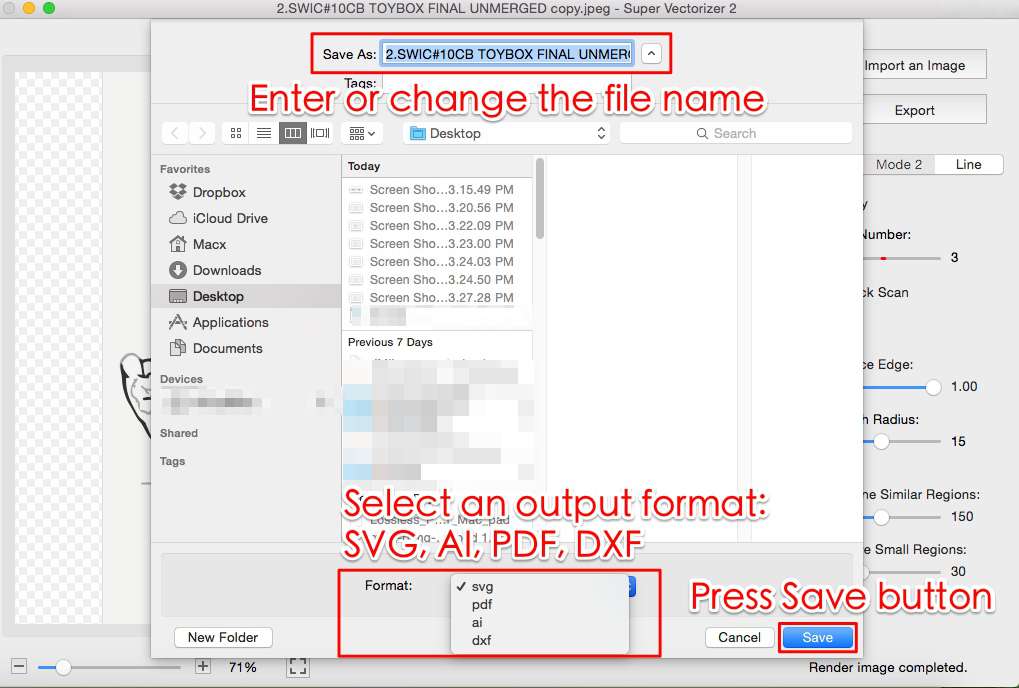
Load any PDF — vector export from Illustrator or a scanned document — into Super Vectorizer Pro on Mac or Windows.
Pick DXF as the export format and set the unit (mm or inches) to match your laser or CAM software.
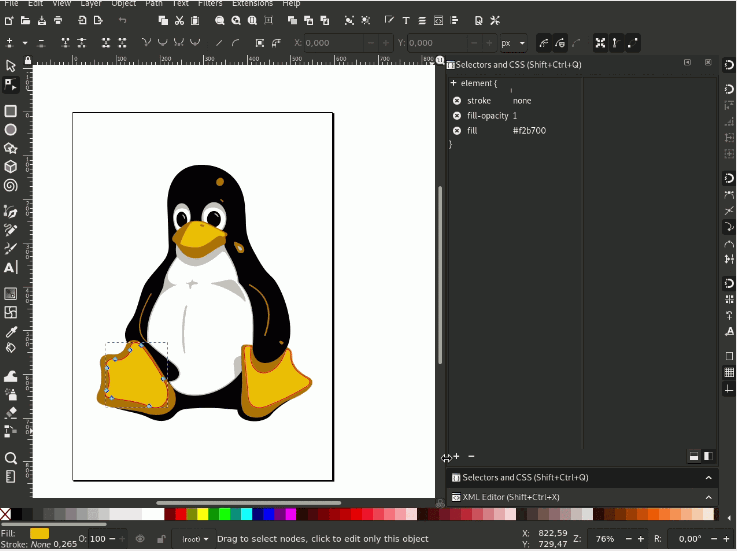
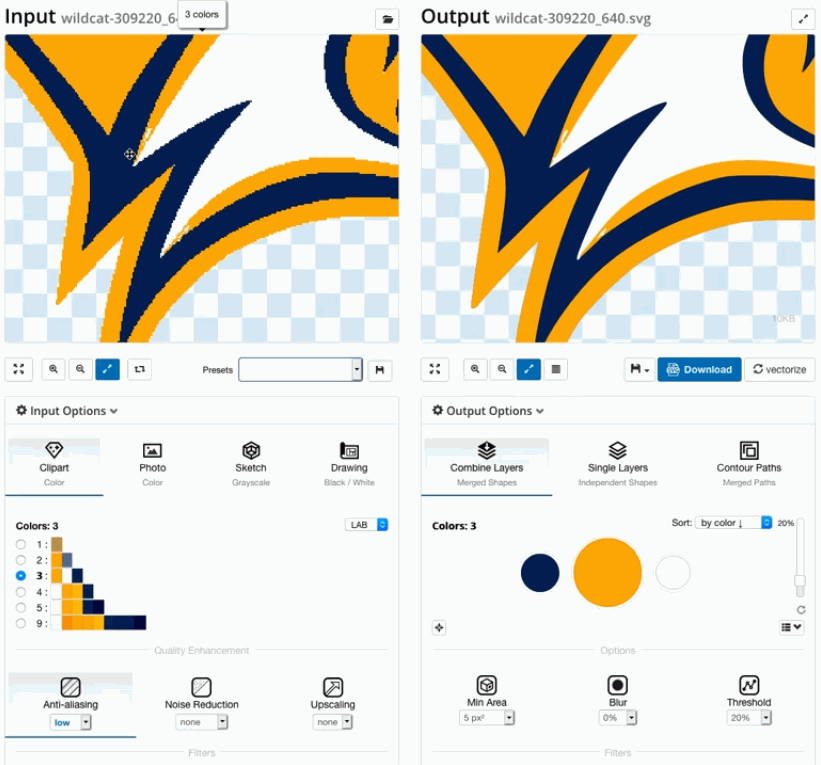
Preview the trace and tune node density, threshold, and curve smoothing for the cleanest result.
Save the DXF and import it into LightBurn, AutoCAD, or your CNC software — ready to machine.
Ready to turn PDF plans into cut-ready DXF? Download Super Vectorizer Pro and preview the full export in the free trial.
Compatible with macOS 10.10+ (M1/M2/M3/M4) & Windows 7/8/10/11
Where flat drawings turn into real, cut parts
Architectural and engineering PDFs with floor plans or schematics convert to DXF for AutoCAD, SketchUp, or Fusion 360.
Export a wordmark or logo PDF as DXF and cut it from wood, acrylic, or metal with crisp edges at any size.
Trace a measured PDF bracket to DXF, confirm dimensions, and cut a replacement from plywood or aluminium on your CNC.
Single-colour PDF art exports almost perfectly to DXF for reusable painting, etching, or layout templates.
Everything you need to know about converting PDF to DXF
Open your PDF file in Super Vectorizer Pro, select DXF as the output format, adjust trace settings for clean paths, and export. The resulting DXF file contains vector paths that CAD software and laser cutters can read. Works on both Mac and Windows.
Yes. Super Vectorizer Pro converts PDF files to DXF format specifically optimized for laser cutting. The DXF output works with LightBurn, LaserGRBL, Glowforge, xTool, and any laser or CNC software that accepts DXF files.
Yes. Super Vectorizer Pro can convert both vector PDFs (exported from Illustrator, Inkscape) and raster PDFs (scanned documents, images embedded in PDFs). For scanned PDFs, the tracing algorithm converts the pixel content into vector paths.
Yes. Super Vectorizer Pro runs natively on macOS including M1, M2, M3, and M4 Apple Silicon. Convert PDF to DXF locally on your Mac — no internet connection needed, your files stay private on your computer.
PDF (Portable Document Format) is primarily a display format — it shows how content should look but does not store clean vector path data in a way that CAD or CAM software can easily edit. DXF (Drawing Exchange Format) is a CAD format that stores actual vector entities — lines, arcs, polylines, and splines — that CAD and CNC software can read, edit, and machine.
Yes. Architectural and engineering PDFs with floor plans, electrical diagrams, or mechanical drawings can be converted to DXF for import into AutoCAD, SketchUp, or Fusion 360. Super Vectorizer Pro traces the PDF content and produces clean DXF paths ready for further CAD work or CNC machining.
Free options are limited. Inkscape can export PDFs as DXF but the output often needs cleanup. Online converters exist but are unreliable for complex drawings. For professional-quality PDF to DXF conversion with full control, Super Vectorizer Pro is the best option — one-time $29.99 for Mac and Windows.
Yes. Super Vectorizer Pro runs natively on Windows 10 and 11 as well as macOS. The PDF to DXF workflow is identical — open your PDF, pick DXF as the output, and export. Files are processed locally on your computer and never uploaded to a server.
DXF is supported by virtually all CAD and laser software. The DXF output from Super Vectorizer Pro uses standard polylines and splines, so it imports cleanly into AutoCAD, Fusion 360, SolidWorks, LibreCAD, LightBurn, and most CNC controllers.
Yes. Super Vectorizer Pro preserves the document's real-world dimensions. Vector PDFs keep their exact scale, and for scanned (raster) PDFs you can set the output DPI or scale so the resulting DXF matches your source measurements.
Super Vectorizer Pro exports PDF, PNG, JPG, and SVG artwork into clean DXF, SVG, AI, EPS, and PDF on Mac and Windows.
One-time purchase $29.99 · Works offline · macOS & Windows