Machines Read DXF, Not SVG
Most laser, CNC, plasma, and router controllers expect DXF. Exporting your SVG to DXF is what lets a finished illustration become a physical part without re-drawing it.
Turn finished vector artwork into real DXF geometry for laser cutters, CNC routers, and AutoCAD. Export SVG to DXF on your Mac or Windows PC with Super Vectorizer Pro, set the output unit for your machine, and get clean paths that LightBurn, LaserGRBL, and Fusion 360 can follow.
Need a browser option first? Try the free online DXF / SVG converter, then export DXF.
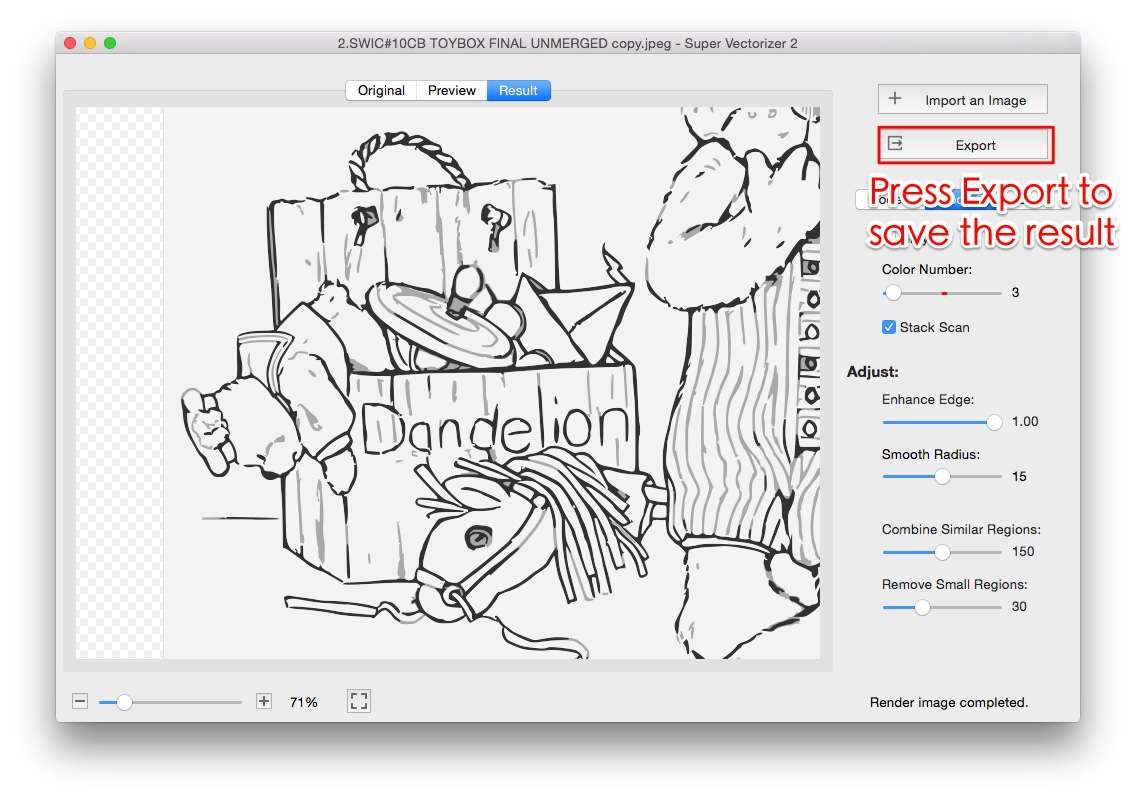
SVG is the format designs are drawn in. DXF is the format cutting machines and CAD programs actually open.
Most laser, CNC, plasma, and router controllers expect DXF. Exporting your SVG to DXF is what lets a finished illustration become a physical part without re-drawing it.
SVG is usually measured in pixels, which a cutter cannot size. DXF stores coordinates in millimetres or inches, so the part comes out at the exact dimension you intended.
Each colour region in your SVG can be written as its own DXF layer or geometry, so you assign red to cut, blue to score, and black to engrave inside your laser software and run one job.
LightBurn, LaserGRBL, xTool, Glowforge, AutoCAD, LibreCAD, Fusion 360, and nearly every CAM package import DXF. Sending DXF removes the guesswork about what the shop can open.
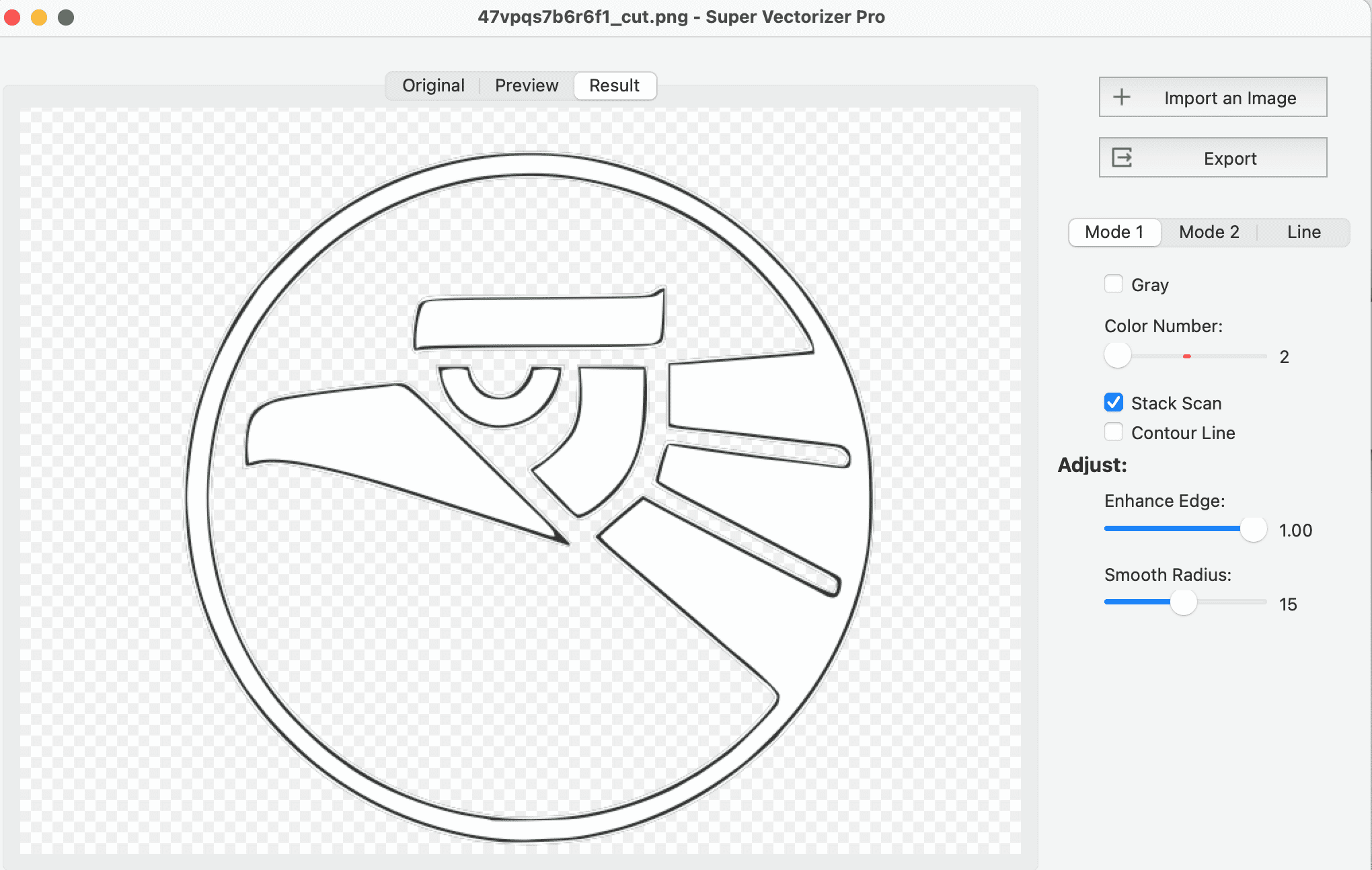
Both are vector, but they solve different ends of the pipeline
| Feature | SVG | DXF |
|---|---|---|
| Type | Web vector (XML) | CAD exchange format |
| Real-world units | Optional (often pixels) | Yes — mm or inches |
| Best for | Screen, print, illustration | Laser, CNC, plasma, AutoCAD |
| Colour / layer export | Yes, but app-dependent | Yes, widely supported |
| Curve handling | True curves | True curves or polyline segments |
| Machine readable | Sometimes | Almost always |
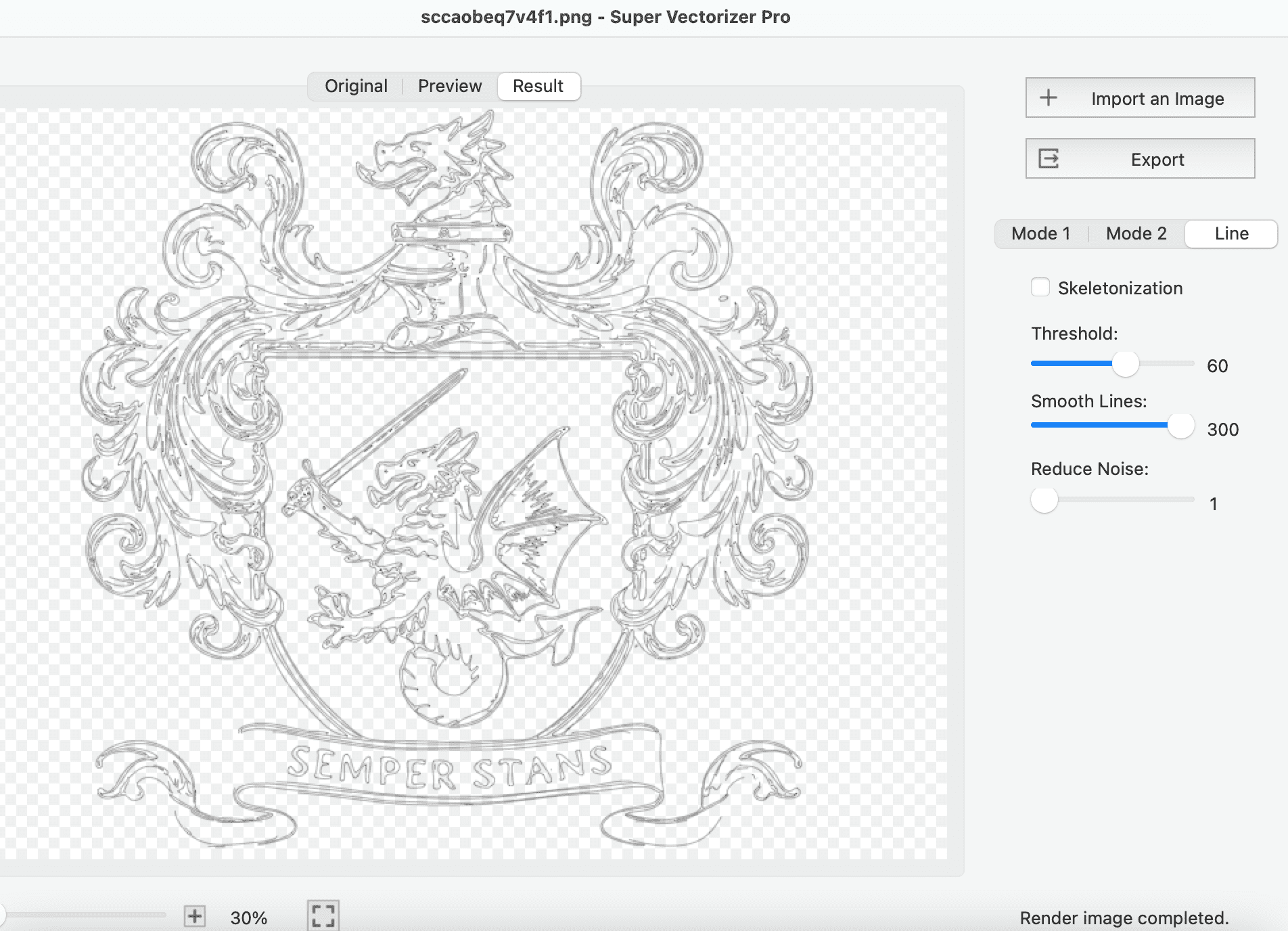
Four steps from a finished design to a file your machine can cut
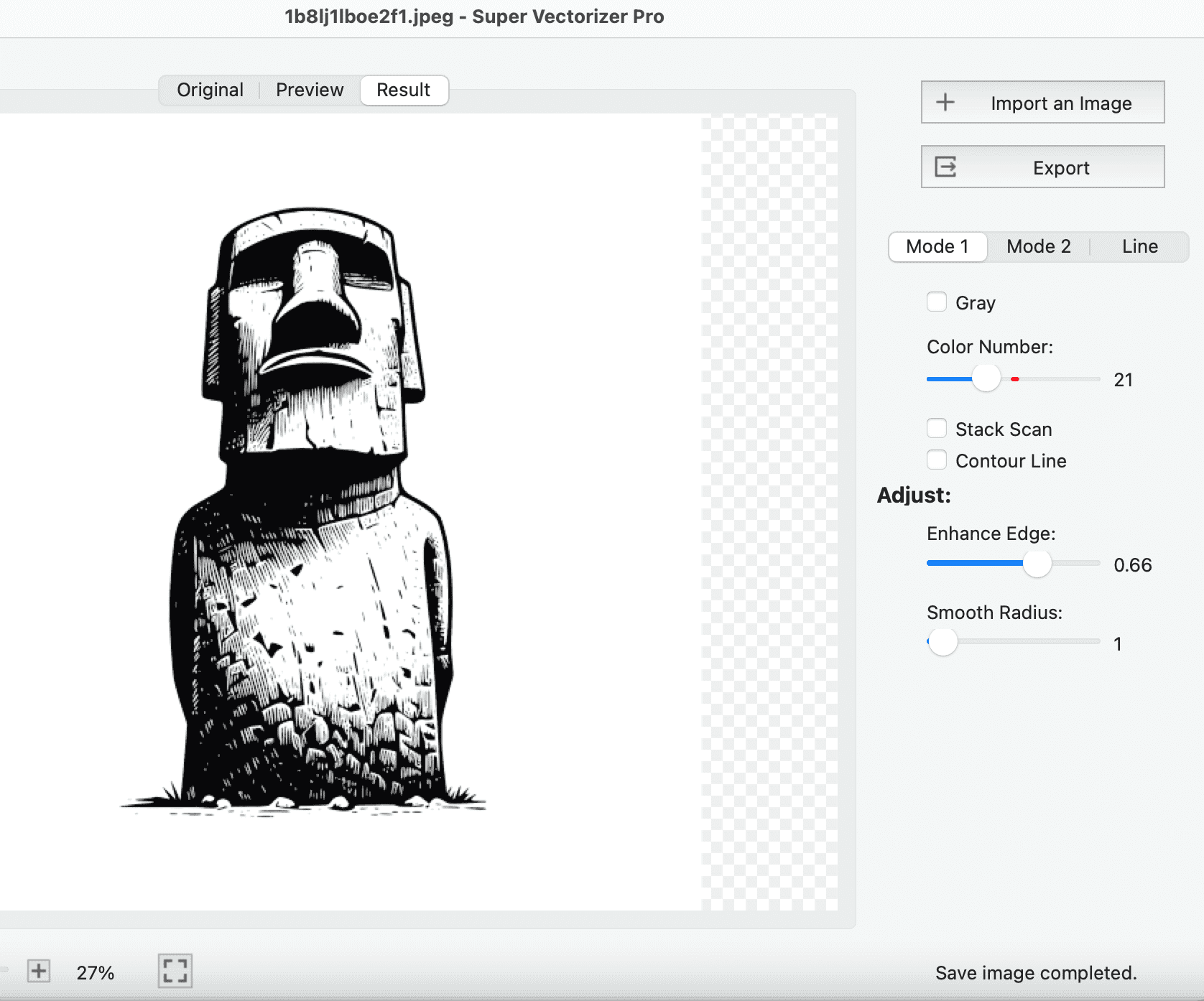
Load the SVG in Super Vectorizer Pro, Inkscape, or Illustrator. Confirm the artwork is made of paths, not embedded raster images.
Choose DXF as the export format and set the unit to millimetres or inches to match your laser or CAM software.
If your exporter writes curves as segments, raise the smoothing tolerance so the file stays small and the edges stay smooth.
Check the preview for open or doubled paths, then save the DXF and import it into LightBurn or your CAM tool.
Ready to turn SVG artwork into cut-ready DXF? Download Super Vectorizer Pro and preview the full export in the free trial.
Compatible with macOS 10.10+ (M1/M2/M3/M4) & Windows 7/8/10/11
Where finished vector art turns into real, cut parts
Export a wordmark or logo SVG as DXF and cut it from wood, acrylic, or metal. Vector edges stay crisp at any size, from a desk plaque to a shopfront sign.
Single-colour SVG stencil art exports almost perfectly to DXF. Cut reusable templates for painting, etching, or layout marking.
Keep filled shapes as one colour for raster engraving and outlines as another for cutting, so a single exported file drives a complete two-pass job.
Export a measured SVG bracket as DXF, confirm the dimensions, and cut a replacement from plywood, acrylic, or aluminium on your CNC.
Everything you need to know about converting SVG to DXF
Open the SVG in a tool that exports DXF, such as Super Vectorizer Pro, Inkscape, or Adobe Illustrator, and choose DXF as the output. Set the drawing unit (millimetres or inches) to match your laser or CNC software, then export. Super Vectorizer Pro keeps the vector geometry intact and lets you preview the full trace before saving, on both macOS and Windows.
DXF is supported by virtually every CAD and cutting program: AutoCAD, LibreCAD, QCAD, Fusion 360, LightBurn, LaserGRBL, xTool Creative Space, Glowforge, Inkscape, CorelDRAW, and most CAM, plasma, and router control packages. It is the safest interchange format when you do not know which software the shop or machine owner uses.
Yes. Inkscape and LibreCAD are free, open-source tools that export SVG to DXF, and our free online DXF to SVG converter handles quick browser-based swaps between the two formats. For a one-click desktop workflow with unit control and curve smoothing, Super Vectorizer Pro is a one-time $29.99 purchase with a free trial that previews the complete result.
DXF is the traditional format for laser and CNC equipment and is more universally accepted by industrial software. SVG works well with modern laser tools such as LightBurn and Glowforge. If your machine or shop specifically asks for DXF, convert your SVG to DXF — both store vector paths the cutter follows, but DXF carries real-world units that SVG often omits.
Yes. Super Vectorizer Pro runs natively on macOS, including M1, M2, M3, and M4 Apple Silicon, as well as Windows 7 through 11. The Mac version is a standard .dmg install and the conversion runs entirely on your own machine, so no internet connection and no upload are involved.
In Inkscape use Path > Object to Path, then File > Save As and pick the DXF R12 or Desktop Cutting Plotter option. In Illustrator, open the SVG and use File > Export > Export As, choosing AutoCAD DXF. Both preserve the paths, but you should still check the export unit, because a file saved in points can arrive in your CAM software at the wrong scale.
It depends on the exporter. DXF can carry layers and colour attributes, and Super Vectorizer Pro preserves colour regions as separate geometry so you can assign cut, score, and engrave operations by colour in your laser software. Some basic exporters flatten everything into one layer, so check the output if you rely on colour-based job setup.
SVG is an XML-based web vector format measured in pixels or user units, ideal for screens, print, and illustration. DXF is a CAD exchange format from Autodesk that stores real geometry with coordinates and real-world units such as millimetres or inches. You move from SVG to DXF whenever a machine needs to follow an actual path at a physical size instead of showing a picture.
Yes. DXF is the native interchange language of AutoCAD and most CNC control software, so an SVG exported to DXF imports cleanly into milling, routing, plasma, and laser workflows. Set the unit before exporting so the part arrives at the correct physical size in your CAM package.
Many DXF exporters write splines as polylines, approximating each curve with many short straight segments. That is fine for cutting but can bloat the file. Super Vectorizer Pro and some CAD tools keep true curves or let you control the segmentation tolerance, which reduces node count and gives smoother finished edges.
No. Both SVG and DXF are vector formats, so the geometry stays sharp at any size. The only scaling risk is unit mismatch — an SVG drawn in pixels exported as millimetres, or a millimetre DXF opened in an inch-based job, will appear at the wrong physical dimension. Always confirm the import unit in your laser or CAM software.
Yes. Our free online DXF to SVG converter swaps between the two formats directly in the browser, with no upload to a server and no install. For larger batches, colour-by-colour control, or offline work on a client file, the desktop Super Vectorizer Pro app gives you more options and keeps everything on your own machine.
Super Vectorizer Pro exports SVG, PNG, JPG, and PDF artwork into clean DXF, SVG, AI, EPS, and PDF on Mac and Windows
One-time purchase $29.99 - Works offline - macOS & Windows