Machines Follow Paths, Not Pixels
A laser head or router bit needs coordinates and direction. DXF stores exactly that — lines, arcs, and polylines with real units — so the machine can trace a shape instead of guessing at coloured squares.
Turn PNG logos, clipart, and stencil art into real DXF cut geometry for laser cutters, CNC routers, and plasma tables. Trace on your Mac or Windows PC with Super Vectorizer Pro, set output units for your machine, and export clean paths that LightBurn, LaserGRBL, and Fusion 360 can follow.
Need a browser option first? Try the free online PNG to SVG converter, then export DXF.

DXF is the interchange format that cutting machines actually read. PNG is the format most artwork arrives in.
A laser head or router bit needs coordinates and direction. DXF stores exactly that — lines, arcs, and polylines with real units — so the machine can trace a shape instead of guessing at coloured squares.
Unlike JPEG, PNG keeps every pixel exactly as saved. That means crisp boundaries between colours, which is precisely what a tracer needs to produce clean outlines rather than fuzzy, node-heavy paths.
Each colour region in your PNG becomes its own geometry. Assign red to cut, blue to score, and black to engrave inside your laser software and run the whole design in a single job.
LightBurn, LaserGRBL, xTool, Glowforge, AutoCAD, LibreCAD, Fusion 360, and nearly every CAM package import DXF. Sending DXF removes the guesswork about what the shop can open.
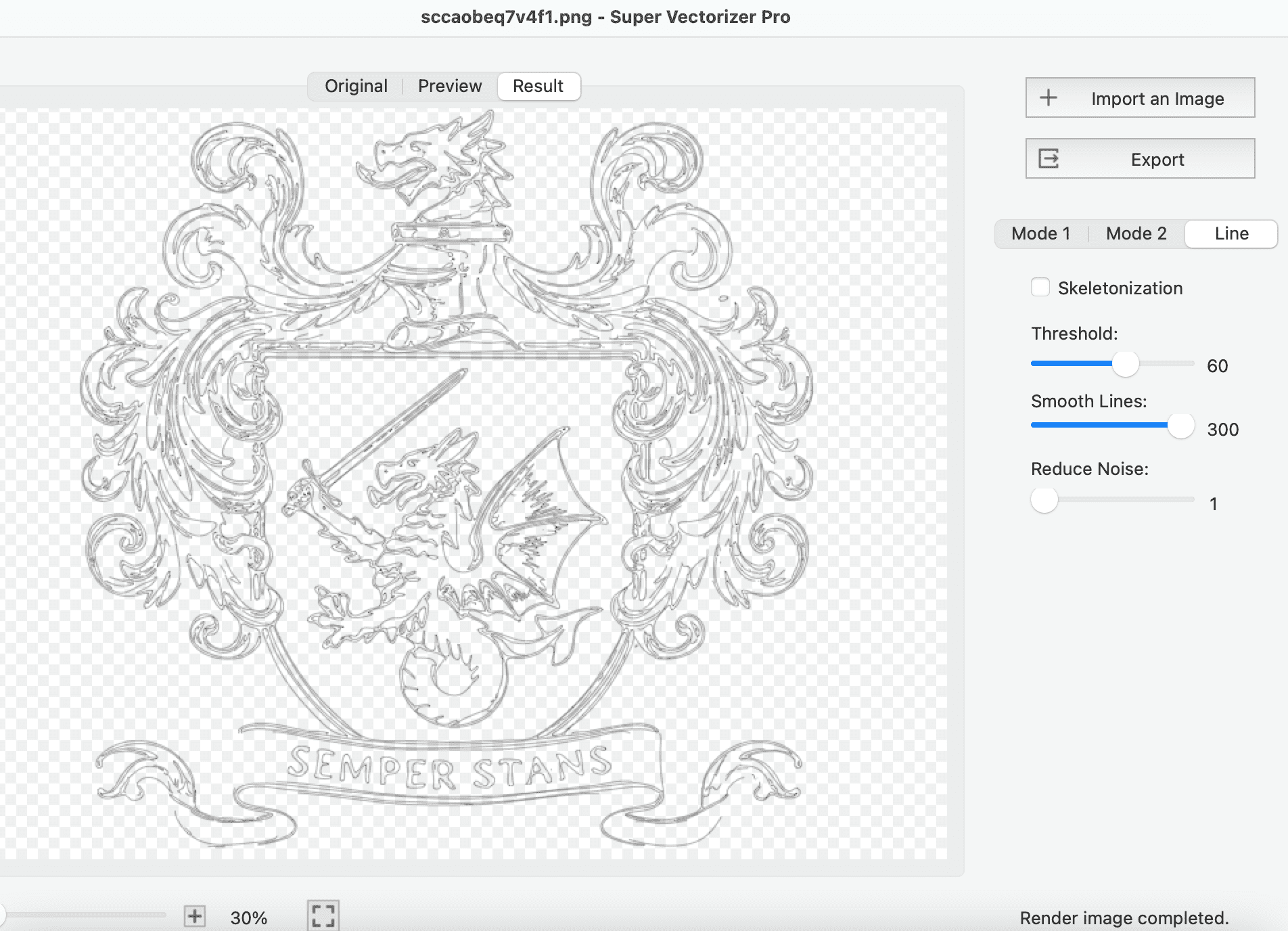
Which format you start from, and which one your machine needs
| Feature | PNG | JPG | SVG | DXF |
|---|---|---|---|---|
| Type | Raster (lossless) | Raster (lossy) | Vector | Vector (CAD) |
| Transparency | Yes | No | Yes | No |
| Real-world units | No | No | Optional | Yes |
| Cut-ready | No | No | Often | Yes |
| Best for | Logos, clipart, stencils | Photos | Web, print, editing | Laser, CNC, plasma |
| Trace quality | Excellent | Fair — noise adds nodes | Already vector | Already vector |
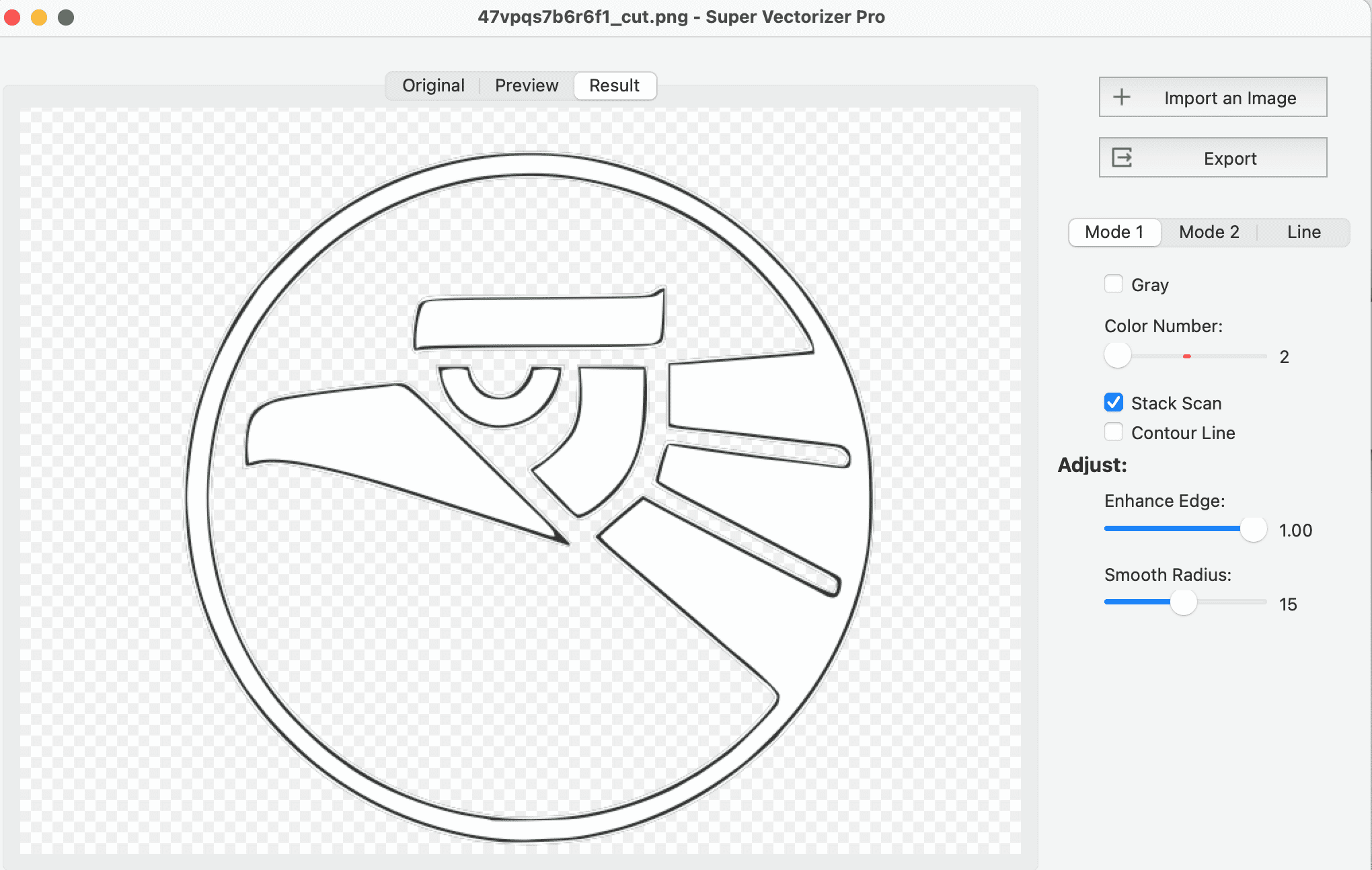
Four steps from a downloaded image to a file your machine can cut
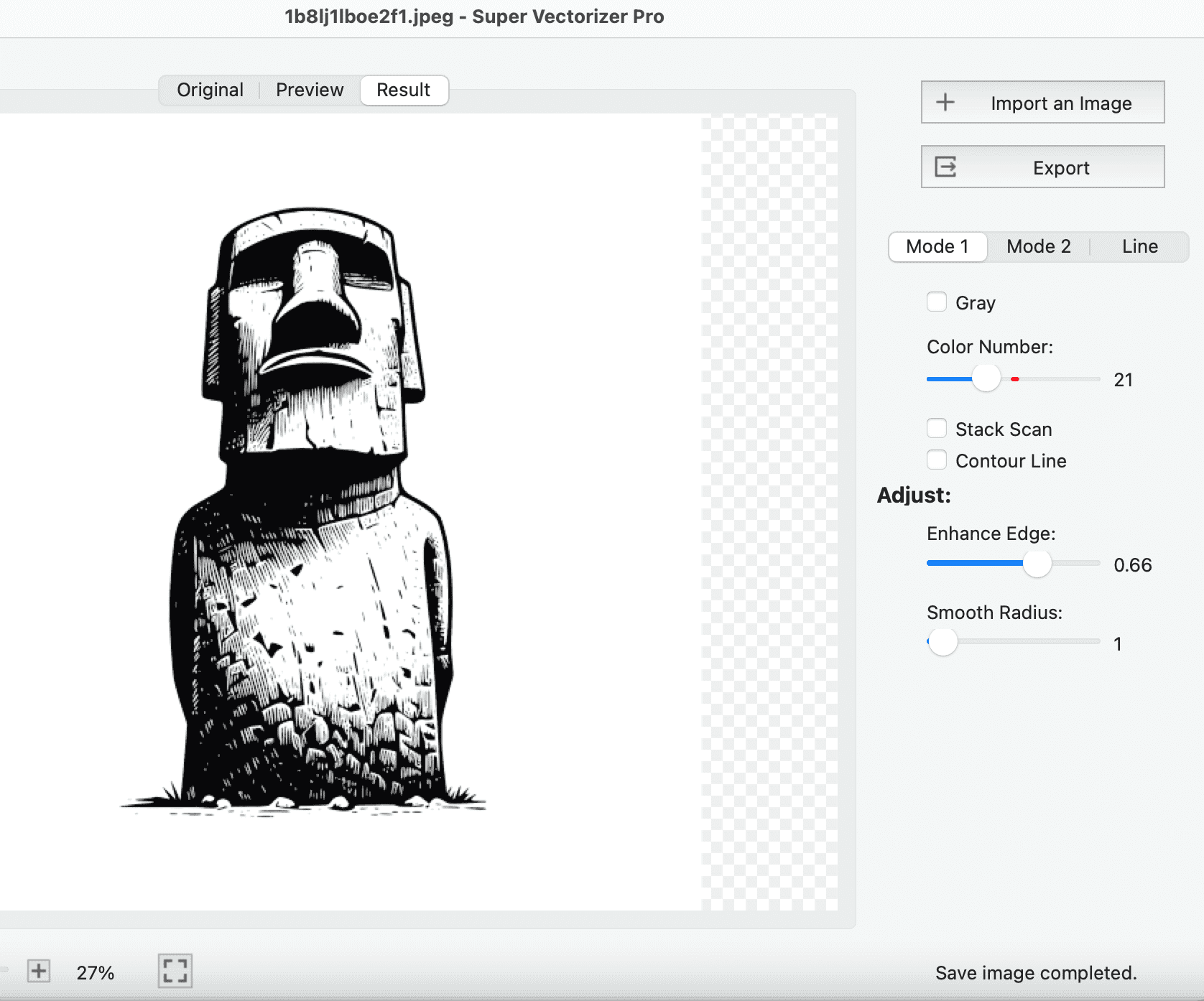
Load the largest, cleanest version of the image you have. Flatten any soft shadow or glow to solid colour first.
Choose DXF as the export format and set the unit to millimetres or inches to match your laser or CAM software.
Reduce colour count for clean cut lines, raise the speckle filter, and smooth curves to cut the node count.
Check the preview for open or doubled paths, then save the DXF and import it into LightBurn or your CAM tool.
Ready to trace PNG artwork into cut-ready DXF? Download Super Vectorizer Pro and preview the full trace in the free trial.
Compatible with macOS 10.10+ (M1/M2/M3/M4) & Windows 7/8/10/11
Where traced PNG artwork turns into real, cut parts
Trace a PNG logo or wordmark into outlines and cut it from wood, acrylic, or metal. Vector edges stay crisp at any size, from a desk plaque to a shopfront sign.
PNG stencil art is usually pure black and white, which traces almost perfectly. Cut reusable templates for painting, etching, or layout marking.
Keep filled shapes as one colour for raster engraving and outlines as another for cutting, so a single traced file drives a complete two-pass job.
Trace a photo or scan of a broken bracket into a DXF outline, adjust the dimensions, and cut a replacement from plywood, acrylic, or aluminium.
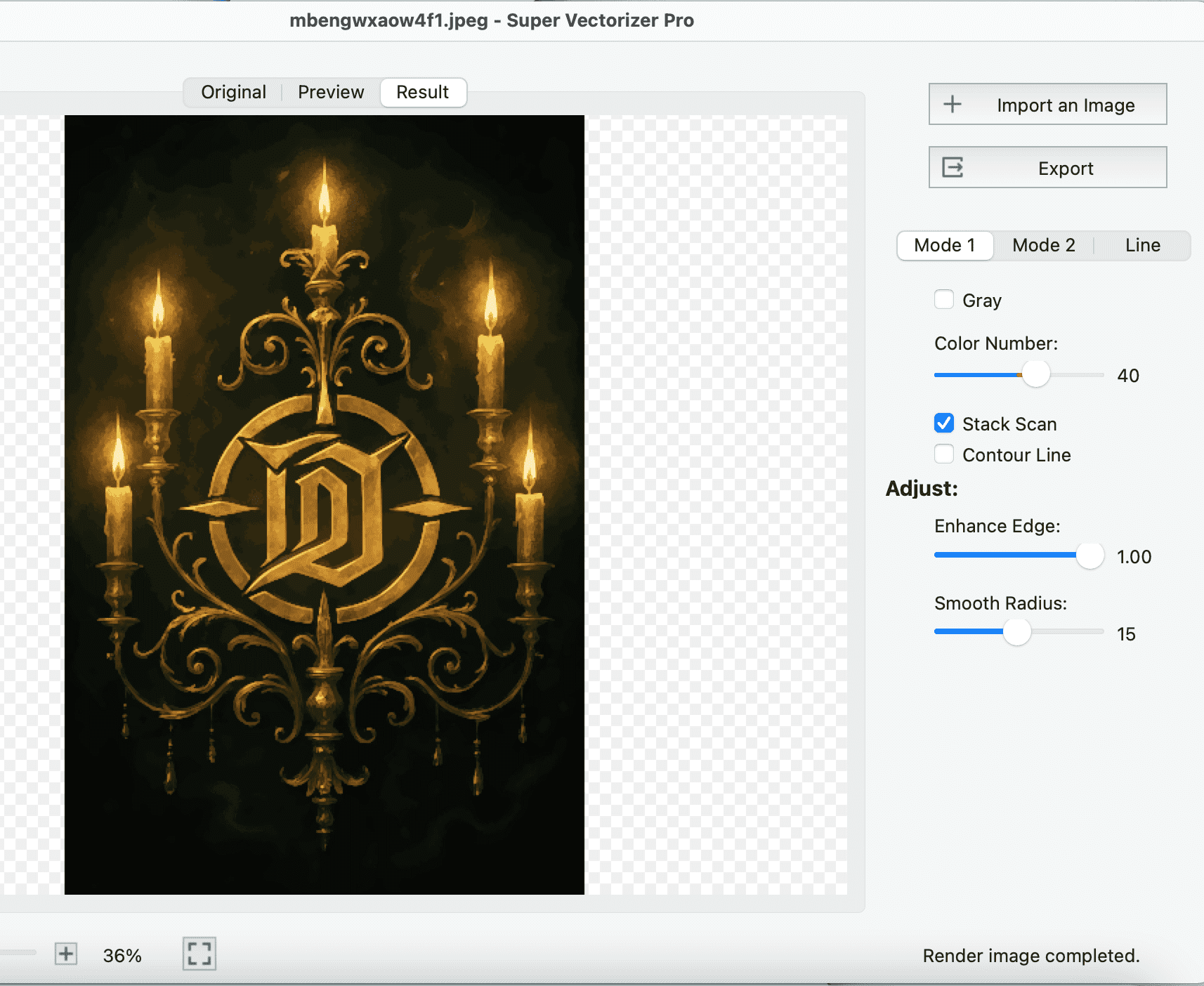
Everything you need to know about converting PNG to DXF
A PNG to DXF converter turns a raster PNG image into a DXF file made of vector lines and curves. PNG is built from pixels that a laser cutter or CNC router cannot follow; DXF stores real geometry with coordinates and units that CAM and laser software can drive directly. Converting is the step that makes a downloaded logo or clipart image physically cuttable.
Open the PNG in Super Vectorizer Pro, choose DXF as the output format, set the unit to millimetres or inches to match your machine, and export. The traced result is a DXF of closed polylines you can import straight into LightBurn, LaserGRBL, or any CAM package. The whole job runs locally on your Mac or Windows PC.
Yes. DXF is the most widely accepted cutting format, and laser software such as LightBurn, LaserGRBL, xTool Creative Space, and Glowforge all read it. Because PNG artwork is usually flat-colour clipart or a logo rather than a photograph, it traces into especially clean cut lines with far fewer stray nodes than a photo would produce.
DXF has no alpha channel, so transparency is dropped during conversion — only the visible shapes become geometry. That is usually what you want for cutting: the transparent area simply becomes empty space. If your PNG has a semi-transparent drop shadow or glow, flatten it to solid colour first, otherwise those soft pixels will trace into ragged unwanted outlines.
You can convert PNG to SVG with a browser-based tool and then export that SVG to DXF in a free editor such as Inkscape or LibreCAD. That two-step route is free but adds extra handling and often doubles the node count. Super Vectorizer Pro writes DXF in a single step with control over path smoothing, and a free trial lets you preview the full trace before you buy.
Yes. Super Vectorizer Pro runs natively on macOS, including M1, M2, M3, and M4 Apple Silicon, as well as Windows 7 through 11. The Mac version is a standard .dmg install and the conversion is done on your own machine, so no internet connection and no upload are involved.
Match the unit your machine software expects. Most diode and CO2 laser workflows use millimetres, while many US CNC shops use inches. Exporting a millimetre design into a program set to inches will scale the part by 25.4x, so check the import setting in LightBurn or your CAM software before you commit to a cut.
Anti-aliased edges, JPEG-style noise, and gradients force the tracer to place a node on almost every pixel boundary. PNG avoids most of that because it is lossless, but soft shadows and low-resolution art still cause it. Lower the detail level, raise the speckle filter, and smooth the curves in Super Vectorizer Pro to cut the node count and speed up the laser head.
The traced outline is only as accurate as the source pixels. A PNG at 300 DPI or higher with hard edges produces a DXF that matches the original very closely, while a 72 DPI web thumbnail gives a coarse, blocky path. Scaling a small PNG up before tracing does not add real detail — start from the largest, cleanest version of the image you have.
Yes. The tracer separates the image into colour regions and writes each one as its own geometry, which lets you assign cut, score, and engrave operations by colour in your laser software. For pure cutting, switching to a two-colour or black-and-white mode first almost always produces the cleanest result.
PNG is a lossless raster format with transparency, ideal for logos and clipart. JPG is a compressed raster for photographs and has no transparency. DXF is a vector exchange format holding real geometry with units. You move from PNG or JPG to DXF whenever a machine needs to follow an actual path instead of displaying a picture.
DXF is supported by LightBurn, LaserGRBL, xTool Creative Space, Glowforge, AutoCAD, LibreCAD, QCAD, Fusion 360, Inkscape, and virtually every CAM and plasma or router control package. It is the safest interchange format when you do not know which software the shop or the machine owner uses.
Yes. To preview a cutting file or share it as an image, use the DXF to PNG converter on SVGVector, which renders DXF geometry into a raster preview you can drop into a document or send for approval.
Super Vectorizer Pro traces PNG, JPG, and PDF artwork into clean DXF, SVG, AI, EPS, and PDF on Mac and Windows
One-time purchase $29.99 - Works offline - macOS & Windows