From Any Source to Vector
Drop a PNG, JPG, or sketch of your artwork and get editable SVG paths ready for shirts — no manual tracing required.
Logos, hand-drawn sketches, and photos become clean, scalable SVG files for HTV, screen printing, and print-on-demand — traced offline on your Mac or Windows machine.

Everything you need to turn custom artwork into production-ready SVG
Drop a PNG, JPG, or sketch of your artwork and get editable SVG paths ready for shirts — no manual tracing required.
Export SVG with simplified, cut-friendly paths and clean colour separation that import straight into Cricut Design Space and Silhouette Studio.
All tracing happens locally on your device. Your artwork never leaves your computer — no uploads, no cloud dependencies.
Export SVG, EPS, PDF, AI, or DXF — match HTV, screen print, sublimation, or DTG workflows with one traced file.
No manual tracing, no cloud uploads — just a clean, scalable SVG
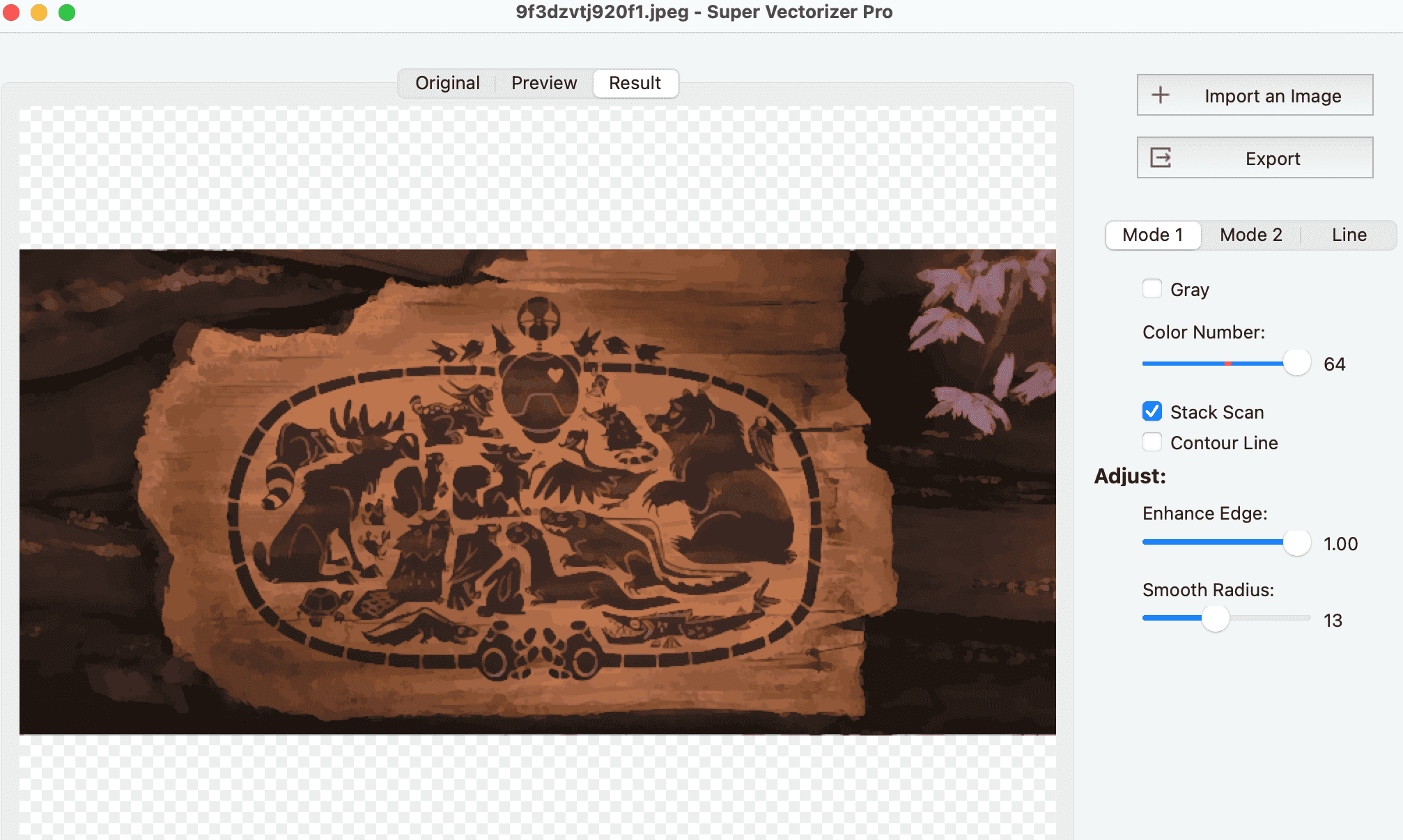
Open a PNG or JPG of your logo, sketch, or photo in Super Vectorizer Pro at the highest resolution available.
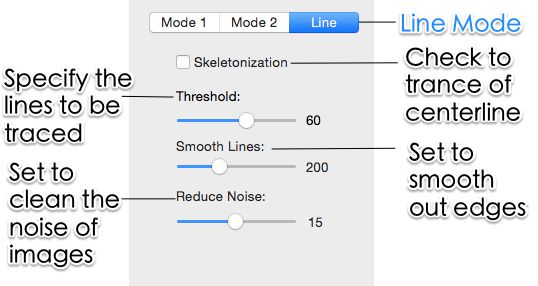
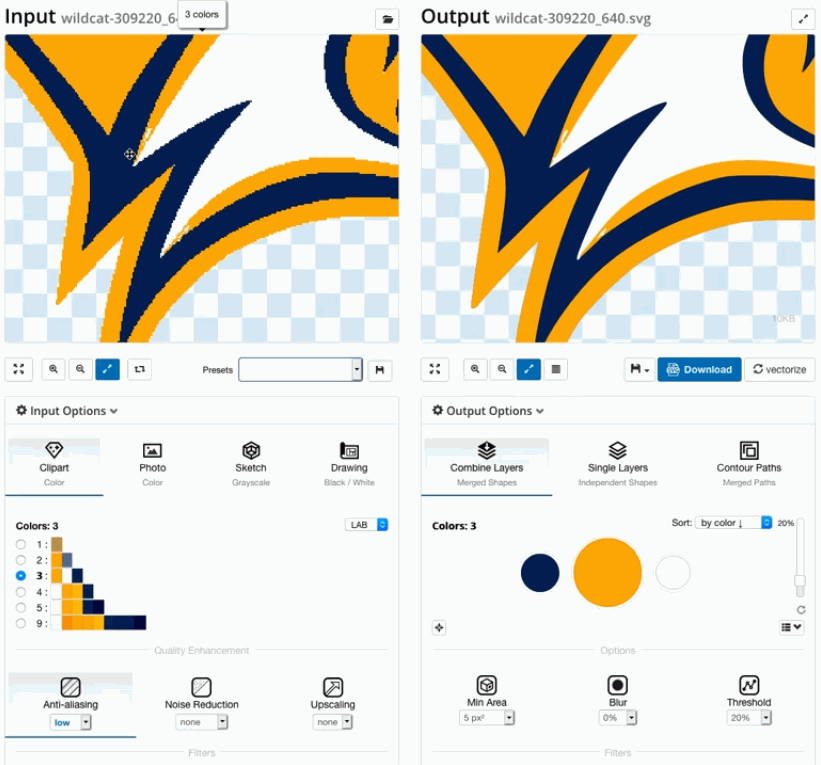
Choose a low colour count for HTV or higher detail for sublimation, then adjust path smoothing and noise filtering.
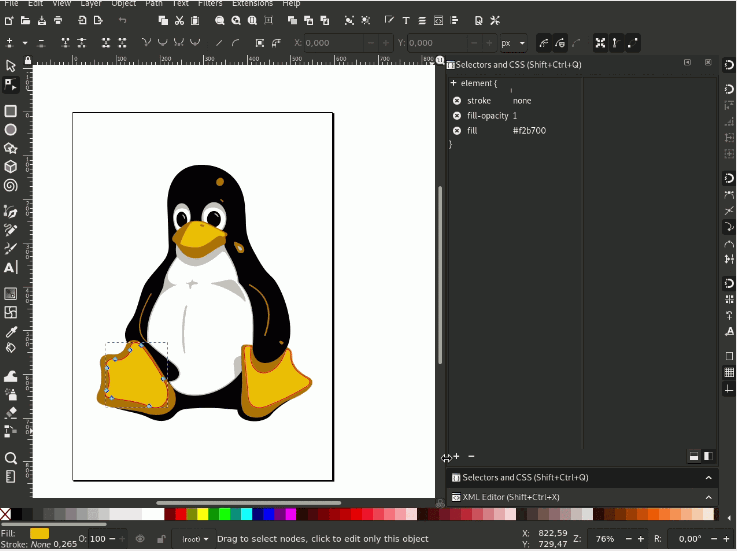
Preview the traced vector, then export SVG (or EPS, PDF, AI, DXF) for your cutter or printer.
Ready to make your t-shirt SVG? Try Super Vectorizer Pro free trial to preview results on your own artwork.
Compatible with macOS 10.10+ (M1/M2/M3) & Windows 7/8/10/11
Your artwork becomes reusable, scalable assets the moment it is traced
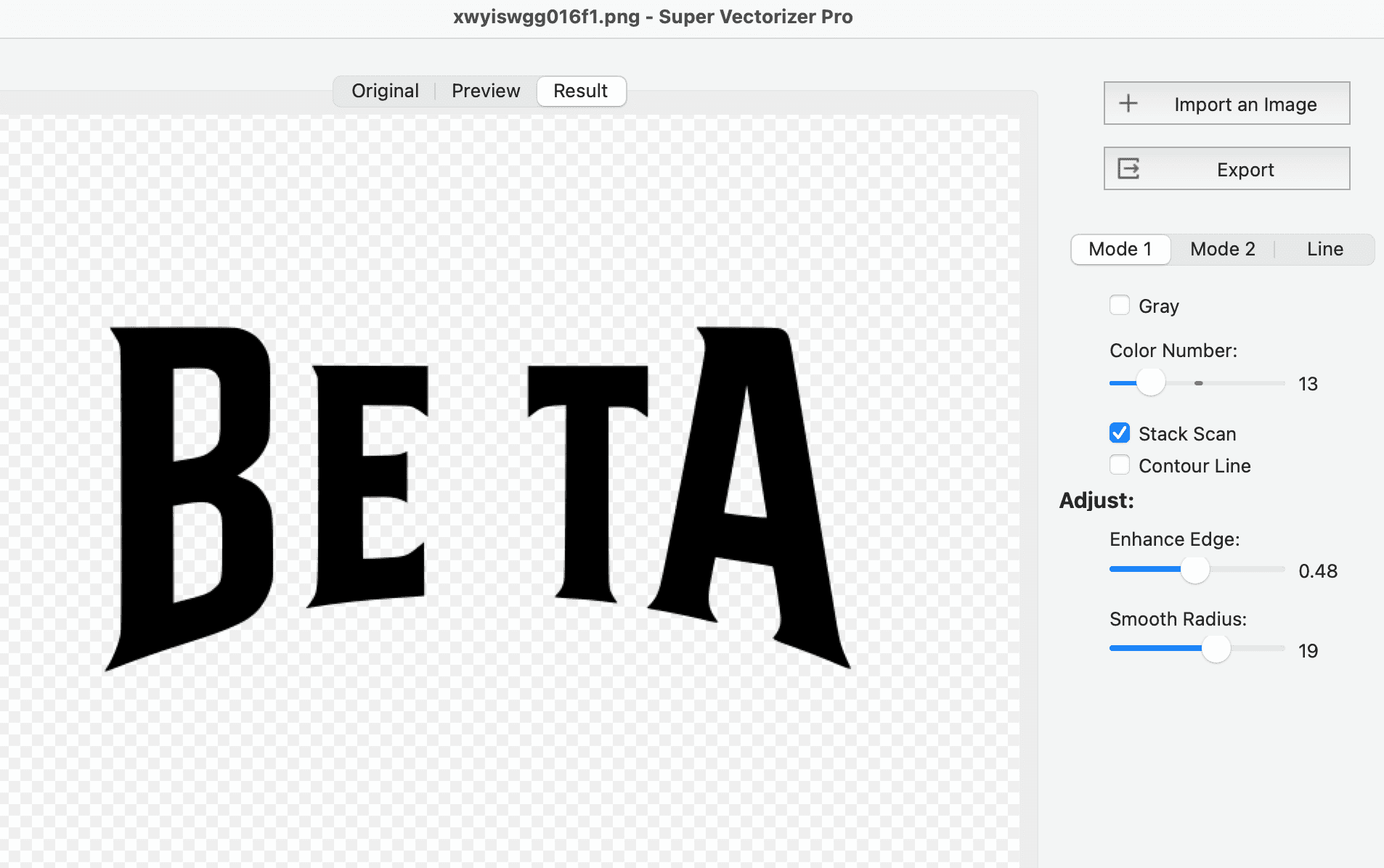
Simplified paths and per-colour layers import cleanly into Cricut Design Space and Silhouette Studio for fast, accurate weeding.
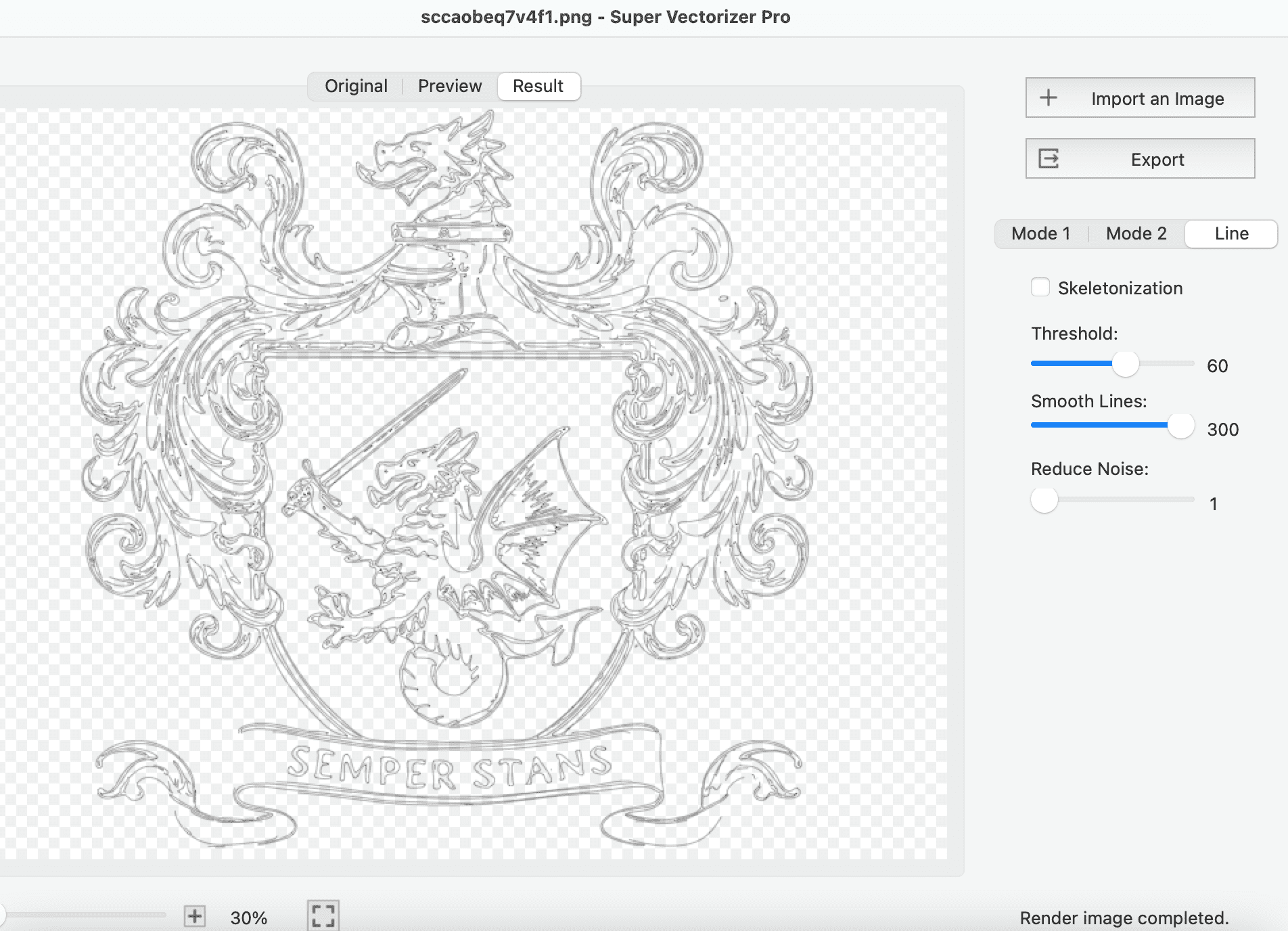
Spot-colour SVG separates into screens; full-colour SVG rasterizes cleanly for sublimation on polyester tees.
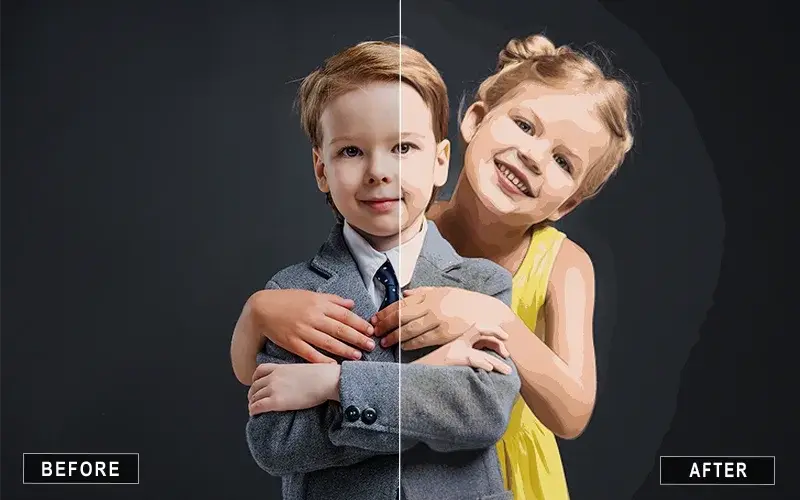
One scalable SVG feeds Printful, Printify, Etsy, and Redbubble at every product size without quality loss.
Everything you need to know about SVG for t-shirts and Super Vectorizer Pro
Open your PNG, JPG, or scanned sketch in Super Vectorizer Pro and the tracing engine rebuilds it as smooth, editable vector paths. You control the colour count and path smoothing, then export a clean SVG ready for cutting or printing. Try the free trial to preview the vector on your own artwork before you buy.
For HTV and Cricut or Silhouette cutting you need true vector paths, so SVG (or DXF for some cutters) is the right format. For screen printing, SVG with spot colours separates into screens. For DTG and print-on-demand, an SVG with a transparent background exports cleanly to the high-resolution PNG most platforms prefer.
Yes. Photos, scanned drawings, and detailed multi-colour artwork are exactly what the desktop tracer is built for. Set a lower colour count for a two-colour HTV design or push it higher for a full-colour sublimation print, and the app rebuilds the image as scalable SVG.
It depends on the decoration method. Heat-transfer vinyl works best at 1 to 4 flat colours (one vinyl layer each); screen printing typically uses 1 to 6 spot colours; sublimation and DTG can use full colour. Set the colour count in the tracer to match the method before exporting.
Yes. Super Vectorizer Pro exports SVG files that import into Cricut Design Space and Silhouette Studio. Built-in colour reduction and path simplification produce cut-friendly shapes with fewer nodes, which speeds up weeding and improves cut accuracy. Silhouette Basic Edition needs DXF, which the app also exports.
SVG (default, infinitely scalable), EPS (legacy print workflows and screen-print films), PDF (shared proofs), AI (Adobe Illustrator), and DXF (cutters like Silhouette Basic Edition). Pick the format that matches your cutter or printer.
A free trial is available for both Mac and Windows. It is preview-only: you can load artwork, adjust tracing settings, and see the resulting vector on screen, but saving the finished file requires a license. This lets you verify quality before paying.
Yes. Because SVG scales mathematically, one file feeds every product size on print-on-demand platforms from a pocket logo to a full-back print without quality loss. Export a transparent-background SVG (or a 300 DPI PNG derived from it) and upload to Printful, Printify, Etsy, Redbubble, or your local shop.
All tracing happens locally on your computer. Your designs never leave the device, which matters for unreleased client work or private artwork. There is no upload step and no cloud dependency.
Yes. Native desktop apps ship for macOS 10.10+ (including Apple Silicon M1/M2/M3) and Windows 7/8/10/11. Both include the full feature set and process one image at a time.
Use a low colour count (2 to 4 flat colours), raise path smoothing so bold shapes stay bold, and simplify nodes so thin interior pieces do not shatter. Preview the result, then export SVG with one colour per layer for easy weeding in Cricut or Silhouette.
Yes. svgvector.com offers a large free SVG icon library you can download and use on t-shirts and merchandise. For your own custom artwork such as a logo, photo, or sketch, Super Vectorizer Pro turns it into a clean, scalable SVG you control.
Join 50,000+ designers who trust Super Vectorizer Pro for print-ready SVG.
30-day money-back guarantee.
Explore other image-to-vector pipelines built into Super Vectorizer Pro