Scalable to Any Size
A PNG logo turns blocky when enlarged. A vector logo (SVG, AI) stays razor-sharp from a 16×16 favicon to a 100-foot billboard, because it is math, not pixels.
Turn any PNG, JPG, or screenshot logo into a clean, scalable SVG you can edit, print, and resize forever. Super Vectorizer Pro traces your logo into vector paths on Mac and Windows, keeps colors editable, and exports SVG, AI, DXF, and PDF — one-time $29.99, works offline.
Want a quick browser trace first? Try the free online PNG to SVG converter, then export in the desktop app.
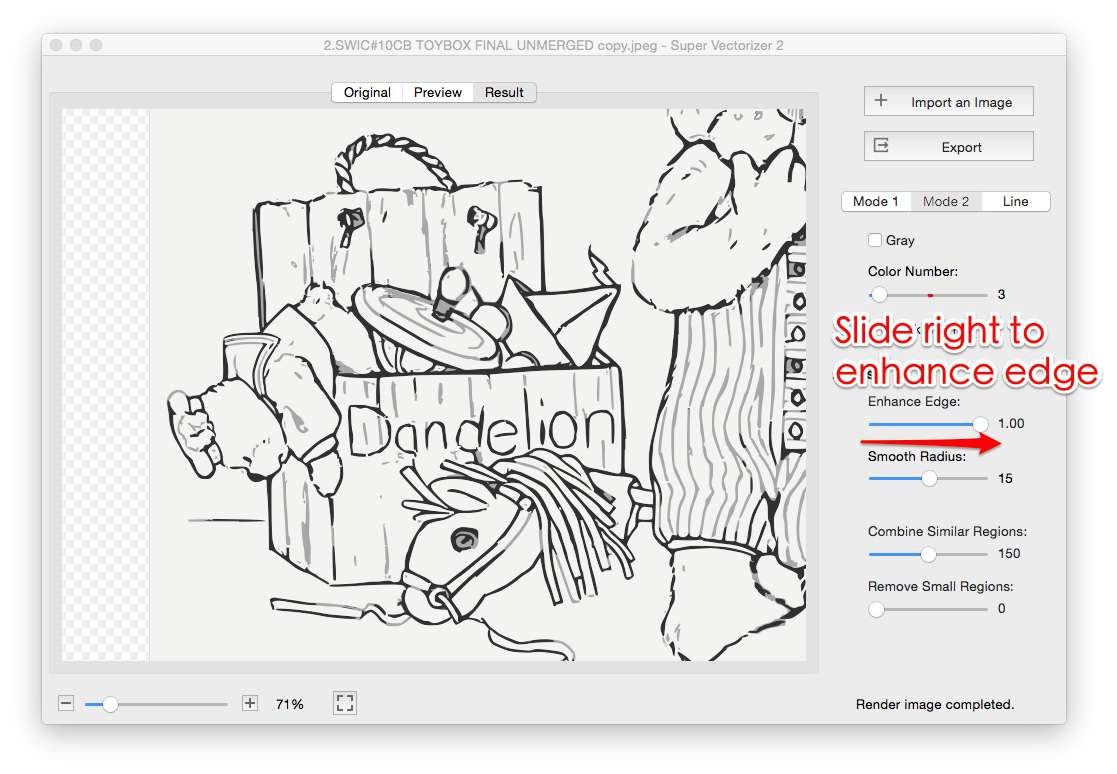
A raster logo looks fine on screen but falls apart the moment you print, enlarge, or recolor it.
A PNG logo turns blocky when enlarged. A vector logo (SVG, AI) stays razor-sharp from a 16×16 favicon to a 100-foot billboard, because it is math, not pixels.
Vector logos open in Illustrator, Figma, or CorelDRAW so you can recolor a wordmark, fix a shape, or resize an element. Raster logos lock you into fixed pixels.
Printers, sign shops, and embroidery or laser houses ask for vector files (SVG, AI, DXF, PDF). Vectorizing your logo once saves time and money on every future job.
Super Vectorizer Pro traces the logo locally on your Mac or Windows. Nothing is uploaded to a server, so client and brand logos stay confidential.
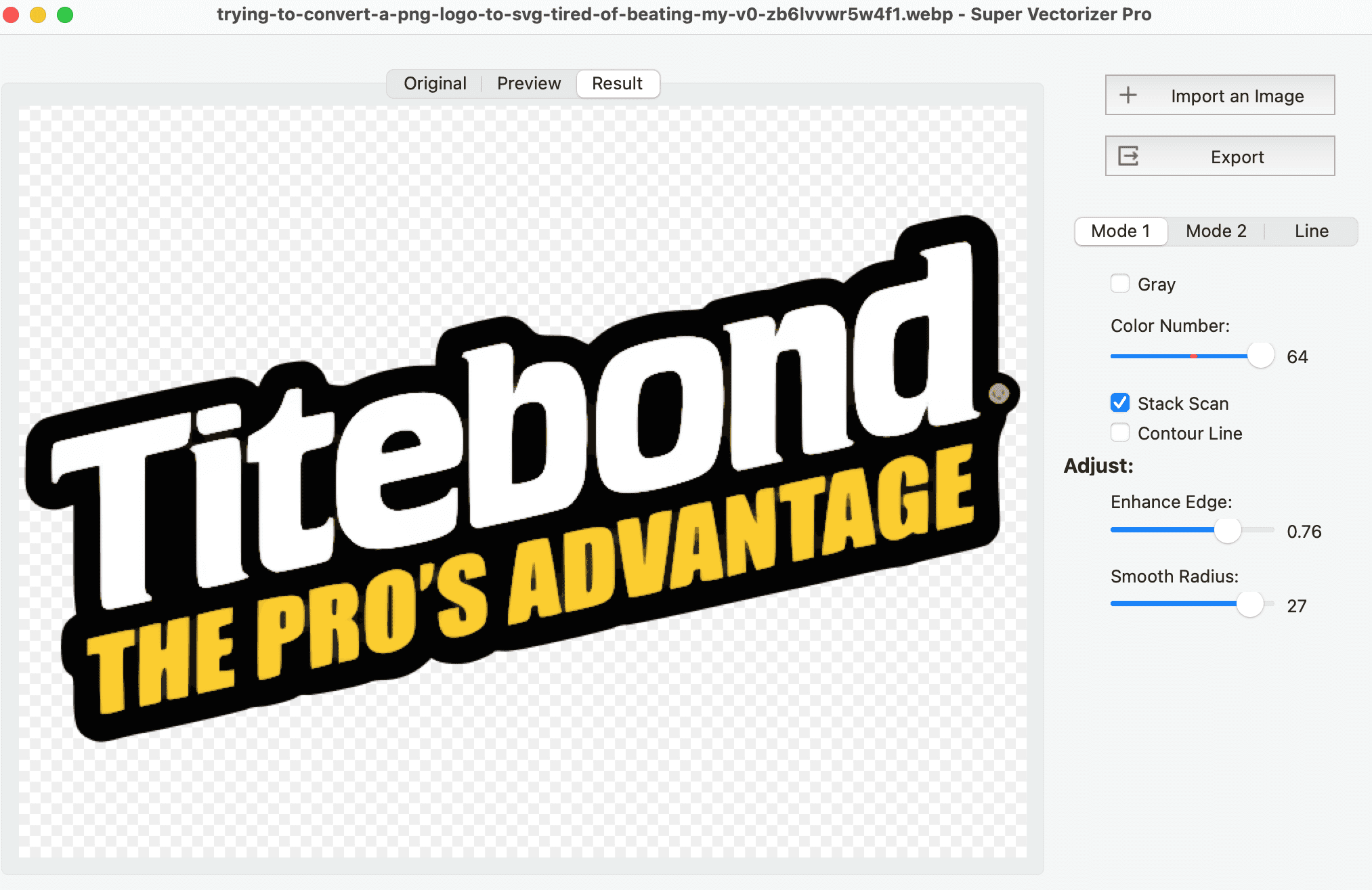
Know which one you are holding before you send it to a printer or developer
| Feature | Raster logo (PNG, JPG) | Vector logo (SVG, AI, PDF) |
|---|---|---|
| Built from | Pixels | Paths & curves |
| Scales up | Blurs and pixelates | Stays perfectly sharp |
| Colors editable | No, baked in | Yes, per shape or region |
| Best for | Screen at one size | Print, web, signage, cutting |
| Background | Often a fixed rectangle | Can be transparent |
| File size | Grows with dimensions | Small and stable |
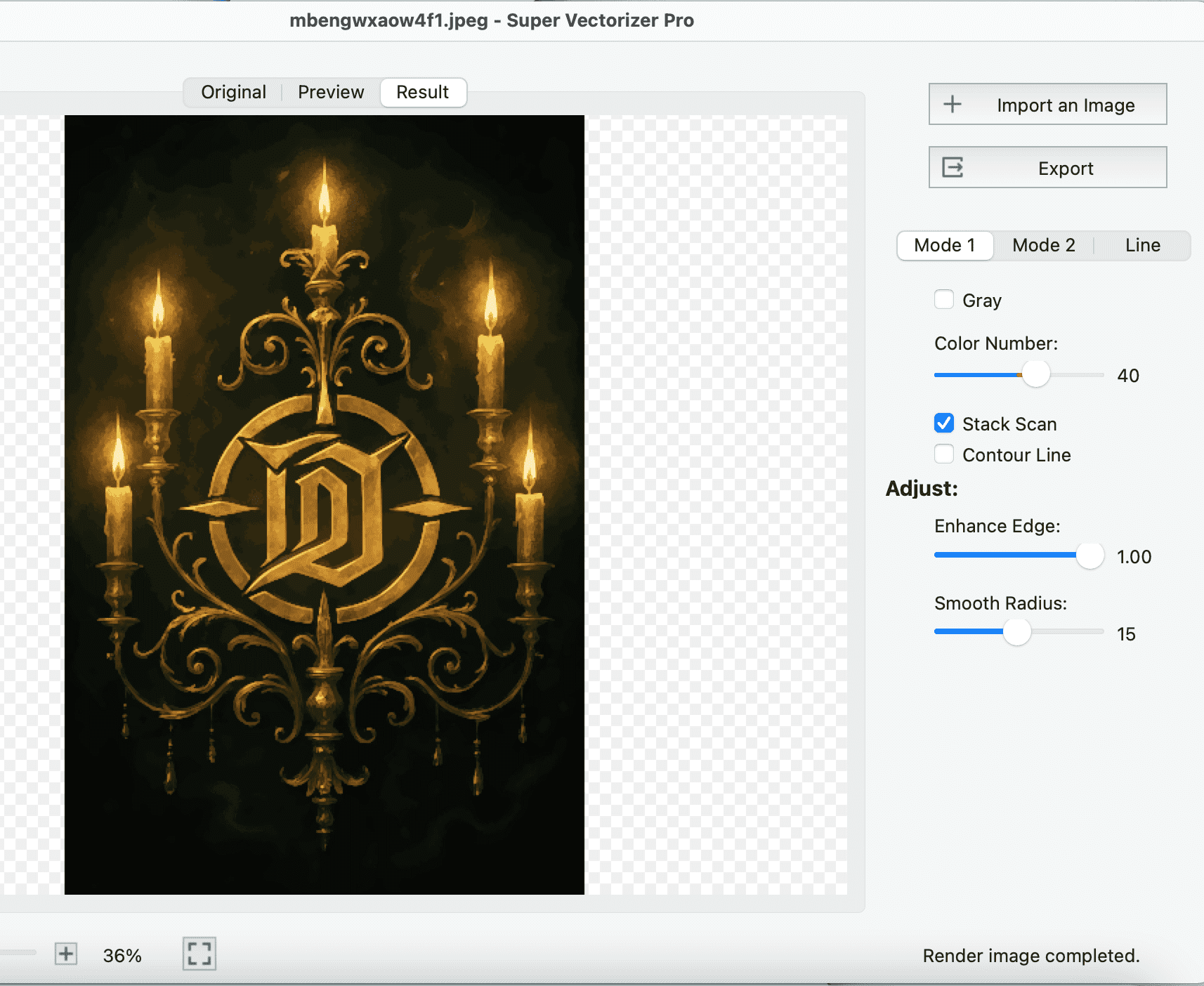
Four steps from a blurry PNG to an editable vector file
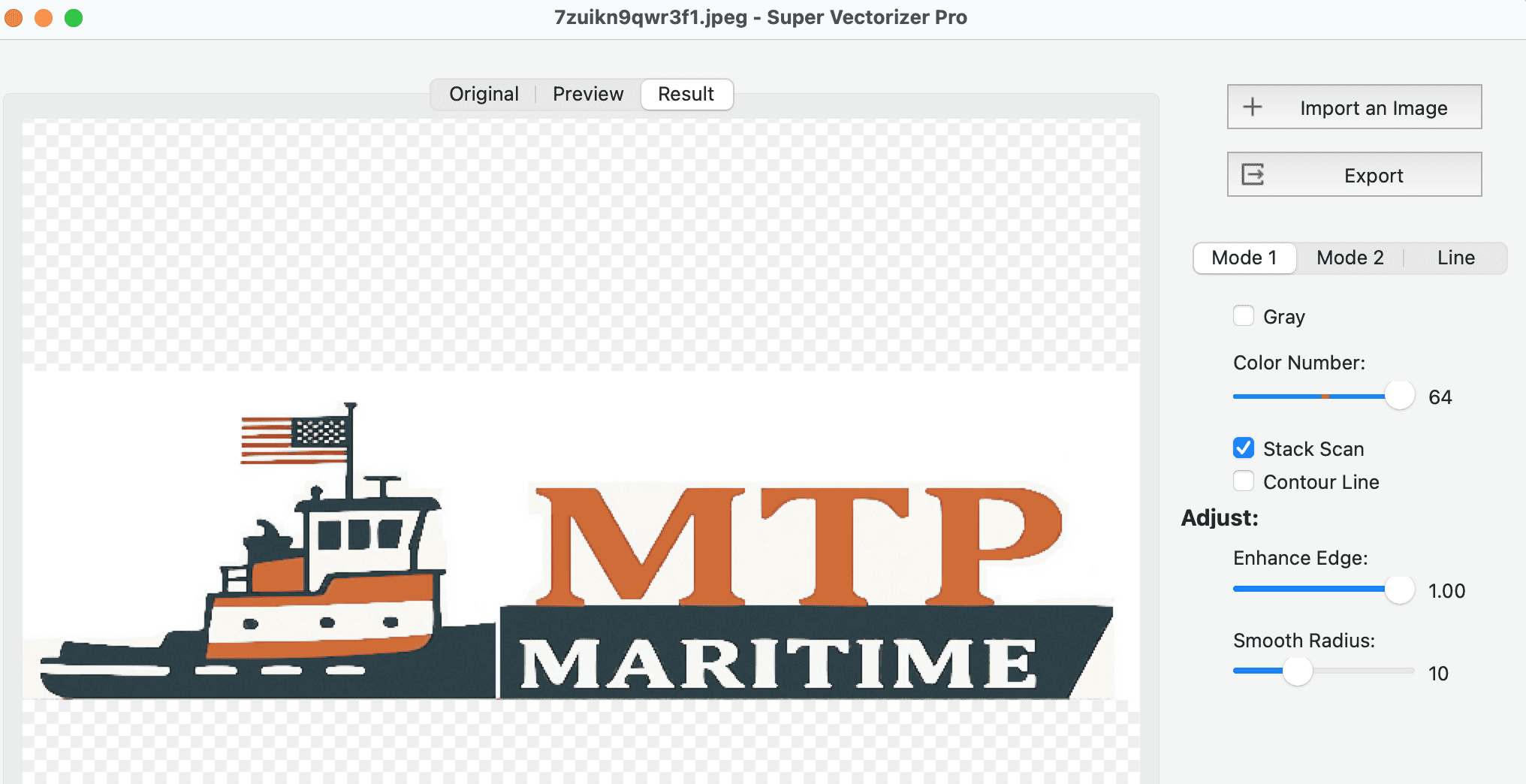
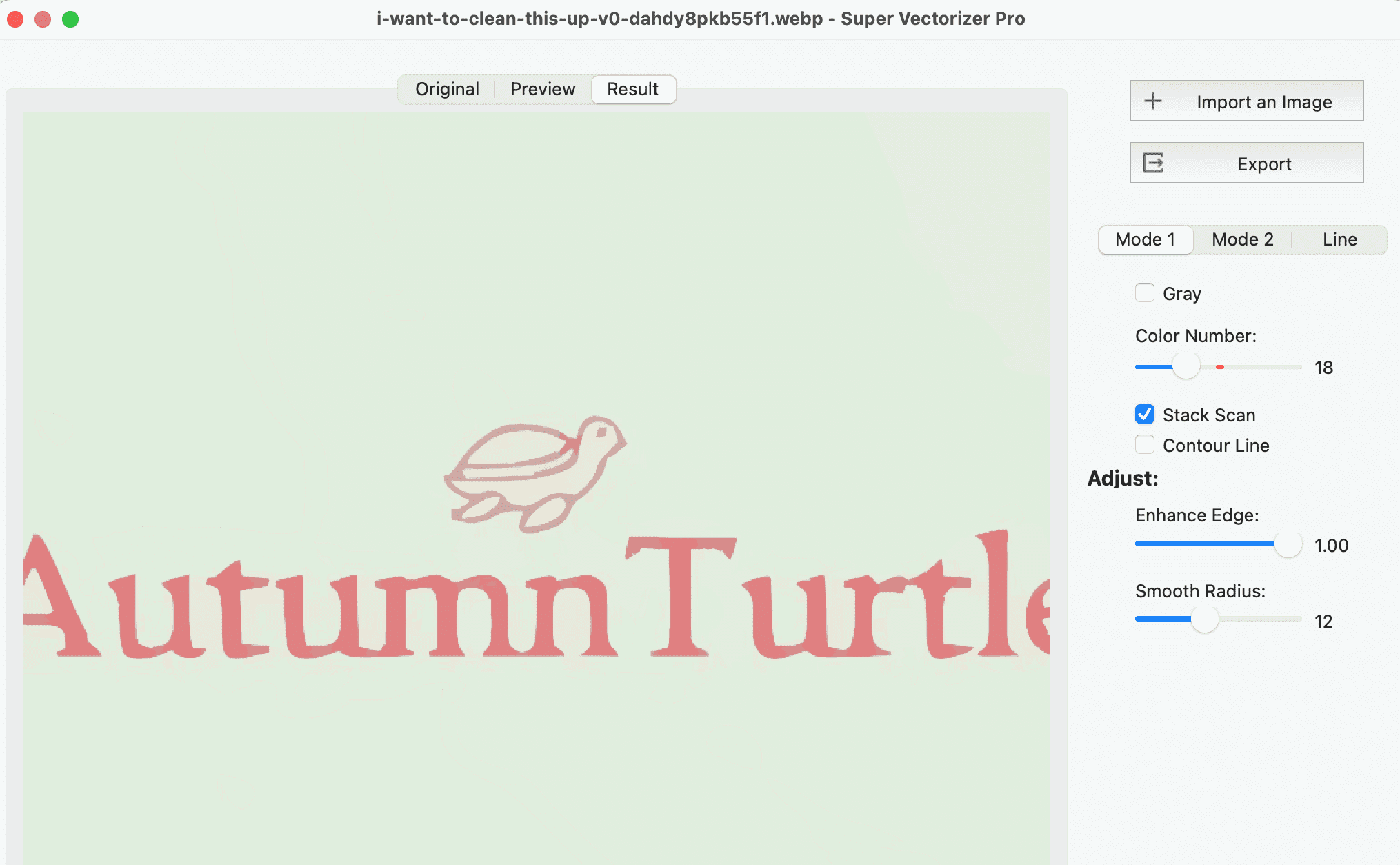
Load the PNG, JPG, BMP, or screenshot of the logo into Super Vectorizer Pro on Mac or Windows.
Choose color or line-art mode and set the detail level so small text and thin strokes survive the trace.
Select SVG for web, AI for Illustrator, PDF for print, or DXF for cutting, and keep transparency if the source has it.
Check the preview for open or doubled paths, then save the vector logo and open it in your design tool to recolor.
Ready to turn a PNG or JPG logo into clean, editable vector art? Download Super Vectorizer Pro and preview the full trace in the free trial.
Compatible with macOS 10.10+ (M1/M2/M3/M4) & Windows 7/8/10/11
Where a scalable logo actually earns its keep
Drop a vector logo into a card or letterhead at any size. Text stays crisp and colors match your brand guide, whether printed or exported to PDF.
A billboard or shopfront sign needs a logo that holds up at ten feet. Vector art scales to banner dimensions without a single soft edge.
Screen printing, embroidery, and vinyl cutting all start from vector logos. Clean paths mean clean registration on shirts, hats, and stickers.
Export an SVG logo for a favicon, app icon, or hero mark. It renders sharp on retina screens and loads fast at any dimension.
Everything you need to know about vectorizing a logo
Open your logo image (PNG, JPG, BMP, or a screenshot) in Super Vectorizer Pro, choose the trace settings that match your artwork, pick the output format (SVG, AI, DXF, or PDF), and export. The software converts the pixel edges of your logo into clean vector paths automatically, so the result stays sharp at any size. The free trial previews the complete trace before you buy.
Super Vectorizer Pro includes a free trial that lets you load a logo and preview the full vectorization result on your own computer. The licensed version is a one-time purchase of $29.99 with no subscription. That is far cheaper than hiring a designer to manually redraw a logo, which usually runs $50 to $200 per file.
The most common vector logo formats are SVG (web and universal), AI (Adobe Illustrator), and PDF (print). If you need the logo cut on a laser or CNC machine, export DXF. Super Vectorizer Pro writes all of these from a single source image, so you can hand the right file to a web team, a printer, or a fabricator.
A PNG or JPG logo is made of pixels. Enlarge those pixels and they become visible squares, which is the blur you see. A vector logo stores mathematical paths instead of pixels, so it stays perfectly crisp from a business card to a billboard. You need to vectorize the logo to get that sharpness at every size.
Yes. Super Vectorizer Pro can vectorize logos from screenshots, low-resolution PNGs, scanned business cards, and even photos of printed material. A cleaner source image gives a cleaner trace, but even a small or compressed logo produces usable vector paths you can clean up and scale.
For most logo work, yes: your logo file stays private on your own computer instead of being uploaded to a server; you get full control over trace settings for the best quality; and you can export to SVG, AI, DXF, and PDF. It is a one-time $29.99 purchase that works offline on both macOS and Windows, with no monthly fee.
Yes. Super Vectorizer Pro runs natively on macOS, including Apple Silicon (M1, M2, M3, M4), and on Windows 7 through 11. The Mac build is a standard .dmg install and the whole conversion runs on your machine, so there is no upload and no internet connection required.
It does when the source has flat color. Super Vectorizer Pro separates color regions into their own vector objects, so you can recolor a wordmark or icon in Illustrator, Figma, or CorelDRAW after export. Very gradual gradients may be simplified into a few flat color layers, which is normal for clean logo artwork.
A PNG logo is a raster image locked to a fixed pixel grid, so it blurs when scaled and its colors are baked in. A vector logo (SVG, AI, PDF) is built from paths and curves, so it scales without quality loss and its shapes and colors stay fully editable. Vector is the format printers, sign shops, and developers expect.
Vectorize the logo first, then export SVG or PDF for general print and DXF if a machine will cut it. Confirm the artwork has real color regions rather than a single flat fill, and check that thin strokes survive at the final size. A vector logo scaled to sign dimensions stays sharp, while a PNG would break into visible pixels.
Yes. If your source PNG already has transparency, Super Vectorizer Pro keeps the background transparent in the exported SVG and PNG, so the logo drops onto any color cleanly. If the source has a white or colored background, use the tool's settings to treat that area as empty before exporting.
A one-time $29.99 license of Super Vectorizer Pro covers unlimited logos on your machines, while a designer typically charges $50 to $200 to manually trace a single logo. For a stack of brand files, an event mark, or client logos you receive as PNGs, the desktop app pays for itself after the first or second file.
Our free online PNG to SVG converter handles quick browser-based traces without an install and without uploading your file to a server. For batch work, color-by-color control, transparent-background cleanup, or offline handling of a client logo, the desktop Super Vectorizer Pro app gives you more options and keeps the artwork on your own machine.
Super Vectorizer Pro turns PNG, JPG, and PDF logos into clean SVG, AI, DXF, and PDF on Mac and Windows
One-time purchase $29.99 - Works offline - macOS & Windows