How do I convert an image to SVG?
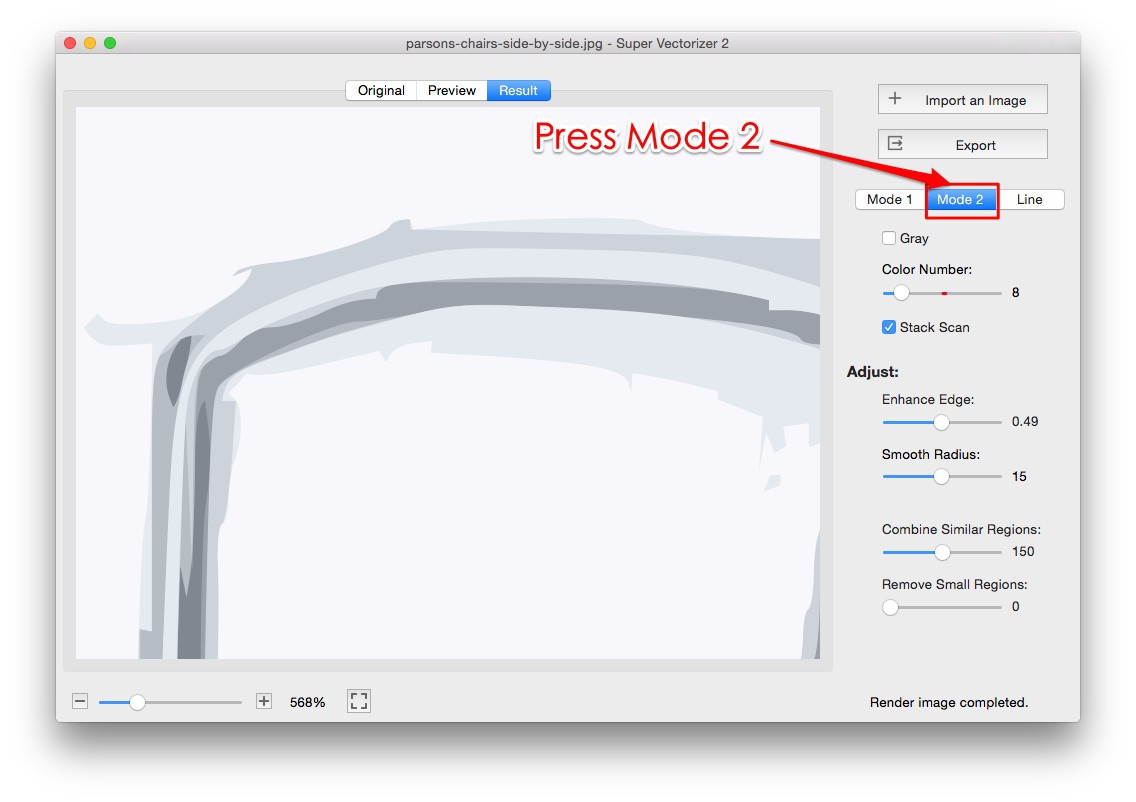
Open your image in Super Vectorizer Pro, adjust the trace settings, choose SVG as the output format and export — the software turns pixel edges into smooth vector paths automatically. For a quick one-off job with nothing to install, use the free online image to SVG converter.
Can I convert PNG to SVG on Mac or Windows?
Yes. Super Vectorizer Pro for Mac and Windows converts PNG files — plus JPG, BMP, TIFF and GIF — into SVG. The pixel edges are traced into clean vector paths that scale to any size without losing sharpness.
What is the best image to SVG converter?
It depends on the job. For logos, icons and one-off conversions, a browser converter is the fastest route. For print, cutting machines and detailed artwork, desktop tracing software gives you control over colour count, smoothing and corner precision, and exports SVG, AI, DXF or PDF.
Can I convert a photo to SVG?
Yes, but the result is a stylised vector interpretation rather than a photograph. Photos with a clear subject, high contrast and a plain background trace best. Lower the colour count and increase smoothing to avoid noisy paths.
Is image to SVG conversion free?
The browser-based converter is free to use with no sign-up and no upload. Desktop software adds offline tracing, more input formats such as TIFF and PSD, and finer control over the traced output. A free trial lets you preview the vectorized result before purchasing.
What image formats can be converted to SVG?
The online converter handles PNG, JPG, BMP, GIF and WebP. Super Vectorizer Pro supports more than 70 raster formats including TIFF, PSD, ICO, TGA and PCX.
Does converting an image to SVG make it higher quality?
No. Tracing rebuilds the image as mathematical paths, so it becomes infinitely scalable — but it cannot add detail that was not in the original file. Always start from the highest-resolution source you have.
Can I use image-to-SVG output in Cricut Design Space?
Yes. SVG is the native cut-file format for Cricut Design Space, Silhouette Studio and Brother ScanNCut. Import the SVG and the traced paths arrive as separate layers you can assign to vinyl, cardstock or fabric.
Is my image uploaded to a server when I convert it?
No. The browser converter traces locally inside your browser tab, and the desktop app processes files entirely on your own machine. Neither sends your artwork to a remote server.
Why does my traced SVG look noisy or have too many colours?
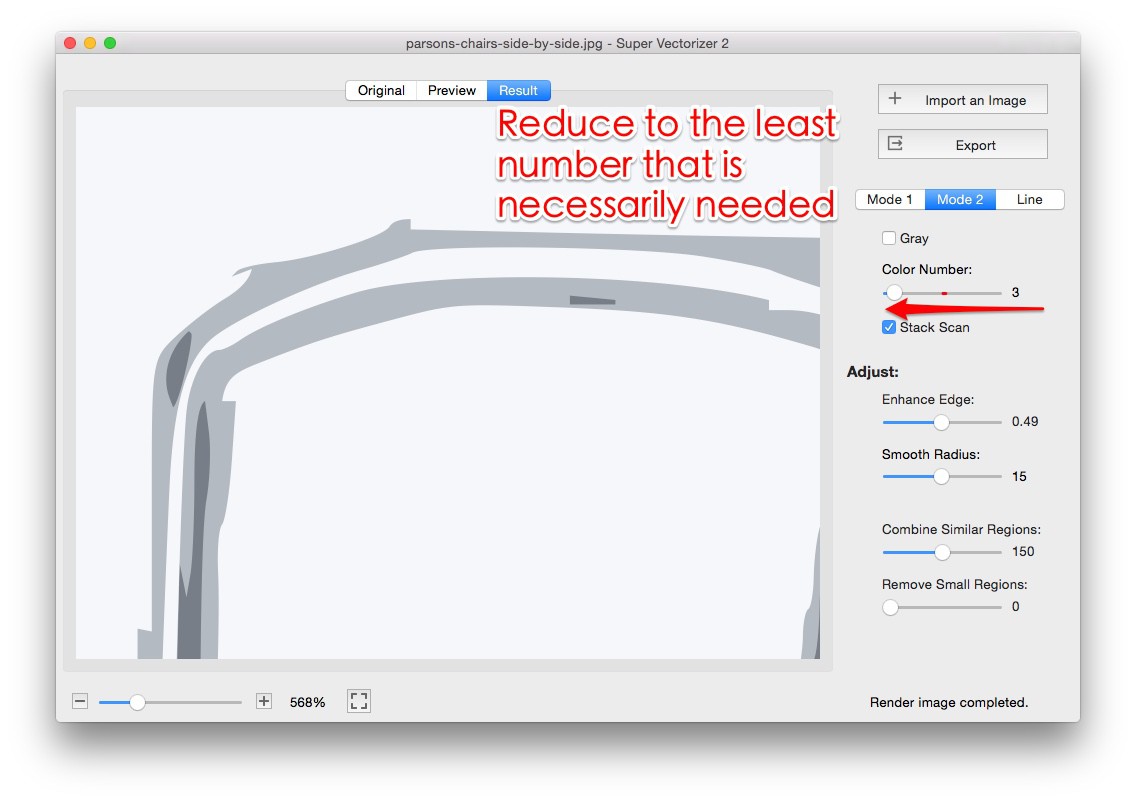
Noise usually means the source has compression artefacts, a busy background or too many colour steps. Crop to the subject, raise the contrast, and reduce the colour count before tracing again.