How do I convert a JPG to SVG?
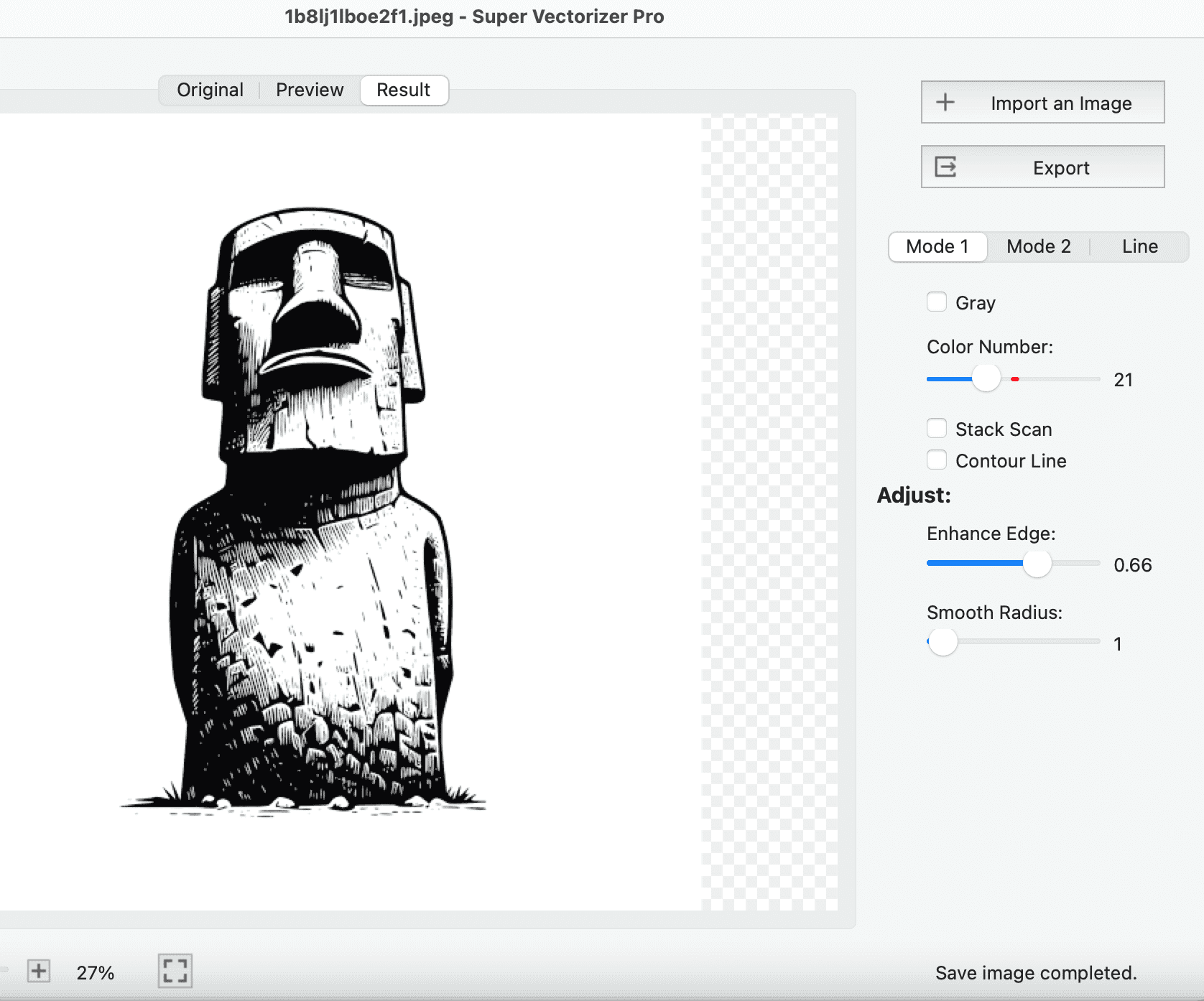
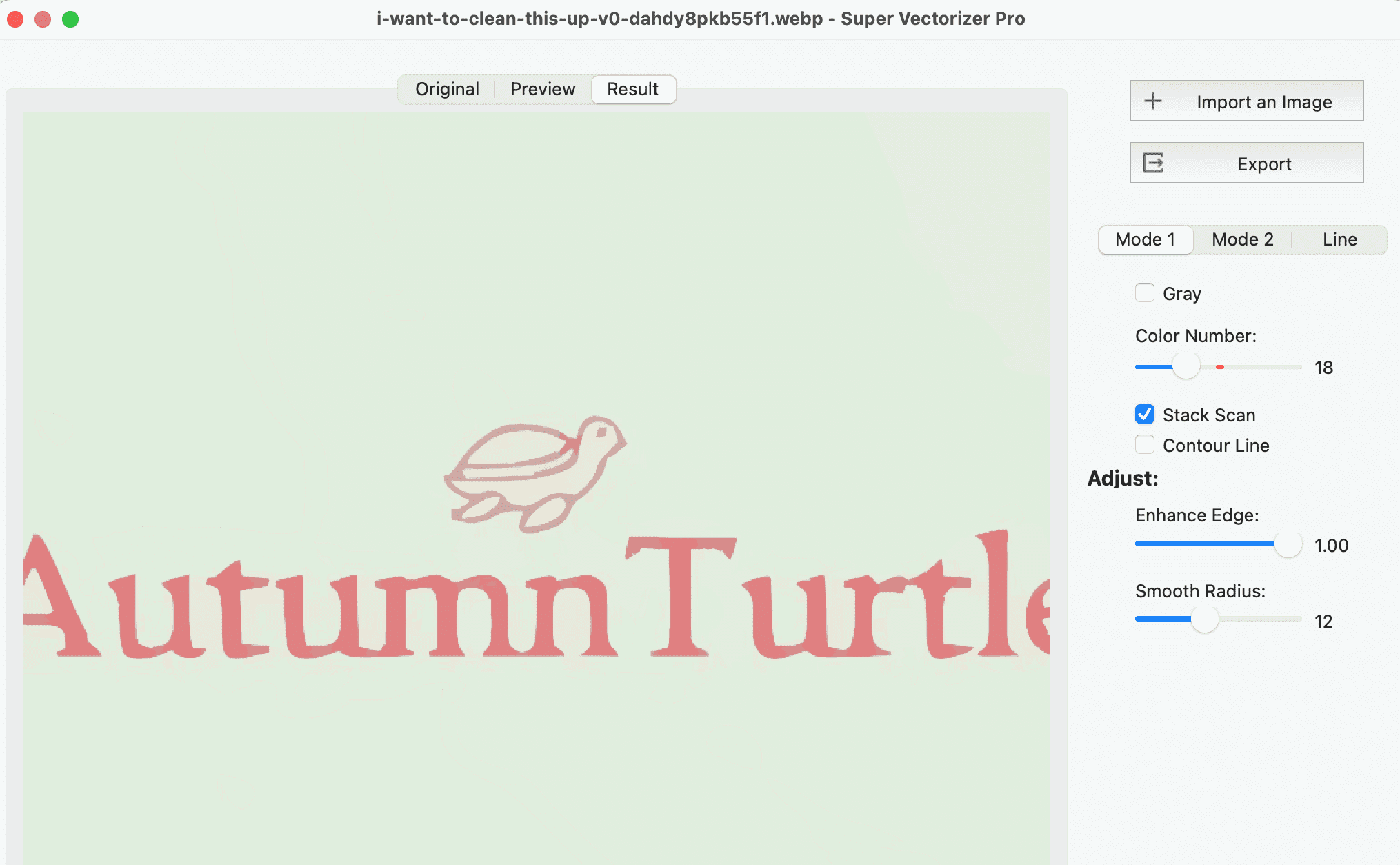
Two ways. For a quick free result, drop your JPG into the online converter on this page, choose a tracing style (Color, Black and White, Flat Color, or Photo), and download the SVG. For maximum quality and control on Mac or Windows, open the JPG in Super Vectorizer Pro, adjust the trace settings, pick SVG as the output format, and click Export.
Is there a free JPG to SVG converter?
Yes. The converter on this page runs entirely in your browser and is free — no sign-up, no install, and your image never leaves your device. For professional results with fine detail control, batch handling, and 70+ input formats, Super Vectorizer Pro is a one-time purchase for Mac and Windows.
Do I need to install software to use the online JPG to SVG converter?
No. The online converter is 100 percent browser-based: upload or drop a JPG, adjust the style, and download the SVG. All tracing happens locally in your browser, so nothing is uploaded to a server.
Can I convert JPG to SVG on a Mac or on Windows?
Yes. The online converter works in any modern browser on macOS and Windows. Super Vectorizer Pro is also available as a native app for Mac (including Apple silicon M1-M4) and Windows 7-11, with identical tracing quality and settings on both platforms.
What is the difference between the free online converter and Super Vectorizer Pro?
The online converter is ideal for quick JPG-to-SVG jobs: it is free, requires no install, and handles images up to 5 MB (scaled to a 1500 px maximum edge). Super Vectorizer Pro is a paid desktop app (one-time 29.99 USD) that adds fine-grained trace settings, real-time preview, batch conversion, 70+ input formats, and SVG/AI/DXF/PDF export with full offline privacy.
Can I convert JPG to SVG for Cricut or laser cutting?
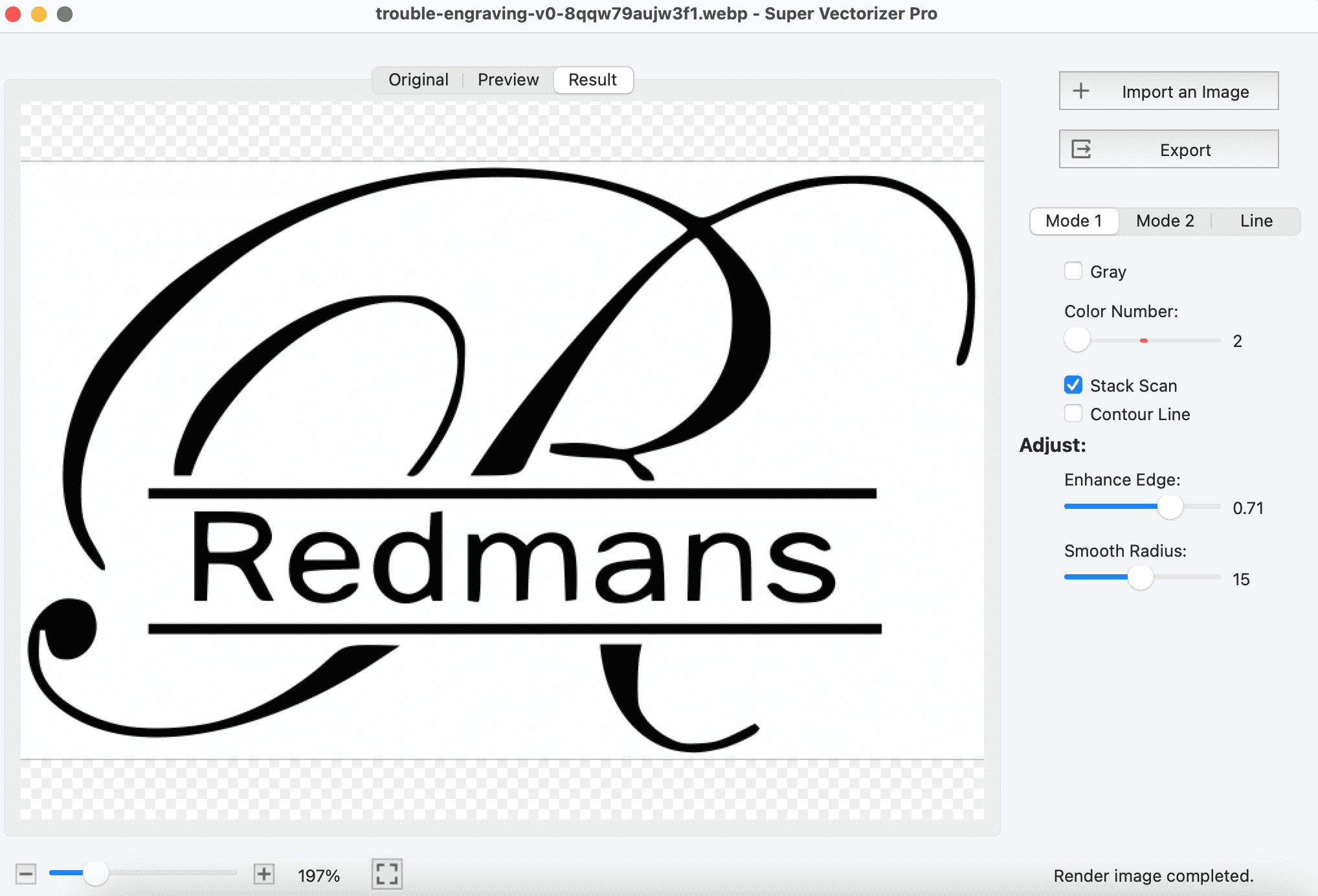
Yes. Convert your JPG to SVG first, then load the SVG into Cricut Design Space or your laser software; the vector paths become precise cut or engrave lines. Clear, high-contrast artwork traces cleanly. For detailed control over cut-ready output, most Cricut and laser users prefer the desktop app.
Why does my SVG look different from the JPG?
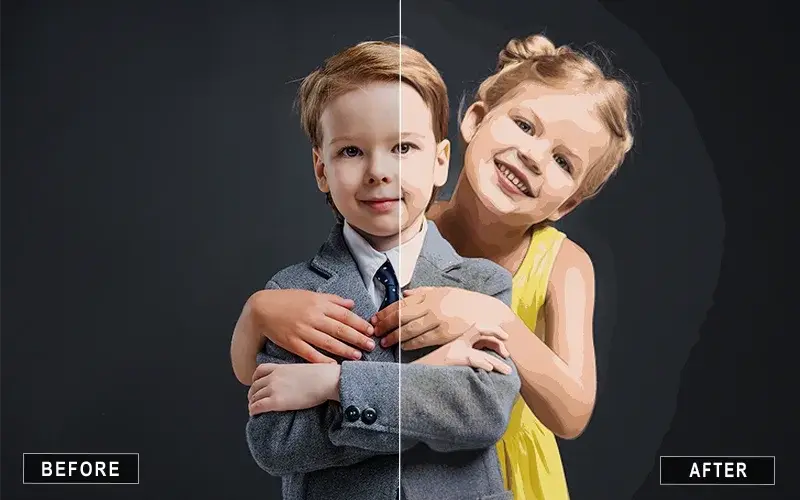
JPG to SVG conversion is image tracing: the software rebuilds pixel edges as vector paths, so the result is a simplified, stylized version of the original. Logos and line art trace almost perfectly. Photos with gradients and fine texture become flatter; use the Photo or Flat Color style for photos, or the desktop app for closer results.
Which JPG to SVG converter is the best?
For a quick, free, in-browser conversion, use the converter on this page. For professional-grade results on Mac or Windows — with adjustable trace quality, color count, 70+ formats, batch processing, and SVG/AI/DXF/PDF export — Super Vectorizer Pro is the most capable JPG to SVG converter available.
Can I convert a JPG with a transparent background to SVG?
JPEG has no alpha channel, so a transparent background is flattened to white when the file is saved as JPG. If you need a transparent SVG, start from a PNG that keeps its transparency and use the PNG to SVG converter instead — both the desktop app and the online tool handle transparency far better from PNG.
What formats can Super Vectorizer Pro export besides SVG?
Along with SVG, Super Vectorizer Pro exports AI, DXF, and PDF, plus other vector and raster formats, all from the same traced image. SVG is best for web, Cricut, and laser work, while AI and DXF fit Illustrator and CAD workflows.