Universal Compatibility
JPG opens in every photo viewer, editor, email client, and social platform. No vector support required on the receiving end.
Turn vector SVG graphics into JPG images for web, print, and social media. Rasterize in your browser — no upload, no sign-up — or convert JPG and PNG back into editable SVG on your desktop.
Or convert SVG to JPG instantly in your browser → Free Online Converter
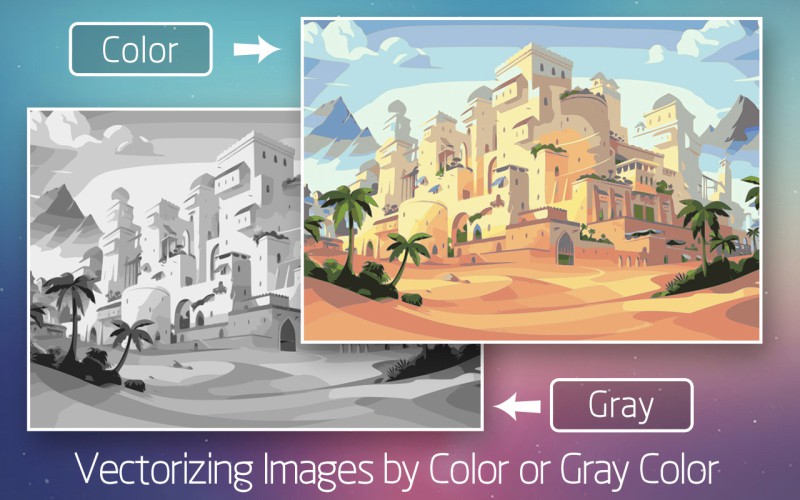
SVG is perfect for editing and scaling, but many places still expect a flat raster image. JPG is the universal format for sharing.
JPG opens in every photo viewer, editor, email client, and social platform. No vector support required on the receiving end.
Set the exact dimensions you need for a print layout, slide deck, or product listing. The raster is baked at the resolution you pick.
For photo-like artwork, JPG compresses far better than PNG, keeping file sizes light for fast web and email delivery.
Drop the JPG into a document, attach it to an email, or post it to social media. No compatibility worries across devices.
Pick the right output format for your goal — transparency, print fidelity, or universal sharing
| Feature | SVG | JPG | PNG | |
|---|---|---|---|---|
| Type | Vector | Raster (lossy) | Raster (lossless) | Document |
| Transparency | Yes | No | Yes | Optional |
| Scalability | Infinite | Fixed | Fixed | Fixed |
| Best for | Logos, icons, web | Photos, sharing | Web graphics | Print, layouts |
| File size | Small (simple) | Compact | Larger | Varies |
Four steps from vector file to shareable JPG image
Launch the free online SVG to JPG converter in your browser — no install, no account.
Drag and drop your .svg file or browse to select it. Processing happens locally on your device.
Choose the JPG quality and the pixel dimensions you need for web, print, or social.
Save your raster image and share it anywhere SVG is not supported.
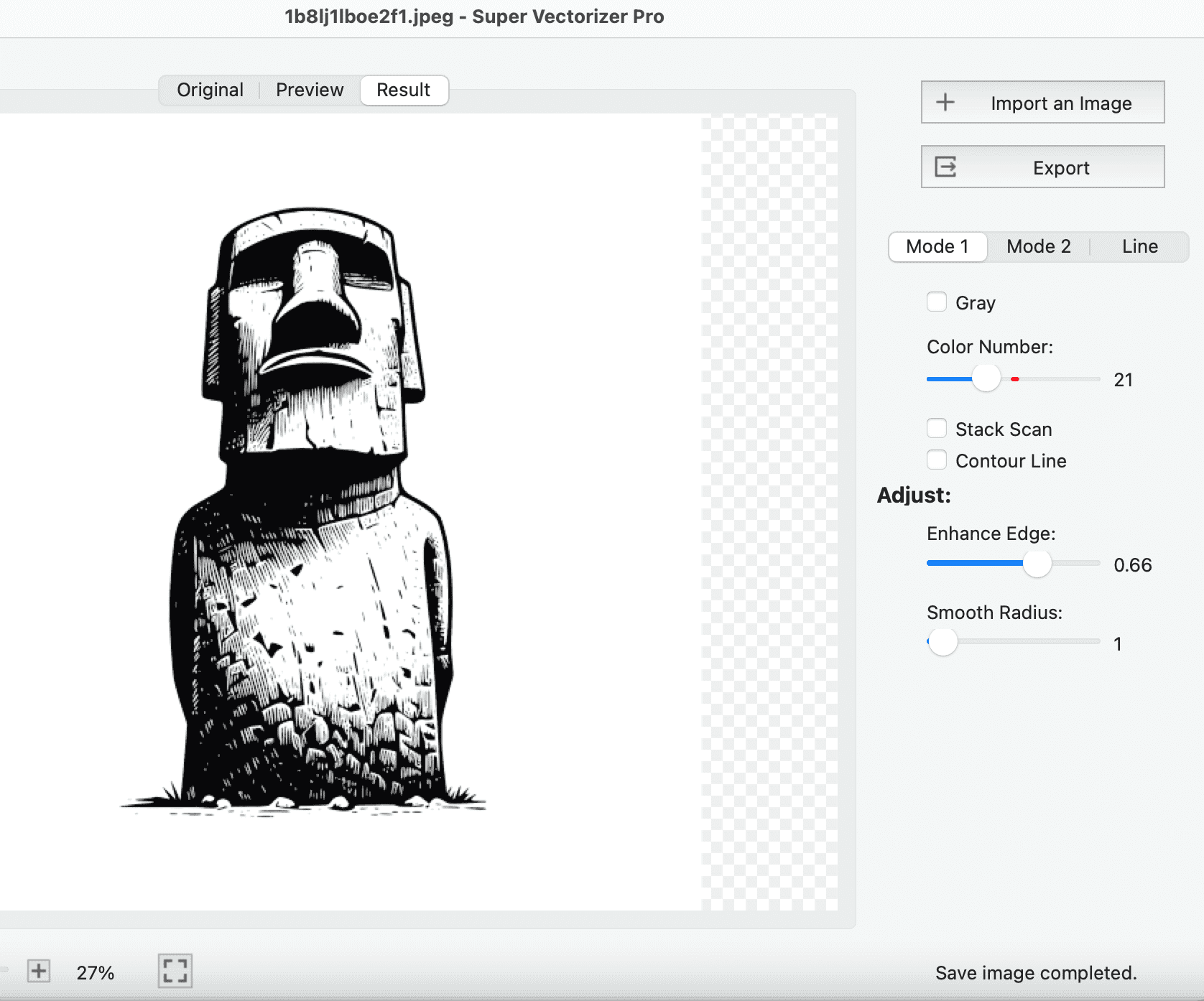
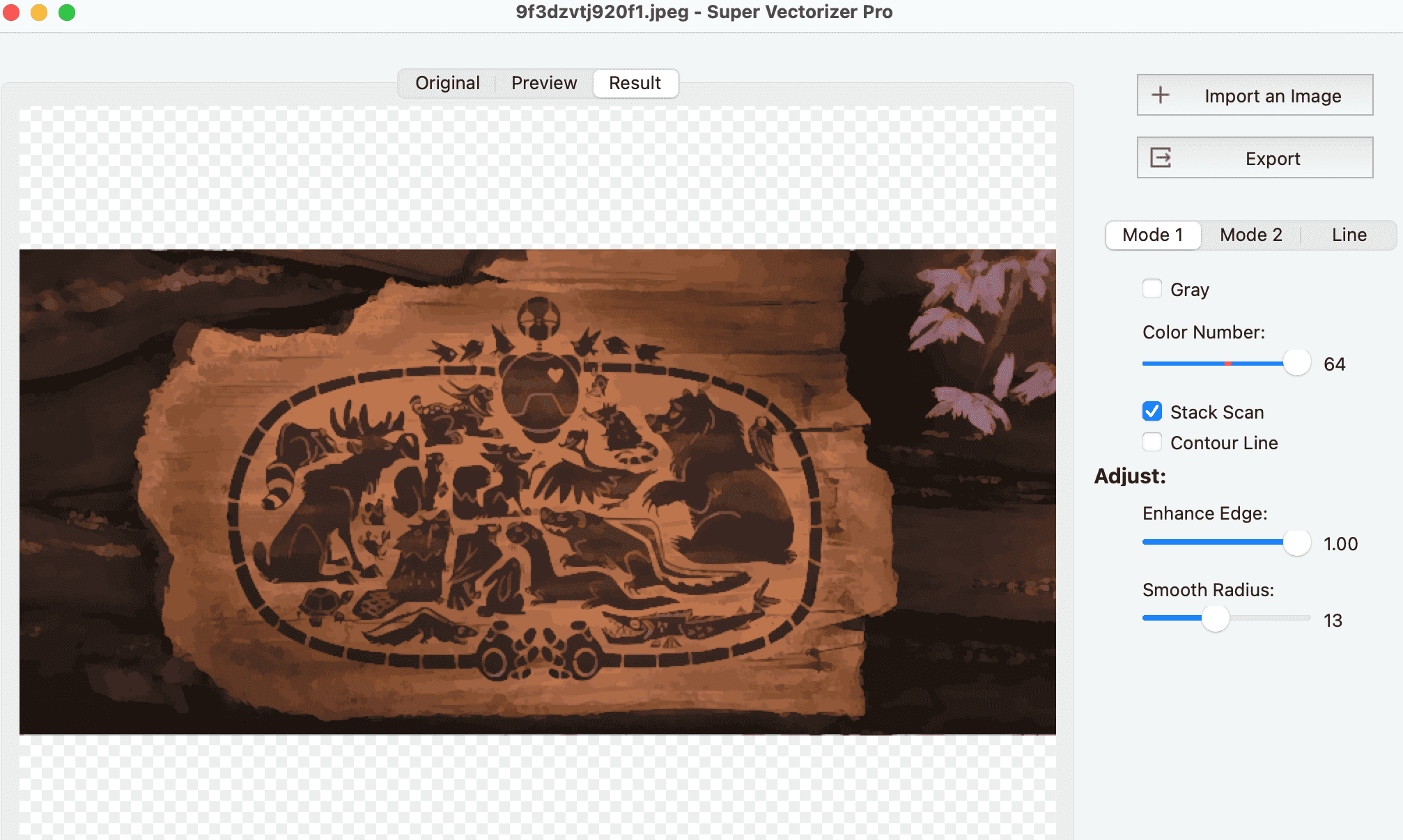
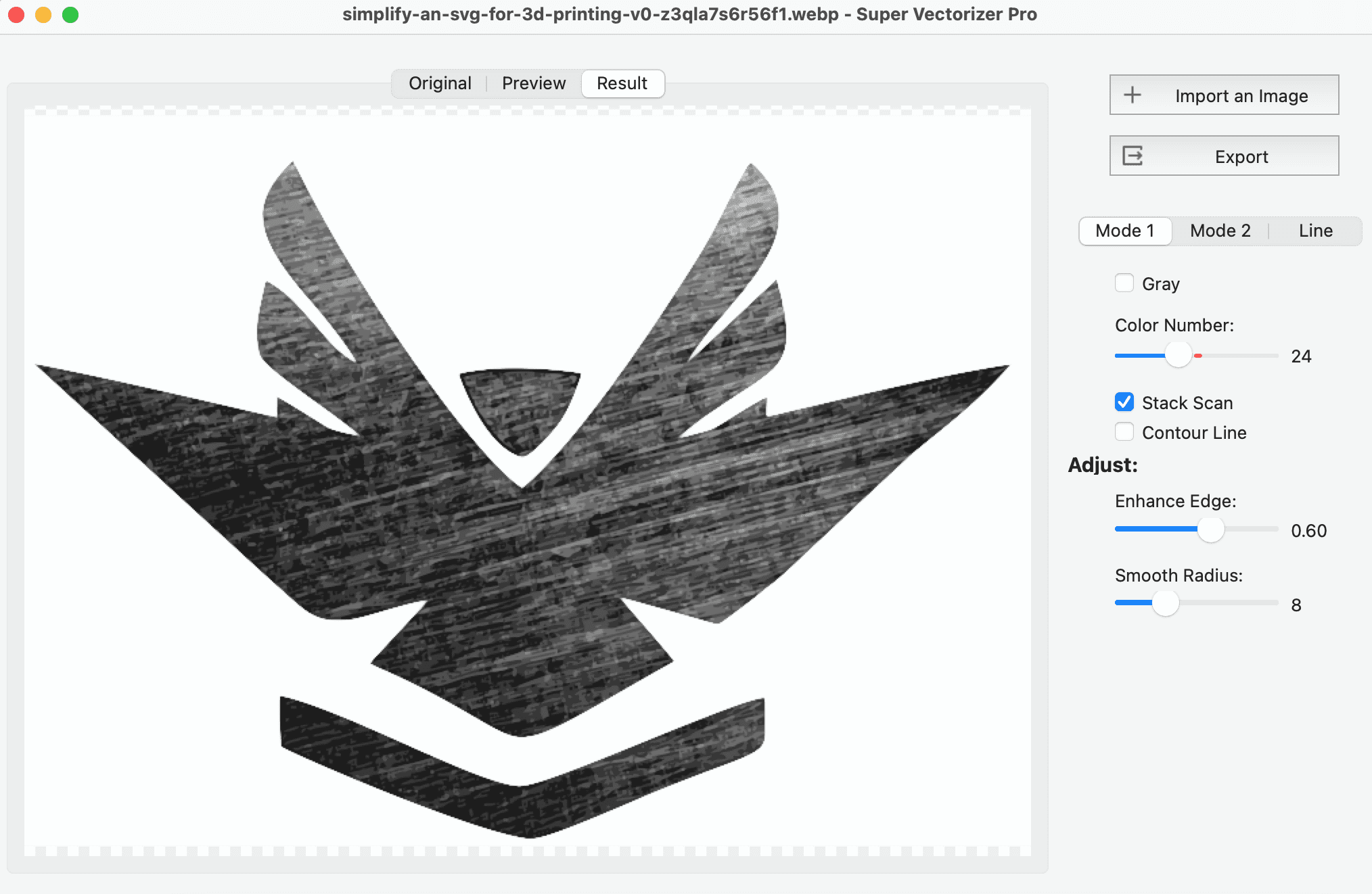
Need to turn JPG, PNG, or photos back into editable SVG? Try Super Vectorizer Pro free trial to preview the trace.
Compatible with macOS 10.10+ (M1/M2/M3) & Windows 7/8/10/11
Where a flat raster image beats a live vector file
Platforms expect raster images. Convert SVG logos and graphics to JPG so they upload and display without format errors.
Most email clients and word processors render JPG reliably. A raster export guarantees your artwork shows as intended.
Print shops and product mockups often need a fixed-resolution file. Export at high DPI for crisp results on paper and packaging.
Slide decks and screenshots render JPG instantly. Convert SVG diagrams so they embed cleanly in any presentation tool.
Everything you need to know about converting SVG to JPG
An SVG to JPG converter rasterizes vector SVG graphics into a flat JPG image. SVG is made of math-based paths that scale forever; JPG is a pixel-based raster format that opens in virtually any app, email client, and social platform. Converting lets you share vector artwork wherever SVG is not supported.
Yes. The online converter on SVGVector runs entirely in your browser and is free to use with no sign-up required. Your file is processed locally on your device, so nothing is uploaded to a server.
Open the free online SVG to JPG converter, add your .svg file by drag-and-drop or browse, choose the JPG quality and pixel size you need, then download the result. The whole process takes a few seconds and works in any modern browser.
JPG is a lossy raster format, so the infinite sharpness of vector paths is baked into fixed pixels at the resolution you choose. Pick a higher pixel size or quality setting to keep the output crisp, especially for printing.
Yes. JPG has no transparency channel, so any transparent area in your SVG becomes a solid color, usually white. If you need to keep the see-through background, export PNG instead, which supports alpha transparency.
It depends on the use. For web and email, 72-150 DPI at the display size is enough. For print, aim for 300 DPI so the rasterized artwork stays sharp. The converter lets you set the exact pixel dimensions before downloading.
The online converter handles one file at a time for accuracy. For high-volume raster export, a desktop workflow or scripted batch is more efficient. Super Vectorizer Pro, by contrast, is built for batch tracing in the opposite direction (raster images back into SVG).
No. The browser-based converter reads and rasterizes your SVG locally with JavaScript. Your artwork never leaves your computer, which keeps client and proprietary designs private.
Use SVG for logos, icons, and any artwork that must scale to any size without quality loss. Use JPG when you need maximum compatibility for photos, print layouts, email attachments, and social posts where a fixed raster image is expected.
Yes. To turn a JPG, PNG, or photo back into editable vector art, use Super Vectorizer Pro on macOS or Windows. It traces raster images into clean SVG, PDF, EPS, AI, or DXF for a one-time purchase of $29.99, with a free trial that previews the full trace.
JPG is photo-compressed and has no transparency, ideal for sharing. PNG is lossless and keeps transparency, great for web graphics. PDF is a document format suited to print and multi-page layouts. Choose based on whether you need transparency, print fidelity, or universal sharing.
No. The free online converter needs no installation and no account. It runs in Chrome, Safari, Edge, and Firefox. If you instead want to vectorize raster images on your desktop, Super Vectorizer Pro is available as a Mac and Windows download.
Super Vectorizer Pro traces raster images into clean, editable SVG, PDF, EPS, AI, and DXF on Mac and Windows
One-time purchase $29.99 - Works offline - macOS & Windows