Precise Cutting
SVG paths give clean, sharp cuts every time. No jagged edges from pixel-based sources.
Where to download free SVG cut files for Cricut Design Space — and how to turn your own images into clean, cut-ready SVG with Super Vectorizer Pro. Build a library you can actually cut.
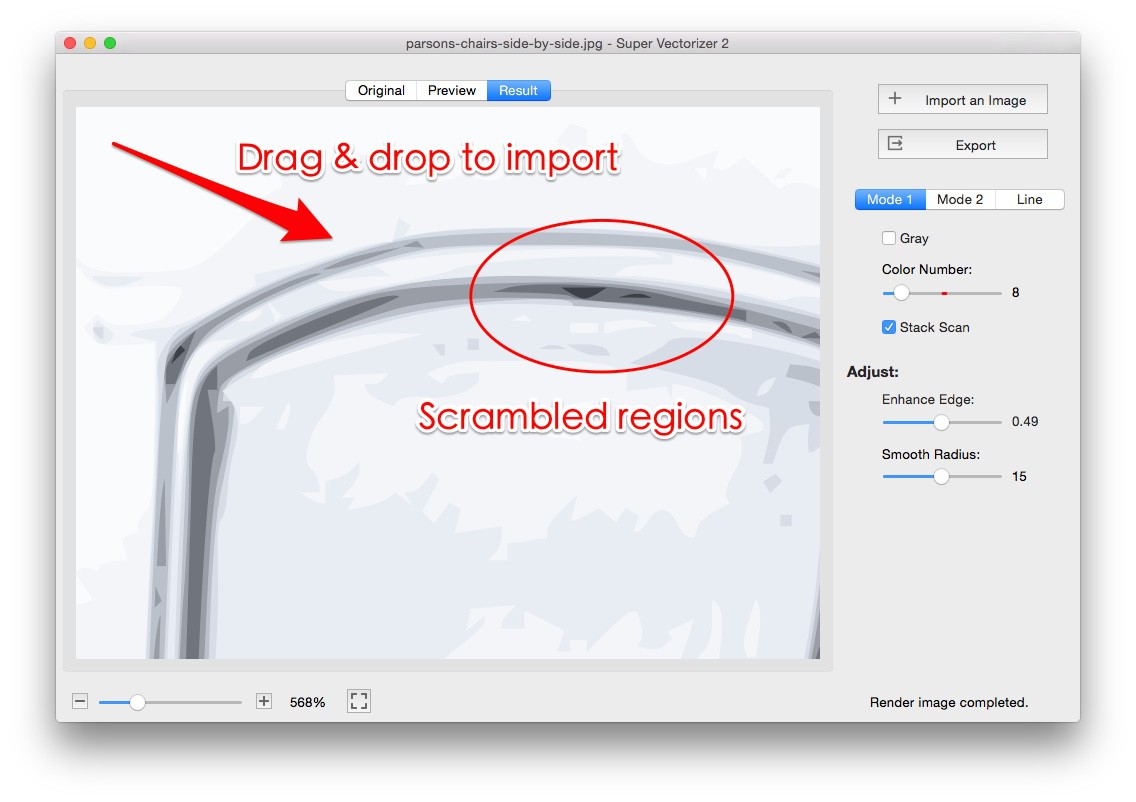
SVG is the format that keeps your cuts sharp and your workflow flexible.
SVG paths give clean, sharp cuts every time. No jagged edges from pixel-based sources.
Scale up or down without losing quality. SVG stays sharp at any dimension, from a 1-inch decal to a 24-inch banner.
SVG is Cricut Design Space preferred format. It imports as editable layers ready to cut or draw.
Recolor, weld, and group after importing. Each color becomes its own layer for easier mat planning.

Where crafters actually download cut-ready SVG files without paying
Large design marketplaces post thousands of free SVG cut files that rotate daily. Their free sections are a dependable first stop for trending shapes and bundles.
Independent designers share weekly free SVGs through their blogs and email lists. These often include exclusive monograms and holiday art you will not see elsewhere.
Dedicated freebie libraries organize cut files by theme, license, and project type, which makes it easy to grab a clean file for vinyl, paper, or iron-on.
Handwriting and script fonts can be converted to SVG for vinyl lettering. Many font sites offer free personal-use typefaces perfect for Cricut text projects.
Community groups and maker pages regularly share free SVG links. Following a few active designers keeps a steady stream of fresh files in your feed.
Material and machine brands sometimes release free SVG projects to showcase their products. These are usually well-tested and safe to cut.
Match the file type to your material and the cut you need
Simple silhouettes and decals designed as one layer. Ideal for adhesive and heat-transfer vinyl where you want a clean single-color cut.
Each color is its own layer, ready for paper crafts, shadow boxes, and multi-material projects. Great for greeting cards and 3D papercraft.
Scalable lettering you can cut or write. Monogram sets are popular for personalized gifts, tumblers, and wedding decor.
Cartoons, animals, and seasonal art you can resize freely. Perfect starting points for customizing your own designs.

Not every free file cuts cleanly. Check these four things first.
Good SVG files have closed paths so Cricut knows where to cut. Open paths can cause cutting errors and unwanted slits.
A clean SVG for Cricut is usually well under 10MB. Files over 50MB may hold too many nodes and slow your machine down.
Zoom in to check edges. They should be smooth, not jagged. Too many anchor points usually indicate poor tracing quality.
Well-organized SVGs keep colors on separate layers. This makes multi-color projects far easier to cut and assemble.
Always check the license before using a free SVG file
Use for gifts and personal projects. You typically cannot sell items made with these files.
Allows selling finished products. May require a small purchase or attribution to the designer.
Unlimited commercial use, including mass production. Usually requires a paid license.
Free to use without crediting the designer. Check the terms, because some still restrict resale.

Turn any PNG, JPG, or photo into a cut-ready SVG with Super Vectorizer Pro

Download the free trial from svgvector.com. Available for Mac and Windows.
Drag in your PNG, JPG, or photo. It supports logos, clipart, drawings, and scanned art.
Line Mode for simple shapes and vinyl. Color Mode for colorful illustrations that need separate layers.
Choose 2-32 colors and watch the trace preview update in real time before you export.
Save as SVG, then upload to Cricut Design Space. The free trial previews the trace; export unlocks after purchase.
Ready to turn your own images into cut-ready SVG? Try Super Vectorizer Pro free trial to preview the trace.
Compatible with macOS 10.10+ (M1/M2/M3) & Windows 7/8/10/11
Everything you need to know about free SVG resources for Cricut
Free SVG cut files live in a few reliable places: large craft marketplaces with free sections, independent designer blogs that post weekly freebies, free SVG libraries, font and lettering sites, and crafting communities on social media. Download from a source you trust and preview the file before importing it into Cricut Design Space.
It depends on the license attached to each file. Some free SVGs are personal-use only, while others include a commercial license. Read the terms before selling finished products, and keep a short note of the license so you stay compliant.
Open the file and zoom in. Good Cricut SVG files have clean, closed paths, smooth edges, and a reasonable file size. If the artwork looks jagged or the file is extremely large, it may contain too many nodes and could cut poorly on your machine.
The most useful freebies are single-layer cut files for vinyl and HTV, layered multi-color SVGs for paper crafts, scalable fonts and monograms, clipart and illustrations, and 3D papercraft designs. Match the file type to your material and the cut you need.
Yes. You can save SVG files on a phone and send them to your computer, or open them in the Cricut Design Space mobile app on supported devices. For detailed editing and image-to-SVG conversion, a desktop Mac or Windows computer is more comfortable.
Create a clear folder structure by theme (holidays, monograms, animals), by license (personal versus commercial), and by project type. Renaming files with the designer name and license helps you find them later and stay within usage terms.
Cricut Design Space accepts SVG, PNG, JPG, BMP, GIF, and DXF, but SVG is the preferred format for cutting. SVG keeps artwork as editable vector paths, so cuts stay sharp and colors import as separate layers you can arrange per mat.
Open your PNG, JPG, or photo in Super Vectorizer Pro, choose Line Mode for simple shapes or Color Mode for colorful art, set the color count, preview the trace, and export as SVG. The free trial previews the result; export unlocks after purchase. Then upload the SVG to Cricut Design Space.
Most freebie sites are safe, but you should download from reputable sources and keep your antivirus active. Avoid sites that request unusual permissions or bundle installers. A clean SVG is just vector markup and poses little risk once scanned.
Free files are great for learning and personal projects, while paid files often include more polish, commercial rights, and support. Many designers offer a free sample so you can test quality before buying a larger bundle.
Yes. SVG files open in vector editors and in Cricut Design Space, where you can recolor layers, resize, weld shapes, and remove unwanted elements. For complex cleanup, Super Vectorizer Pro and similar tools can simplify paths before you cut.
Once the SVG is on your device, you can cut offline with Cricut Design Space in most workflows. Super Vectorizer Pro also runs locally, so converting your own images to SVG needs no internet and keeps your photos private.
Free font sites offer handwriting and script typefaces you can convert to SVG for vinyl lettering. After installing a font, use the writing or print-then-cut features in Design Space, or outline the text in a vector tool before cutting for the cleanest result.
Super Vectorizer Pro converts PNG, JPG, and photos into clean SVG files that work perfectly with Cricut Design Space
One-time purchase $29.99 - Works offline - macOS & Windows