
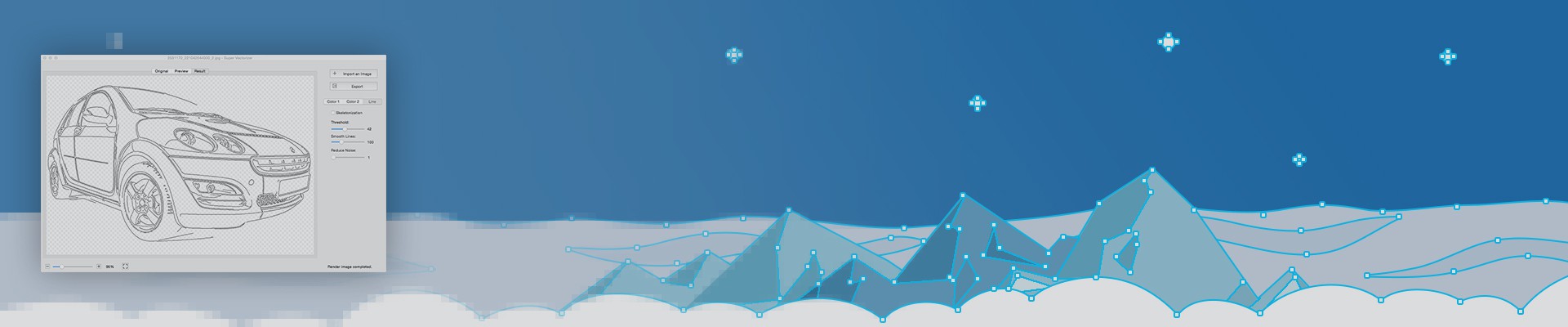
Online Image Vectorizer 2026: Free Image Trace & Auto-Trace to SVG
The best online image vectorizer in 2026 is a free, browser-based auto-trace tool that turns PNG, JPG and BMP images into scalable SVG vectors in seconds — no install and no account. If you also need offline privacy or fine control over paths, Super Vectorizer Pro is the best desktop alternative; it runs one image at a time and its free trial previews vectorization results before you buy.
Free Online Image Vectorizer — Auto-Trace Any Image to Vector in Seconds
Transform your raster images into scalable vector graphics with our AI-powered image vectorizer. Supports PNG, JPG, BMP, TIFF to SVG, AI, PDF and DXF formats.
Compatible with Adobe Illustrator, Affinity Designer, CorelDRAW, and all major vector editing software.
See How Our Image Vectorizer Works — Free Online Video Tutorials
Why Use Our Free Image Vectorizer Online?
Transform raster images to vector graphics instantly — no software installation required. Perfect for designers, crafters, and businesses needing quick image-to-SVG conversion.
Our AI-powered image vectorizer handles logos, icons, illustrations, and scanned drawings with precision edge detection and intelligent path optimization.

No Installation Required
Convert image to SVG online directly in your browser. No downloads, no sign-ups, no email required. Our free image vectorizer works on Mac, Windows, Linux, and any device with internet access.
Multiple Vector Formats
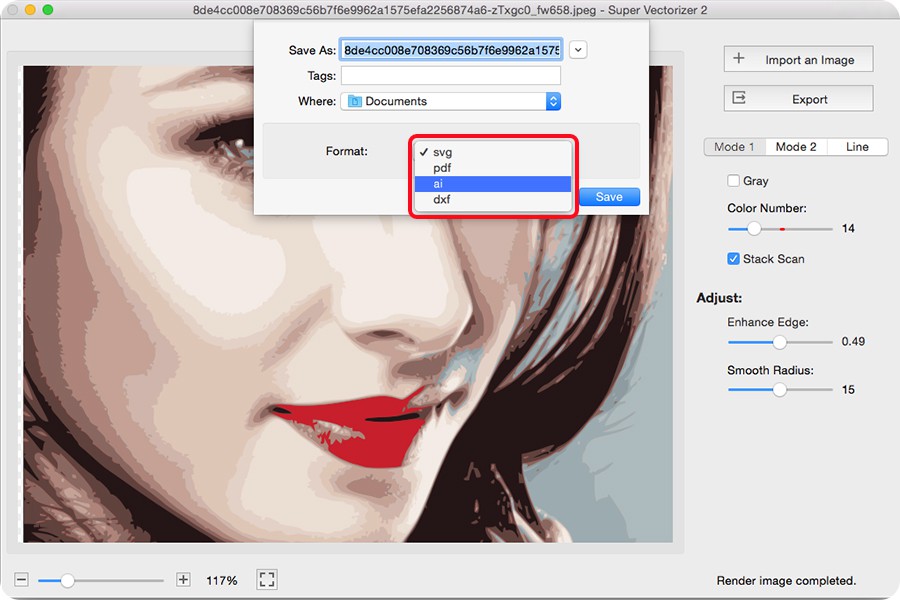
Export your vectorized images in SVG, AI (Adobe Illustrator), DXF (CAD/laser cutting), and PDF formats. Perfect for print production, embroidery digitizing, vinyl cutting, and web graphics.

Smart Anchor Point Detection
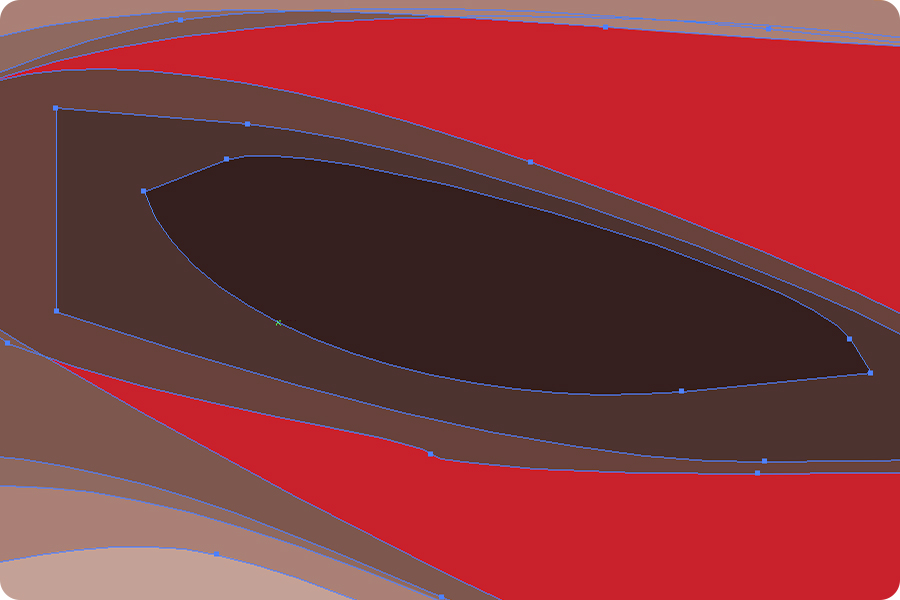
Our AI image vectorizer intelligently detects edges and creates optimized paths with precise anchor points. Supports curved, straight, and corner nodes for pixel-perfect vector conversion.
Key Capabilities
Instantly Convert Any Image to SVG, AI, DXF Vector Format
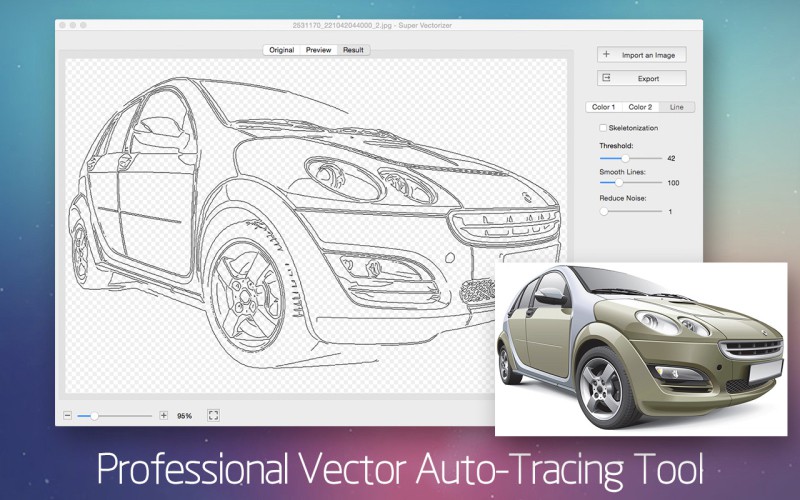
Our free online image vectorizer transforms logos, icons, illustrations, and scanned drawings into clean, scalable vector graphics. Whether you need PNG to SVG conversion for Cricut projects, logo digitization for print, or DXF export for laser cutting and CAD applications — our AI-powered vectorizer handles it all.
Vector images scale infinitely without pixelation, making them essential for responsive web design, large-format printing, embroidery digitization, and manufacturing workflows.
High-Quality Raster to Vector Conversion
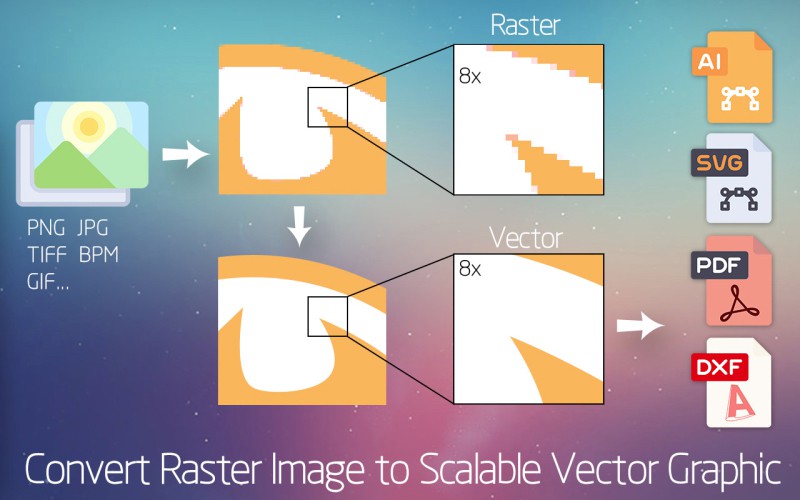
Preserve Every Detail When You Vectorize Images
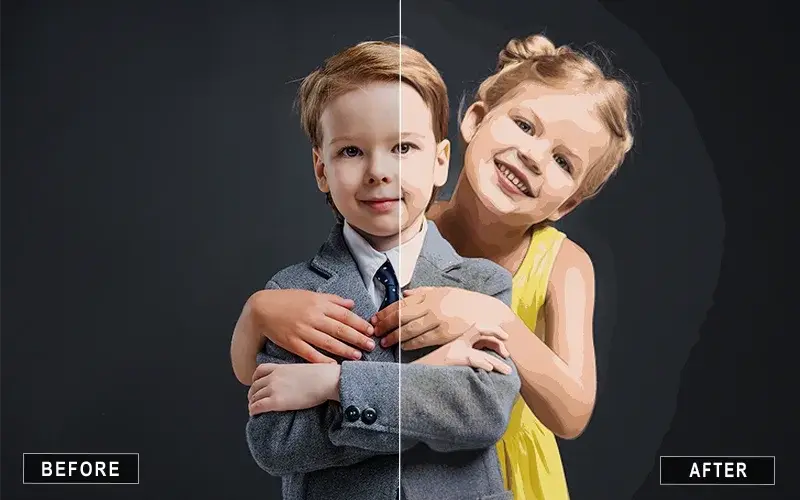
Transform low-resolution raster images into sharp, high-fidelity vector graphics. Our image vectorizer uses advanced edge detection and path optimization to capture fine lines, smooth curves, and intricate details that traditional tracing tools miss.
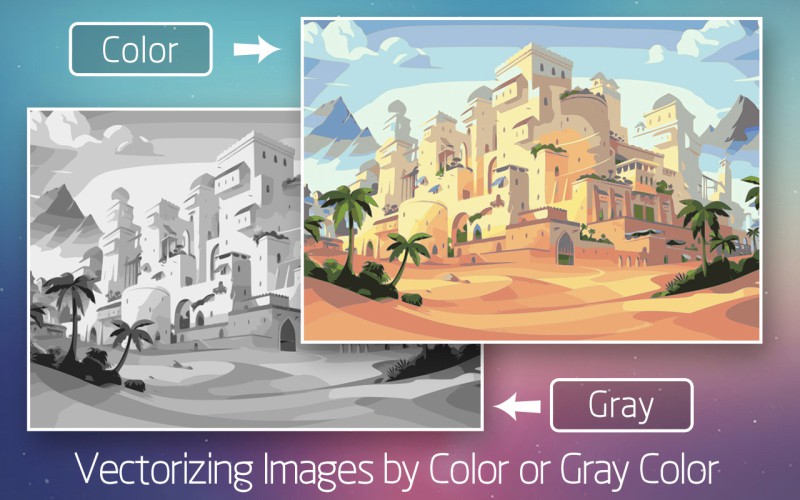
Perfect for converting hand-drawn sketches, vintage illustrations, old photographs, and pixelated graphics into production-ready vectors for any application.
How to Convert Image to Vector SVG Online in 3 Easy Steps
-
Step 1: Upload Your Image
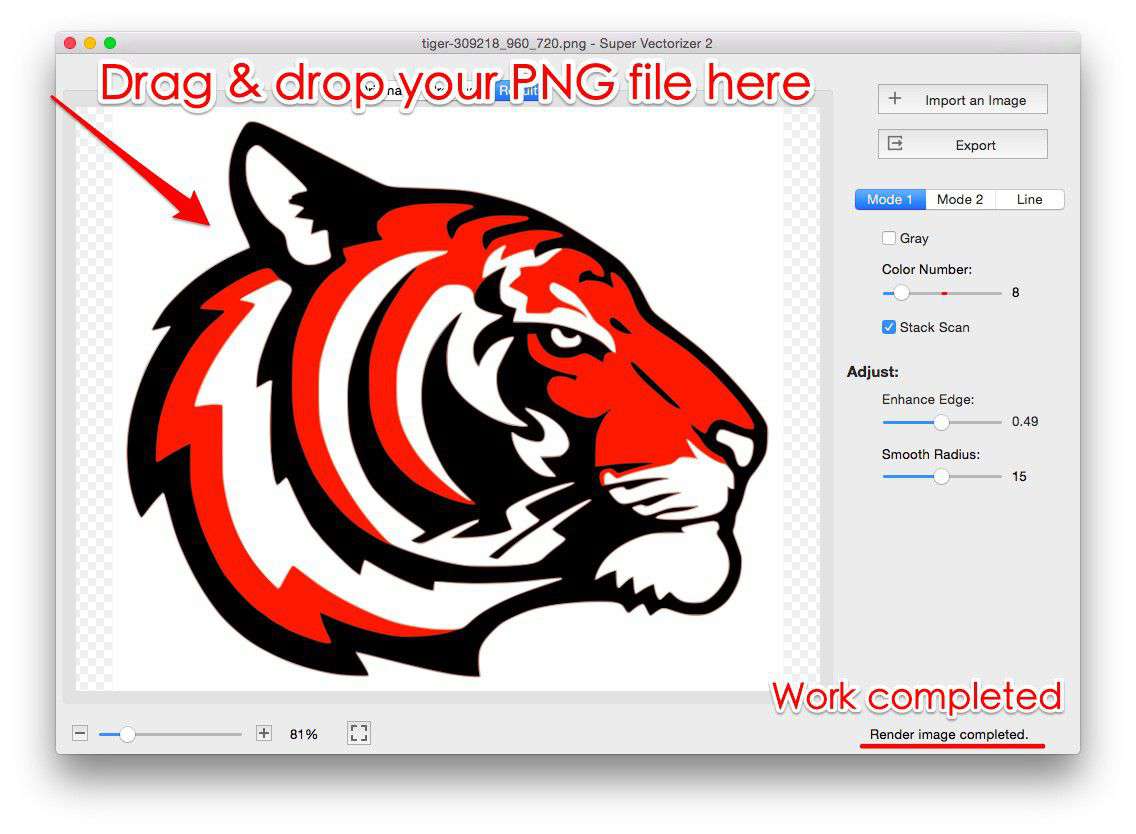
Drag and drop your PNG, JPG, JPEG, BMP, GIF, TIFF, PSD, or PDF file onto our image vectorizer. No account or software installation needed.
-
Step 2: Automatic Vectorization
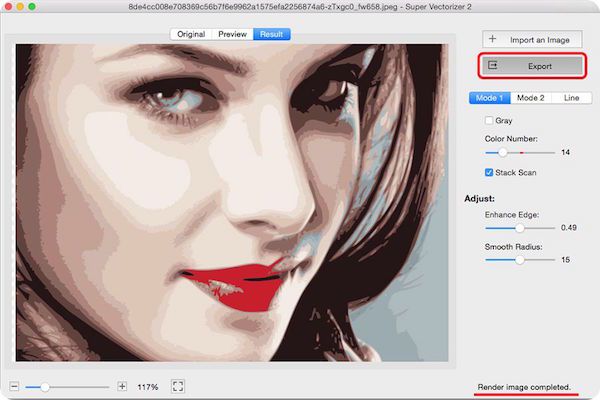
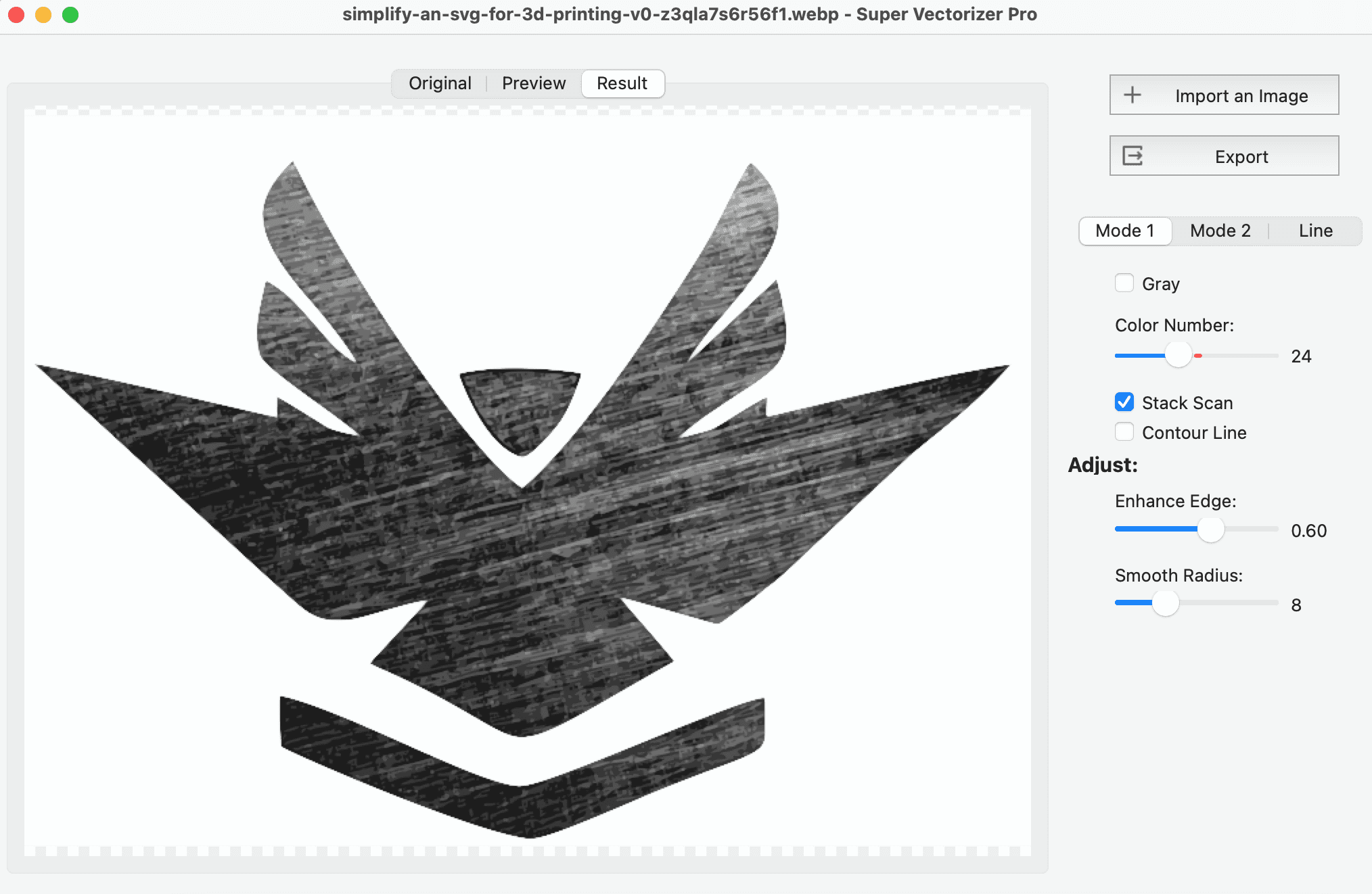
Our AI analyzes your image and converts it to vector format instantly. Adjust trace settings like threshold, smoothing, and color count if needed.
-
Step 3: Download Vector File
Export your vectorized image as SVG, AI, DXF, or PDF. Compatible with Adobe Illustrator, CorelDRAW, Inkscape, and all major design software.
Online Image Vectorizer vs Desktop Software (2026 Comparison)
A free online image vectorizer is the fastest way to auto-trace a logo or photo into SVG — no install, no account, works on any device. A desktop app like Super Vectorizer Pro wins when you need offline privacy, consistent colour control, and repeatable results on Mac or Windows. The table below compares the six options most people consider in 2026.
| Tool | Platform | Free Tier | Batch | Output | Best For |
|---|---|---|---|---|---|
| Super Vectorizer Pro | Mac & Windows | Free trial (preview only) | No (one at a time) | SVG, AI, DXF, PDF, EPS | High-accuracy offline vectorization |
| SVGvector.com Online | Web browser | Free | No (one at a time) | SVG, AI, DXF, PDF | Quick browser-based trace |
| Vectorizer.AI | Web | Free (limited) | Yes (paid) | SVG, PNG, PDF | AI photo-to-vector |
| Adobe Illustrator | Mac & Windows | Paid | Yes (actions) | AI, SVG, EPS, PDF | Professional design |
| Inkscape | Mac, Windows, Linux | Free (open source) | Yes (CLI) | SVG, PDF | Open-source editing |
| Canva | Web & desktop | Free + Paid | Limited | SVG, PNG | Simple social graphics |
Takeaway: For a one-off trace, any free online image vectorizer gets the job done in seconds. If you want private, offline, high-fidelity vectorization on your own Mac or Windows machine, Super Vectorizer Pro is the best desktop pick — note it processes one image at a time and its free trial previews results before you buy.
Frequently Asked Questions About Image Vectorizers
Is this image vectorizer free to use?
Yes! Our online image vectorizer is completely free with no hidden costs. Convert PNG, JPG, BMP, and other raster images to SVG, AI, DXF, or PDF without creating an account or installing software.
What image formats does the vectorizer support?
We support PNG, JPG, JPEG, BMP, GIF, TIFF, PSD, PDF, and 60+ other raster formats. Simply upload your file and our AI will automatically detect and vectorize your image.
What's the difference between SVG, AI, DXF, and PDF vector formats?
SVG is ideal for web graphics and scalable icons. AI (Adobe Illustrator) is the industry standard for professional design. DXF is perfect for CAD, laser cutting, and embroidery digitizing. PDF preserves both vector and raster elements.
Can I use vectorized images for commercial purposes?
Yes, all vector graphics you create are yours to use commercially. Use them for client projects, print-on-demand products, merchandise, or any commercial application without restrictions.
Super Vectorizer Pro - The Mac Informer Awards Winner!

What Super Vectorizer for Mac users say:
"VERY VERY GOOD APP!!!! -- We have tested several vector apps, and none of them have been as user-friendly and accurate as this one. We just loaded a hand drawn image and the app does it vectorize very well." -- Jelkomme
"Best vectorizer for color images -- I've tried several of the vectorizer tools on the app store. This is by far, the simplest yet most effective app for conversion of color images. Works best with cartoon/logo-type images, but you can still get good results from photos." -- Neuro Guy