Download Free Icons
Grab pre-made, optimized vector files from our 45,000+ free SVG icon library and import them straight into Cricut Design Space.
Browse a free icon library built for Cricut vinyl, decals and stickers. Need something no library has? Turn any image, logo or sketch into a clean, cut-ready SVG on your Mac or Windows machine.
Start from a ready-made library, or trace your own artwork
Grab pre-made, optimized vector files from our 45,000+ free SVG icon library and import them straight into Cricut Design Space.
Convert a PNG, JPG, BMP or TIFF into a true SVG with smooth curves and minimal nodes, so your machine cuts the shape you actually intended.
Need CAD-style geometry for a laser cutter as well? Export DXF from the same traced image — one tool covers both workflows.
All tracing runs locally on your computer. Client logos and personal designs never leave the device — no uploads, no cloud dependency.
Real vector paths, not a pixel approximation your machine has to guess at
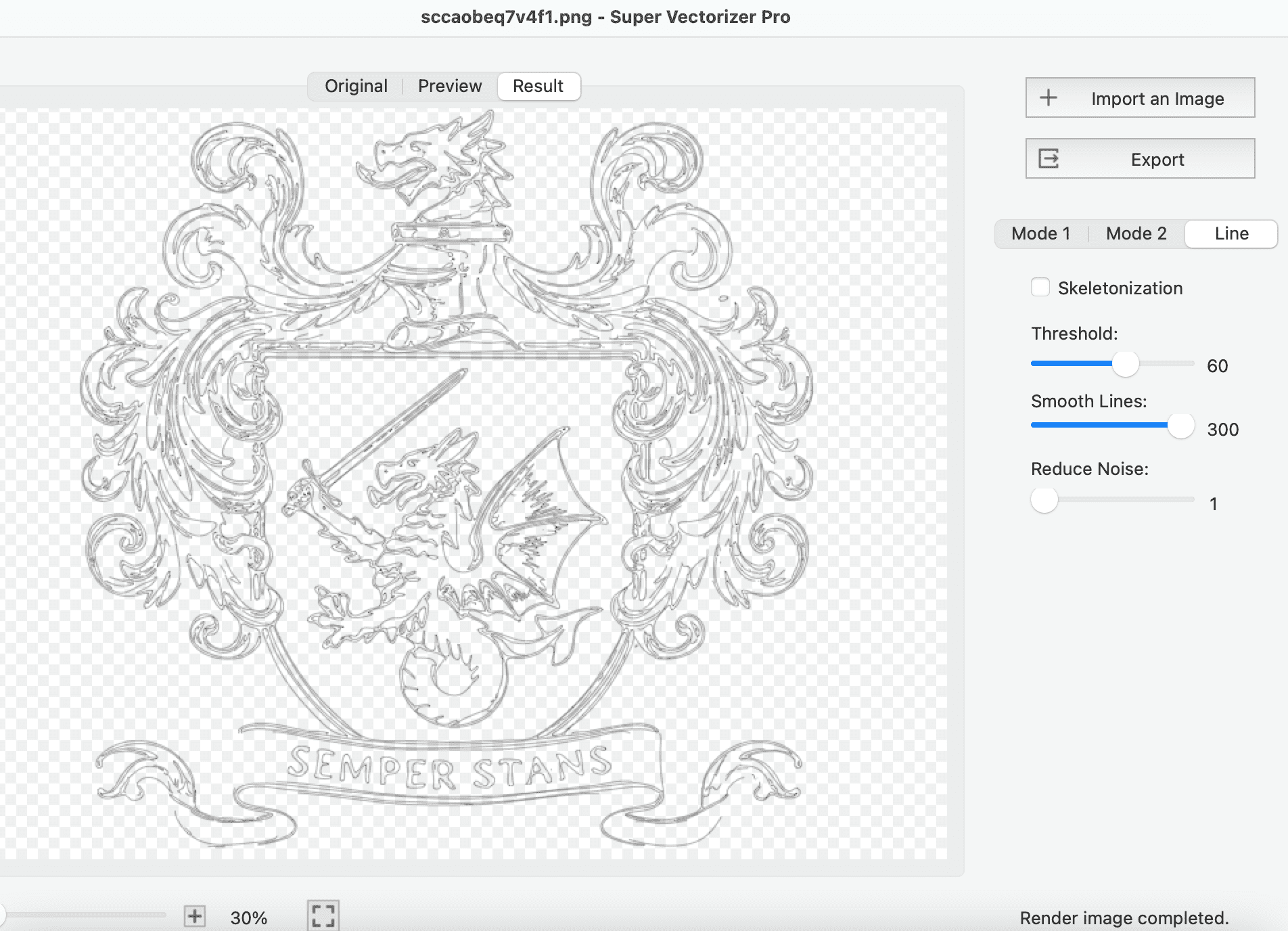
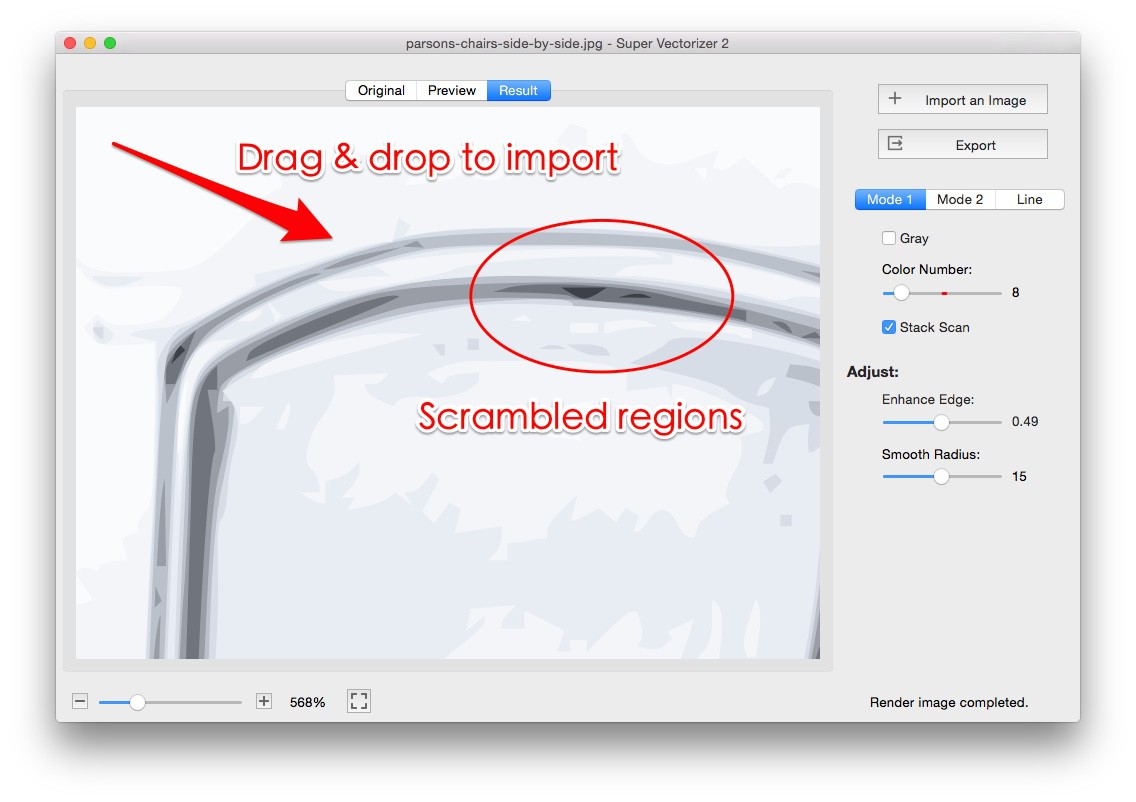
Load any PNG, JPG, BMP or TIFF into Super Vectorizer Pro, up to 25 megapixels.
Choose SVG as the output format and adjust trace quality and threshold for the cleanest cut lines.
Review node count and curve smoothness. Fewer, cleaner nodes mean easier weeding and sharper edges.
Save the SVG (or DXF) and upload it to Cricut Design Space, then send it to your machine to cut.
Ready to make your own Cricut SVG? Try Super Vectorizer Pro free trial to preview vectorization results on your own images.
Compatible with macOS 10.10+ (M1/M2/M3) & Windows 7/8/10/11
Pick the right format up front, and catch artwork problems before they reach the mat
| Format | Supported by Cricut Design Space | Best for |
|---|---|---|
| SVG | Yes — recommended | Crisp cuts, layered multi-color projects, scaling to any size |
| DXF | Yes | Precision cutting and CAD-style geometry, also used by laser cutters |
| PNG / JPG | Yes, but auto-traced | Print then cut only; raster files must be traced and often cut poorly |
| GIF | Yes | Legacy simple shapes, rarely the best option |
| Pre-cut check | Do this | Avoid this |
|---|---|---|
| File type | Export a true SVG with vector paths | Uploading a PNG or JPG and letting Design Space auto-trace it |
| Node count | Keep paths smooth and simplified | Hundreds of tiny segments that make weeding painful |
| Source contrast | High-contrast art with clean edges | Busy photos with fine detail that turns into speckle |
| Text | Convert lettering to outlines | Live text that depends on fonts installed on the cutting computer |
| Size | Scale to your mat before cutting | Designs larger than the mat, especially on Cricut Joy |
A real SVG means Design Space reads genuine paths — that is what removes blurry edges and jagged cuts.
Mix ready-made icons with your own traced artwork to build projects no library sells
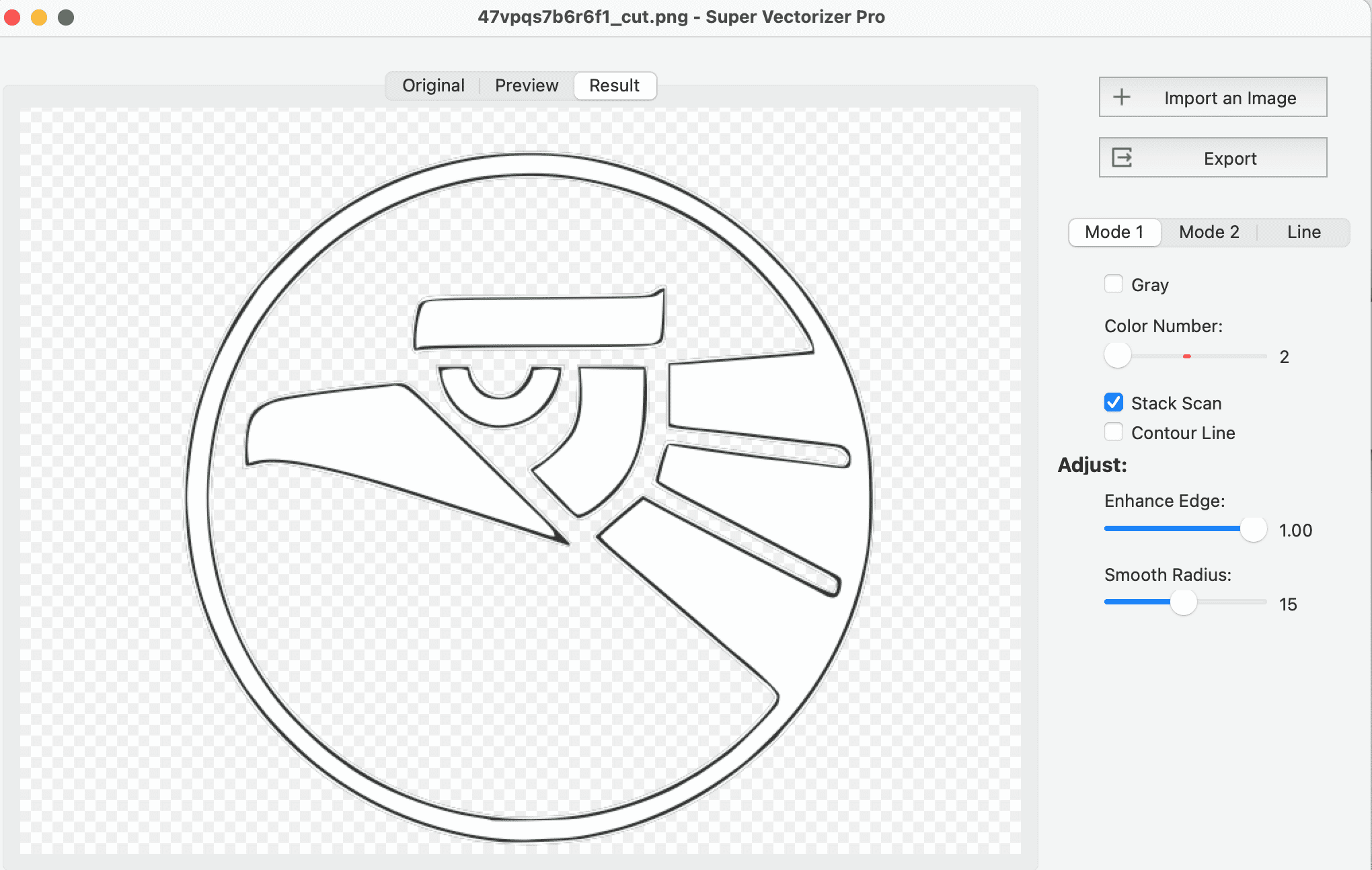
Trace a logo or hand-lettered name into clean paths for crisp weeding on adhesive vinyl and cardstock.
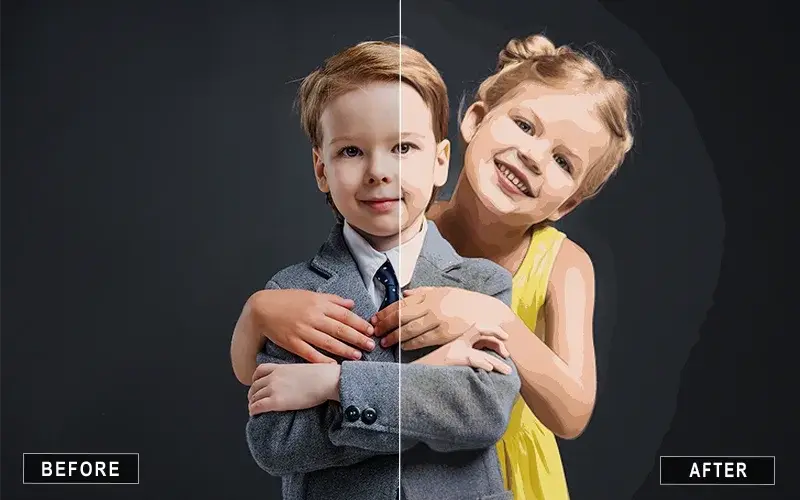
Build layered, multi-color designs from a single source image and assign each layer its own material.
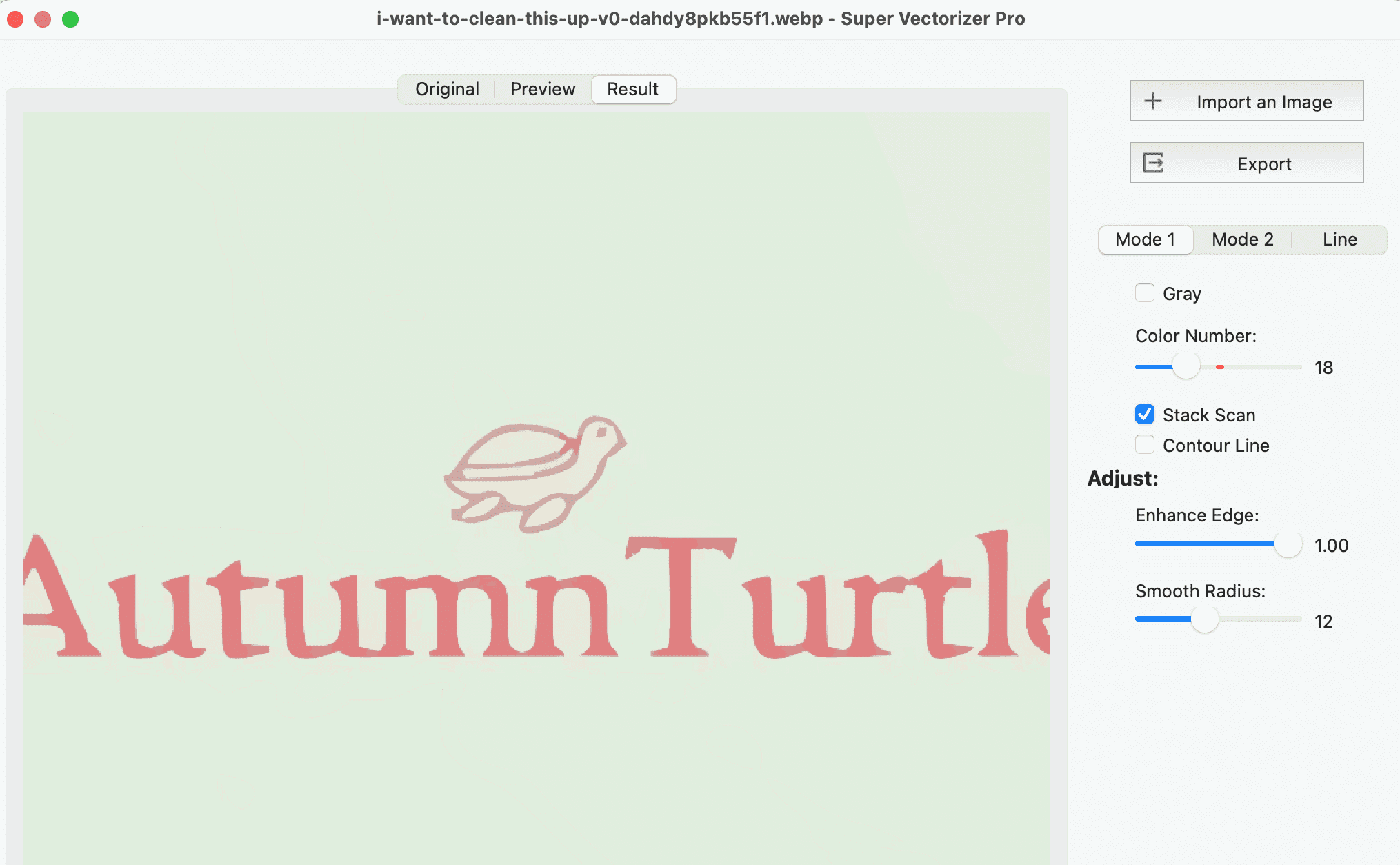
Pair free library icons with your own traced drawings for invitations, gift tags and seasonal decor.
Everything you need to know about free and custom SVG files for Cricut
Cricut Design Space supports SVG, DXF, PNG, JPG and GIF files. SVG is the best choice for clean cuts because it contains real vector paths instead of pixels. DXF is also excellent for precision cutting. PNG and JPG files force Cricut to auto-trace the image, which usually produces less accurate results than a properly vectorized SVG.
You can download 45,000+ free SVG icons from svgvector.com, covering social media logos, UI icons, business icons, arrows and more, all free for Cricut projects and for both personal and commercial use. For custom designs that are not in the library, use Super Vectorizer Pro to convert any image into a clean SVG file optimized for cutting.
Open the PNG in Super Vectorizer Pro, set the output format to SVG, adjust the trace settings, and export. The resulting SVG file has clean vector paths ready for Cricut Design Space, with no blurry edges and no jagged cuts.
Yes. Cricut Design Space supports DXF files, which are commonly used for laser cutting and CAD applications. Super Vectorizer Pro can export both SVG and DXF from the same image, so one source file covers your cutting and CAD workflows.
Yes. Super Vectorizer Pro produces clean, optimized SVG files with minimal nodes and smooth curves, which is exactly what Cricut machines need for precision cutting. It processes one image at a time and outputs SVG, DXF, PDF and Adobe Illustrator AI.
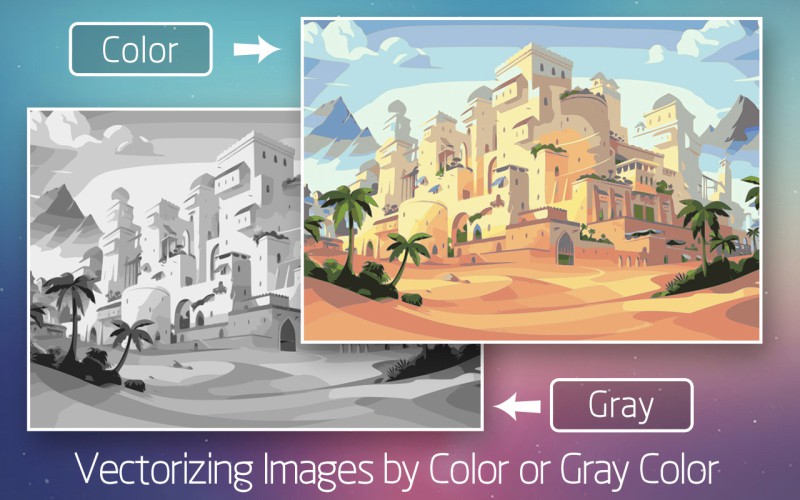
Yes. Super Vectorizer Pro can trace images into multiple color layers, and each layer becomes a separate cut layer in Cricut Design Space. For the best results, start with an image that already has clearly separated colors, then assign each layer its own material or color in the software.
No. The 45,000+ free SVG icons on svgvector.com are free for both personal and commercial use, with no signup and no attribution required. Super Vectorizer Pro is a separate one-time purchase of $29.99, used only when you want to create custom SVGs from your own images.
High-contrast images with clean edges trace best: logos, line art, stickers and simple illustrations. Photographs with lots of fine detail can still be vectorized, but for crisp cuts you will want to simplify the artwork or pick a bolder source image. A free trial lets you preview the trace before exporting.
A blurry or jagged cut usually means the file was a PNG or JPG that Cricut auto-traced, not a true vector file. Re-export it as a real SVG from Super Vectorizer Pro so Design Space reads genuine vector paths instead of a pixel-based approximation.
Yes. Super Vectorizer Pro is a desktop application for macOS 10.10+ (including Apple Silicon M1/M2/M3) and Windows 7/8/10/11. A free trial is available so you can preview vectorization results before purchasing; the trial is preview-only and does not export.
Yes. The SVG files are standard vector artwork, so they open in Cricut Design Space for Maker, Explore Air 2, Explore 3 and Joy. Keep the design within your mat size — Joy uses smaller mats, so scale the artwork before sending it to cut.
No. It processes one image at a time. That gives you per-image control over color count, smoothing and detail, which matters when different source images need different trace settings to cut cleanly.
Start with 45,000+ free icons, or create custom SVG files with Super Vectorizer Pro.
30-day money-back guarantee.
More tools and guides for turning images into cut-ready vector files