Stock clipart is usually hand-drawn with a small fixed palette (5–15 colors). A naive tracer will quantize it to hundreds of shades because of anti-aliasing edges and JPEG noise — producing SVGs that are 200+ KB and look mushy when scaled.
By setting a Max colors cap and a moderate Color precision, the tracer merges similar shades back into the intended flat palette. The output is compact, true flat-color SVG.
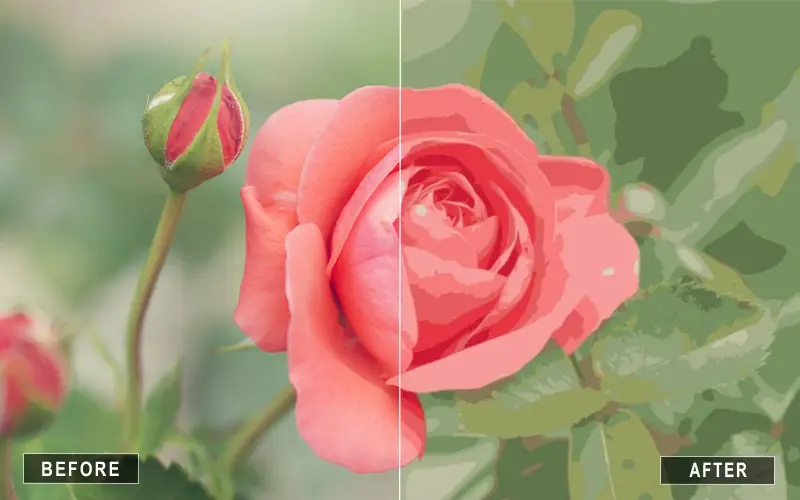
Flat illustrations print and scale best as a small, fixed palette. Capping Max colors merges anti-aliasing shades back into the intended flats, giving compact, production-ready SVG that stays sharp from a business card to a billboard. For geometric clipart, the Polygon mode keeps straight edges straight.
The source probably had anti-aliasing or JPEG compression. Lower Color precision and Max colors, or upload a higher-resolution PNG with transparent background.
For most clipart, 8–16. For logos with a single brand color, try 4. For complex illustrations, 24.
Yes. The SVG keeps transparency in areas where the input had transparency (PNG).
The output is static SVG paths, but you can import it into After Effects, Lottie, or Rive and animate the paths.
No. All processing happens locally in your browser.
