A pencil sketch on white paper is not pure black on pure white — the "white" is off-white, the "black" is dark grey, and JPEG compression adds noise. A naive color tracer will quantize all those shades into hundreds of grey layers, producing a noisy vector.
This page uses VTracer's adaptive binarization: each pixel is first decided to be "ink" or "paper" based on the local contrast around it. Only two values ever enter the tracer, so the output is true 1-bit black-and-white SVG — crisp strokes, no grey fill.
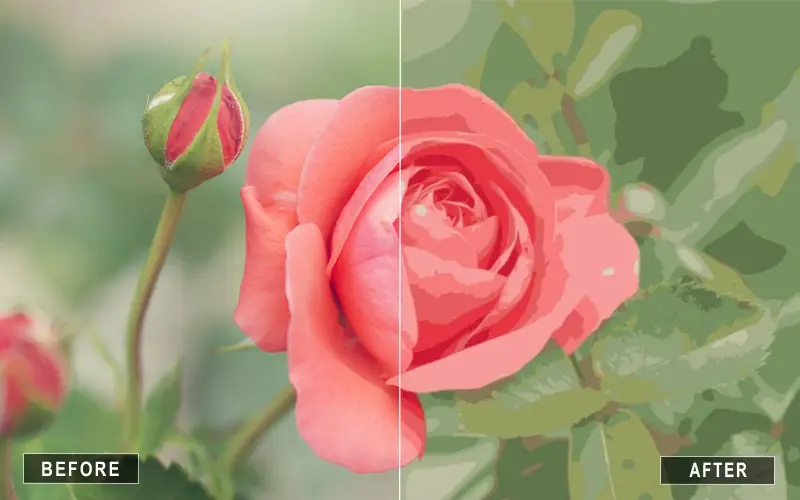
Line art is almost always better as true 1-bit black-and-white: adaptive binarization forces every pixel to ink or paper before tracing, so you get crisp strokes with no grey fill. Photographs need the Photo preset instead, where gradients and many colors are preserved. Pick the right mode and the difference is dramatic.
Yes. Adaptive binarization forces every pixel to either ink or paper before tracing, so the SVG contains only two colors: black and white.
The binarizer ignores color and works on luminance, so a blue pen on yellow paper will still trace cleanly as black on white. Use the color presets on VTracer Online if you want to preserve color.
Yes. Signatures on white paper trace very cleanly. Scan at 300 dpi or photograph with even lighting.
With Path precision set to 1 or 2, line-art SVGs typically come out at 10–40 KB even for full pages.
No. All processing happens locally in your browser.
