Web-Ready Output
SVG renders in every browser and scales without quality loss, unlike a flat EPS that many web tools cannot place directly.
Turn legacy EPS files into clean, editable SVG with Super Vectorizer Pro. The app reads EPS plus 70+ formats and exports SVG, AI, DXF, and PDF offline — one-time $29.99, free trial previews the full trace.
Want a quick browser trace first? Try the free online PNG to SVG converter, then export in the desktop app.
EPS is print-era; SVG is what the web and modern tools expect.
SVG renders in every browser and scales without quality loss, unlike a flat EPS that many web tools cannot place directly.
Super Vectorizer Pro rebuilds the EPS artwork as editable SVG paths you can recolor in Illustrator, Figma, or CorelDRAW.
One app handles EPS, AI, PDF, PSD, PNG, JPG, and many RAW types, so you do not juggle separate converters.
The conversion runs locally on your machine. Nothing is uploaded, so client and brand artwork stays private.

Know which format you are holding before you send it to a printer or developer
| Feature | EPS | SVG |
|---|---|---|
| Best for | Legacy print workflows | Web, apps, modern design |
| Browser support | Limited, needs conversion | Native in every browser |
| Editing | Often flat or PostScript | Editable paths and colors |
| Scales up | Vector, but clunky to use | Vector, web-native |
| Transparency | Varies by file | Clean alpha support |
| File size | Can be large | Small and compressible |

Four steps from an EPS file to an editable SVG

Launch Super Vectorizer Pro on Mac or Windows and import the EPS file directly, no Illustrator required.
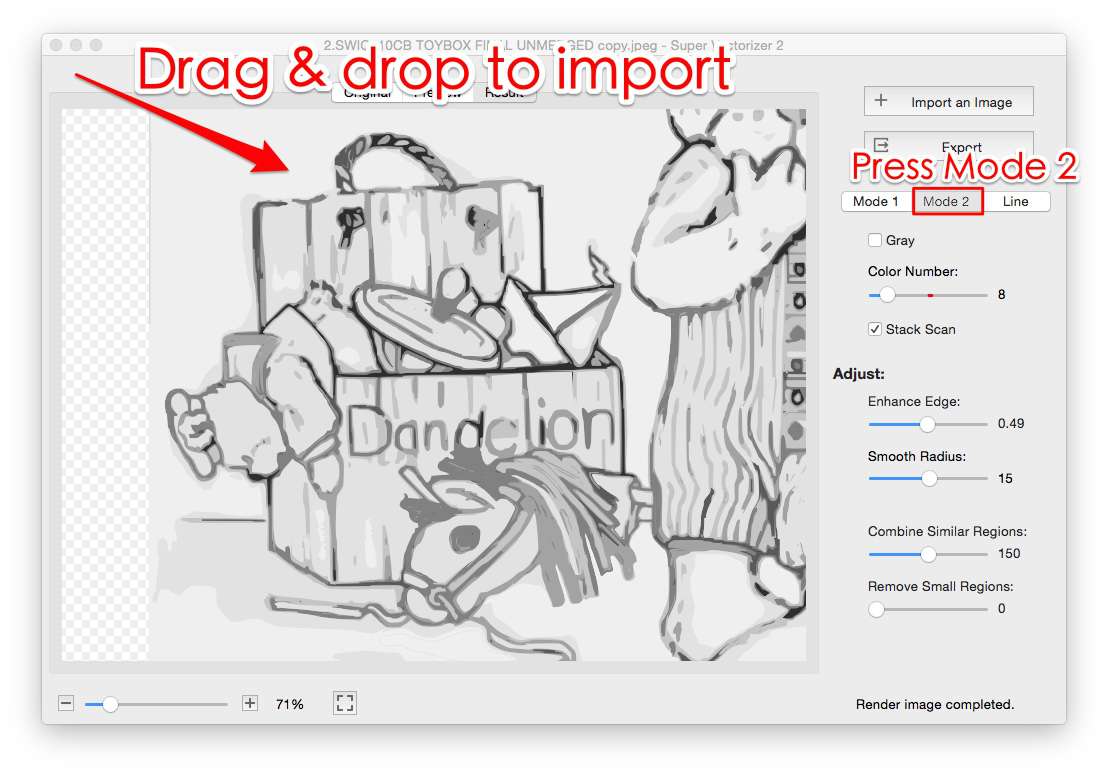
The app traces the EPS artwork into SVG paths automatically. Adjust color count and edge settings if needed.
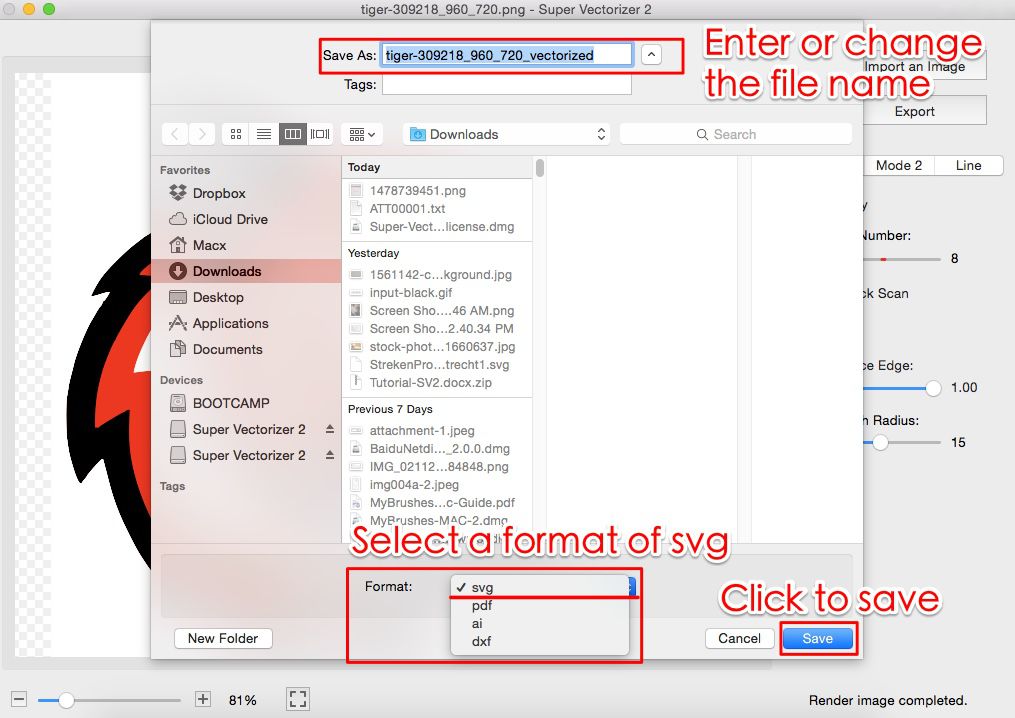
Pick SVG for web, AI for Illustrator, PDF for print, or DXF for cutting, and keep transparency if the source has it.
Save the SVG vector file and open it in your design tool to recolor or finalize.
Ready to convert EPS to SVG on Mac or Windows? Download Super Vectorizer Pro and preview the full trace in the free trial.
Compatible with macOS 10.10+ (M1/M2/M3/M4) & Windows 7/8/10/11
Everything you need to know about EPS to SVG conversion
Open the EPS file in Super Vectorizer Pro, let it trace the vector artwork into clean SVG paths, and export. The app runs natively on macOS (including Apple Silicon) and Windows, so the whole EPS to SVG conversion happens offline on your machine. The free trial previews the full result before you buy the one-time $29.99 license.
Yes. Super Vectorizer Pro imports EPS along with 70+ other formats (PNG, JPG, BMP, GIF, PSD, PDF, AI, and many camera RAW types). You do not need Adobe Illustrator installed to read an EPS and turn it into SVG, AI, DXF, or PDF.
EPS is an older vector format built mainly for print and is often saved as a flat PostScript file. SVG is a modern, web-friendly vector format based on XML that scales cleanly and is supported by every browser and design tool. Converting EPS to SVG makes the artwork usable on the web and easier to edit.
When the EPS holds vector shapes, Super Vectorizer Pro reconstructs them as editable SVG paths and separates color regions, so you can recolor or adjust the artwork in Illustrator, Figma, or CorelDRAW after export. The result is real vector geometry, not a locked image.
Yes. Super Vectorizer Pro runs on Windows 7 through 11 as well as macOS. The EPS to SVG workflow is identical on both platforms, and the license covers your machines on either OS.
The desktop app is designed for precise, one-at-a-time tracing so you can fine-tune color count and edge settings per file. For a folder of EPS files, process them in sequence; each exports to SVG, AI, DXF, or PDF with the same settings you choose.
Super Vectorizer Pro includes a free trial that loads your EPS and previews the complete SVG trace on your own computer. The licensed version is a one-time $29.99 with no subscription. For a quick browser-only check, our free online PNG to SVG converter also traces without an install.
From a single EPS source, Super Vectorizer Pro exports SVG, AI (Adobe Illustrator), DXF (for laser or CNC cutting), and PDF (for print). That means one import covers web, design, cutting, and print workflows.
You can, if Illustrator is installed. Super Vectorizer Pro is the lighter option when you do not have Illustrator, want an offline one-time-purchase tool, or need to also handle raster sources like PNG and JPG in the same app. It reads EPS and writes SVG without a Creative Cloud subscription.
Yes. Export SVG or PDF for general print and DXF if a machine will cut the artwork. Because the output is vector, it stays sharp from a business card to a large sign, while a rasterized EPS would pixelate at size.
If the EPS already has transparency, Super Vectorizer Pro keeps it in the exported SVG and PNG. If the source has a white or colored background you want gone, use the tool's transparent-background setting before exporting so the SVG drops onto any color cleanly.
Over 70 input formats, including EPS, AI, PDF, PSD, PNG, JPG, BMP, GIF, ICNS, ICO, and many camera RAW types such as CR2, NEF, ARW, and DNG. EPS to SVG is one of many vector conversions the app handles in one place.
Super Vectorizer Pro turns EPS, AI, PDF, PSD, and 70+ formats into clean SVG, AI, DXF, and PDF on Mac and Windows
One-time purchase $29.99 - Works offline - macOS & Windows