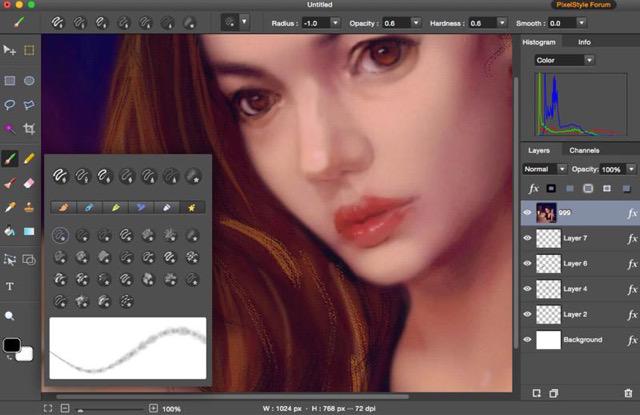
SVG to JPG on Mac — What You Can Do
PixelStyle gives you full control over resolution, transparency and format when exporting SVG.
SVG to JPG Export
Convert SVG vector graphics to JPG — perfect for web graphics, social posts and email. Set resolution from 72dpi (web) to 300dpi (print).
SVG to PNG with Transparency
Export SVG to lossless PNG that keeps a transparent background — ideal for logos, icons and sharp-edged graphics.
JPG vs PNG — Choose Wisely
JPG is smaller but lossy; PNG is lossless and supports transparency. PixelStyle lets you pick the right one per use case.
Native Mac App
Runs natively on macOS including Apple Silicon. All processing happens locally on your Mac — fully private.
How to Convert SVG to JPG on Mac
A four-step workflow that takes under a minute from download to saved image.
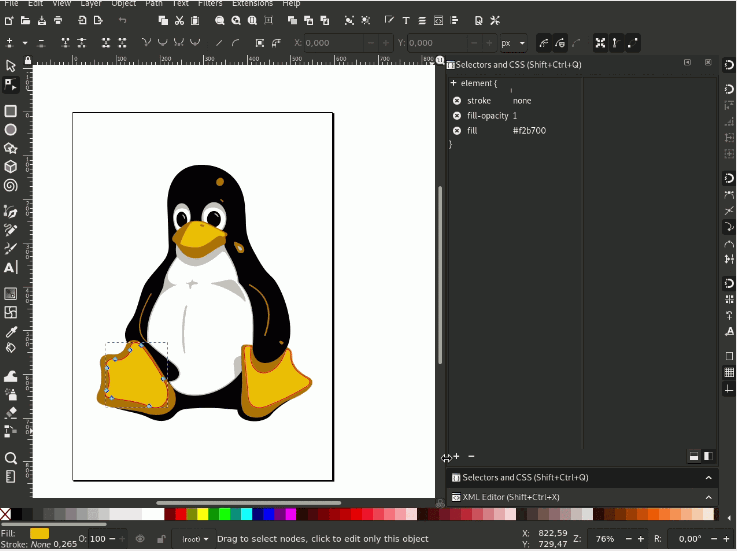
Download PixelStyle
Get PixelStyle Photo Editor for Mac — free from the Mac App Store or effectmatrix.com.
Open Your SVG
Open the SVG file in PixelStyle. The vector elements load as editable layers.
Choose Export Format
Go to File → Export and choose JPG, PNG, TIFF, GIF or BMP. Set resolution and quality.
Save Your Image
Save the exported JPG or PNG to your desired location. Done — fully offline.
JPG vs PNG: Which Should You Choose?
Both formats come from the same SVG — pick based on where the image will be used.
| Factor | JPG | PNG |
|---|---|---|
| Transparency | No | Yes |
| Compression | Lossy (smaller) | Lossless (larger) |
| Best for | Photos, web, social | Logos, icons, text |
| Print quality | 300dpi recommended | 300dpi recommended |
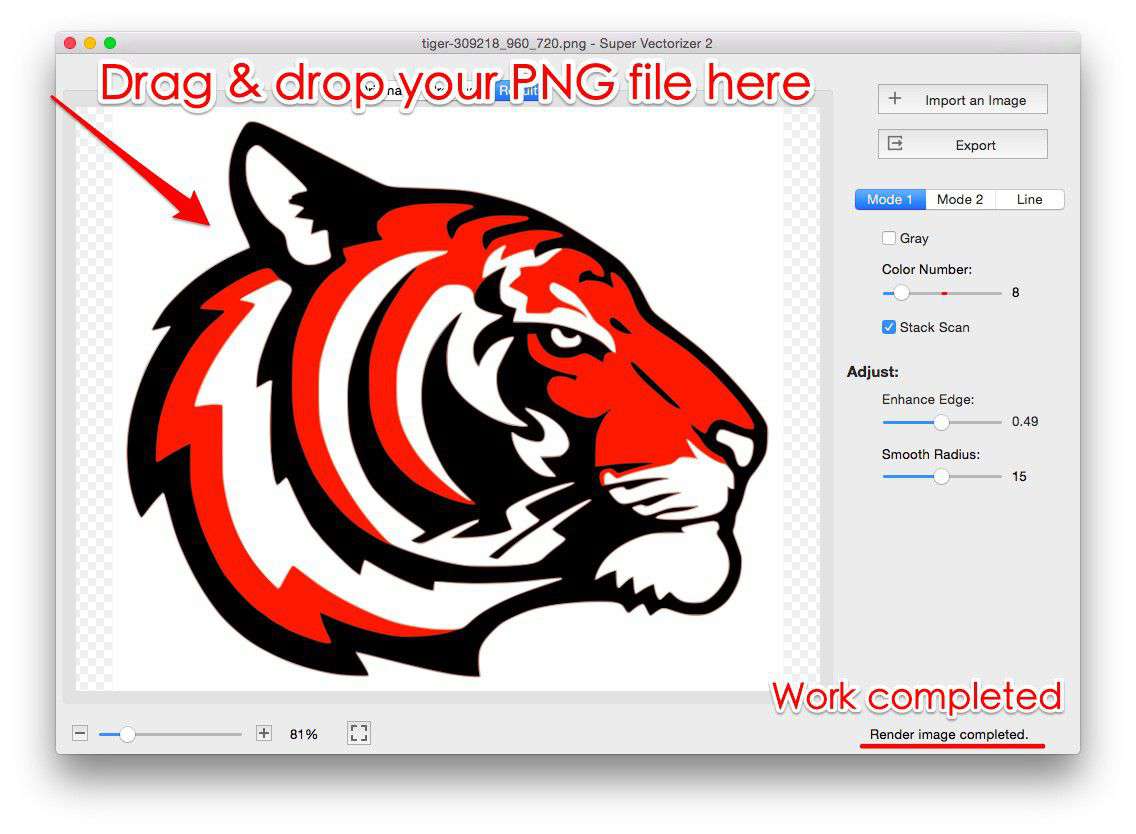
Want to convert the other way — raster photos into clean SVG? Super Vectorizer works on Mac and Windows.