
The best PNG to SVG AI converter depends on whether you want a quick browser preview or a private, offline desktop workflow. For a fast, free, no-login test, an online AI vectorizer is ideal; for full control, color accuracy, and privacy, Super Vectorizer Pro is the strongest desktop choice because it vectorizes locally on macOS and Windows with a free trial to preview results. Below we break down the free, login-free, and high-quality routes so you can pick the right tool for your bitmap-to-vector job.
Ready to convert your images offline? Try Super Vectorizer Pro free trial to preview vectorization results.
Compatible with macOS 10.10+ (M1/M2/M3) & Windows 7/8/10/11
What Is a PNG to SVG AI Converter?
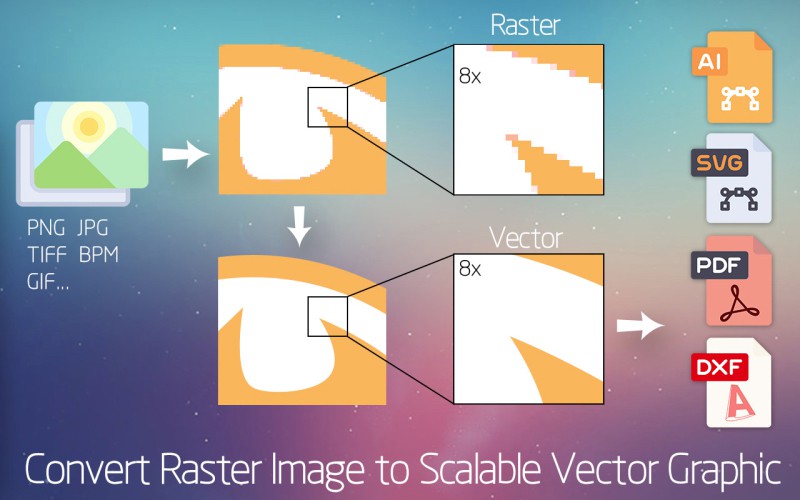
A PNG to SVG AI converter takes a raster PNG — a grid of pixels — and uses machine-learning tracing to redraw it as vector paths in the SVG format. Traditional vector tracing relies on fixed thresholds; AI vectorization predicts shapes, smooths anchor points, and separates colors automatically. The result is a scalable vector graphic you can resize infinitely without blur, edit in any vector editor, and ship to web, print, or cutting machines.
Common synonyms you will see in tutorials are raster to vector, image vectorization, and auto-trace. They all describe the same bitmap-to-vector transformation, just with different levels of automation.
PNG to SVG AI Free: What to Expect
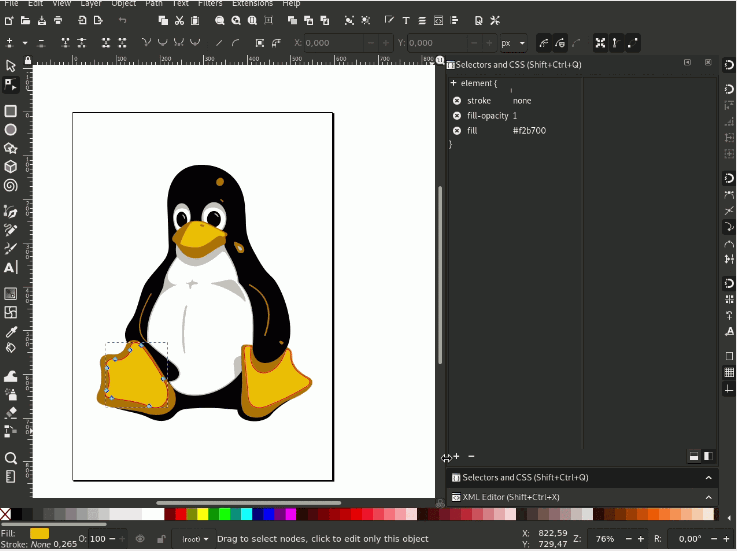
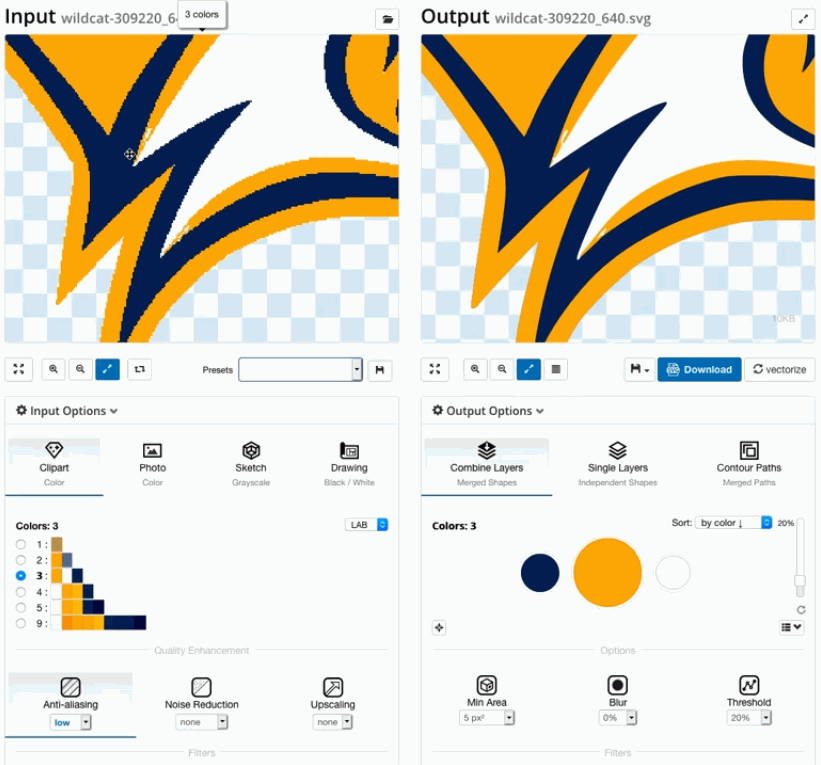
If your priority is free, you have two realistic paths. Browser-based AI converters let you upload a PNG and download the SVG at no cost, usually for a limited number of images per day. Open-source desktop tools such as Inkscape offer free tracing with no usage caps, though the tracing engine is less automated than a cloud AI.
Super Vectorizer Pro sits between these: it is a paid one-time desktop license, but it ships a free trial to preview results, so you can run a real conversion and inspect the vector before buying. The honest trade-off is that free online tools process your image on someone else's server, while a desktop trial keeps the file on your machine.

PNG to SVG AI Without Login: Is It Possible?
Yes — but the details matter. Some online AI converters accept an upload with no account and return the SVG immediately; others let the first conversion through, then ask for an email before you can download. If you want to skip accounts entirely and never upload your artwork, an offline desktop app is the clean answer.
Super Vectorizer Pro runs fully offline on macOS and Windows with no login required. One thing to be clear about: it processes one image at a time. It does not include a batch mode that converts a folder of PNGs in a single pass, so it is built for careful, private, one-at-a-time vectorization rather than bulk automation.

PNG to SVG High Quality with AI
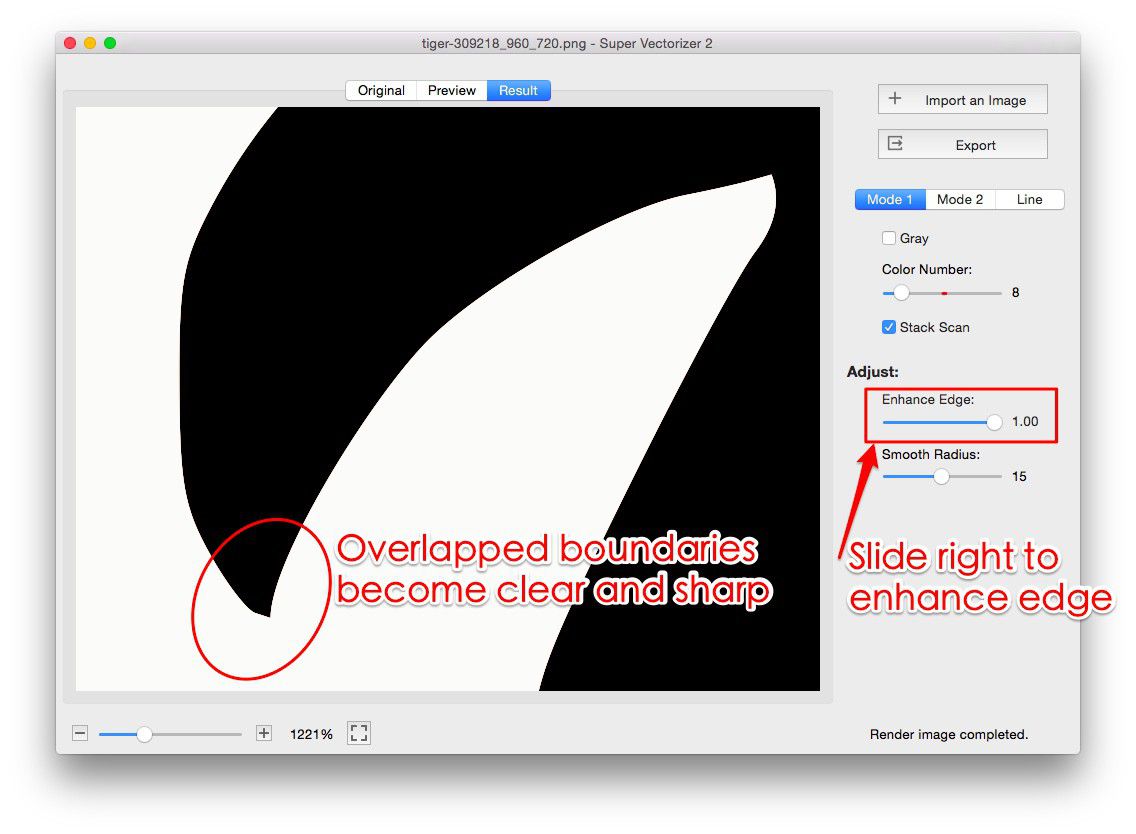
High-quality output comes from three things: a good source image, the right tracing settings, and a tool that lets you fine-tune the result. Start with a high-resolution PNG that has strong contrast and a simple or transparent background. In AI converters, raise the color and detail setting until edges stay sharp without turning into noise.
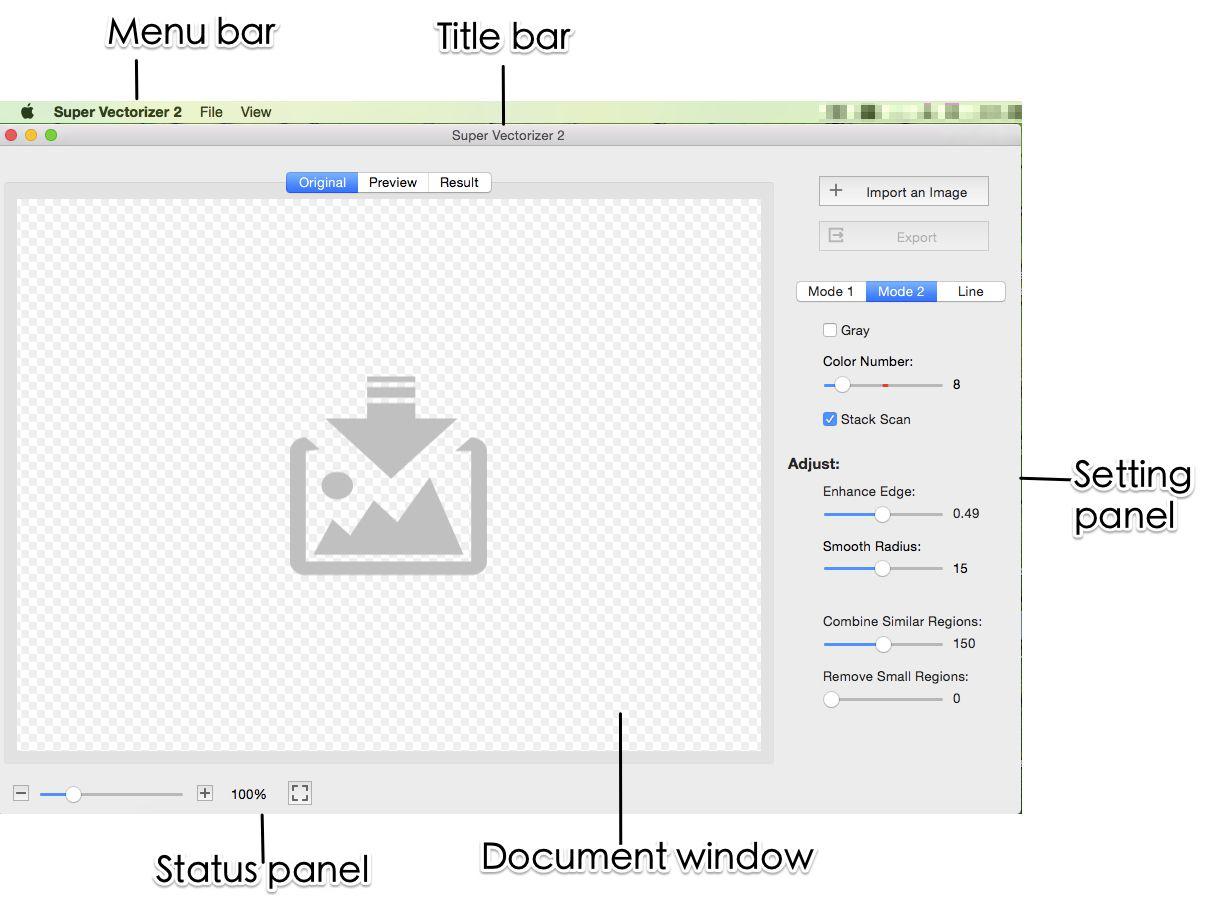
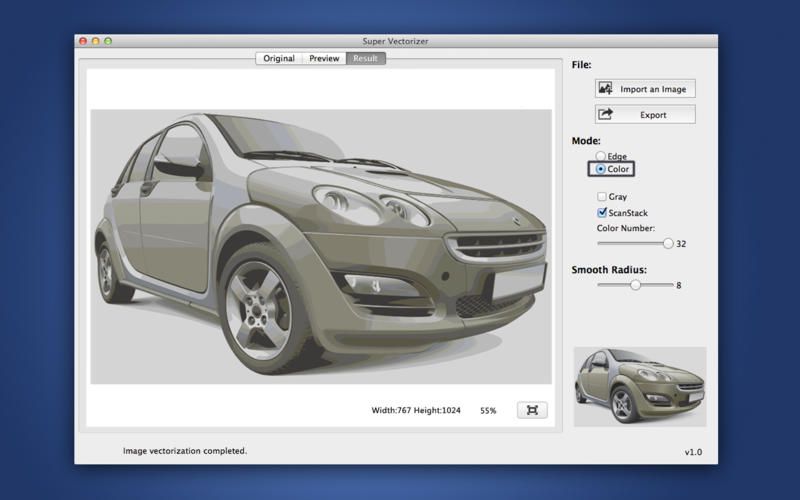
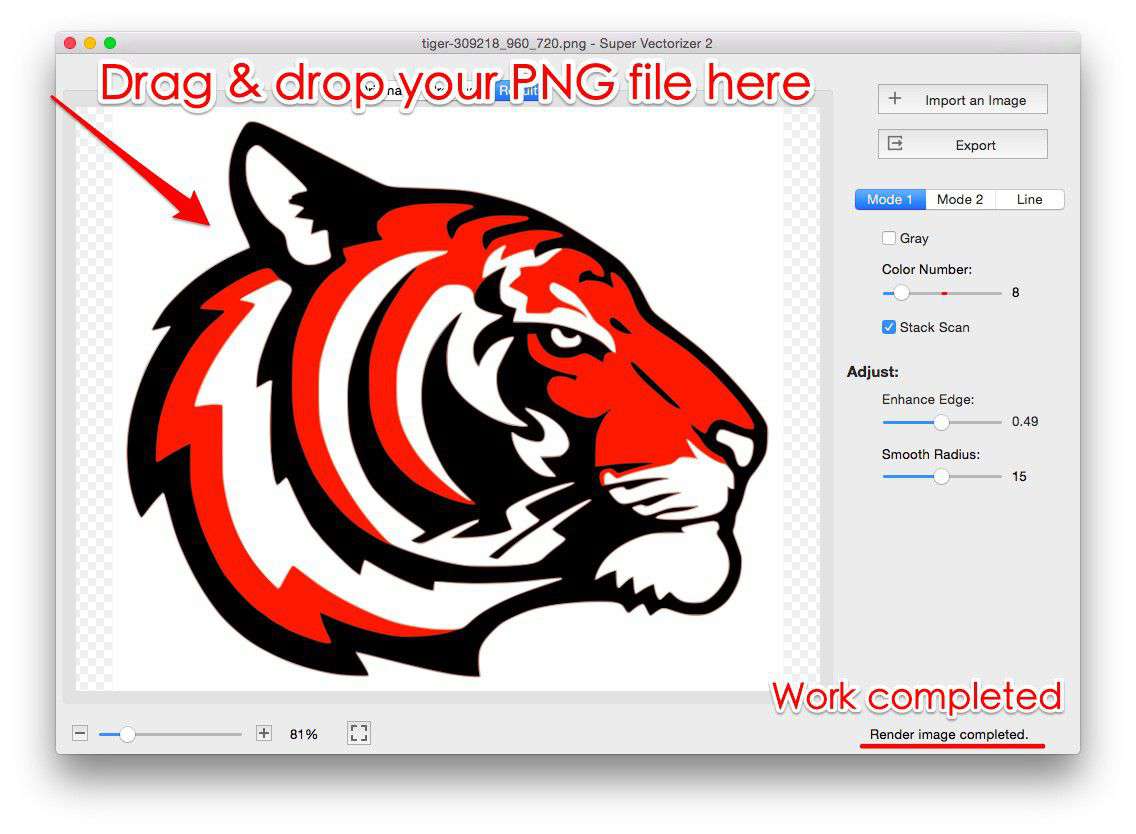
On desktop, Super Vectorizer Pro exposes color complexity, smoothing, and corner sharpness controls, and it shows a live preview so you can dial in quality before saving. A clean source bitmap is still the single biggest factor — AI cannot invent detail a low-res PNG never had.
PNG to SVG AI vs Traditional Tracing
Traditional tracing applies fixed edge-detection rules. It is fast and predictable, but on photos, gradients, and busy art it often leaves gaps, jagged curves, or merged colors. AI tracing predicts the underlying shapes, smooths anchor points, and separates colors automatically, which is why it handles complex artwork so much better.
The downside of pure AI is that it can over-smooth fine detail or simplify a logo you wanted kept exact. A desktop app with manual controls gives you the final say: let AI do the heavy lifting, then adjust. That hybrid is usually the highest-quality route for production work.
PNG to SVG AI Converter Comparison
| Tool | Price | Platform | Online / Offline | Batch Support | Output Quality | Best For |
|---|---|---|---|---|---|---|
| Super Vectorizer Pro | One-time license | macOS & Windows | Offline desktop | No (one at a time) | High (manual tuning) | Private, offline, controllable vectorization |
| Vectorizer.AI | Credits / subscription | Web | Online | Yes | Very high (auto) | Hands-off auto-tracing in the browser |
| Adobe Illustrator | Subscription | macOS, Windows | Offline desktop | Yes (actions) | High | Pro designers already in Creative Cloud |
| Inkscape | Free (open source) | macOS, Windows, Linux | Offline desktop | Limited (CLI) | Good | Free desktop tracing without a budget |
| Canva | Free + Pro | Web | Online | Limited | Good | Quick social and presentation graphics |
The table above compares the most common routes to convert a PNG to SVG with AI. Super Vectorizer Pro stands out for privacy and control — it is offline, needs no login, and exports one image at a time with a free trial to preview results. Cloud tools win on convenience and batch size but send your image to a server.
Vectorizer.AI
Automatic, high-quality browser tracing with batch support.
Adobe Illustrator
Industry-standard vector editor with Image Trace and actions.
Inkscape
Free desktop tracing via the Trace Bitmap extension.
Canva
Quick vector-style graphics inside a design suite.
Step-by-Step: Convert PNG to SVG with Super Vectorizer Pro
Because Super Vectorizer Pro works one image at a time, the flow is simple and private:
- Download and open Super Vectorizer Pro on your Mac or Windows computer (free trial to preview results).
- Open your PNG — the app reads the raster image locally, with no upload.
- Tune the trace — adjust color complexity, smoothing, and corner sharpness for your artwork.
- Preview the vector — check edges and colors in the live preview pane.
- Export the SVG — save the scalable SVG to your chosen location.
Frequently Asked Questions
Is there a free PNG to SVG AI converter?
Yes. Several online AI vectorizers convert a PNG to SVG free for a limited number of images, and Inkscape offers free open-source tracing. Super Vectorizer Pro also provides a free trial to preview vectorization results. For unlimited private use, a one-time desktop license is usually the most cost-effective route.
Can I convert PNG to SVG with AI without logging in?
Some browser converters accept an upload without forcing an account; others ask for an email after the first conversion. For zero accounts and zero uploads, an offline desktop app like Super Vectorizer Pro traces locally with no login. Note it processes one image at a time, not in bulk.
How do I get high-quality PNG to SVG conversion with AI?
Use a high-resolution, high-contrast PNG with a simple background. In AI tools, raise the color/detail setting until edges stay crisp without noise. On desktop, tune color complexity, smoothing, and corner sharpness and preview before saving. A clean source bitmap is the biggest quality factor.
What is the difference between AI tracing and traditional tracing?
Traditional tracing uses fixed thresholds and can leave gaps or jagged curves on complex art. AI tracing predicts shapes, smooths anchor points, and separates colors automatically, handling photos and gradients better — though it can over-smooth fine detail, which is why manual desktop controls help.
Does Super Vectorizer Pro support batch conversion?
No. Super Vectorizer Pro is a one-at-a-time workflow: open a PNG, adjust settings, preview the vector, and export it. It has no batch mode for converting many files in a single pass. It runs fully offline on macOS and Windows, making it a strong private alternative to cloud converters.
Convert PNG to SVG Offline with Super Vectorizer Pro
Preview high-quality vectorization on your own Mac or Windows machine — no upload, no login required.
Compatible with macOS 10.10+ (M1/M2/M3) & Windows 7/8/10/11
Related SVG Workflows
Try These Free Online Tools
No download required — convert, compress & optimize SVGs right in your browser
PNG to SVG Converter
Convert PNG, JPG, BMP images to scalable vector graphics instantly
PNG to SVG ConverterSVG Compressor (Mini)
Reduce SVG file size by up to 80% without losing quality
SVG Compressor OnlineSVG Optimizer
Clean up SVG code, remove redundant data and optimize for web
SVG Optimizer OnlineJPG to SVG Converter
Turn JPEG photos into crisp vector artwork in seconds
JPG to SVG ConverterEPS to SVG Converter
Convert EPS vector files to web-friendly SVG format
EPS to SVG ConverterAll Free Tools
Browse our complete collection of free online conversion tools
Browse All Free Tools