Free SVG to PNG Converter (Browser-Based)
Need a raster version of your vector art? Our free SVG to PNG converter runs entirely in your browser. Upload an SVG, pick your size, and download a crisp PNG - transparent background included, no watermark stamped on the result.
Launch the free online converter below, or open it in a new tab.
Need to go the other way - turn PNG or JPG into SVG? Try Super Vectorizer Pro free.
For PNG/JPG to SVG - macOS 10.10+ & Windows 7/8/10/11
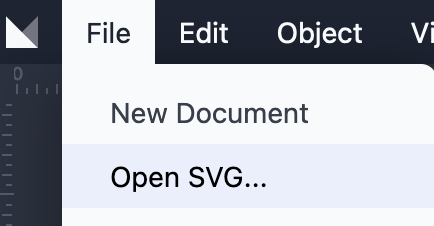
Step 1 - Load your SVG
Click to open the converter, then drop your SVG file in. The tool reads standard SVG markup and renders it for export.
Step 2 - Choose your PNG size
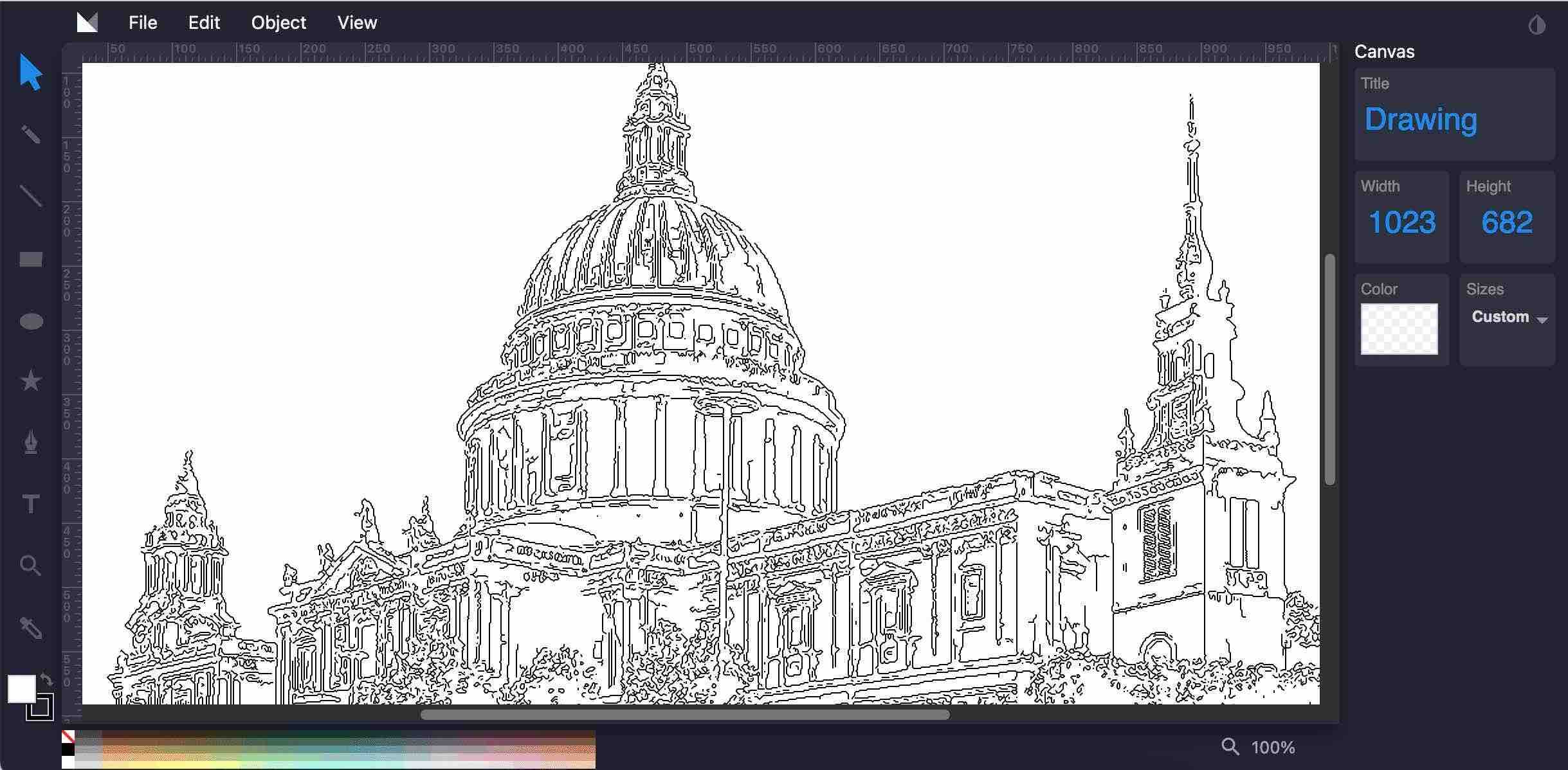
Set a custom pixel dimension or let the tool use the SVG native size. Because SVG scales without loss, you can export at very high resolution.
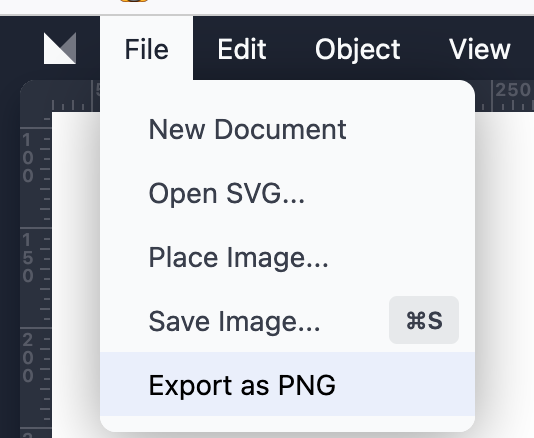
Step 3 - Export the PNG
Click export and download your PNG. Transparent areas stay transparent, and the image is clean - no watermark.
SVG vs PNG - which should you use?
- SVG - infinite scale, tiny for flat art, editable in vector tools.
- PNG - universal raster, ideal for social posts, presentations, and apps that need pixels.
- Use this tool whenever a platform only accepts raster images but your source is vector.
Frequently Asked Questions
Is this SVG to PNG converter really free?
Yes. SVGVector's SVG to PNG converter is free to use in your browser - no payment, no hidden limits on basic conversion. Upload an SVG and download the PNG.
Do I need to sign up or install software?
No account and no install. The tool runs entirely in your browser tab. Open the page, load your SVG, and export the PNG in seconds.
Will the PNG have a watermark?
No. The exported PNG is clean - we do not stamp watermarks on your image. You get exactly the artwork you uploaded, rasterized at the size you choose.
What resolution will my PNG be?
You can set a custom pixel size, or let the tool use the SVG's native dimensions. Because SVG is resolution-independent, you can export at very high resolution without quality loss.
Does it keep transparent backgrounds?
Yes. Transparent areas in the SVG stay transparent in the PNG. This is ideal for logos and icons meant for compositing over other artwork.
Can I convert several SVG files at once?
The free online tool processes one file per session for simplicity, but you can repeat the step as many times as you like. For bulk jobs, our desktop app Super Vectorizer Pro supports batch export.
Is there a file size limit?
There is a practical upload limit for the free online tool. Very large or complex SVGs may need the desktop app, which handles heavy files locally without server restrictions.
Which browsers work with the converter?
All modern browsers - Chrome, Edge, Firefox, and Safari - support the converter. Keep your browser updated for the best results.
Is my file private when I convert online?
The converter processes your file in the browser. We recommend not uploading highly sensitive artwork to any online tool; for confidential work, use the offline Super Vectorizer Pro desktop app.
Can I use it on Mac or Windows?
Yes. Because it is browser-based, it works on macOS, Windows, Linux, and even mobile - anywhere with a modern browser and internet connection.
What if I need to go the other way (PNG to SVG)?
This tool only rasterizes SVG to PNG. To convert PNG, JPG, or other raster images into SVG, use Super Vectorizer Pro (desktop, $29.99 one-time) or our online image vectorizer.
Does it work on mobile?
Yes. The responsive interface works on phones and tablets, though precise sizing is easier on a larger screen.
Convert SVG to PNG Free - Anytime
Bookmark our free online converter for quick raster exports. Need PNG/JPG to SVG instead? Super Vectorizer Pro is $29.99 one-time.
For PNG/JPG to SVG - macOS 10.10+ & Windows 7/8/10/11