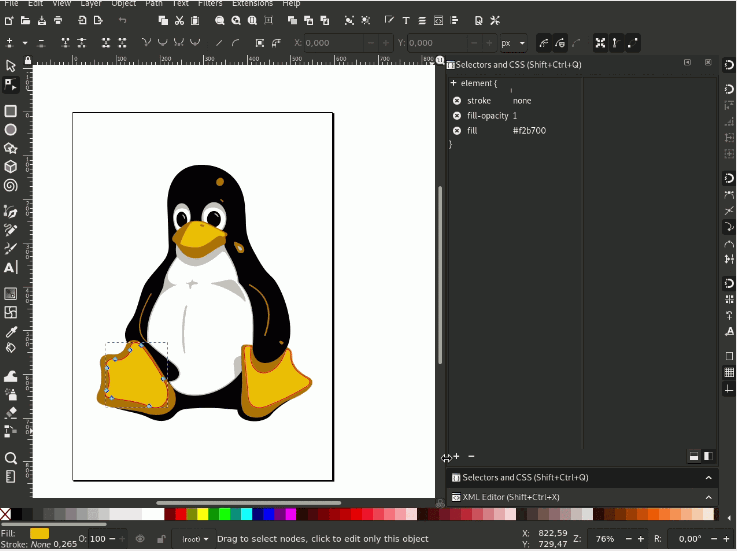
Where to Download Free Vector Logos, Icons & Graphics
Thanks to digitalization, designers on Mac and Windows have more high-quality, free icons and graphics than ever. A few renowned libraries are worth bookmarking because they become your go-to sources for website design, web apps, infographics and desktop projects.
You can also use distinct icons found on these sites to spice up social-media images, illustrate presentations, improve business cards and stationery, brighten up menus, or make a flyer pop. One important habit: always check each site's license, because some resources require attribution or a link-back in exchange for use, and terms can change at any time.
- Vecteezy — over a million free vectors, clipart, vector art, templates and illustrations in SVG, PNG and EPS.
- Smashing Magazine — curated, high-quality free icon sets in SVG, PSD and PNG, most without a required link-back.
- Freepik — a huge library of free icons and vector resources; check attribution requirements per item.
- Flat Icon — unique icons you can download as a font; attribution is required.
- Captain Icon — free, vector-based icons and logos available in EPS, PSD, PNG, SVG and Web Font.
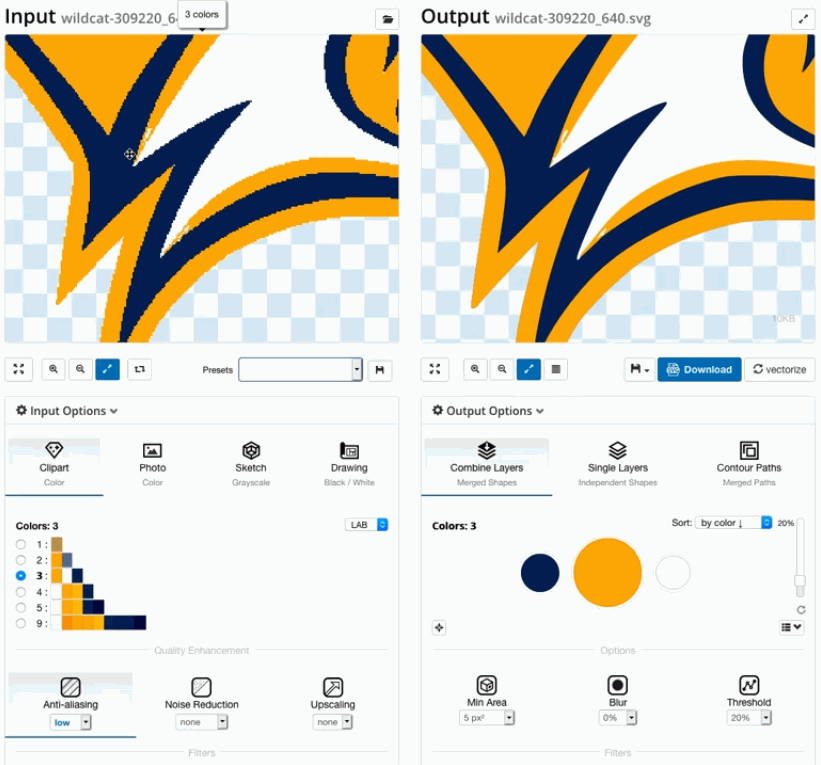
Turn Downloaded Graphics into Editable Vector Art (3 Steps)
Finding the right asset is only half the job. Super Vectorizer Pro for Mac and Windows converts more than 70 image formats into SVG, DXF, AI and PDF vector graphics — so the logo, icon, sticker or graphic you download becomes uniquely editable artwork in seconds.
Step 1. Import your downloaded graphic
Open Super Vectorizer Pro and drag the icon, logo or graphic onto the workspace, or click Import. It handles PNG, JPG, GIF, BMP, TIFF, PDF, PSD, TIF and ICO. System compatibility covers Windows 7, 8, 10, 11 and macOS 10.10+, including native Apple Silicon M1, M2 and M3 chips.
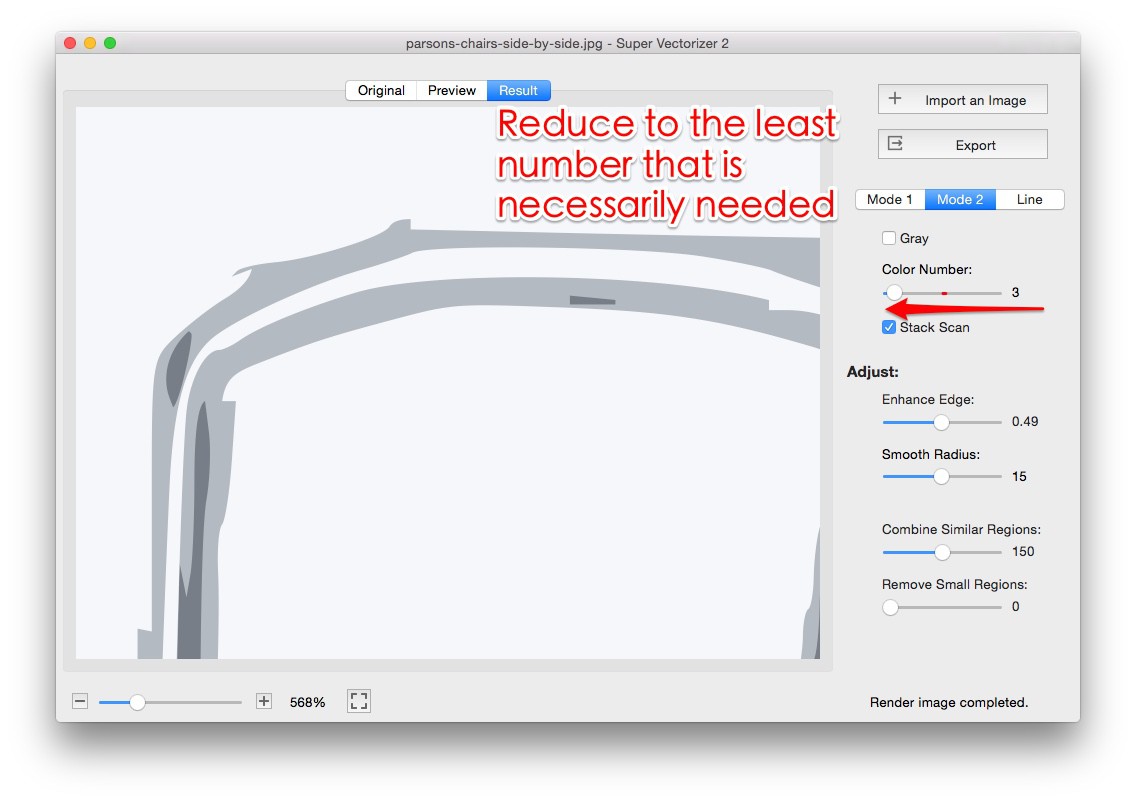
Step 2. Auto-trace and adjust
Choose Color Mode for filled logos or Line Mode for outline icons, then fine-tune color count and detail. Transparent backgrounds are preserved, so the converted asset drops cleanly into your design.
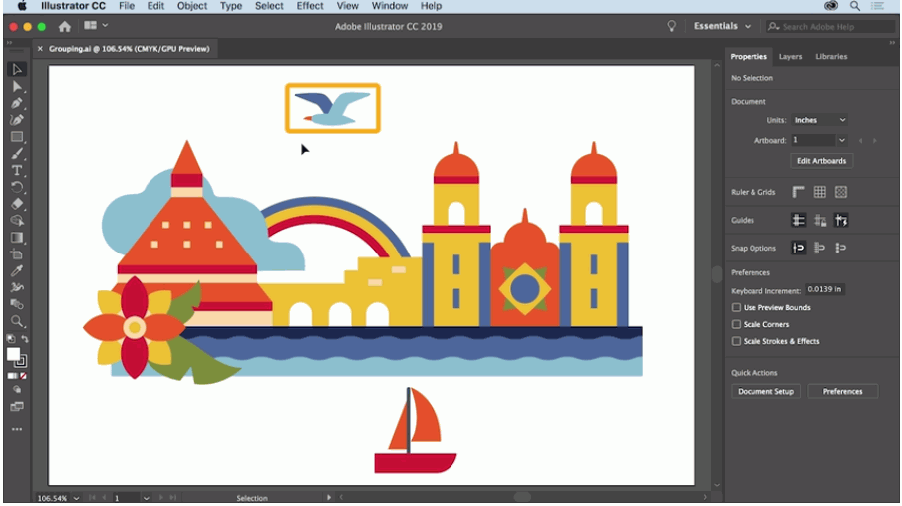
Step 3. Export as SVG, AI, DXF or PDF
Click Export and pick your format. The finished file opens in Adobe Illustrator, Inkscape, a CAD application or a cutting machine without further conversion.
Download Super Vectorizer Pro
One-time purchase $29.99 · Free trial to preview results (export requires a licence) · Mac + Windows
Frequently Asked Questions
Where can I download free vector logos, icons and graphics for Mac?
Popular free resources include Vecteezy, Smashing Magazine, Freepik, Flat Icon and Captain Icon. They offer millions of vector icons, logos, clipart and illustrations in SVG, PNG, PSD and EPS. Always bookmark a few favorites for website design, app UI, infographics and desktop projects on Mac and Windows.
Are free vector downloads really free to use commercially?
Not always. Many free icon and logo sets require attribution or a link-back, while others are free for personal and commercial use. Read the license on each site before downloading, because terms can change at any time.
What file formats do free icon sites provide?
Most free vector libraries provide icons and graphics as SVG, PNG, PSD and EPS, and some also ship Web Font or AI versions. SVG is the most flexible because it scales cleanly and stays editable in any vector editor.
Can I convert a downloaded raster icon into vector on Mac?
Yes. If you download a PNG or JPG icon, import it into Super Vectorizer Pro and the auto-trace engine converts it into clean vector paths. You can then recolor and resize it without quality loss.
How do I turn a free logo into editable SVG on Mac?
Open Super Vectorizer Pro, import the logo image, choose Color Mode for filled logos or Line Mode for outline logos, then export as SVG. The result opens in Illustrator, Inkscape or any vector editor for further editing.
Does Super Vectorizer keep transparent backgrounds?
Yes. Super Vectorizer Pro preserves transparent backgrounds when tracing logos and icons, so the converted SVG, AI or DXF drops straight into your design without a white box behind it.
Which formats can I export converted graphics to?
Super Vectorizer Pro exports to SVG, AI (Adobe Illustrator), DXF (CAD) and PDF. Use SVG or PDF for web and print, AI for advanced editing, and DXF for laser cutters, CNC routers and other CAD-driven machines.
Is there a free vector drawing or editor tool online?
Yes. SVGVector offers free online tools including a free SVG editor and a PNG-to-SVG converter that run in your browser with no software to install. For offline, high-quality tracing on Mac and Windows, Super Vectorizer Pro offers a free trial to preview results.
Does Super Vectorizer run offline on Mac and Windows?
Yes. Super Vectorizer Pro is a desktop application that processes everything locally on your Mac or Windows machine. Your images never leave your device, which makes it a private alternative to cloud-based vectorizers.
How much does Super Vectorizer Pro cost?
Super Vectorizer Pro is a one-time purchase of $29.99 for both Mac and Windows. A free trial is available so you can preview vectorization results before deciding to buy.