Introduction

Introduction
< Previous

The Trial Version and Full Version

Super Vectorizer Pro in 2026: Trial vs Full at a Glance

In 2026, Super Vectorizer Pro ships as two builds: a free trial that lets you preview results but cannot export, and the full version that exports SVG, PDF, AI, and DXF without limits. Both run on macOS and Windows; the trial is the same app with export disabled until activated.

System Requirements

Applicable system: OS X 10.11 and later, iMac, Macbook Mini, Macbook air, Mountain lion, Macbook Pro, Yosemite, mavericks, EI Capitan, macOS Sierra, Catalina, Big Sur, Monterey...

Native to Apple Silicon M1, M2, M3 Chip.


Supported Languages

English, Japanese, Spanish, French, German, Italian, Russian, Simplified Chinese, Traditional Chinese.


The Trial Version

The trial version has a limitation on exporting your vector art.

Download Super Vectorizer Pro for Mac

Download Super Vectorizer Pro for Win


The Full Version

Your purchase on App Store and other download sites with no limitation on exporting your result or an expiration date is the full version of Super Vectorizer for Mac.

Go our official website for more details

Creative Photography Tools for Mac

Free Download. 10 days free trial to preview results.

Mac Photo Editor Photo Background Eraser mac Photo Eraser Mac

PixelStyle Photo Editor Mac

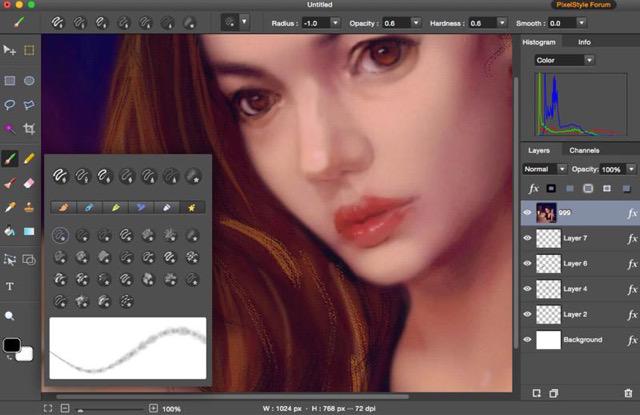
Alternative to PhotoShop on Mac ( Filters, Text, Vector, Paint, exposure, hue...)

Super PhotoCut Pro Mac

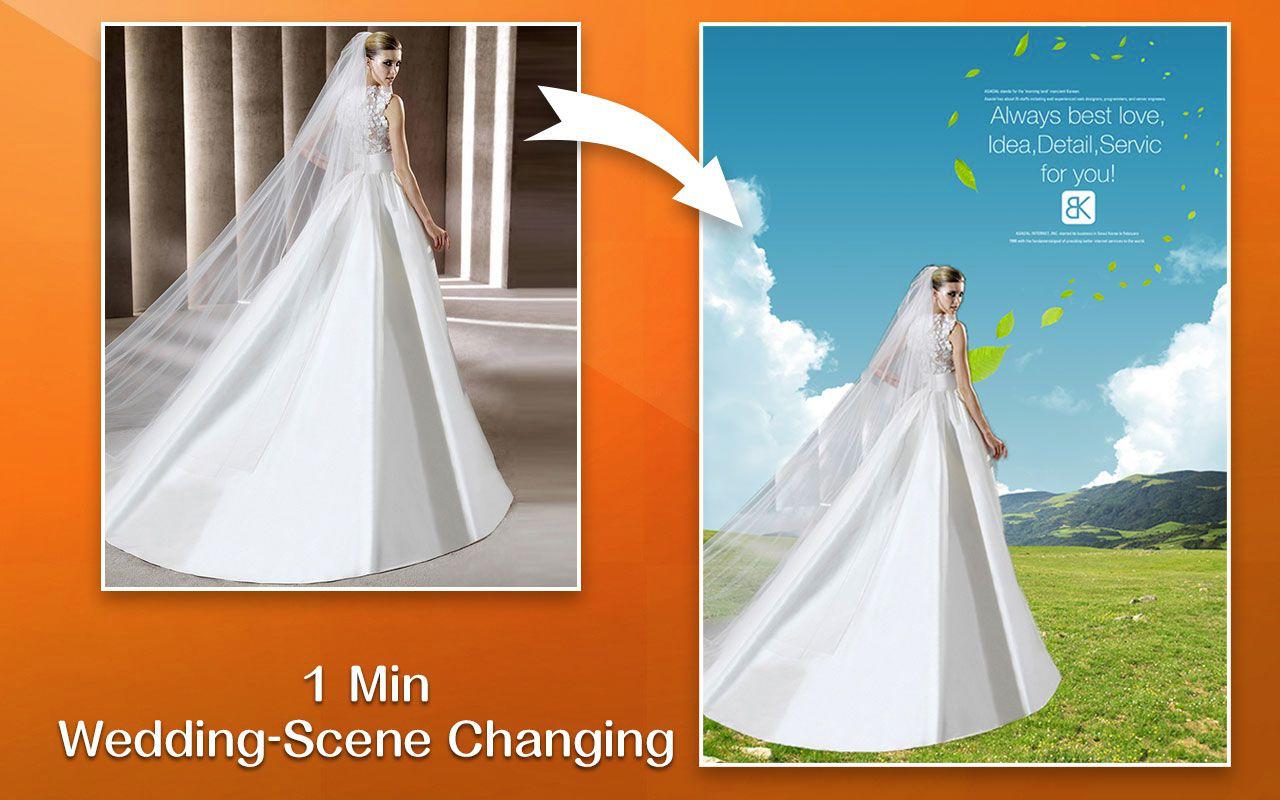
Removing Image Background from Transparent Objects ( veil, glass, water, fire... )

Photo Eraser Pro Mac

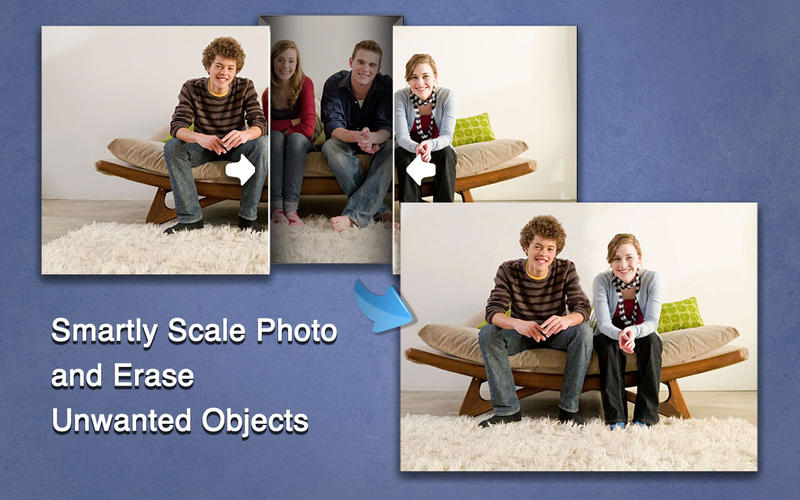
Removes Unwanted (Watermark, Date, People...) from Photo and Scales an Image
Free Download. Full Features Free Download. Full Features Free Download. Full Features

Frequently Asked Questions

What is the difference between the trial and the full version?

The free trial is preview-only — you can open a photo, trace it, and see the vector result, but you cannot export the file. The full version removes that limit and saves SVG, PDF, AI, and DXF without an expiration date.

What operating systems does Super Vectorizer Pro support?

Super Vectorizer Pro runs on macOS (including Apple Silicon M1, M2, and M3) and Windows 7, 8, 10, and 11. Both platforms have identical features and output quality.

Does Super Vectorizer Pro support batch conversion?

No. It processes one image at a time. There is no batch mode, which keeps the interface simple and the trace quality high for individual photos, logos, and line art.

How do I activate the full version?

After purchase you receive a registration code. Enter it in the app once and the full version stays unlocked through all future updates on that computer.