
An SVG exported from Figma, Illustrator, or Inkscape can be 3–10× larger than it needs to be. The bloat is invisible: editor metadata, comments, empty groups, overly precise coordinates, and unused <defs>. An SVG optimizer strips all of it. Done well, you cut 40–80% off the file with zero visual change.
Almost every free optimizer is a wrapper around one engine: SVGO (SVG Optimizer), an open-source Node.js tool. The real differences are the interface, whether your file leaves your machine, and how much control you get over each optimization. In this comparison we rate the best free SVG optimizer tools in 2026 — including SVG Compressor Online, a browser tool that processes files locally so nothing is uploaded.
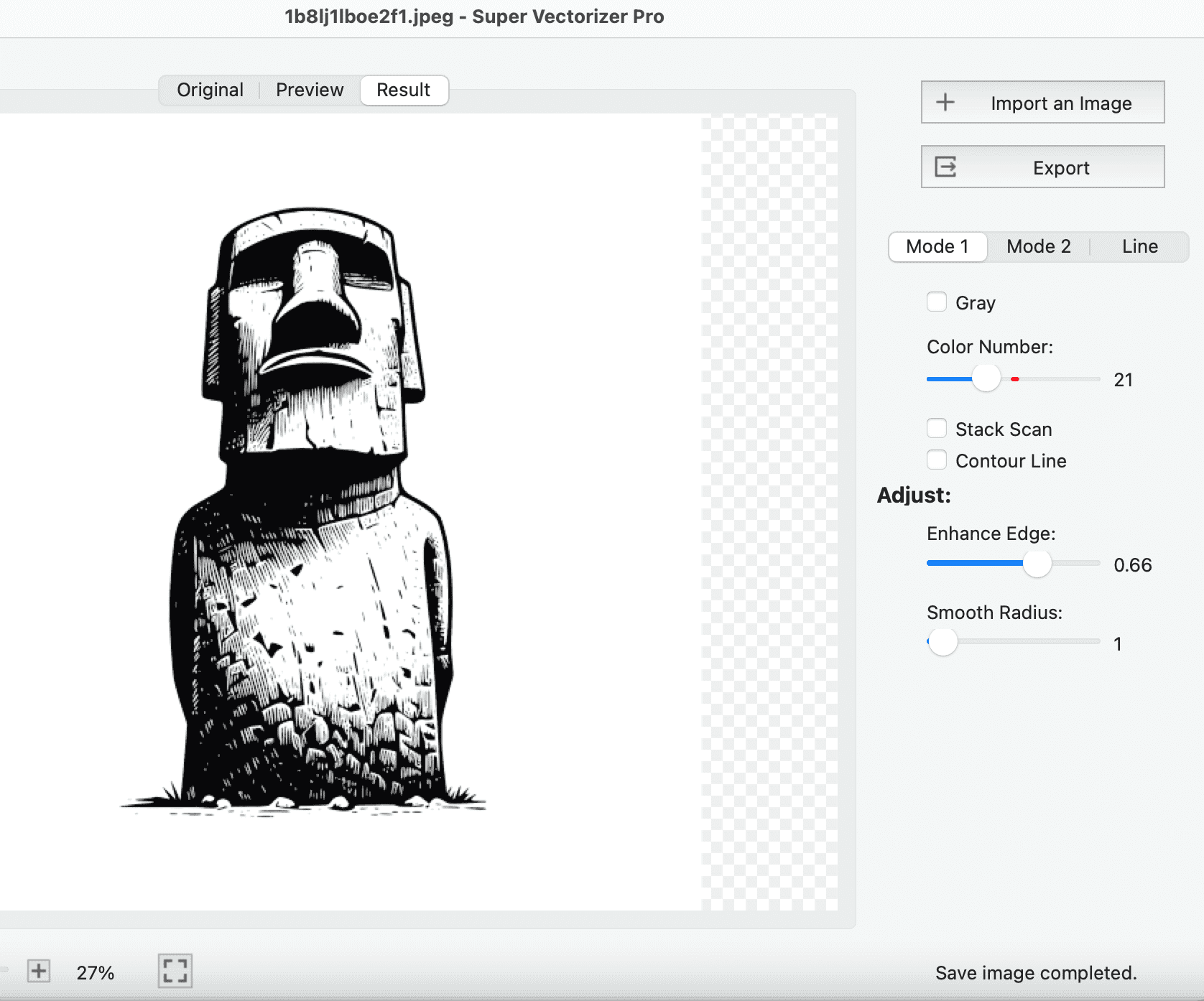
Want to convert raster images to clean, compact SVG? Try Super Vectorizer Pro free trial to preview vectorization results.
Compatible with macOS 10.10+ (M1/M2/M3) & Windows 7/8/10/11
Our Verdict
For occasional optimization, a browser tool like SVGOMG is sufficient. For production pipelines or large batches, a desktop app gives you repeatable settings and privacy.
Best Desktop: Super Vectorizer Pro
- Optimizes SVG output during vectorization
- Batch-capable through desktop workflow
- Free trial to preview results
- Mac and Windows native apps
Best Online: SVGOMG
- Runs in any browser, zero install
- Visual before/after comparison
- adjustable settings via sliders
- Open source, no account required
What an SVG Optimizer Actually Does
Under the hood, SVGO runs your file through a pipeline of plugins. The impactful ones fall into three groups:
- Metadata & document cleanup: removes
<?xml?>,<!DOCTYPE>, comments,<metadata>(RDF/Dublin Core), and editor namespaces (Illustrator, Inkscape, Sketch). - Path & shape optimization: rounds floating-point coordinates, merges adjacent paths, converts basic shapes to paths so they can be merged.
- Attribute & structure cleanup: collapses pointless groups, removes default-valued attributes, and shortens IDs.
Each plugin can be toggled. That matters, because some optimizations are lossy in specific edge cases — and a good optimizer lets you turn them off per file.
The Comparison: 6 Free SVG Optimizers in 2026
We rated the leading free options on the things that actually change your workflow: cost, whether the file is uploaded to a server (privacy), plugin-level control, and batch support.
| Tool | Engine | Free | No-Upload (Privacy) | Plugin Control | Batch | Best For |
|---|---|---|---|---|---|---|
| SVG Compressor Online | Browser | Yes | Yes Best Privacy | Preset toggles | One at a time | Quick, private one-offs |
| SVGOMG | SVGO (WASM) | Yes | Yes | Full per-plugin | No | Visual tuning with preview |
| SVGO (CLI) | SVGO | Yes | Yes (local) | Full (config file) | Yes Best Batch | Build pipelines & CI |
| Vecta Nano | Own engine | Freemium | No (cloud) | Limited | API | Complex SVGs SVGO distorts |
| SVGMinify.com | SVGO-based | Yes | No (cloud) | Minimal | No | Fast paste-and-clean |
| SvgMint | SVGO | Freemium | Yes | Full | Yes (ZIP) | Designer/developer handoff |
SVG Compressor Online — Privacy-First Browser Optimizer
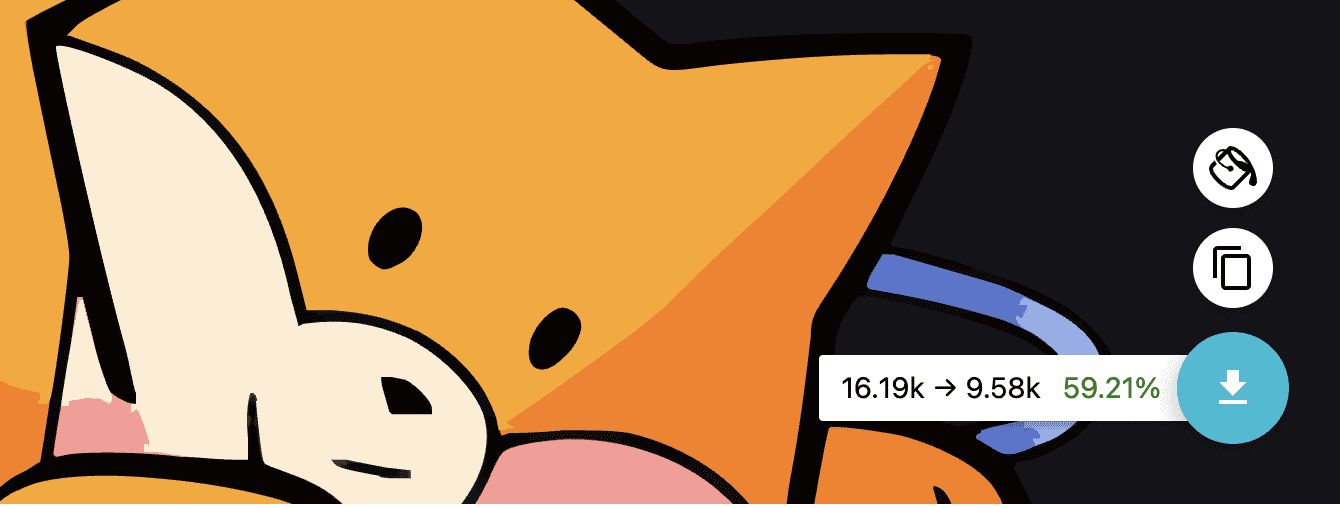
SVG Compressor Online is the option we build, and its defining trait is privacy: optimization happens entirely in your browser, so the SVG never leaves your device. There is no registration, no install, and no file-size wall. You drop in an SVG, toggle the optimizations you want, and download a smaller file.
For most day-to-day work — a logo exported from a design tool, an icon set to trim, an illustration to ship — that is the fastest path. It will not replace SVGO inside a build pipeline, but it is the most convenient place to start, especially when the artwork is sensitive.
SVGOMG — The SVGO GUI
SVGOMG is the official web interface for SVGO, built by a Chrome developer advocate. It runs SVGO in the browser via WebAssembly, so it is also private (no upload). Its killer feature is the live side-by-side preview: toggle any plugin and watch the byte savings update in real time. If you want fine control without installing Node, SVGOMG is the standard answer.
SVGO — For Build Pipelines
When optimization needs to happen automatically on every build, use SVGO directly. Install it once and run it from a script or your bundler:
# Install
npm install -g svgo

# Optimize a single file
svgo input.svg -o output.svg

# Optimize a whole folder (batch)
svgo -f ./icons -o ./icons-optimized
Commit an svgo.config.js to your repo and the optimization becomes repeatable and reviewable — the right setup for a design system or component library.

How to Choose the Right Optimizer
- One-off, possibly sensitive file: SVG Compressor Online or SVGOMG — both run locally, no upload.
- You want to see every byte saved: SVGOMG, for its live plugin-by-plugin preview.
- Automation, CI/CD, large icon sets: SVGO CLI with a committed config — nothing else scales to batch.
- SVGO distorted a complex path: a second-opinion engine like Vecta Nano, then re-check visually.
Optimizer Settings That Actually Matter
Coordinate precision
Rounding to 1–2 decimal places is the sweet spot: big savings, no visible change. Rounding to 0 decimals can distort detailed graphics.
Keep the viewBox
Never let an optimizer strip viewBox — it is what makes the SVG scale responsively. In SVGO, keep removeViewBox: false.
Be careful with cleanupIds
If your SVG is styled or animated by CSS/JS that targets IDs, cleanupIds can break it. Use prefixIds instead, which renames safely without removing references. Same caution applies to mergePaths on animated paths.
Optimization Settings Deep Dive
Understanding which SVGO plugins to enable or disable is the difference between a well-optimized SVG and a broken one. The most impactful plugins are removeViewBox, mergePaths, and convertShapeToPath. Disabling removeViewBox is strongly recommended because it preserves the aspect ratio behavior that designers intended — without it, the SVG may stretch unpredictably when placed in a responsive container.
The mergePaths plugin combines multiple path elements into a single path string. While this reduces file size, it can break animations and hover states that target individual paths individually. If your SVG uses CSS or JavaScript to animate specific shapes, disable this plugin and test the result carefully in a browser before deploying.
Another commonly overlooked setting is numeric precision. SVGO rounds coordinates to a configurable number of decimal places (default 3). For icons and logos, 2 decimal places is usually sufficient and saves additional bytes. For detailed illustrations or maps, keep 3 or more to avoid visible artifacts at large sizes.
Finally, cleanupIDs removes unused id attributes and shortens the ones that remain. This is safe for standalone SVGs but can break SVG sprites and symbol references. If you use <use> elements or CSS selectors targeting specific IDs, disable this plugin during optimization.
Frequently Asked Questions
What is the best free SVG optimizer?
It depends on the job. For private, no-install one-offs, SVG Compressor Online and SVGOMG are both free and run in the browser. For automated, repeatable optimization in a codebase, SVGO (the CLI) is the best free option. They share the same underlying SVGO engine, so raw compression quality is similar — the difference is interface and workflow.
Is SVGOMG better than SVGO?
They use the same engine, so output quality is effectively identical. SVGOMG is a graphical wrapper with a live preview; SVGO is the command-line tool you script and commit to a repo. Use SVGOMG when you want visual control without setup, and SVGO when optimization must run automatically in a build or CI pipeline.
Are online SVG optimizers safe for confidential files?
Only the ones that process files locally. SVG Compressor Online and SVGOMG run entirely in your browser, so the SVG never leaves your device. Cloud-based optimizers (those that upload your file to a server) are not appropriate for confidential or client-owned artwork. Check whether a tool says it processes in-browser before uploading anything sensitive.
Can an SVG optimizer break my graphic?
Rarely, and almost always from aggressive plugin settings. The usual culprits are cleanupIds (breaks CSS/JS hooks), mergePaths (breaks path animations), and rounding coordinates to zero decimals (visible distortion). Keep removeViewBox: false, prefer prefixIds over cleanupIds for styled SVGs, and always visually verify the optimized file before deploying.
Convert Images to Clean, Compact SVG with Super Vectorizer Pro
Super Vectorizer Pro produces clean, compact SVG output with adjustable detail settings. Try the free trial to preview vectorization results and compare file sizes at different quality levels.
Compatible with macOS 10.10+ (M1/M2/M3) & Windows 7/8/10/11
Related Articles

Try These Free Online Tools
No download required — convert, compress & optimize SVGs right in your browser
SVG Compressor
Reduce SVG file size by up to 80% without losing quality
SVG Compressor OnlineSVG Optimizer
Clean up SVG code, remove redundant data and optimize for web
SVG Optimizer OnlinePNG to SVG Converter
Convert PNG, JPG, BMP images to scalable vector graphics instantly
PNG to SVG ConverterJPG to SVG Converter
Turn JPEG photos into crisp vector artwork in seconds
JPG to SVG ConverterEPS to SVG Converter
Convert EPS vector files to web-friendly SVG format
EPS to SVG ConverterAll Free Tools
Browse our complete collection of free online conversion tools
Browse All Free Tools