
The best free image vectorizer in 2026 is Inkscape if you want a fully free, open-source desktop app with professional vector editing built in. If you would rather vectorize online with AI, Vectorizer.AI offers free previews and paid downloads starting around $9.99 per month. For offline raster-to-vector conversion on Mac or Windows, Super Vectorizer Pro gives you a free trial to preview vectorization results before you decide whether to buy a license. This guide compares the top free (and free-to-try) image vectorizer tools so you can pick the right one for logos, illustrations, Cricut designs and web graphics.
Want to preview vectorization offline? Try Super Vectorizer Pro free trial to preview results.
Compatible with macOS 10.10+ (M1/M2/M3) & Windows 7/8/10/11
Our Verdict
We tested the most popular raster-to-vector options side by side. Here is the quickest way to choose a free image vectorizer based on how you actually work.
Best Completely Free: Inkscape
- Open-source and truly free forever
- Offline desktop app for Mac and Windows
- Full vector editor after tracing
- No account, no upload limits, no output branding
- Best Image Vectorizer 2026: 6 Top Picks Tested and Compared — our full roundup of the best image vectorizers across free, AI, and offline tools.
- Super Vectorizer Pro vs Vectornator (Linea) 2026: Offline Vectorizer vs Free Design App — head-to-head: one-time offline vectorizer vs the free Vectornator design app.
- Super Vectorizer Pro vs CorelDRAW 2026: One-Time Offline Vectorizer vs Full Design Suite — head-to-head: one-time offline vectorizer vs the CorelDRAW subscription suite.
- Best Free Image Vectorizer Reddit 2026: What the Communities Actually Recommend — what Reddit communities actually upvote for free image vectorizers.
Best Free Preview for Desktop: Super Vectorizer Pro
- Free trial to preview results
- Automated raster-to-vector preview
- Runs offline on macOS and Windows
- Processes one image at a time
What Is an Image Vectorizer?
An image vectorizer is software that converts a raster image — made of fixed pixels — into a vector graphic made of paths, curves and shapes. The result is an SVG, PDF, EPS or AI file that you can scale to any size without losing sharpness. You will hear the process called vectorization, vector tracing, raster to vector conversion or image tracing, but they all mean the same thing: turning a bitmap into editable geometry. A good best free image vectorizer should handle this conversion without forcing you to sign up or pay for every export.
Free image vectorizers usually fall into two groups. The first group is offline desktop software such as Inkscape or Super Vectorizer Pro. These keep your files local and often work without an internet connection. The second group is online tools such as Vectorizer.AI or Canva's AI Vectorizer. They run in a browser, may require an account, and typically charge for downloads even when the preview is free.
How We Evaluated the Best Free Image Vectorizer Tools
We ranked each tool on the factors that matter most when you vectorize an image for free:
- True cost: Is there a usable free tier, or only a paid plan with a preview?
- Output quality: How clean are the paths, and how many anchor points does the SVG contain?
- Ease of use: Can a beginner get a usable SVG in under five minutes?
- Platform support: Does it run on Mac, Windows or only in a browser?
- Offline vs online: Can you vectorize without uploading sensitive files?
- Batch support: Can it process multiple images at once? (Super Vectorizer Pro does not; it handles one image at a time.)
Best Free Image Vectorizer Comparison Table (2026)
| Tool | Price | Free Tier | Platform | Batch Support | Best For |
|---|---|---|---|---|---|
| Inkscape | Free | Fully free, open-source | Mac, Windows, Linux | No (one at a time) | Logos, illustrations, editing after trace |
| Super Vectorizer Pro Best Desktop Preview | Paid license | Free trial to preview results | Mac, Windows | No (one at a time) | High-quality offline raster-to-vector preview |
| Vectorizer.AI | From ~$9.99/mo | Unlimited previews | Web browser | Limited | Fast AI traces for logos and photos |
| Adobe Illustrator Image Trace | ~$22.99/mo | 7-day free trial | Mac, Windows | Yes via Actions | Professional design workflows |
| Canva AI Vectorizer | Free / Pro ~$12.99/mo | Vectorize in editor; SVG export often requires Pro | Web, iOS, Android | No | Social graphics and quick Canva projects |
Deep Dive: The Best Free Image Vectorizer Tools
1. Inkscape — Best Completely Free Image Vectorizer
Inkscape is the closest thing to a professional vector editor that costs nothing. Its Trace Bitmap feature can turn a PNG or JPG into an SVG using several algorithms: brightness cutoff for black-and-white artwork, color quantization for multi-color logos, and edge detection for line art. Because Inkscape is also a full vector editor, you can clean up the result immediately after tracing, merge paths, simplify nodes and export a production-ready SVG.
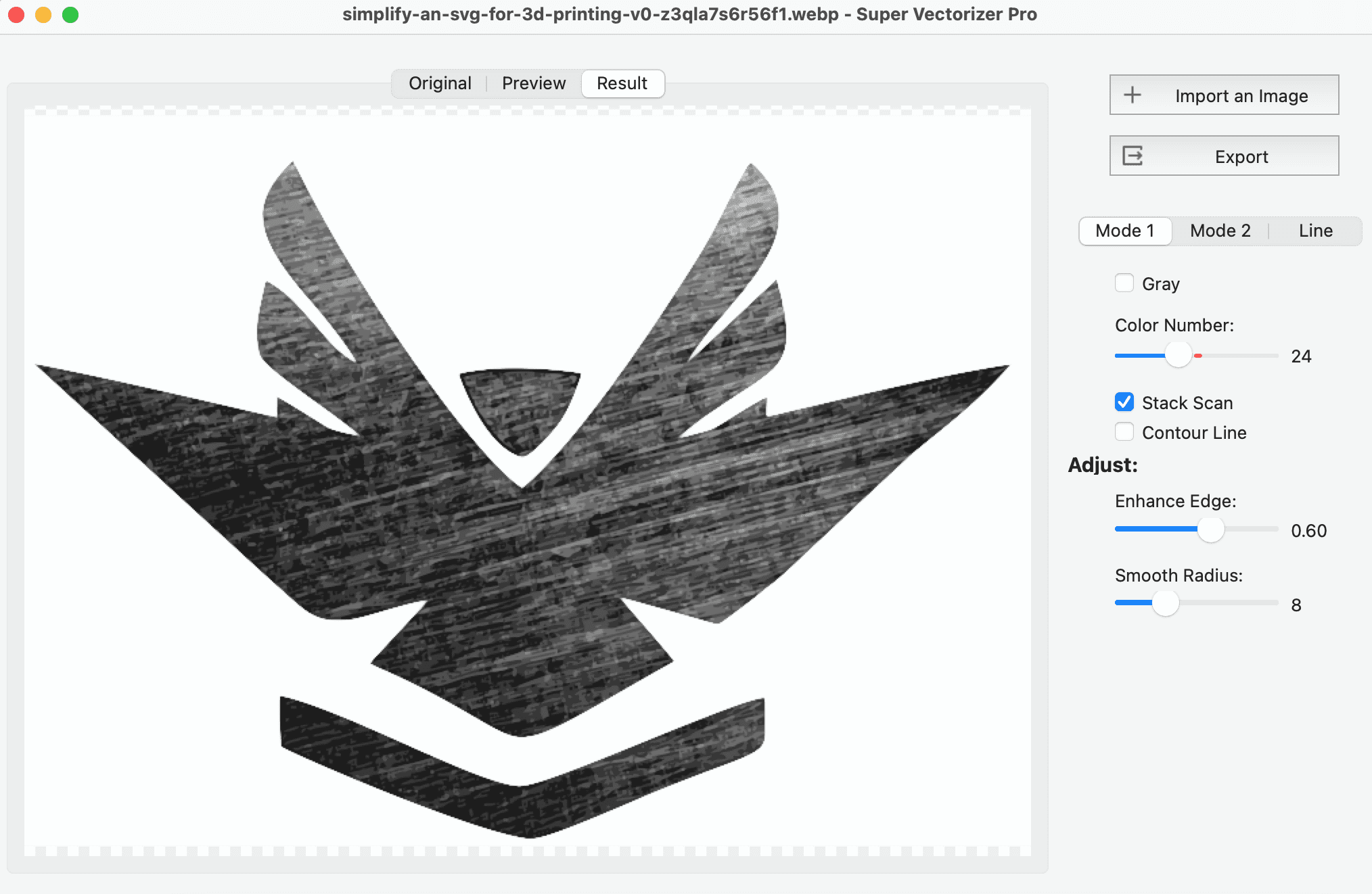
The downside is the learning curve. New users can feel overwhelmed by the menus, and the trace settings require some trial and error. But for anyone willing to spend ten minutes learning the workflow, Inkscape is the most capable free image vectorizer available.
2. Super Vectorizer Pro — Best Free Preview for Desktop Vectorization
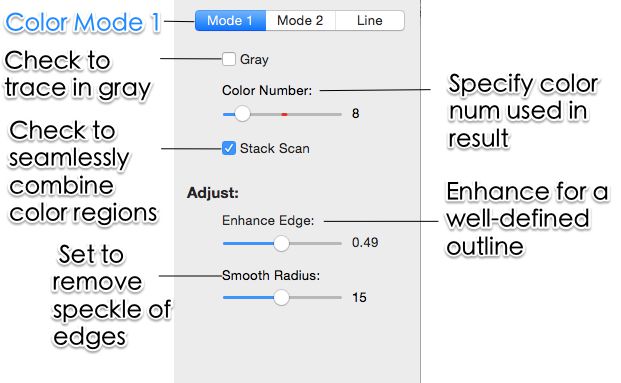
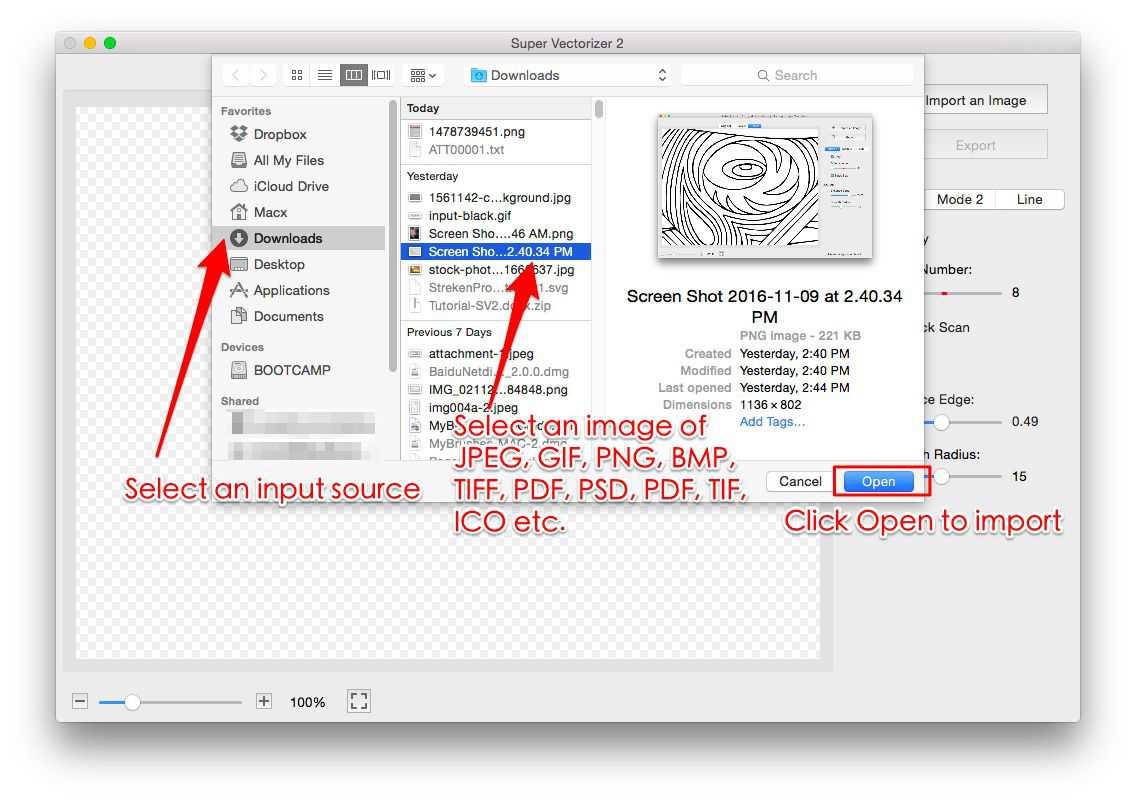
Super Vectorizer Pro is not a free app, but it does offer a free trial to preview vectorization results. That makes it worth including in any honest "best free image vectorizer" comparison, because the trial lets you see exactly how your images will convert before you pay. It runs entirely offline on Mac and Windows, processes one image at a time, and is designed specifically for raster-to-vector work rather than general illustration.
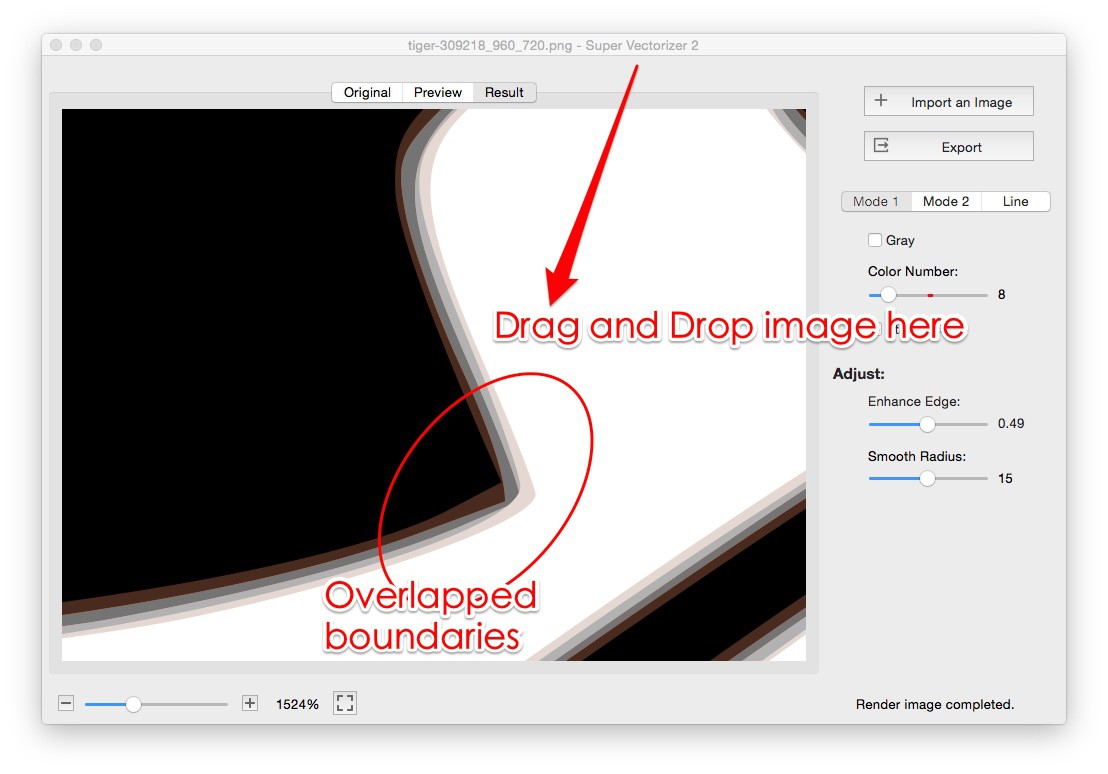
If your workflow involves converting dozens of product photos, scanned sketches or logo assets into SVG, you will process them one at a time in Super Vectorizer Pro, but the fast preview and automated tracing still save hours compared to tweaking settings in a manual editor. After previewing results with the trial, a one-time license unlocks full export.
3. Vectorizer.AI — Best Online Free Preview
Vectorizer.AI uses deep-learning models to produce impressively clean SVG paths from photos and logos. You can upload an image and inspect an interactive preview for free, which is useful for judging quality before spending money. Downloads start at roughly $9.99 per month for the unlimited web plan. The service is fast, handles color and transparency well, and requires no software installation.
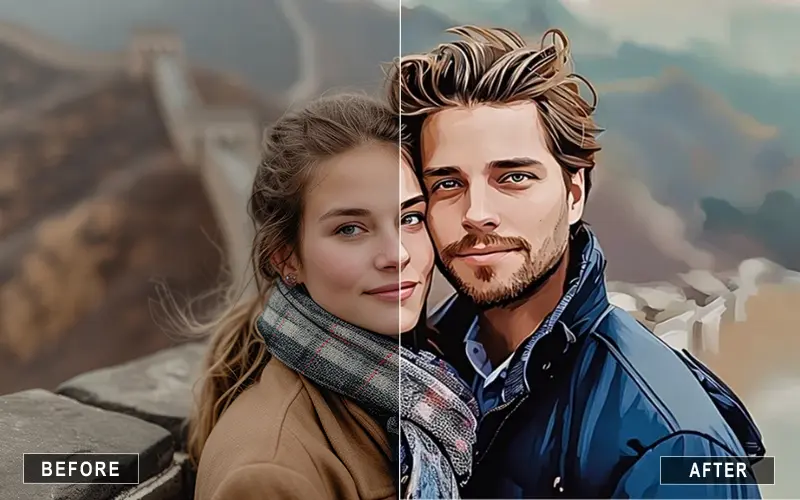
The trade-off is privacy and cost. Your image is uploaded to a remote server, and you will need a subscription to download more than a few files. It is best for users who only vectorize occasionally and prefer a browser-based workflow.
4. Adobe Illustrator Image Trace
Illustrator's Image Trace remains the industry standard for designers who already live inside the Adobe ecosystem. It offers granular controls for paths, corners, noise and colors, and the resulting vectors can be edited with the full power of Illustrator. New users get a 7-day free trial.
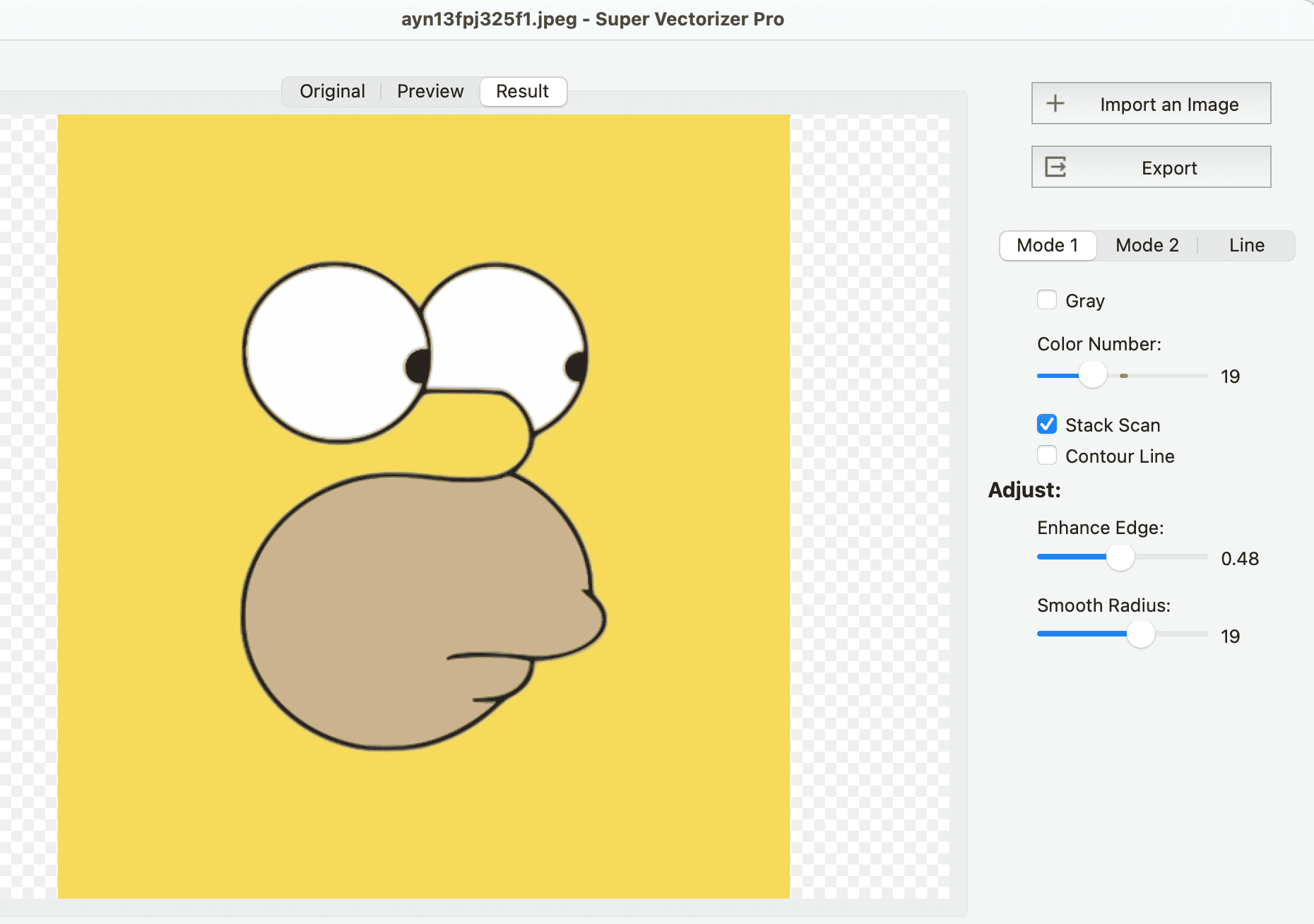
The catch is price: a standalone Illustrator subscription costs about $22.99 per month. That is hard to justify if you only need to vectorize a handful of images. It is also a 2+ GB application, which is overkill for a simple PNG-to-SVG task.
5. Canva AI Vectorizer
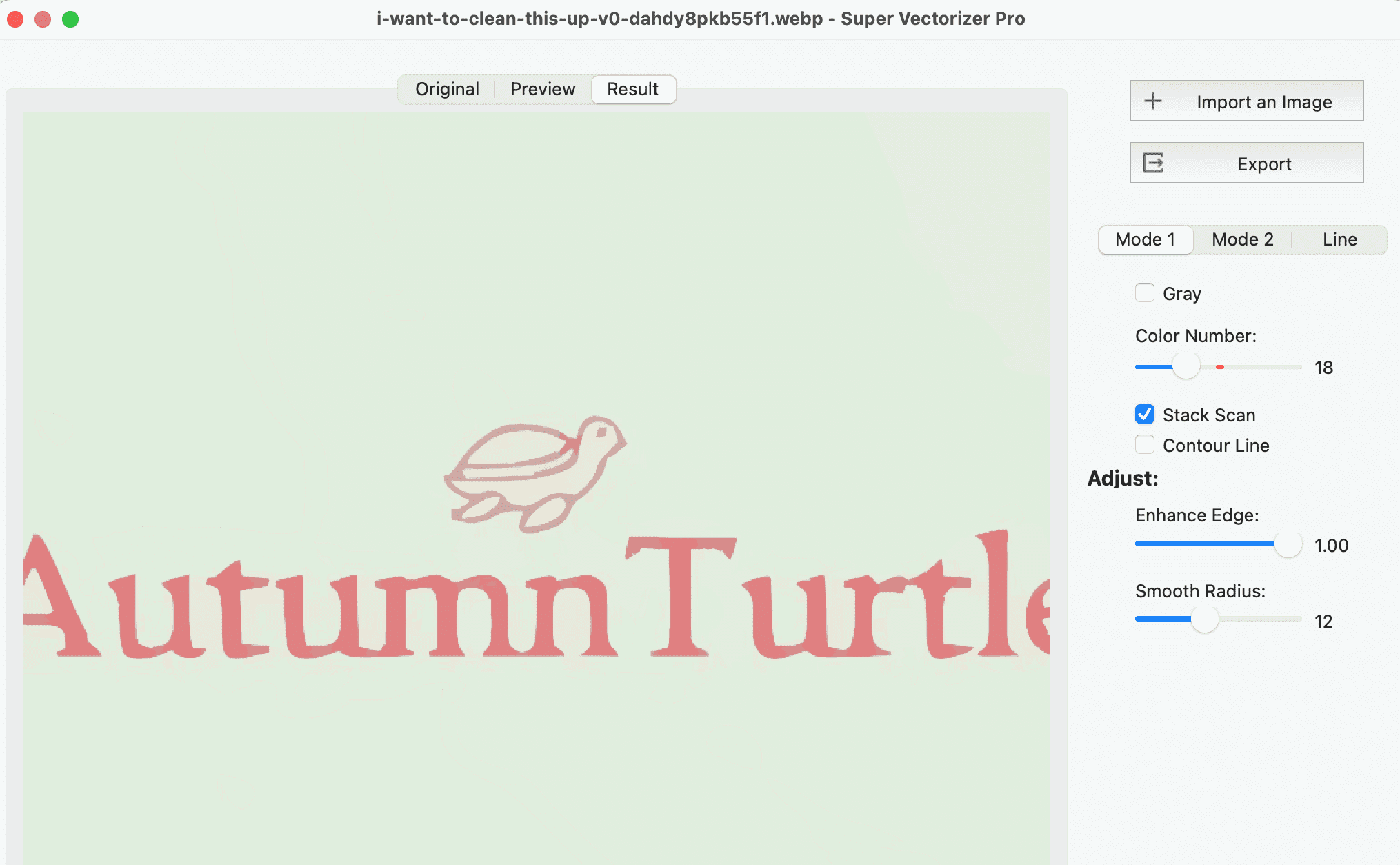
Canva's vectorizer is convenient if you already design inside Canva. You upload a JPG or PNG, convert it to vector, and keep editing in the same canvas. However, SVG export usually requires a Canva Pro subscription (around $12.99 per month). The free tier is therefore best treated as a design aid rather than a true free image vectorizer.
How to Vectorize an Image for Free with Inkscape
If you want a completely free image vectorizer workflow, follow these steps:
- Install Inkscape from the official website. It is available for Mac, Windows and Linux.
- Open your PNG or JPG using File > Open. The image appears on the canvas.
- Select the image and go to Path > Trace Bitmap.
- Choose a mode: "Brightness Cutoff" for black-and-white artwork, "Colors" for logos with a limited palette, or "Edge Detection" for line drawings.
- Adjust the settings and click OK. A vector copy is created on top of the bitmap.
- Delete the original bitmap if you only need the vector, then save the file as Plain SVG.
This workflow works for simple logos, icons and illustrations. For complex photographs or many files, an AI tool or a dedicated desktop converter such as Super Vectorizer Pro will usually save time.
Best Free Image Vectorizer vs Paid: When to Upgrade
Stay with a free image vectorizer when your source files are simple, you do not mind manual cleanup, and you care about privacy. Move to a paid tool when you need to process many files, higher color accuracy, smoother curves on photos, or production output without spending time in a vector editor.
Super Vectorizer Pro sits in the middle: the trial is free, the workflow is automated, and a license is one-time rather than a recurring subscription. That makes it a practical upgrade path from any best free image vectorizer for anyone who vectorizes regularly.
Frequently Asked Questions
What is the best free image vectorizer?
Inkscape is the best completely free image vectorizer for most users because it is open-source, runs offline on Mac and Windows, and gives you full vector editing after tracing. If you prefer an online AI tool, Vectorizer.AI offers free previews and paid downloads from $9.99 per month, while Super Vectorizer Pro provides a free desktop trial to preview raster-to-vector results on Mac and Windows.
Can I vectorize an image for free without signing up?
Yes. Inkscape does not require an account and never asks you to sign up. Some online tools let you upload an image for a preview without registration, but exporting the SVG usually requires either a paid plan or creating an account. Super Vectorizer Pro's desktop trial also works without an online login.
Is a free image vectorizer good enough for logos?
A free image vectorizer is good enough for simple logos, icons and black-and-white artwork. For complex logos with gradients, small text or fine detail, you may need a paid tool or manual cleanup in a vector editor. Always preview the result at full size before using it for print or cutting.
What is the difference between vectorize and image trace?
Vectorize is the general process of converting a raster image into a scalable vector format such as SVG. Image trace is the name Adobe uses for the same feature inside Illustrator. Both turn pixels into paths, but the quality depends on the algorithm and how much manual cleanup you do afterwards.
Conclusion
Finding the best free image vectorizer depends on your workflow. Inkscape is the most powerful completely free option, Vectorizer.AI is the easiest online preview, and Super Vectorizer Pro's free trial is the best way to test offline conversion on Mac and Windows. Start with the free tool that matches your source files, then upgrade only when your volume or quality demands require it.
Ready to Vectorize Your Images?
Download Super Vectorizer Pro and preview your raster-to-vector results with the free trial.
Compatible with macOS 10.10+ (M1/M2/M3) & Windows 7/8/10/11
Related Articles

Try These Free Online Tools
No download required — convert, compress & optimize SVGs right in your browser
PNG to SVG Converter
Convert PNG, JPG, BMP images to scalable vector graphics instantly
PNG to SVG ConverterSVG Compressor (Mini)
Reduce SVG file size by up to 80% without losing quality
SVG Compressor OnlineSVG Optimizer
Clean up SVG code, remove redundant data and optimize for web
SVG Optimizer OnlineJPG to SVG Converter
Turn JPEG photos into crisp vector artwork in seconds
JPG to SVG ConverterEPS to SVG Converter
Convert EPS vector files to web-friendly SVG format
EPS to SVG ConverterAll Free Tools
Browse our complete collection of free online conversion tools
Browse All Free Tools