
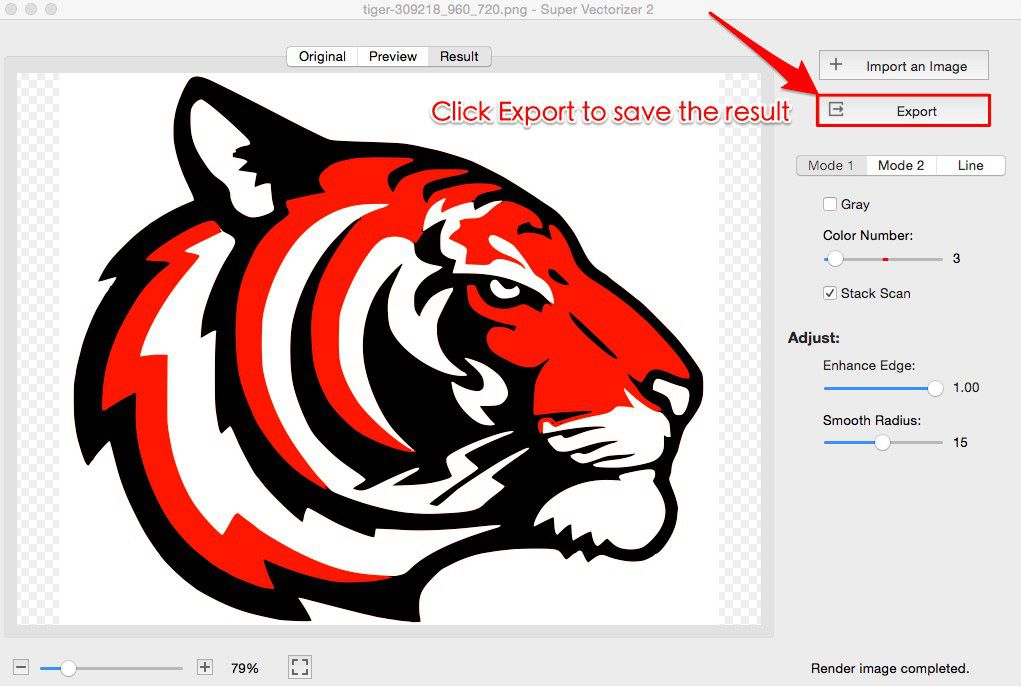
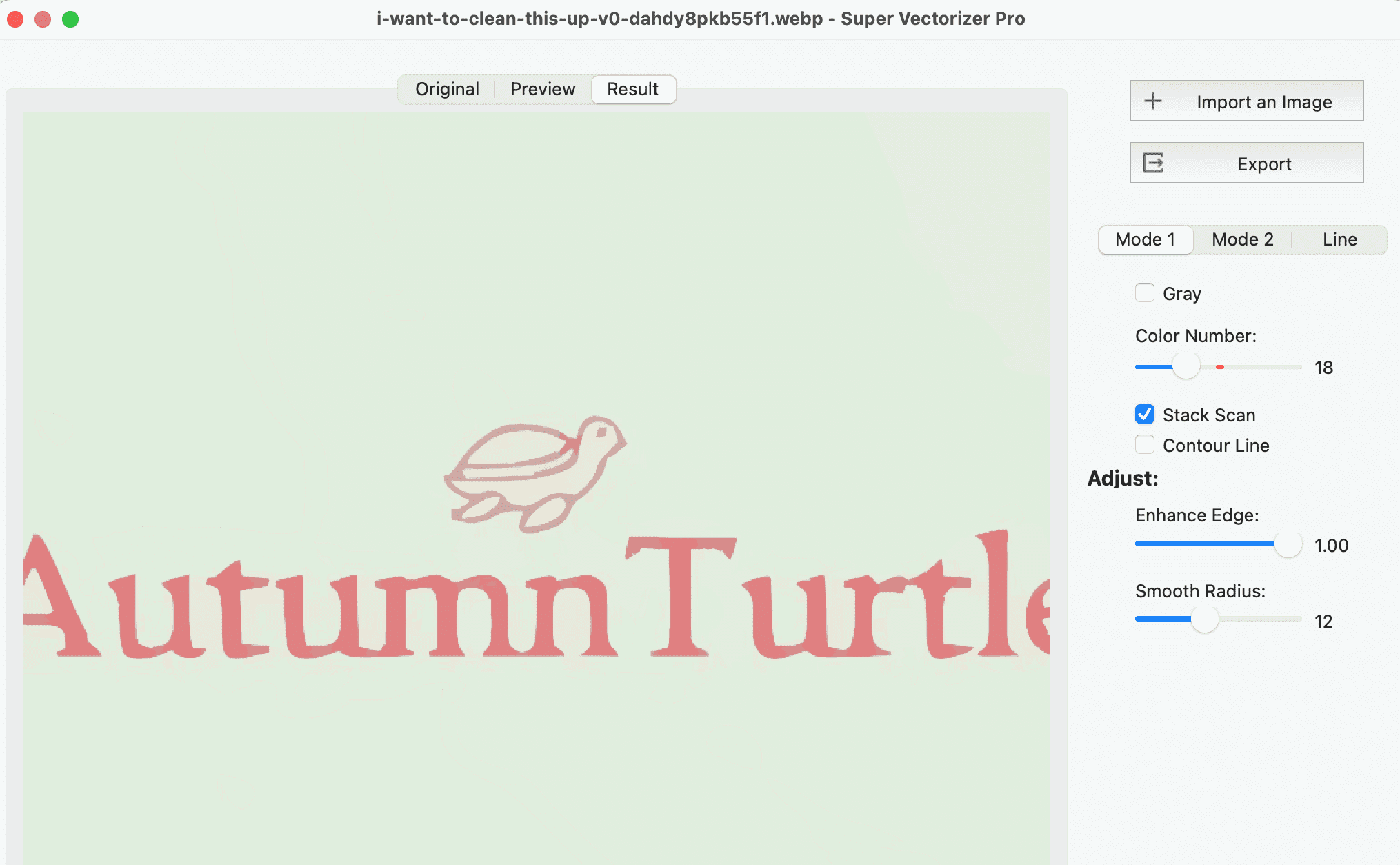
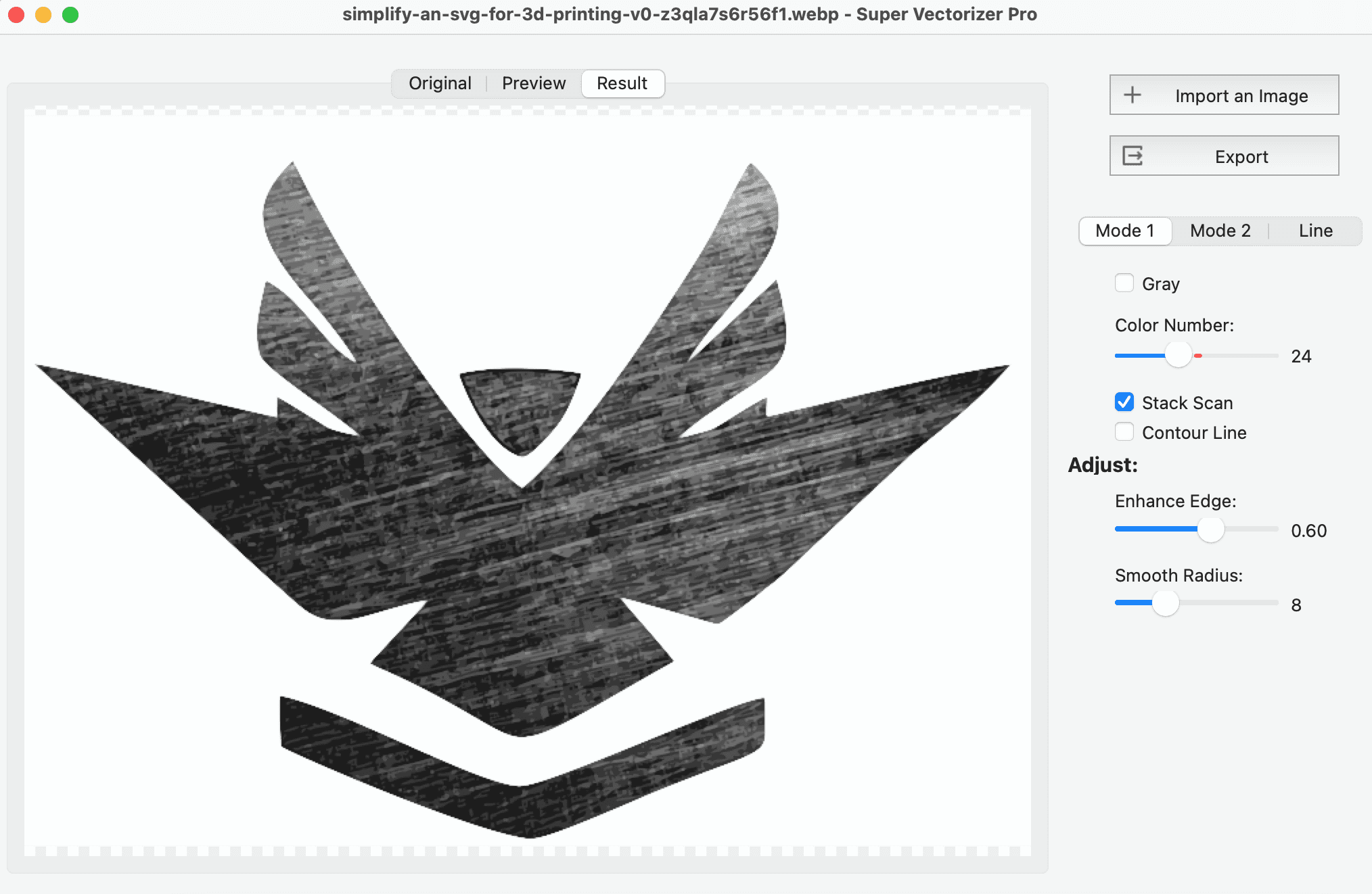
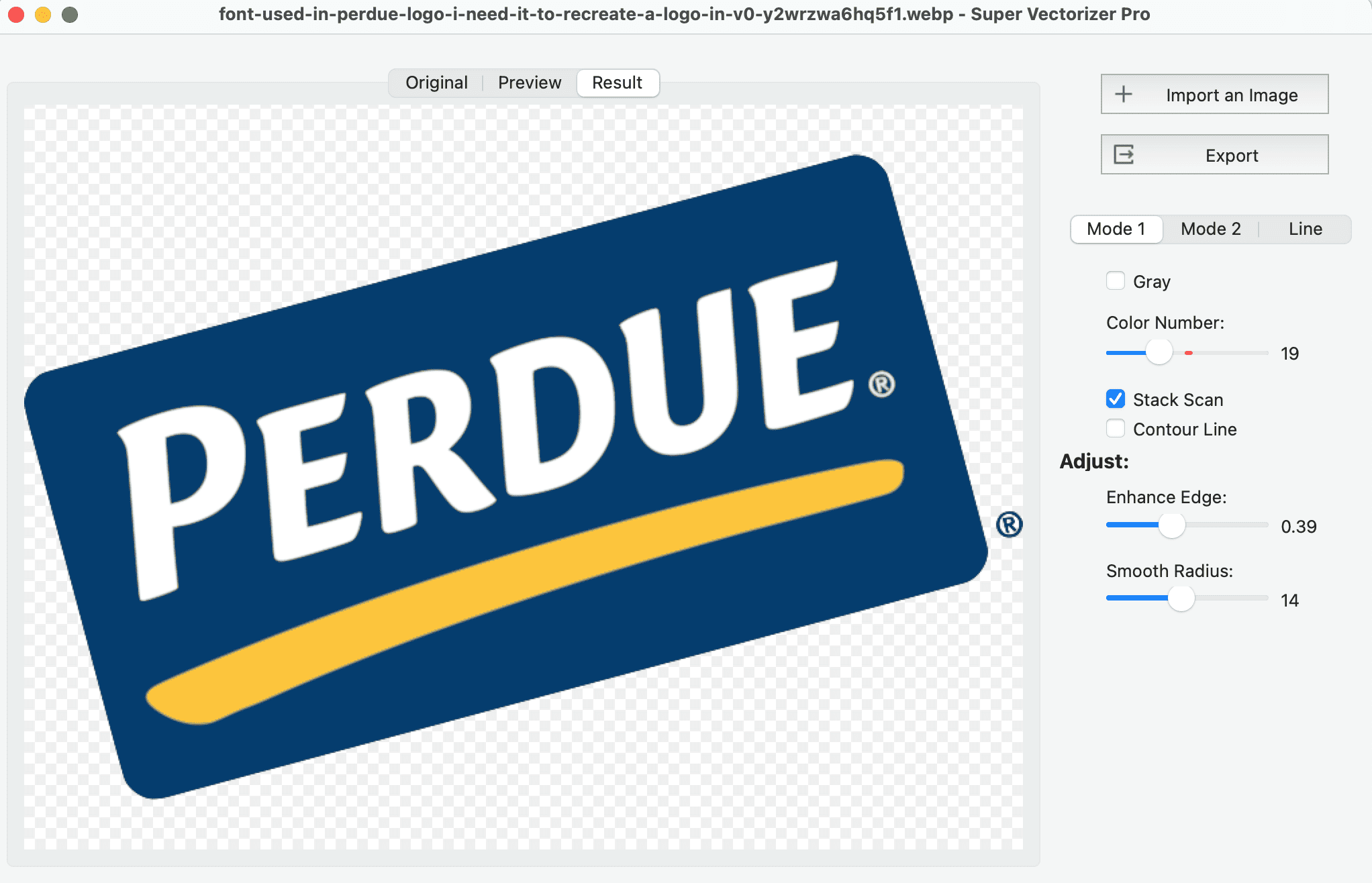
The best way to image trace online free in 2026 is to use a browser-based auto-trace tool such as SVGvector.com's online image vectorizer, which lets you upload a PNG or JPG and preview the vector result without paying. If you need to trace a PDF or want full privacy, a free desktop trial such as Super Vectorizer Pro traces locally on Mac and Windows and previews results before you buy. This guide covers five genuinely free image trace options, explains how auto-tracing works, and shows when an offline desktop tool is the better choice for vectorization quality and privacy.
Want to preview image tracing offline? Try Super Vectorizer Pro free trial to preview results.
Compatible with macOS 10.10+ (M1/M2/M3) & Windows 7/8/10/11
Our Verdict
We ran the most popular free image trace tools through the same logos, line art and photos. Here is the fastest way to choose.
Best Free Online: SVGvector.com Online Vectorizer
- Runs in any browser, no install
- Previews the vector result at no cost
- Good for quick PNG, JPG and PDF traces
- No desktop software to maintain
- Image Trace Online Free PDF PNG: Convert to SVG in 2026 — how to trace images from PDF and PNG sources into clean SVG.
Best Free Desktop Preview: Super Vectorizer Pro
- Free trial to preview results
- Auto-traces offline on Mac and Windows
- Keeps every file on your computer
- Processes one image at a time
What Is Image Tracing (Online and Free)?
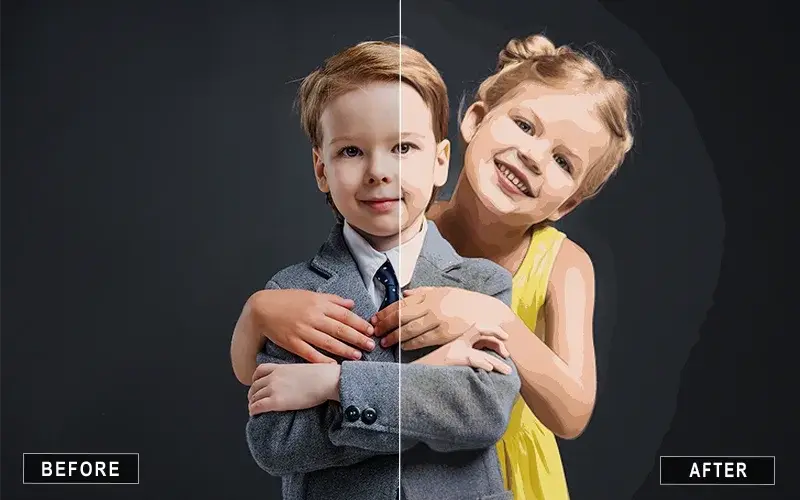
Image tracing is the process of converting a raster image — a bitmap made of fixed pixels — into a vector graphic made of paths, curves and anchor points. When you image trace online free, a tool in your browser reads your PNG or JPG and rebuilds it as scalable geometry, usually in the SVG format. You will see the same idea called vectorization, vector tracing, raster to vector conversion, auto trace or simply image tracing. The benefit is the same in every case: the output stays sharp at any size and can be edited in a vector editor. A good free image trace keeps your file local or at least lets you preview the result before you pay.
Free tracing tools split into two groups. The first is online image tracing services such as SVGvector.com's converter or Vectorizer.AI. They run in a browser and are great for a fast preview. The second is offline desktop software such as Super Vectorizer Pro or Inkscape, which keep your files on your computer and often handle sensitive artwork more privately.
5 Free Image Trace Tools You Can Use Online in 2026
These are the five options we recommend when you want to auto trace image online or trace for free on your desktop. Each one is usable without paying for a full license.
1. SVGvector.com Online Image Vectorizer — Easiest Free Browser Trace
Our own online image vectorizer runs entirely in the browser. You upload a PNG or JPG, the tool auto-traces it, and you can preview the SVG result at no cost. It is the fastest way to image trace online free when you only need a quick conversion and do not want to install software.
2. Vectorizer.AI — Best Free AI Preview
Vectorizer.AI uses deep-learning models to turn photos and logos into clean SVG paths. You can upload an image and study an interactive preview for free, which is ideal for judging quality before spending money. Paid downloads start at roughly $9.99 per month. It is the strongest choice when you want AI-assisted tracing of complex color artwork.
3. Adobe Express — Free Image Trace in the Browser
Adobe Express includes a free PNG-to-SVG style converter inside its online editor. It is convenient if you already design in Adobe's ecosystem and want to trace a simple logo or graphic without opening the full Illustrator app. The free tier covers basic traces; advanced export options sit behind a paid plan.
4. Online-Convert & Similar File Converters — Free Tier With Limits
General online file converters accept PNG, JPG and sometimes PDF, then return an SVG. They are handy for one-off conversions, but the free tier usually caps file size or daily jobs, and the tracing quality is basic. Use them when you just need a rough vector and do not care about perfect curves.
5. Inkscape — Best Free Desktop Trace (No Browser Needed)
Inkscape is a free, open-source vector editor whose Trace Bitmap feature is the gold standard for free raster-to-vector work. It runs offline on Mac, Windows and Linux, gives you full editing after tracing, and never asks you to sign up. The trade-off is a steeper learning curve, but for anyone who traces regularly it is the most capable free option.
How to Image Trace Online Free (PNG or JPG to SVG)
Follow these four steps to auto-trace a raster image into SVG with a free online tool:
- Open the free online image trace tool. Use a browser-based converter such as SVGvector.com's online vectorizer — no installation required.
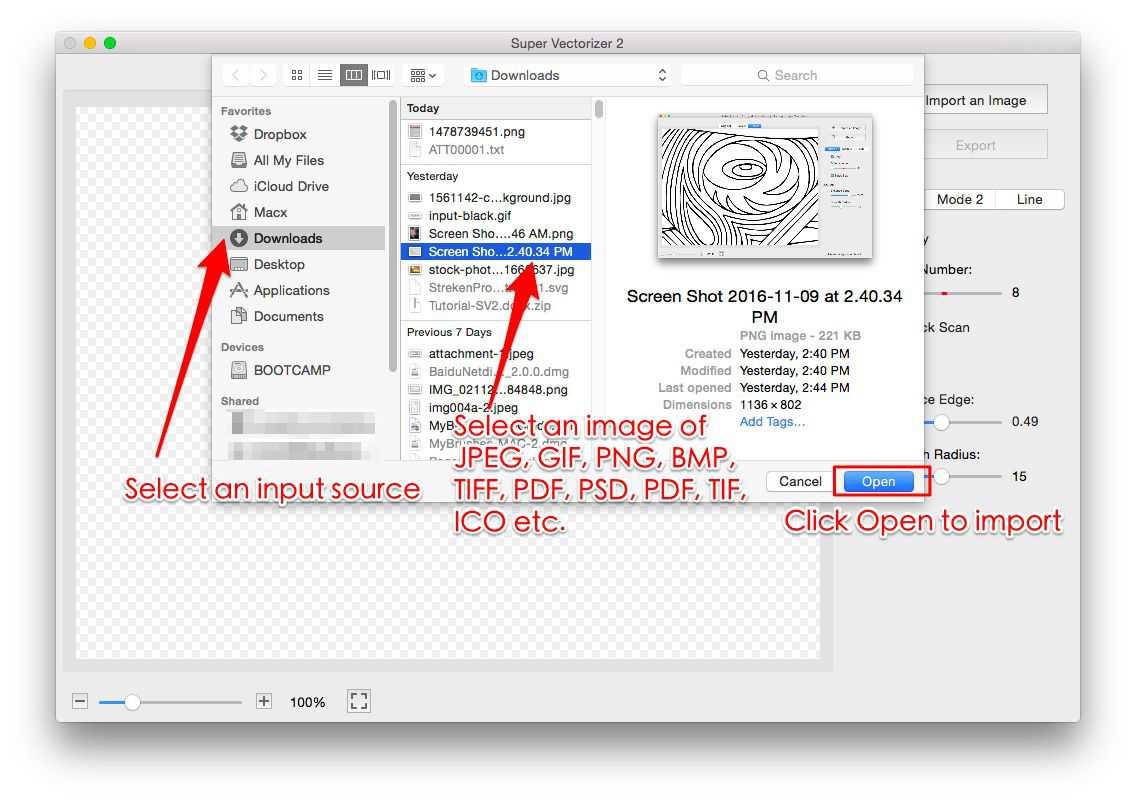
- Upload your PNG or JPG. Click upload and select the raster image. Most free tools accept PNG and JPG; some also accept PDF.
- Pick a trace mode and start auto-tracing. Choose a color or black-and-white mode, then let the tool convert the bitmap into vector paths automatically.
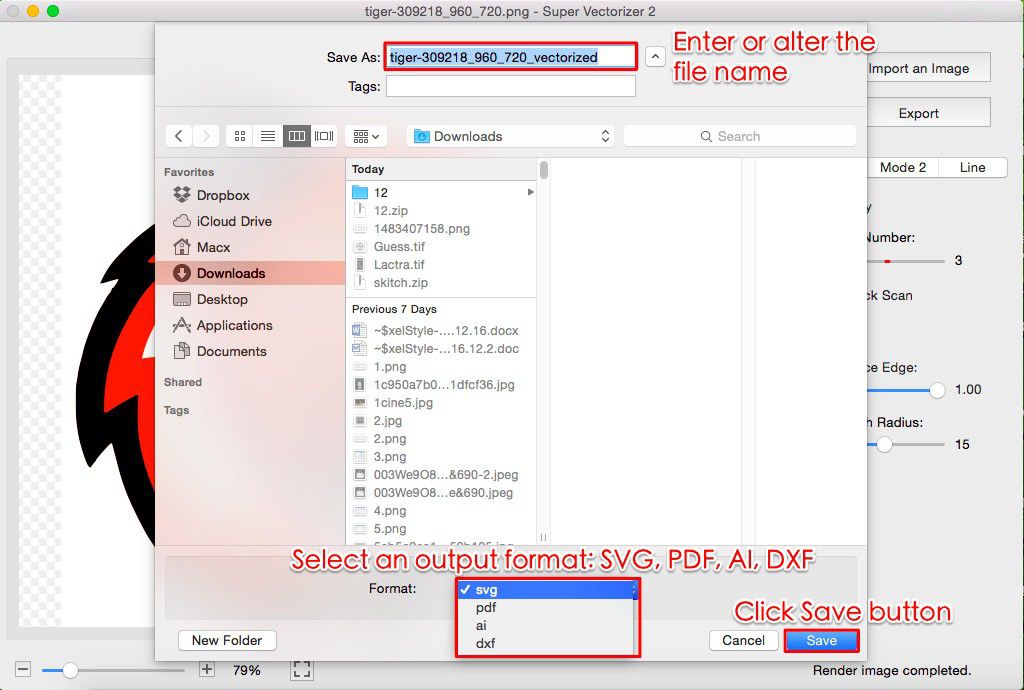
- Preview and download the SVG. Inspect the preview at full size. If it looks clean, export the SVG; otherwise adjust the settings and re-trace.
Online Image Trace vs Desktop Software: Precision and Privacy
When you image trace online free, you trade some control and privacy for convenience. Desktop tools such as Super Vectorizer Pro and Inkscape keep files local and often give finer control over paths and colors. The table below compares the most relevant options.
| Tool | Price | Platform | Offline / Online | Batch Support | Output Quality | Best For |
|---|---|---|---|---|---|---|
| SVGvector.com Online | Free preview | Web browser | Online | Limited | Good | Quick browser previews |
| Vectorizer.AI | From ~$9.99/mo | Web browser | Online | Limited | Excellent | AI photo & logo traces |
| Adobe Express | Free / Pro | Web browser | Online | No | Good | Quick social graphics |
| Inkscape | Free | Mac, Windows, Linux | Offline | No (one at a time) | Good | Free desktop editing |
| Super Vectorizer Pro Best Privacy | Paid license | Mac, Windows | Offline | No (one at a time) | High | Private offline raster-to-vector |
| Canva AI Vectorizer | Free / Pro ~$12.99/mo | Web, iOS, Android | Online | No | Fair | Canva projects |
The takeaway: online tools win on speed and zero install, while desktop tools win on privacy and control. Super Vectorizer Pro sits in the desktop camp — its trial is free, the tracing is automated, and a one-time license (not a subscription) unlocks full export after you preview results.
Can You Image Trace a PDF Online Free?
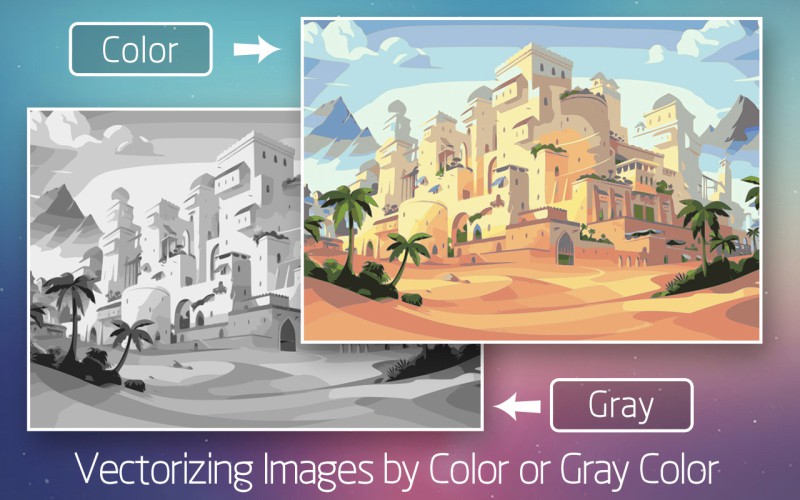
Yes — but it depends on what is inside the PDF. A PDF can hold both vector content and embedded raster images. When you image trace online free pdf content, the converter usually rasterizes the page and then traces the artwork it finds. That works well for scanned logos and sketches. If the PDF already contains clean vector paths, re-tracing it may add unnecessary nodes, so exporting the vector directly is often better. For private PDFs, an offline tool such as Super Vectorizer Pro or Inkscape keeps the document on your computer instead of uploading it.
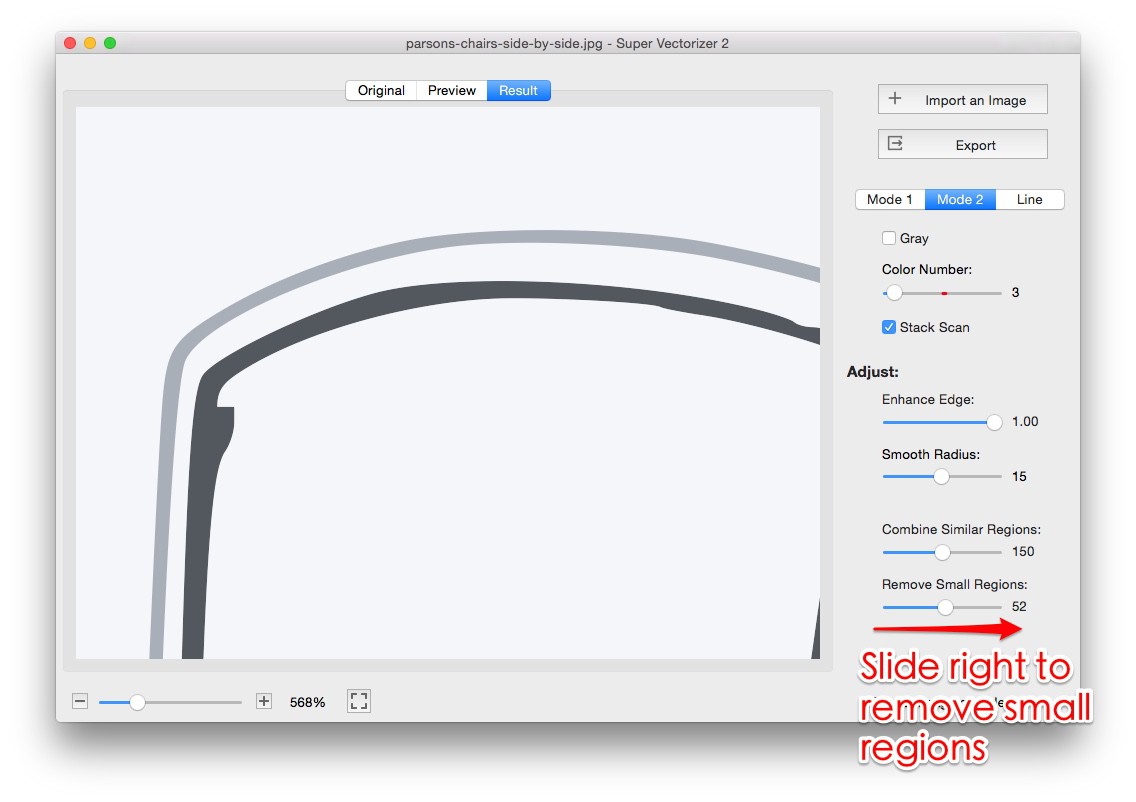
Image → SVG: Format-Specific Conversion Notes
- Online tracing beats desktop software for quick, one-off jobs — no install, works on any OS, and the result downloads as a standard SVG.
- Free alternatives exist, but watch for watermarks and forced sign-ups; the on-page tool traces locally with no account.
- Use Photo preset for photographs and Poster for flat graphics; the difference is night and day on complex sources.
- For batch or offline work, a desktop app scales better — but for a single logo or icon, the browser tool is faster.
Frequently Asked Questions
What is the best image trace online free tool?
For most users, SVGvector.com's free online image vectorizer is the easiest way to image trace online free, because it runs in the browser and previews the vector result without forcing you to sign up. Vectorizer.AI is the strongest free AI preview, and Inkscape remains the most capable free desktop option if you need full editing after tracing.
Can I auto trace an image online without signing up?
Yes. Several tools let you auto trace an image online without creating an account. SVGvector.com's online converter and many browser-based tracers show a preview before asking for registration. Exporting the final SVG may require a free account or a paid plan, while Super Vectorizer Pro's desktop trial previews results offline with no login at all.
Is there a free image trace for PDF files?
Yes, but with a caveat. Many online converters will image trace a PDF's embedded raster artwork, though results vary because PDFs mix vector and bitmap content. For PDFs that are really scanned images, an online converter or Inkscape works well; for privacy, Super Vectorizer Pro traces locally on Mac and Windows.
Is online image tracing safe for private files?
It depends on the tool. Online image tracing uploads your file to a remote server, so avoid uploading client logos, signatures or confidential artwork to random sites. For sensitive work, use an offline tool such as Inkscape or Super Vectorizer Pro, which keep every file on your computer.
What is the difference between auto trace and manual image tracing?
Auto trace uses an algorithm to convert pixels into vector paths in one click, while manual image tracing means drawing or adjusting each path yourself in a vector editor. Auto trace is faster and good enough for most logos and simple art; manual tracing gives precise control for complex or low-quality sources.
Conclusion
You can image trace online free in 2026 with several solid tools. SVGvector.com's online converter is the quickest browser option, Vectorizer.AI gives the best free AI preview, and Inkscape is the most capable free desktop tracer. When privacy or quality matters, Super Vectorizer Pro's free trial lets you preview offline raster-to-vector results on Mac and Windows before you commit. Pick the tool that matches your source files, then upgrade only when your volume or accuracy demands it.
Ready to Trace Your Images?
Download Super Vectorizer Pro and preview your raster-to-vector results with the free trial.
Compatible with macOS 10.10+ (M1/M2/M3) & Windows 7/8/10/11
Related Articles
Try These Free Online Tools
No download required — convert, compress & optimize SVGs right in your browser
PNG to SVG Converter
Turn PNG images into crisp vector artwork in seconds
Free OnlineSVG Compressor (Mini)
Reduce SVG file size by up to 80% without losing quality
Free OnlineJPG to SVG Converter
Convert JPEG photos to scalable vector format
Free OnlineEPS to SVG Converter
Convert EPS illustrations to scalable vector graphics
Free OnlineAll Free Tools
Browse our complete collection of free online conversion tools
Related SVG Workflows
- ›Online Image Vectorizer — Trace raster images to SVG right in your browser.
- ›AI Image to SVG Converter — Turn photos and logos into scalable SVG.
- ›Line Art to SVG
- ›Vectorizer.AI Alternative — A private, offline alternative to cloud vectorizers.
- ›Best PNG to SVG Converters — Compare the top free and paid PNG-to-SVG tools.
- ›AI to SVG Converter
- ›PNG to SVG Code — Generate SVG markup from PNG images for developers.
- ›PNG to SVG in Figma — Vectorize PNGs inside Figma for UI and prototypes.